
主要圖片圖庫

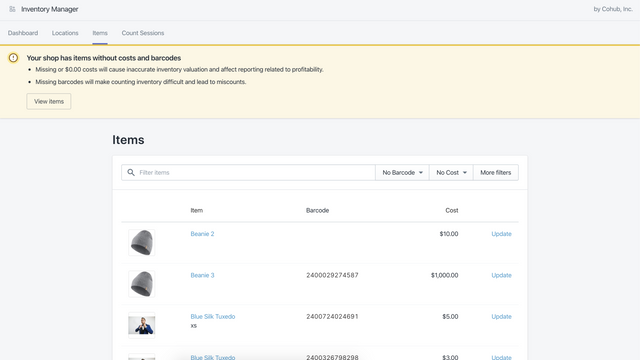
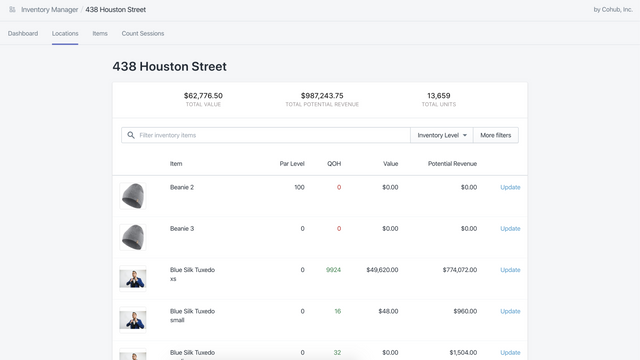
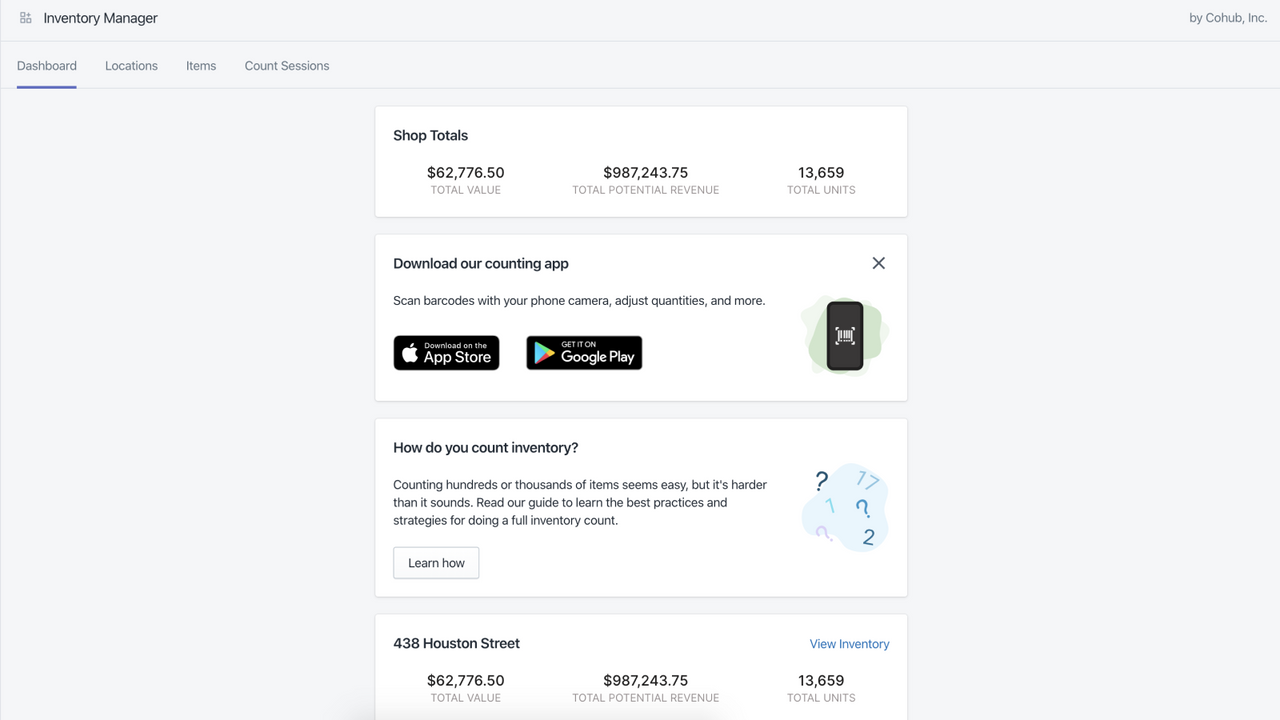
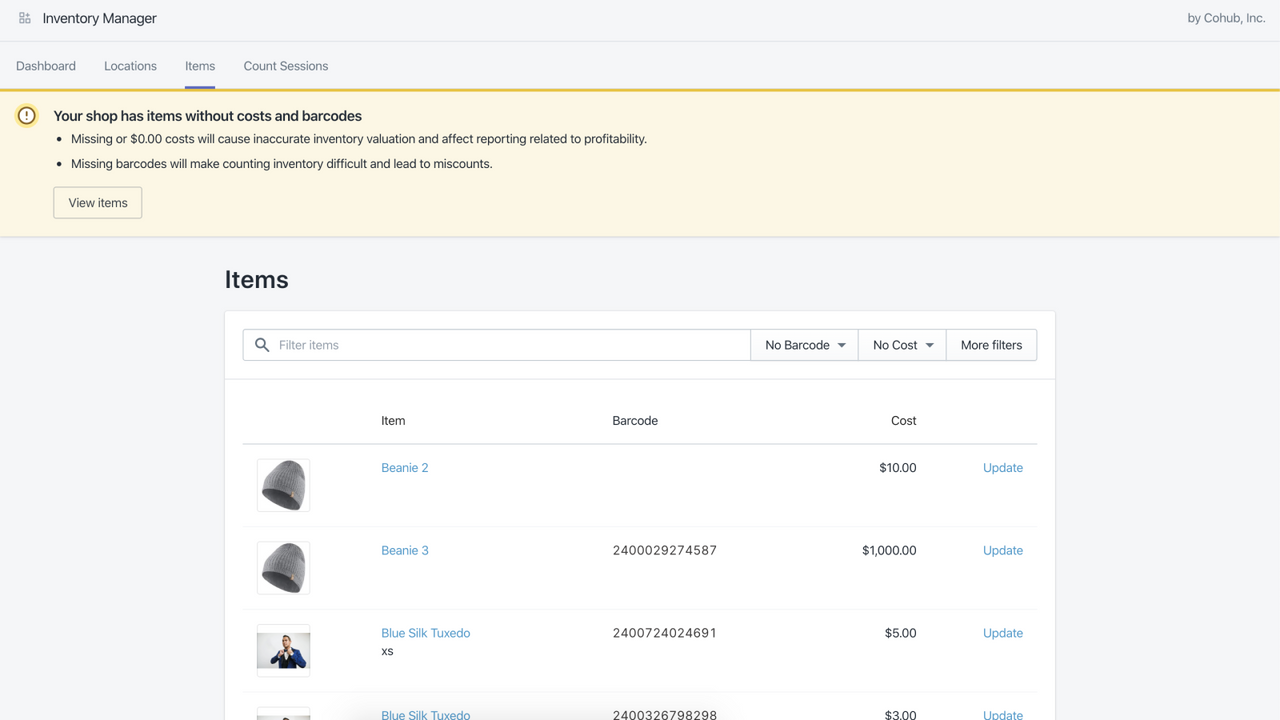
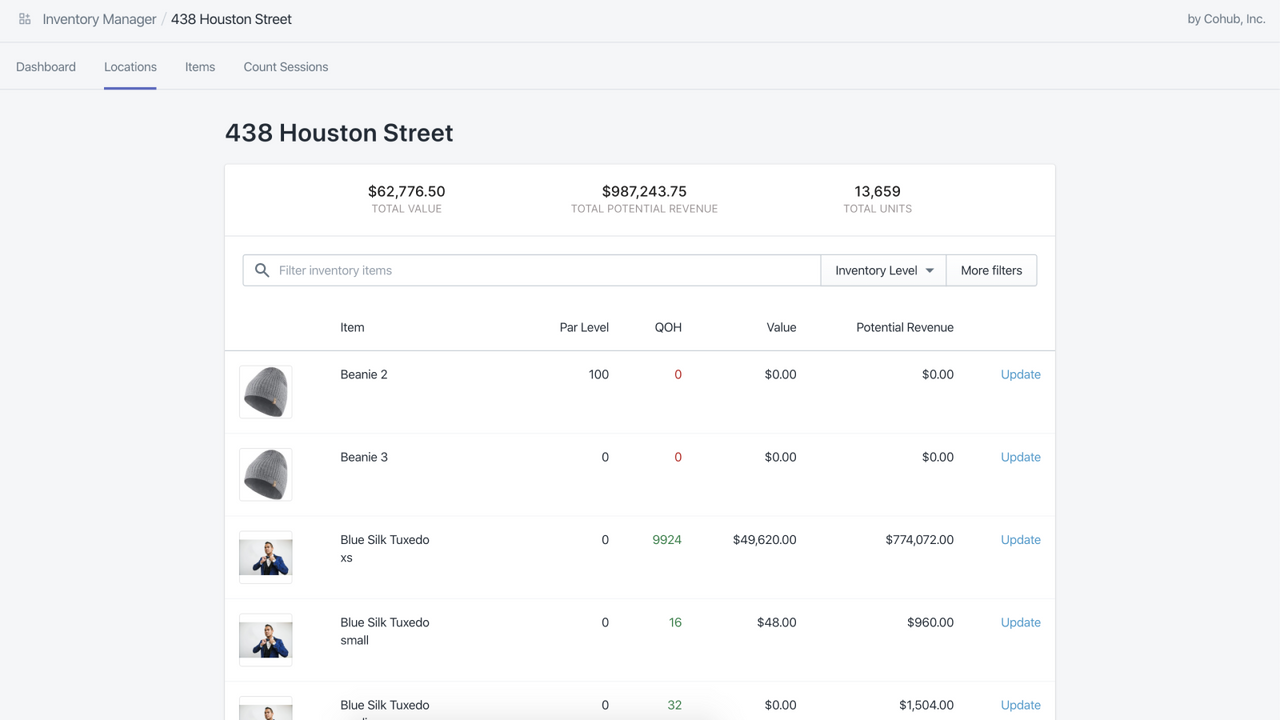
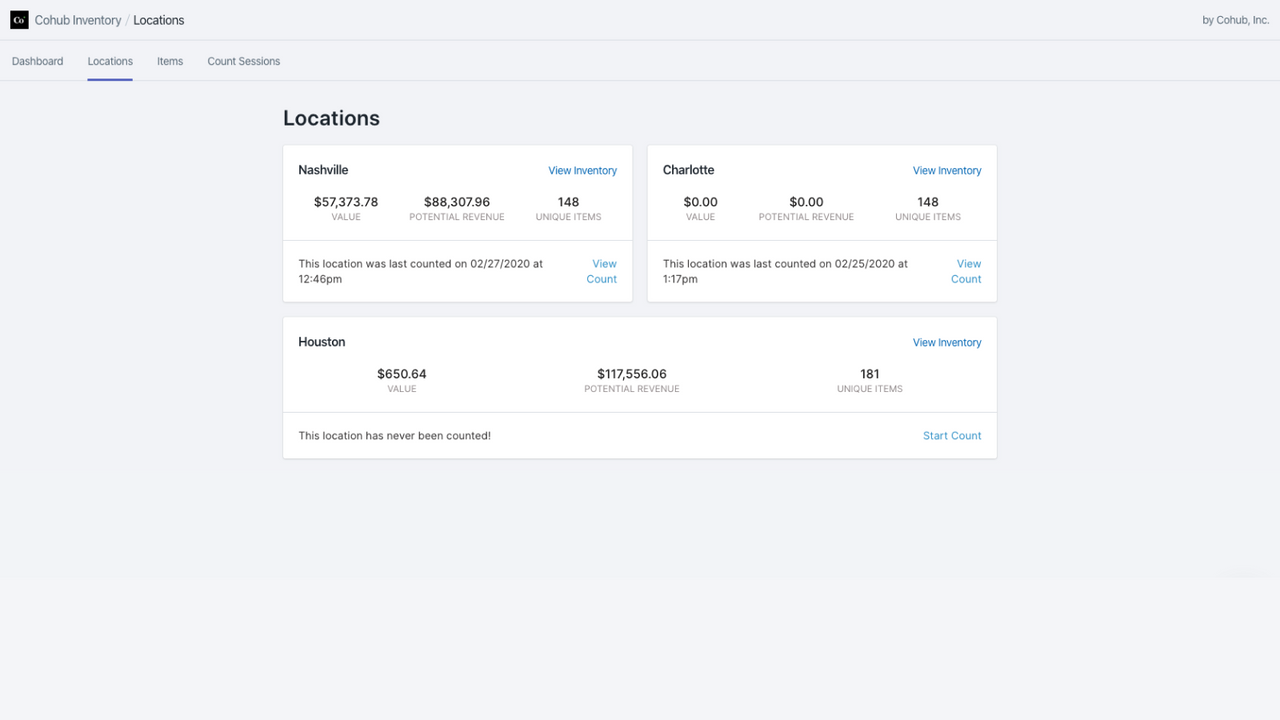
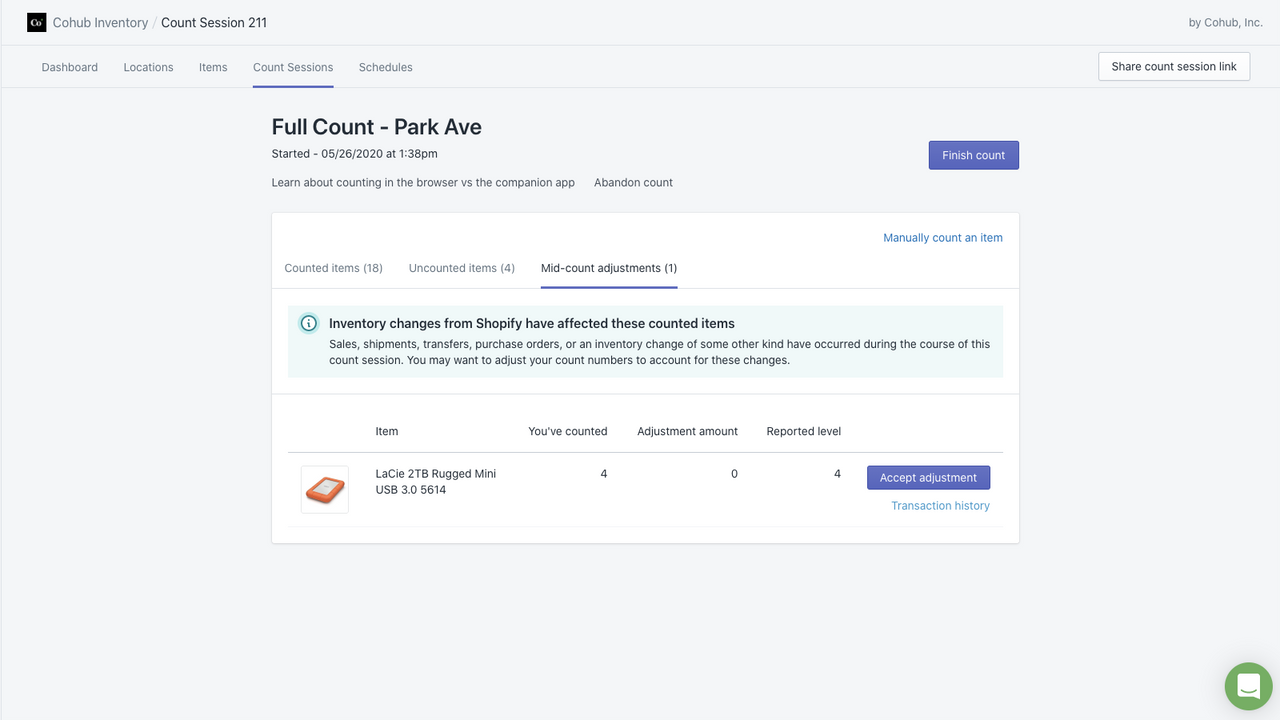
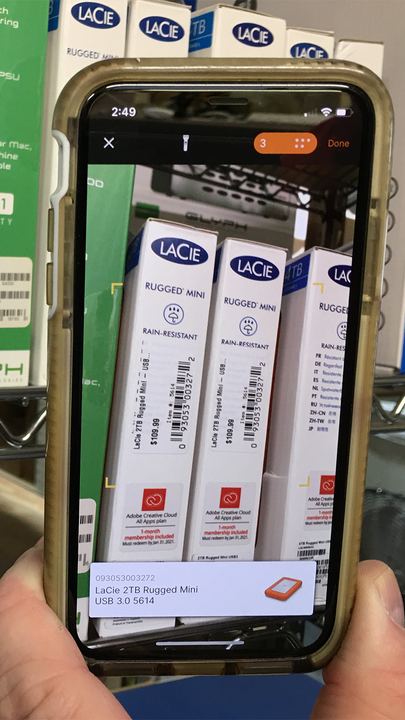
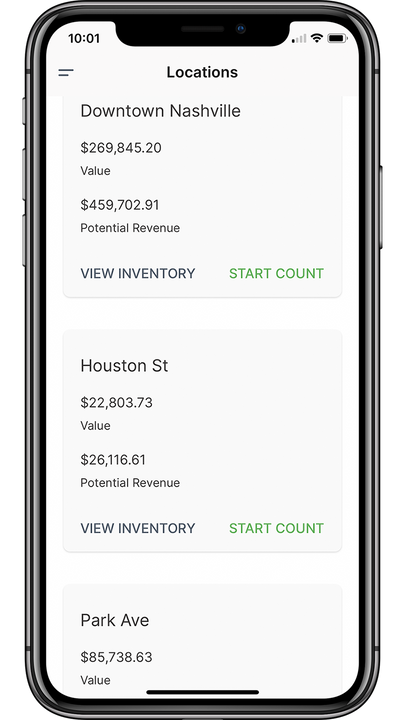
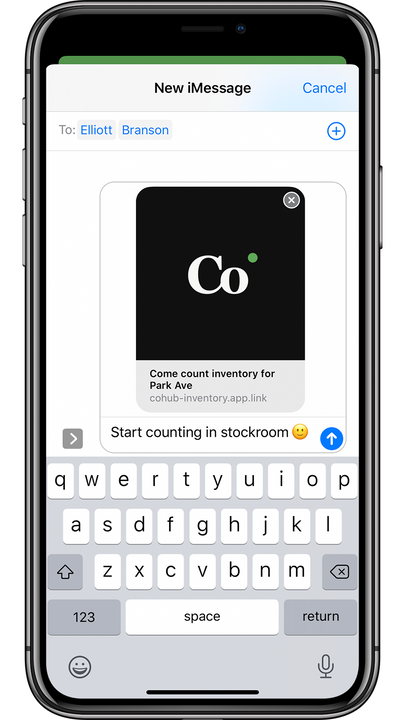
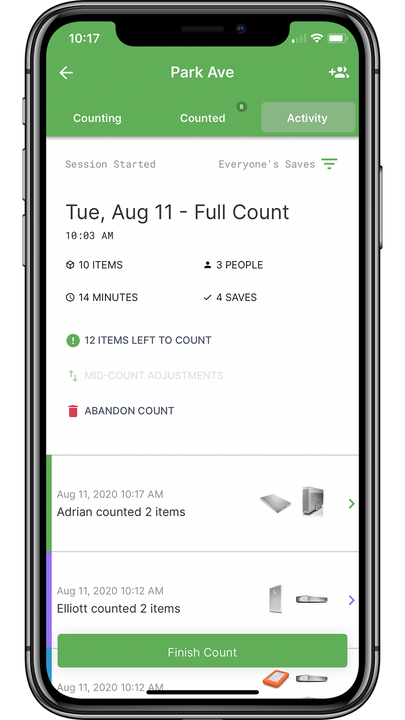
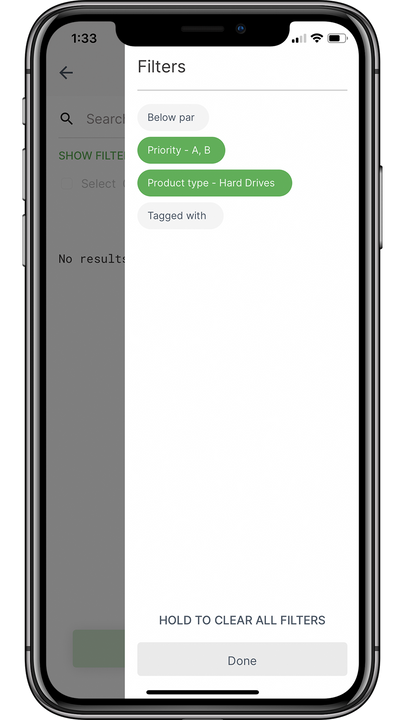
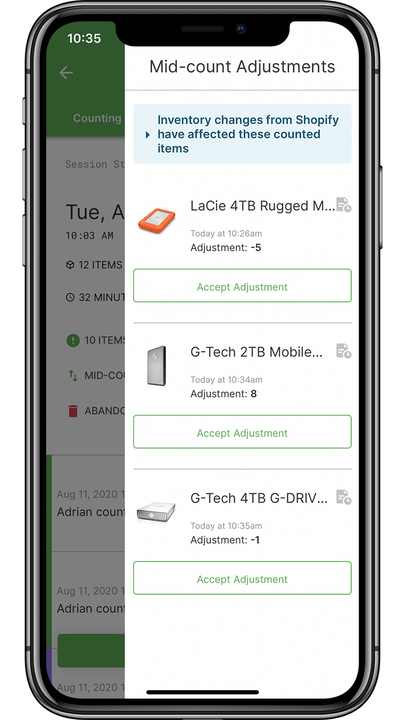

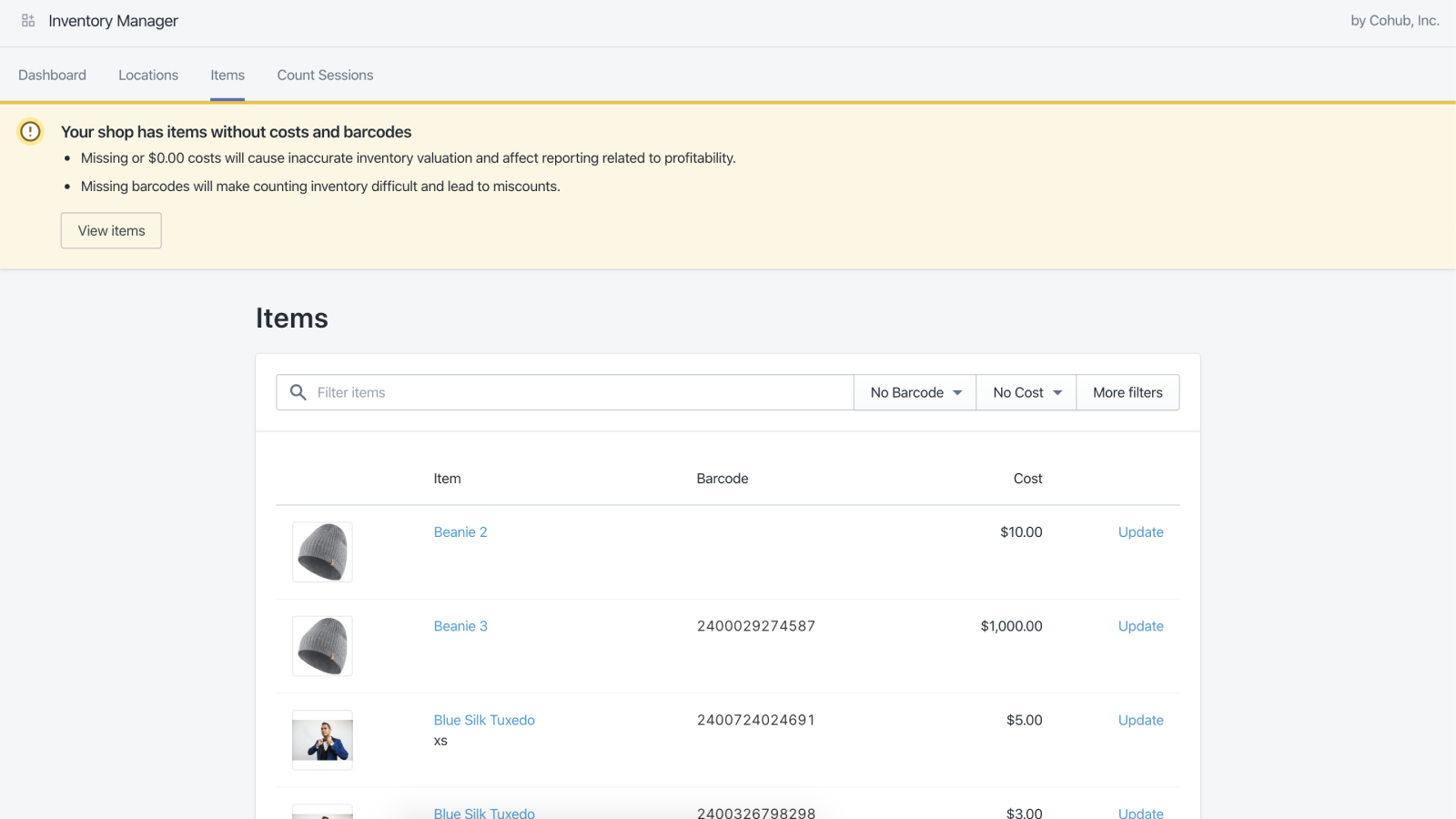
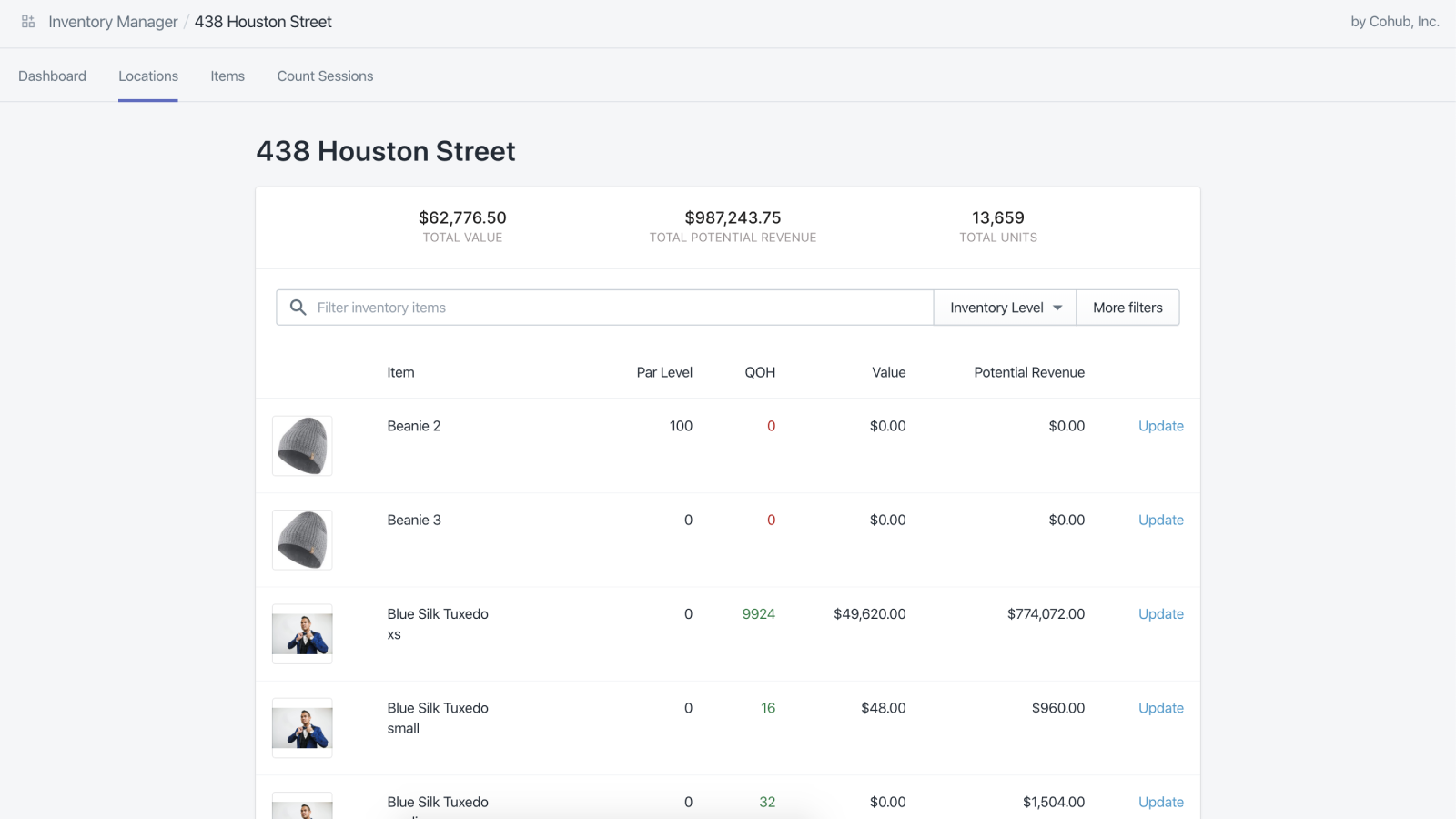
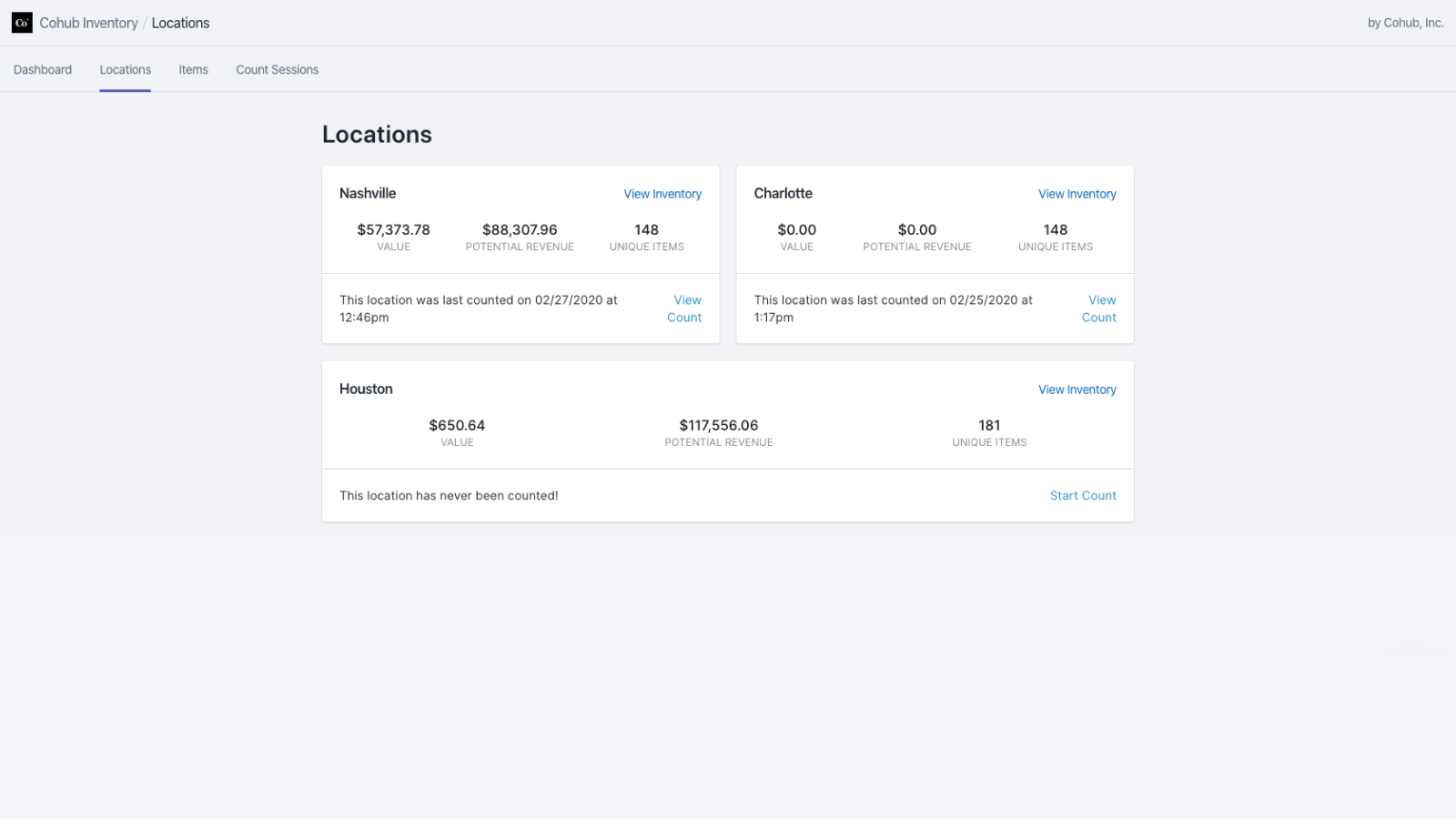

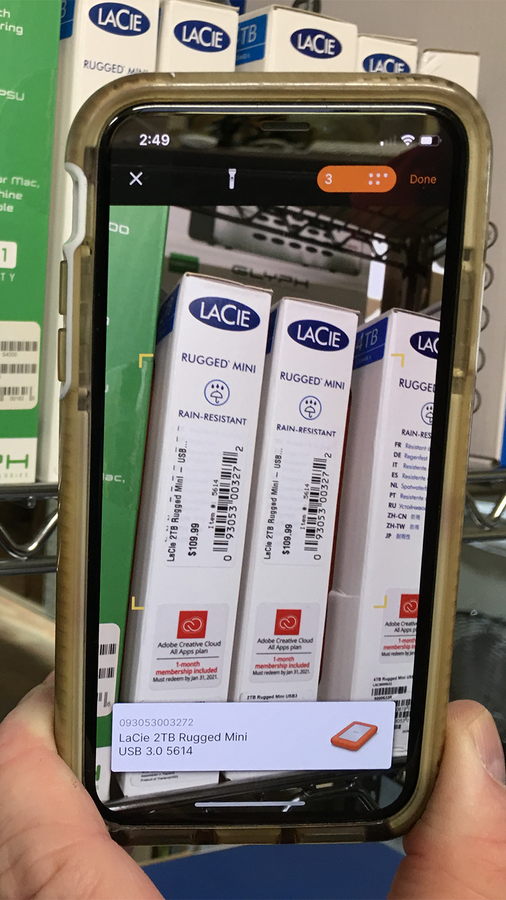
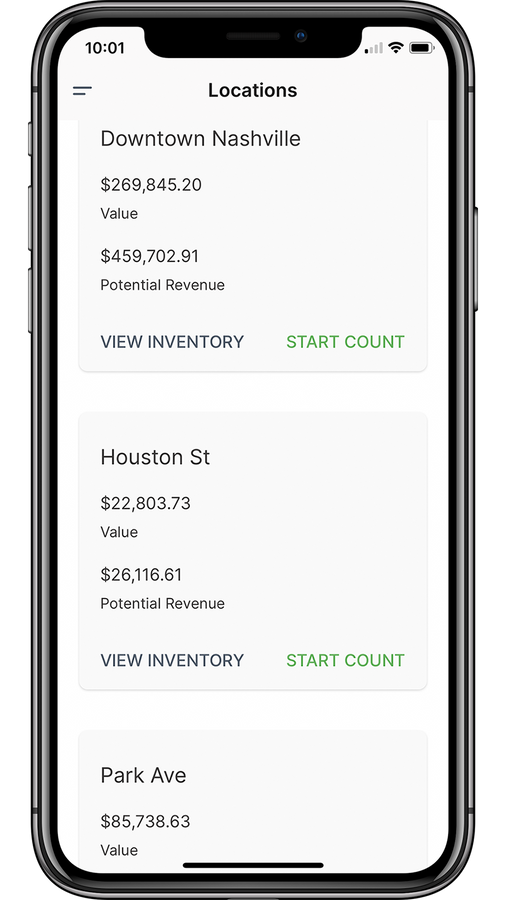

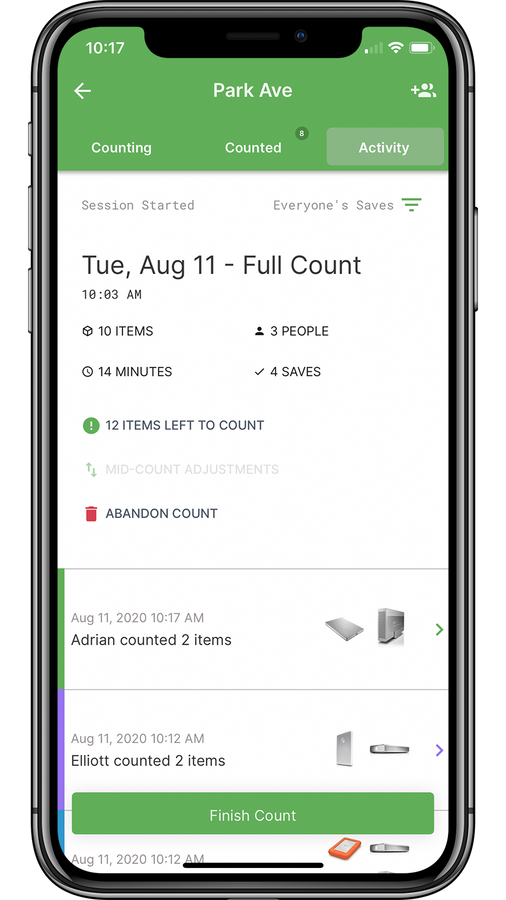
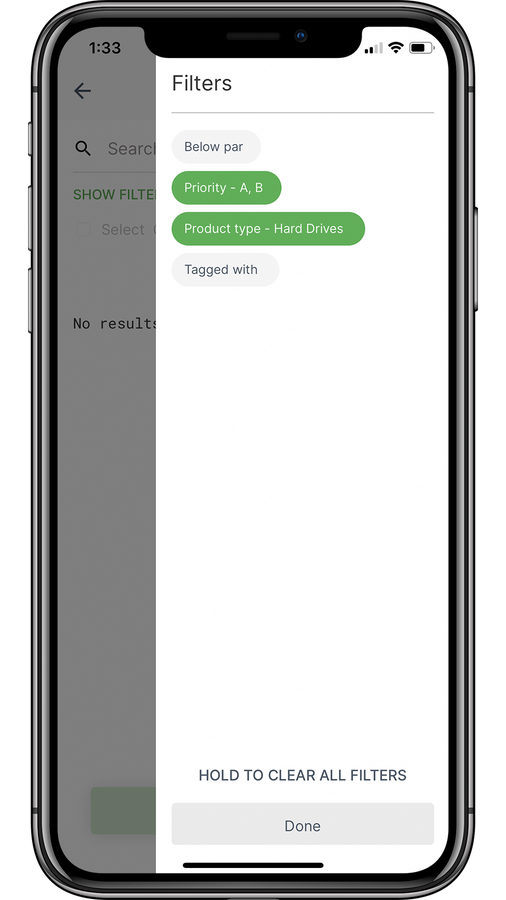
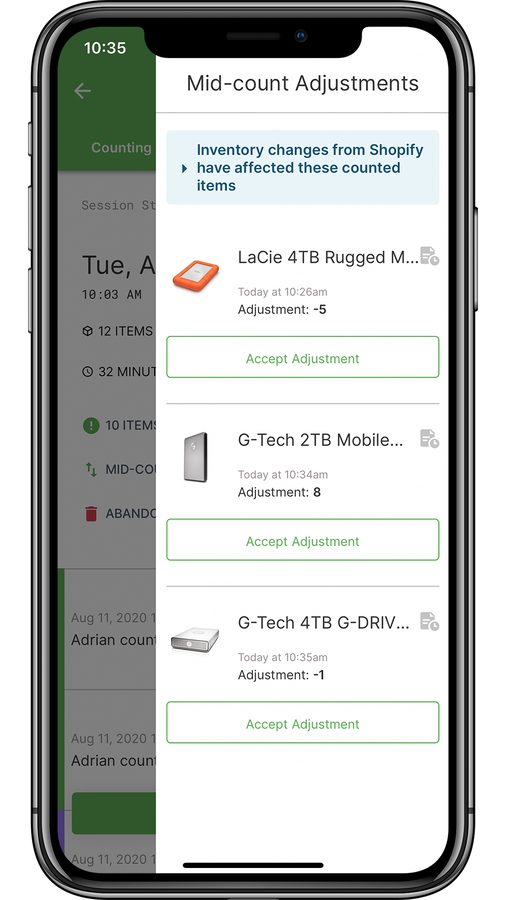
Cohub Inventory 透過容易使用的瀏覽器與行動裝置應用程式,簡化庫存盤點作業。
Cohub Inventory 讓庫存盤點變得簡單、快速且有效率。邀請團隊成員加入盤點,將智慧型手機當作條碼掃描器,輕鬆完成盤點作業。 透過設定基準庫存量來掌握庫存狀態,檢視盤點工作階段期間因銷售與出貨產生的盤點中調整,或是使用 ABC 分析法為最重要的品項設定優先順序。 即使不在盤點期間,您也能使用我們的瀏覽器應用程式,一覽所有地點的庫存概況。
- 我們的免費專屬行動裝置應用程式,能將您的智慧型手機變成條碼掃描器。
- 輕鬆邀請團隊成員一起盤點,加快盤點流程
- 透過「時光旅行」功能,查看過去任一天的歷史庫存數量。
含有自動翻譯的文字
語言
英文
這項應用程式尚未翻譯成繁體中文
類別
定價
選擇最適合您業務的方案。
基本版
$19 /月
功能
- 最多 4 個地點
- 全面與循環盤點
- 盤點中調整
- 基準庫存量
- 排程盤點
- 還有更多功能!
14 天免費試用
專業版
$29 /月
功能
- 最多 5 個地點
- 全面與循環盤點
- 盤點中調整
- 基準庫存量
- 排程盤點
- 還有更多功能!
14 天免費試用
進階版
$59 /月
功能
- 最多 8 個地點
- 全面與循環盤點
- 盤點中調整
- 基準庫存量
- 排程盤點
- 還有更多功能!
14 天免費試用
Plus
$99 /月
功能
- 9 個地點 $99 美元 + 每個額外地點 $5 美元
- 全面與循環盤點
- 盤點中調整
- 基準庫存量
- 排程盤點
- 還有更多功能!
14 天免費試用
含有自動翻譯的文字
所有費用均以 USD 計價。 定期費用和依使用量計費方案,均以 30 天為週期收費。
評論 (27)
Cohub makes our annual physical inventory seamless and easy to perform. The mobile app allows scanning barcodes to be a breeze, and the entire process is very streamlined and easy to follow. The response from the app creators with any issues or questions really makes this app an A+ for us as well.
I have experienced multiple issues with this inventory system. The synchronization process is unreliable, resulting in inventory discrepancies and delays in updating stock information. Stock take results are often not reflected in a timely manner, which impacts daily operations and inventory accuracy.
I also attempted to contact their support team several times regarding these issues but never received any feedback or response. The lack of communication and support has been extremely frustrating, especially when dealing with problems that directly affect business operations.
Overall, the combination of syncing problems, delayed stock updates, and the absence of customer support has made inventory management more difficult than expected.
There are many great features like cycle scans, having multiple team members join a scan, reversals, and other great to have metrics.
However, it fails at its core use: scanning items. It allows for an external bluetooth scanner, or with a camera if you use an iOS device. Scanning is only possible via the product barcode and NOT the SKU. It does not allow rapid subsequent scans either, you need to confirm or adjust the quantity after each scan. This means you can't blindly scan products, you need to confirm on the device you use every time.
Scanning using Cohub takes significantly longer than using an excel sheet with some handy formula;s that we import.
Hello Afura -- Sorry to hear of the difficulties.
Fortunately, the app actually does support the things you mentioned. Wouldn’t be much of a counting app if it didn’t. Let’s go through them.
Device camera scanning: We support both iOS and Android devices using their built-in cameras. We have thousands of users running the app on both flavors. Android does tend to have slightly more problems, but they’re still very rare and tend to be associated with very old models. If you're having difficulty using an Android, please send us some information about the model of your device, the OS version you're running, and what you’re experiencing.
Rapid subsequent scanning: “Batch mode” scanning is how this is done. It lets you perform repeated scans without returning to the quantity change screen. Scan, hear the beep, scan the next barcode, repeat. It’s super fast. See this section of our Quick Start video: https://www.youtube.com/watch?v=vMguI_QfGGU&t=211s
Scanning SKUs: The app does search SKUs. I just tested it myself, to be sure. Once a barcode is scanned, the app takes the decoded value and searches for it in both the SKU and barcode fields. Of course, either value needs to be in a barcode form to be scanned. The app's scanner won’t read normal text, like “SKU1357”, but will certainly read an encoded barcode representation of the characters in “SKU1357” and decode them.
Give these suggestions a try. If they work for you, I hope you’ll reconsider your review.
支援服務
App 支援由 Cohub LLC 提供。
資料存取權
這項應用程式需要存取以下資料,才能在商店中正常運作。 原因請參閱開發者的隱私權政策 。
檢視顧客資料:
裝置與活動資料
-
裝置與活動資料
地理位置、 IP 位址、 瀏覽器與作業系統
檢視員工與協作者資料:
商店擁有人
-
商店擁有人
姓名、 電子郵件地址、 電話號碼、 實體地址
檢視與編輯商店資料:
產品、 訂單
-
編輯產品
產品, 庫存, 產品資訊、 商品系列
-
編輯訂單
訂單出貨作業、 運送資訊
-
檢視其他資料
地點
其他同類型應用程式