Dynamics 365 Business Central
Galleria immagini in evidenza
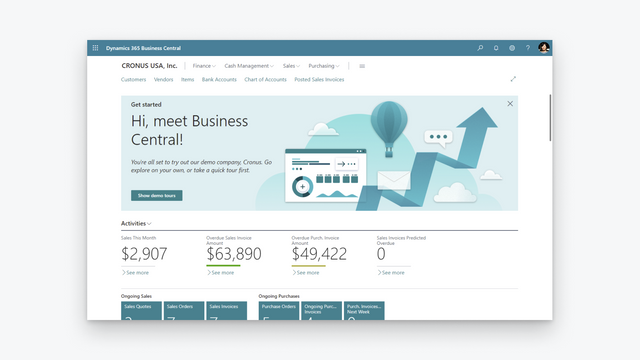
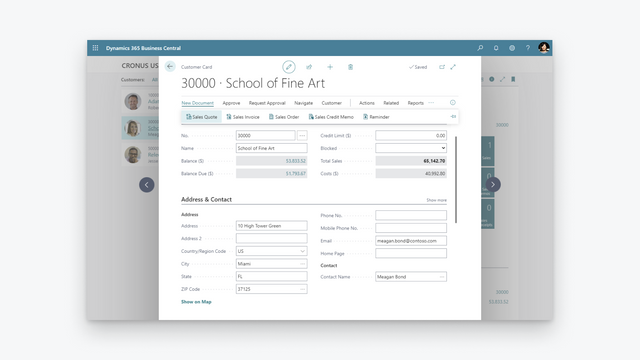
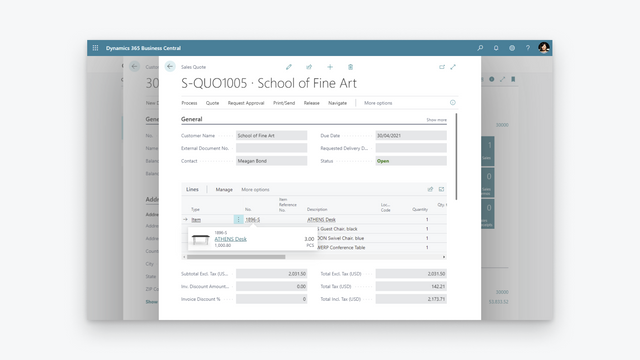
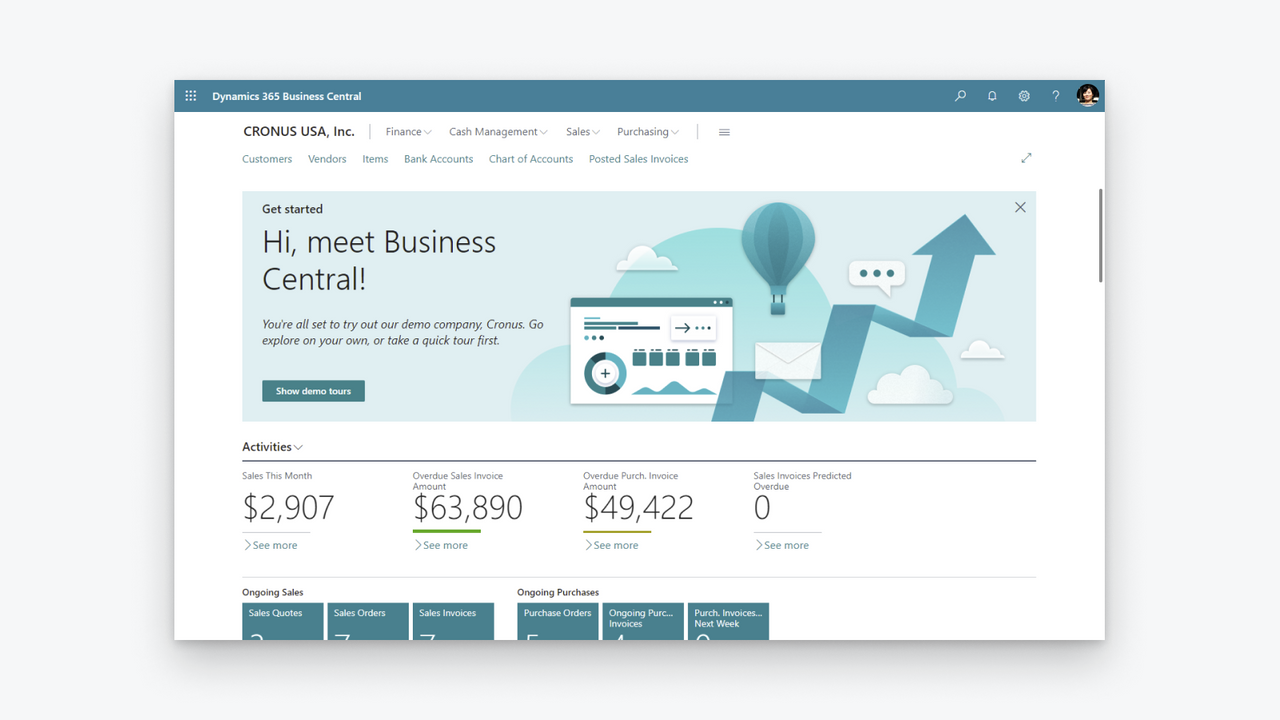
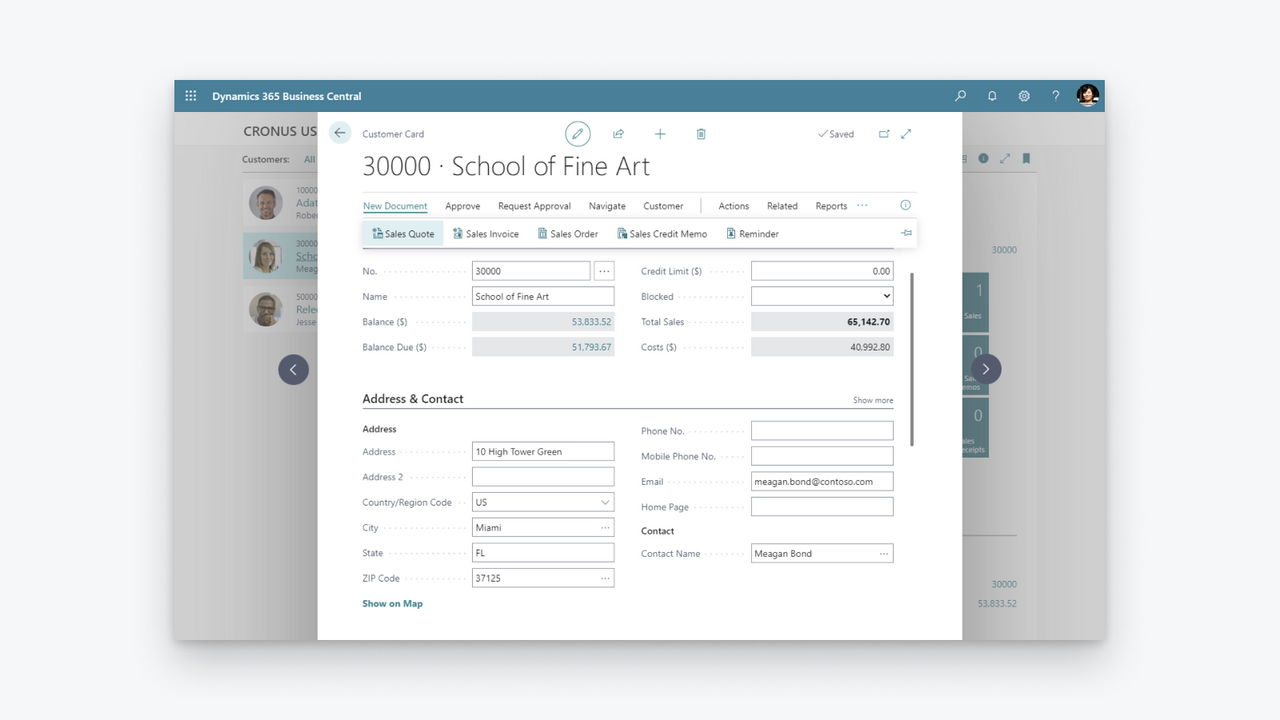
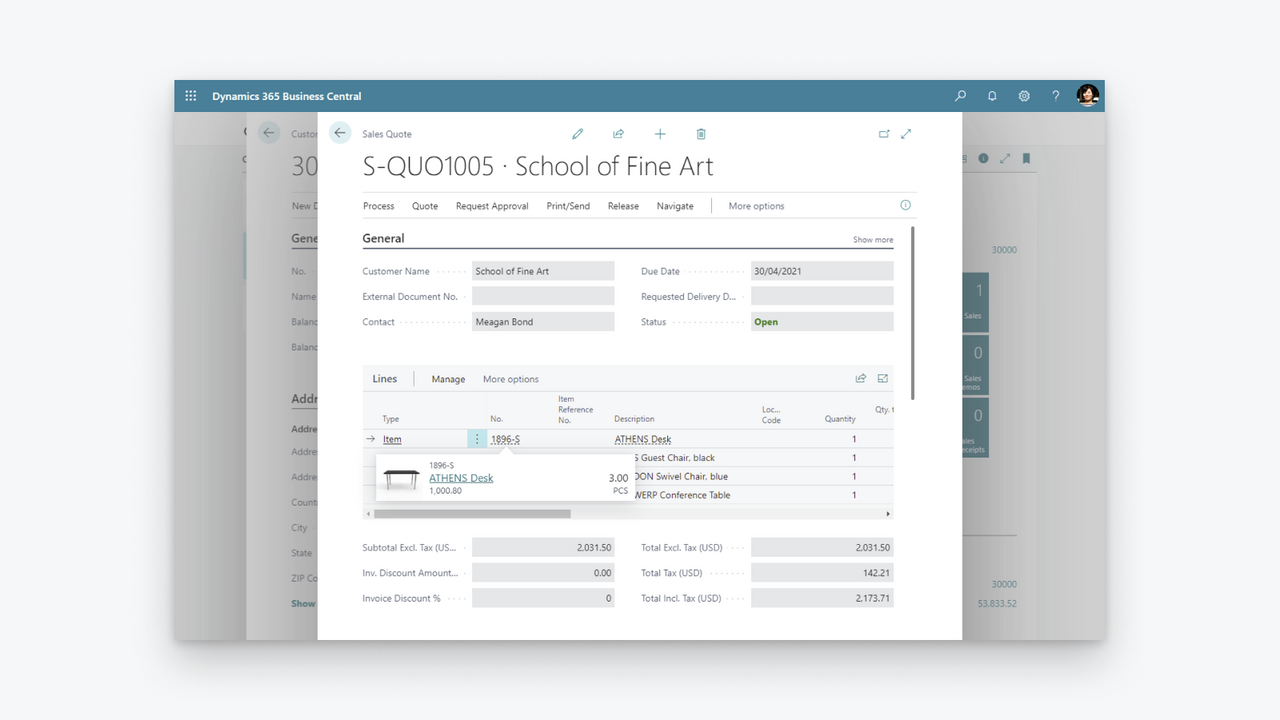
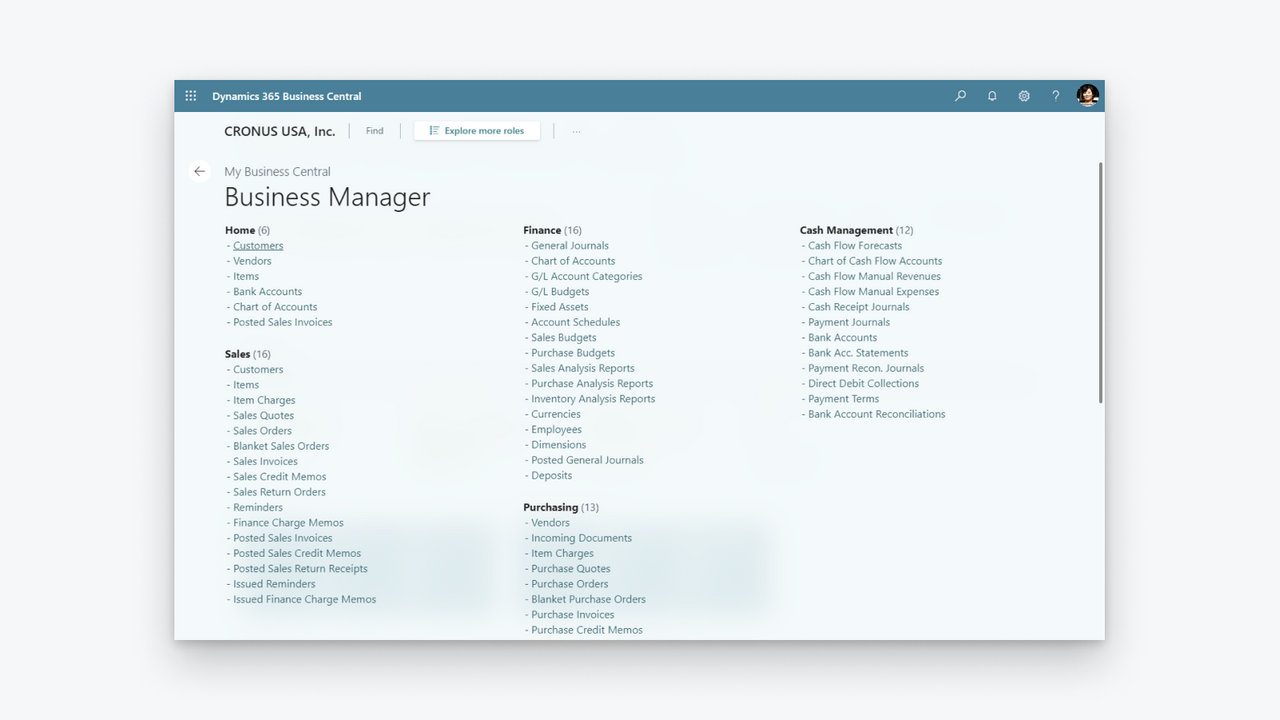
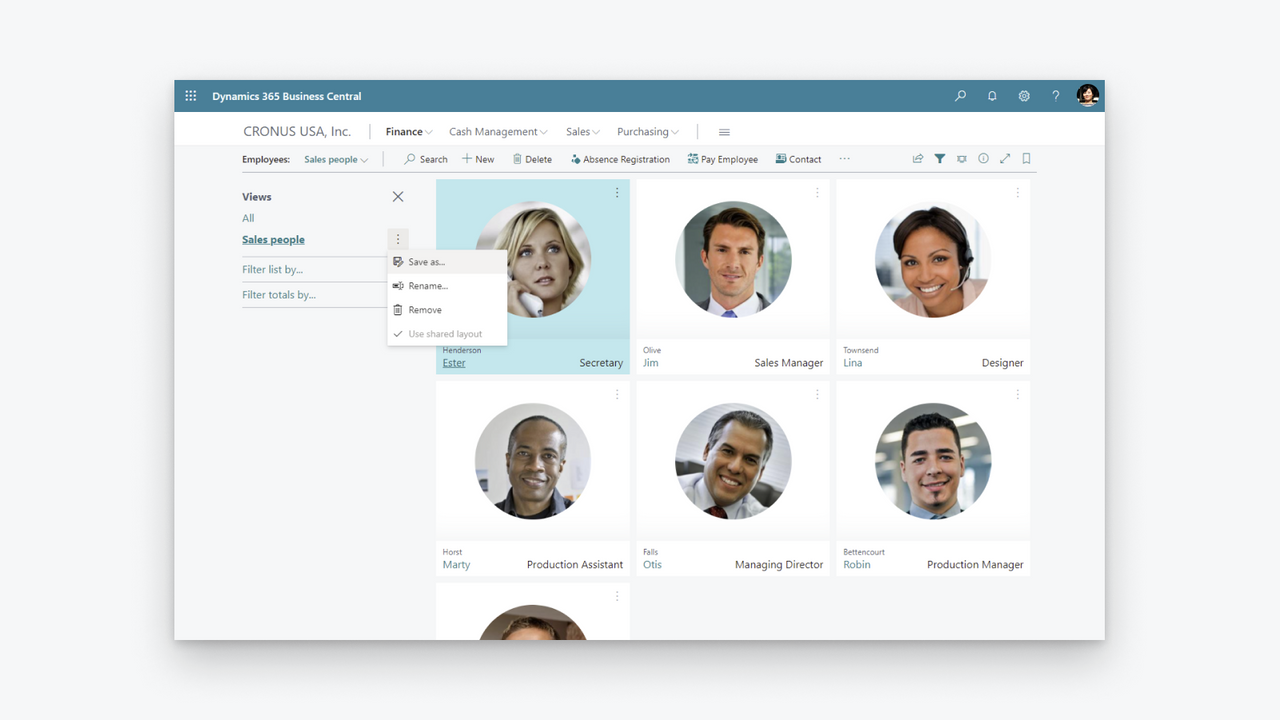
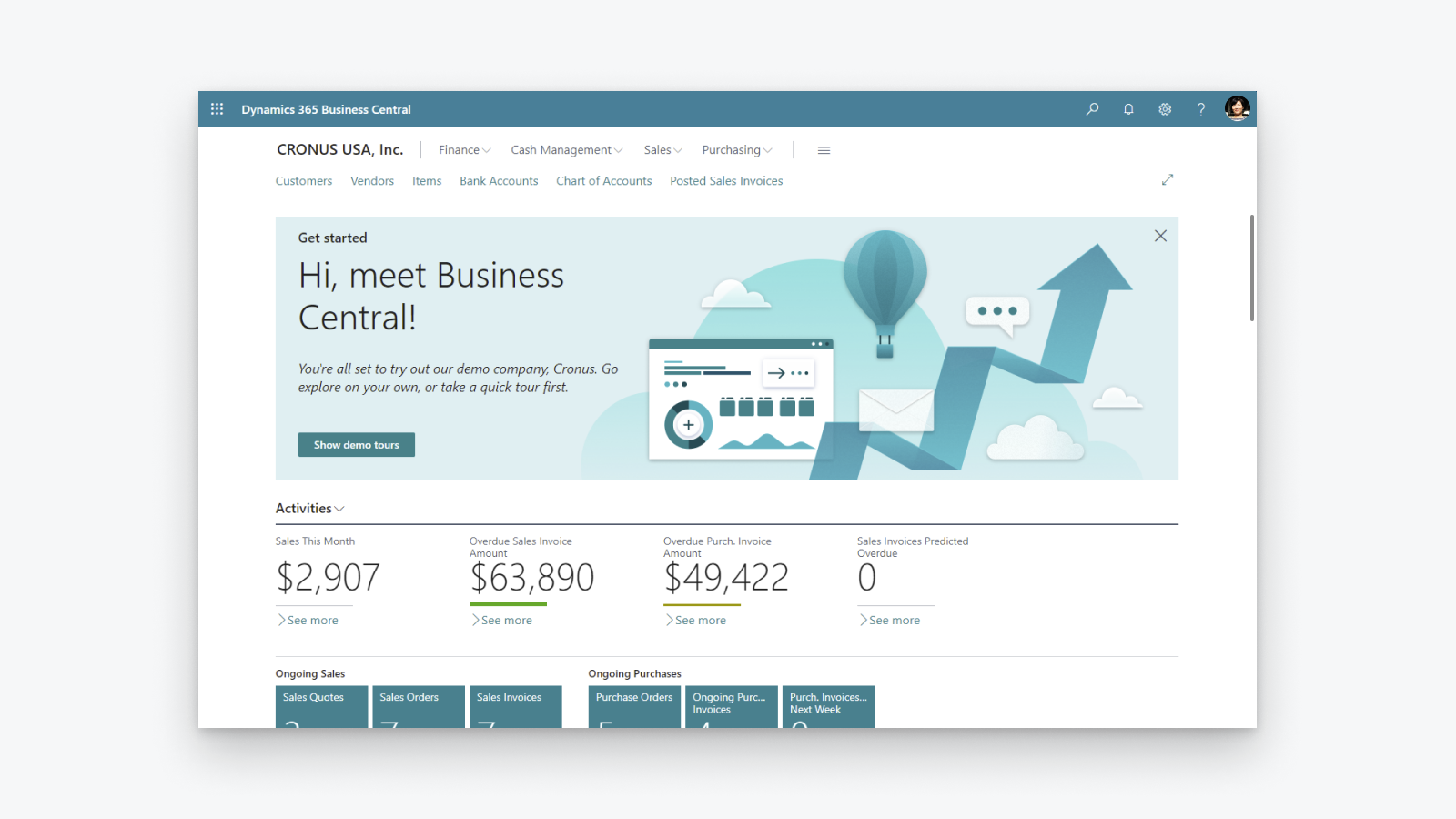
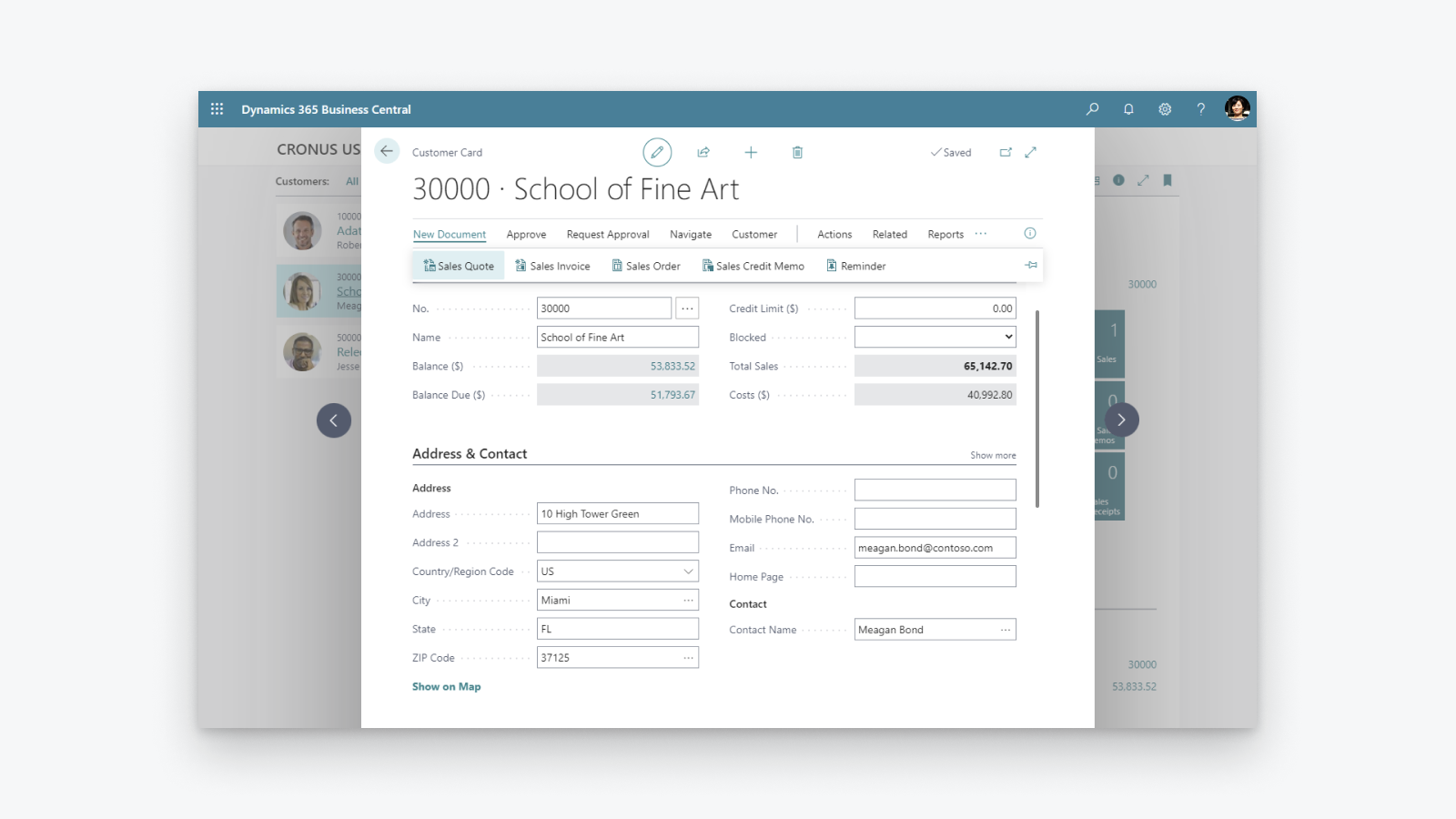
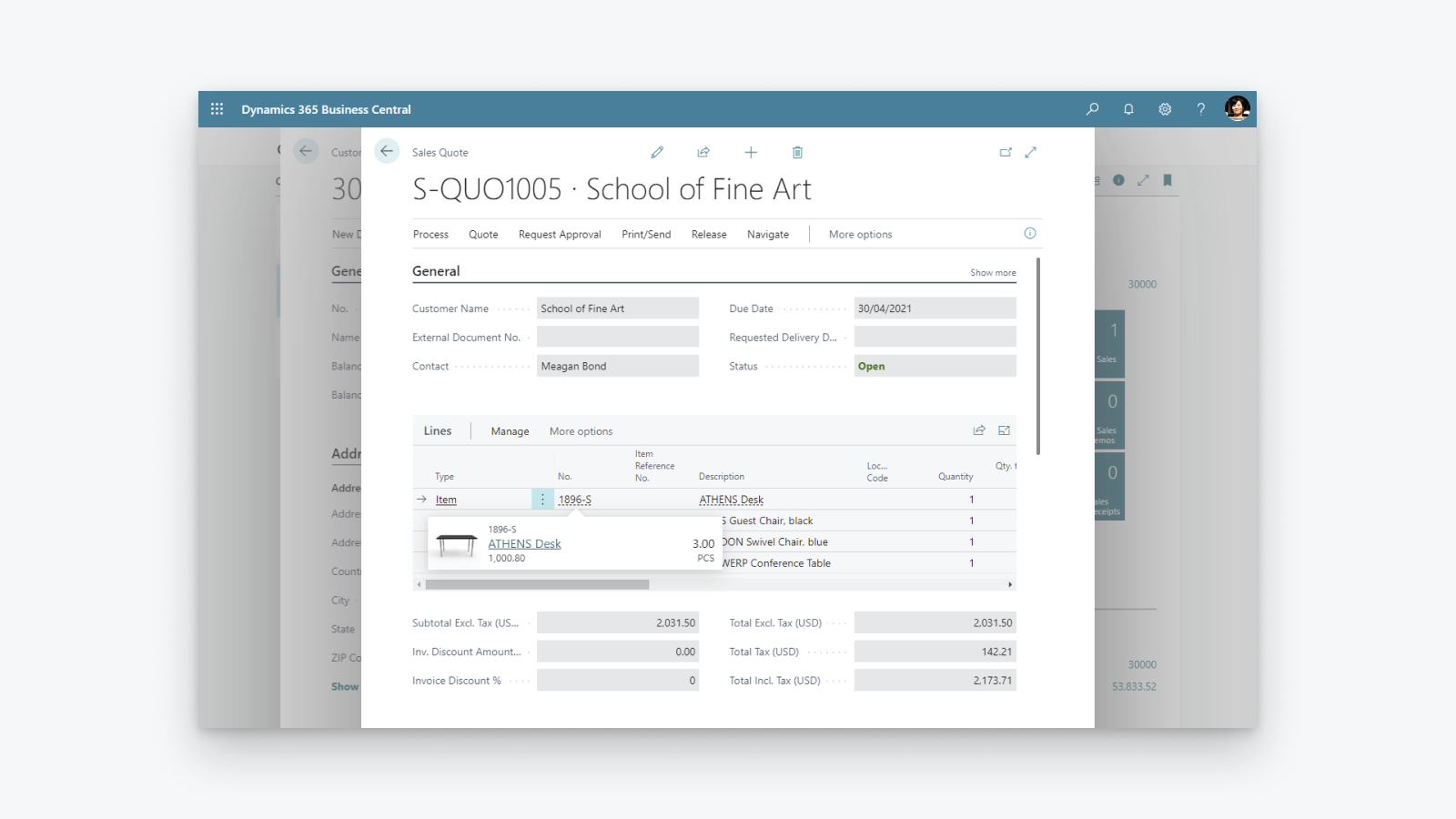
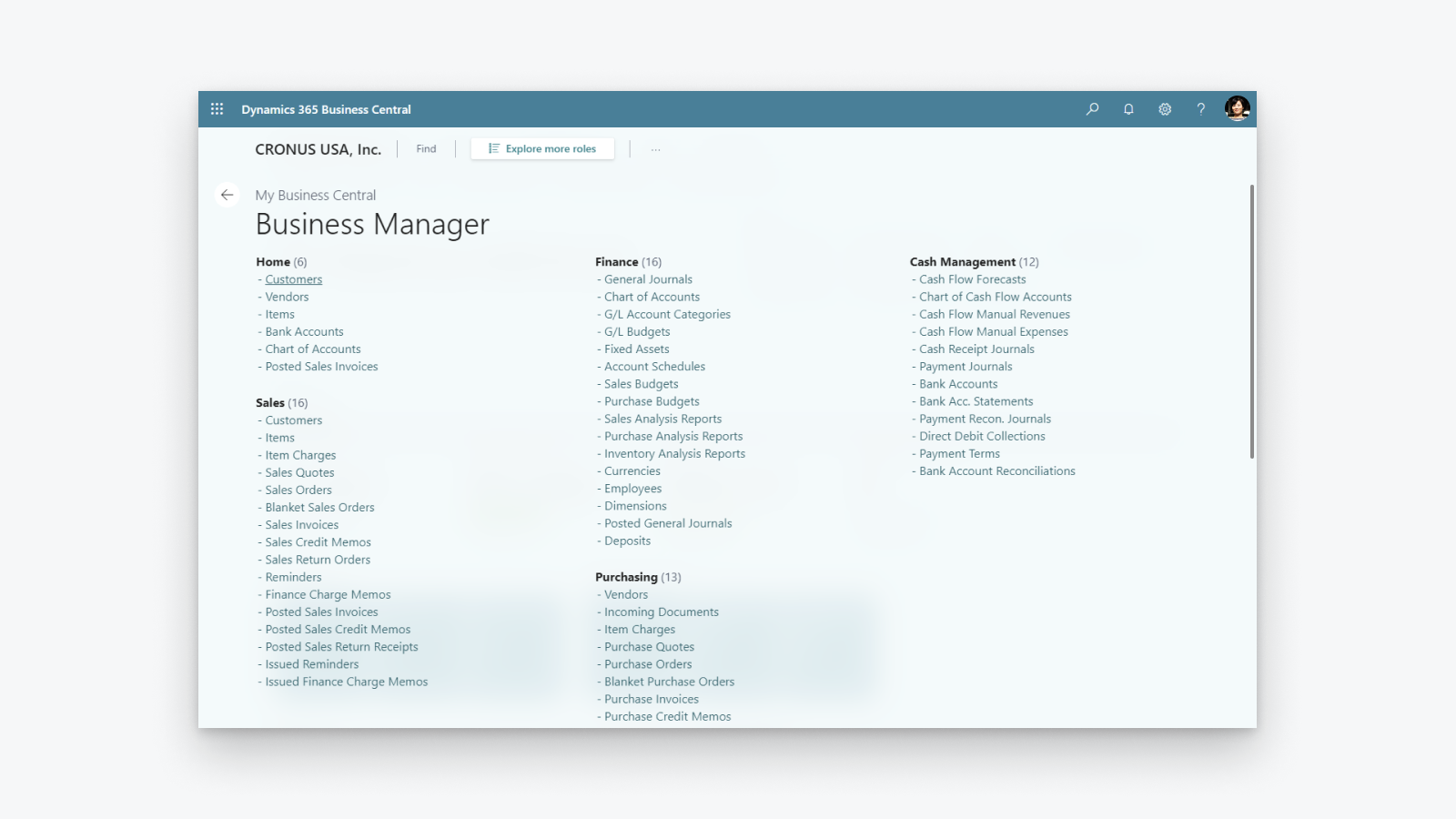
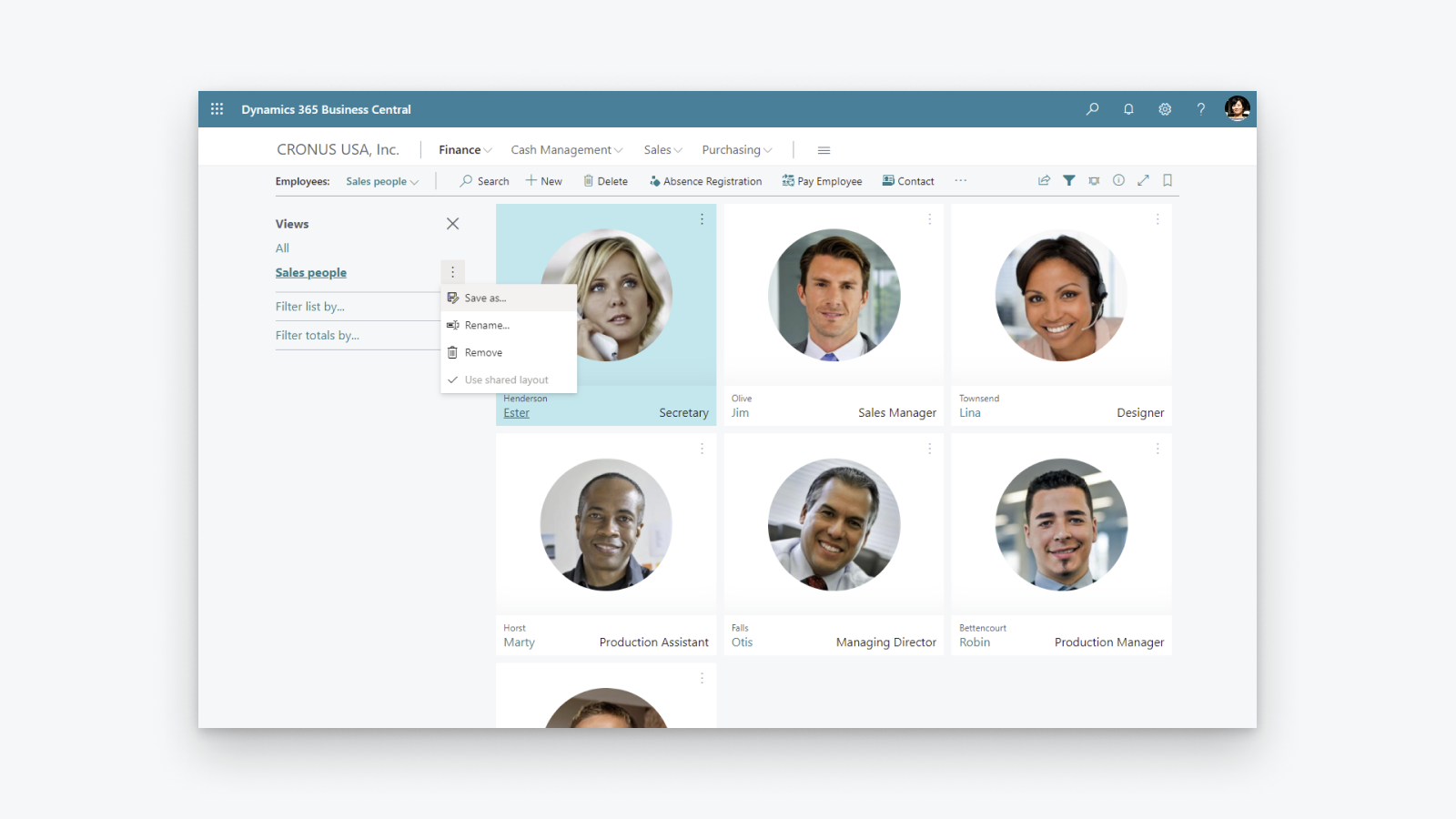
Soluzione completa di gestione aziendale che aiuta le piccole e medie imprese.
Aumentare la visibilità Finanziaria: ottenere una panoramica di profitti e costi, controllare il calcolo e la dichiarazione delle imposte. Ottimizzare l'inventario: consegnare i Prodotti in tempo, gestire la disponibilità per variante, controllare gli sconti con visibilità su acquisti, produzione e magazzini. Sbloccare informazioni aziendali approfondite: ottenere una panoramica del valore dell'inventario, impostare l'ordine automatico dei prodotti e controllare i costi.
- Supporto per più di un punto vendita Shopify, canale di vendita, ubicazione.
- Sincronizzazione bidirezionale di articoli o Prodotti.
- Sincronizzazione dei livelli di magazzino.
- Sincronizzazione bidirezionale dei clienti.
- Importare gli ordini da Shopify e inviare le informazioni di evasione a Shopify.
Lingue
Inglese
Questa app non è disponibile in Italiano
Categorie
Report finanziari
Operazioni finanziarie
Sincronizzazione dei dati automatizzata
Elaborazione degli ordini
Gestione delle scorte
Prezzi
Scegli il piano più adatto alla tua attività.
Puoi ricevere addebiti esterni da Microsoft separatamente rispetto alla fattura Shopify. Maggiori informazioni
Gratis
Gratis
Tutte le spese sono fatturate in USD.
Recensioni (28)
The app feels extremely complicated for no reason. For one, there is barely any user interface on the Shopify side. You would think the process would be much simpler, with Shopify acting as the hub while inventory is automatically pulled from Business Central.
Inventory syncing is also inconvenient and extremely unreliable. I set up a Job Queue Entry to automatically sync inventory, and it simply does not work consistently. Some items update correctly while others do not, which makes the entire system difficult to trust.
The setup process itself is also unnecessarily complicated. The documentation already tells you exactly what needs to be entered and where, so why are those fields not automatically populated during setup?
Overall, this section feels much more complicated than it needs to be, especially for something as basic as keeping inventory synchronized between Business Central and Shopify.
Thank you for trying the Shopify Connector for Business Central and for sharing these detailed insights. Your feedback helps us understand where the setup and inventory synchronization experience needs improvement, and we will explore how to make it simpler and easier to trust.
We would also like to understand why some items are not synchronizing as expected. On the Shopify Shops list in Business Central, please use the Provide Feedback action and share examples of the affected items and any relevant details.
Our troubleshooting guide might also help identify the cause:
https://learn.microsoft.com/dynamics365/business-central/shopify/synchronize-inventory#troubleshooting-inventory-synchronization
Please continue sharing suggestions for improving the connector at https://aka.ms/bcideas.
Kind regards,
Microsoft Dynamics 365 Business Central engineering team
Trash. Especially reconciliation, and even more so when dealing with orders(sales orders) where there are multiples of the same item and discount is present on one of them:
The item gets broken down into two item lines, and when you sync the shipment back to Shopify, the connector doesn’t know what to do with two or more of the same item on different item lines.
Thank you for your feedback. We understand the frustration with how discounted and non-discounted lines for the same item are handled during shipment synchronization back to Shopify.
We are really happy to share that we found a way to solve this problem and released a fix as part of the 2026 release wave 1 update, which is already available. We encourage you to upgrade to the latest version of Business Central to benefit from it.
Kind regards,
Microsoft Dynamics 365 Business Central engineering team
Hasta ahora no habíamos tenido problemas con la APP, pero tras realizar un downgrade de licencia en Shopify, la APP ha dejado de funcionar correctamente indicándonos en un mensaje de error que dice:
"[{"message":"Access denied for staffMember field. Required access: `read_users` access scope. Also: The app must be a finance embedded app or installed on a Shopify Plus or Advanced store. Contact Shopify Support to enable this scope for your app.","locations":[{"line":1,"column":1188}],"extensions":{"code":"ACCESS_DENIED","documentation":"https://shopify.dev/api/usage/access-scopes","requiredAccess":"`read_users` access scope. Also: The app must be a finance embedded app or installed on a Shopify Plus or Advanced store. Contact Shopify Support to enable this scope for your app."},"path""
En ningún caso se indica en las caracteristicas de la APP que no funcionará correctamente si no es Advance o Plus.
Según Shopify, el problema lo debe solucionar MS como desarrollador, no tengo constancia todavía de que se haya hecho nada
Thank you for reporting that.
We understand the issue you are experiencing. After a Shopify plan downgrade, the connector may still reference fields that are no longer accessible on your current plan, resulting in the "Access denied for staffMember field" error.
To resolve this, please toggle the Enabled switch off and then back on in the Shopify Shop Card within Business Central. This refreshes the stored plan information and will stop the connector from requesting fields that require a higher-tier plan.
We are also working on a fix to ensure the connector automatically detects plan changes so that this manual step will no longer be necessary.
Kind regards,
Microsoft Dynamics 365 Business Central engineering team
Assistenza
Assistenza per l’app fornita da Microsoft.
Risorse
Questo sviluppatore non offre assistenza diretta in Italiano.
Sviluppatore
Kanalvej 7, Kongens Lyngby, 2800, DK
Lanciata
29 aprile 2022
Accesso ai dati
Questa app deve accedere ai seguenti dati per funzionare con il tuo negozio. Scopri perché su informativa sulla privacy degli sviluppatori.
Visualizza dati clienti:
Dati sensibili, dati su dispositivo e attività
-
Dati sensibili
Nome, indirizzo email, numero di telefono, indirizzo fisico
-
Dati su dispositivo e attività
Geolocalizzazione, indirizzo IP, browser e sistema operativo
Visualizza dati di staff e collaboratori:
Proprietario del negozio, membri dello staff
-
Proprietario del negozio
Nome, indirizzo email, numero di telefono, indirizzo fisico
-
Membri dello staff
Nome, indirizzo email, numero di telefono
Visualizza e modifica i dati del negozio:
Clienti, prodotti, ordini, sconti, account staff, Shopify Payments, Negozio online, Pannello di controllo Shopify, altri dati
-
Modifica clienti
Dati dei clienti
-
Modifica prodotti
Scorte, prodotti, collezioni
-
Modifica ordini
Evasione assegnata, bozze di ordini, evasioni degli ordini, evasione gestita dal merchant, modifiche agli ordini, tutta la cronologia degli ordini, resi, informazioni di spedizione, evasione di terze parti
-
Visualizza sconti
Codici sconto e promozioni
-
Visualizza account staff
Account staff
-
Visualizza Shopify Payments
Account Shopify Payments, Accrediti di Shopify Payments, Contestazioni di Shopify Payments
-
Visualizza Negozio online
Pagina di check-out
-
Modifica il pannello di controllo Shopify
File
-
Modifica altri dati
Impostazioni locali, sedi, Impostazioni di Shopify Markets, termini di pagamento, pubblicazioni di prodotti sui canali di vendita, traduzioni
In primo piano

Altre app come questa