Dynamics 365 Business Central
Galerij met uitgelichte afbeeldingen
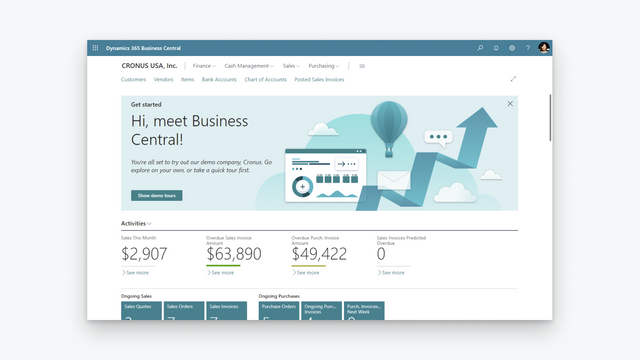
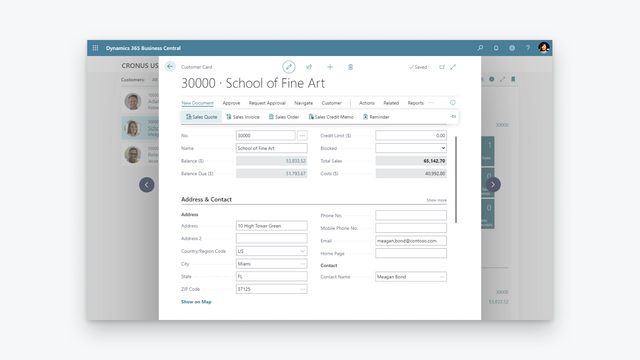
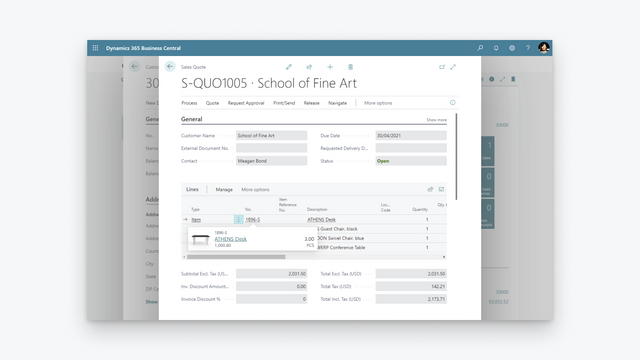
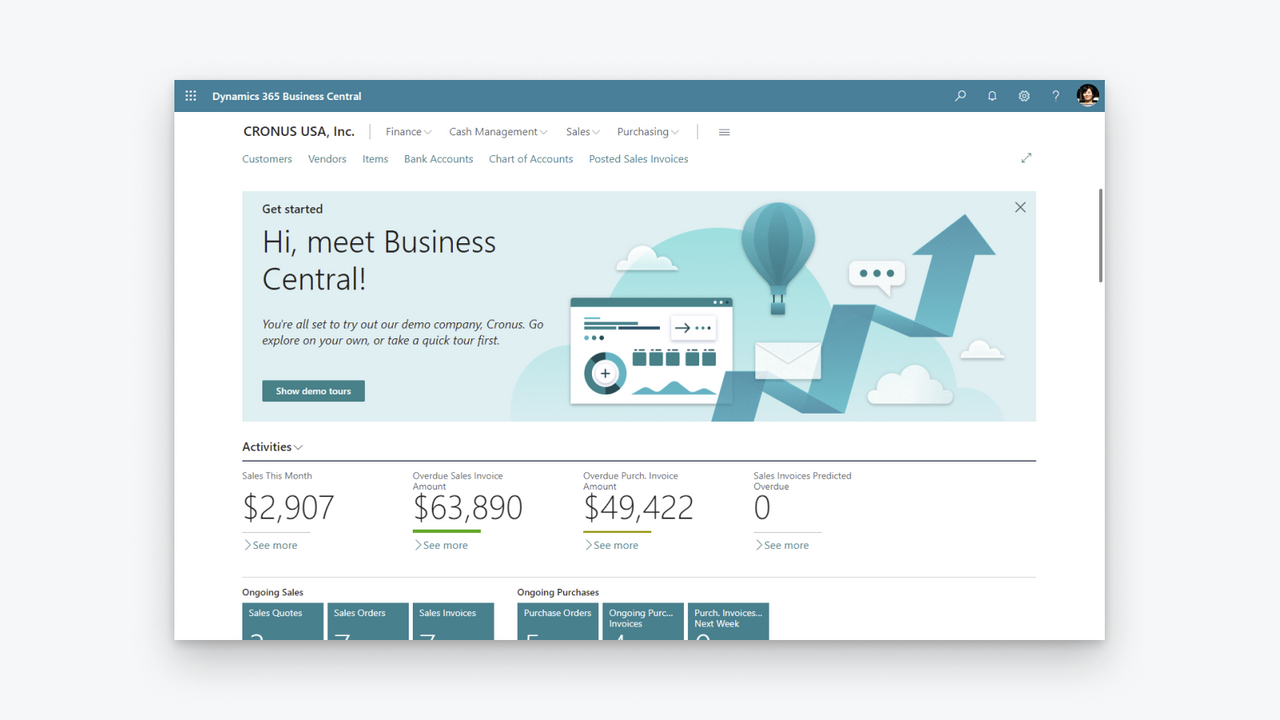
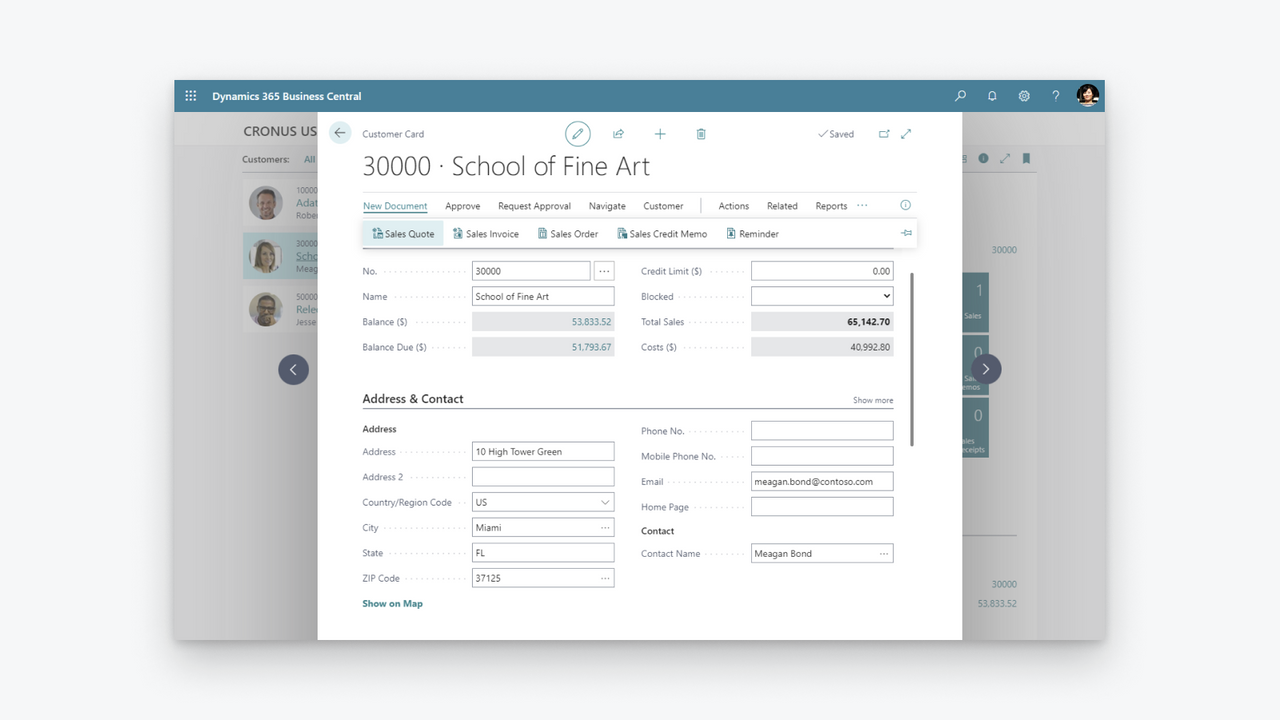
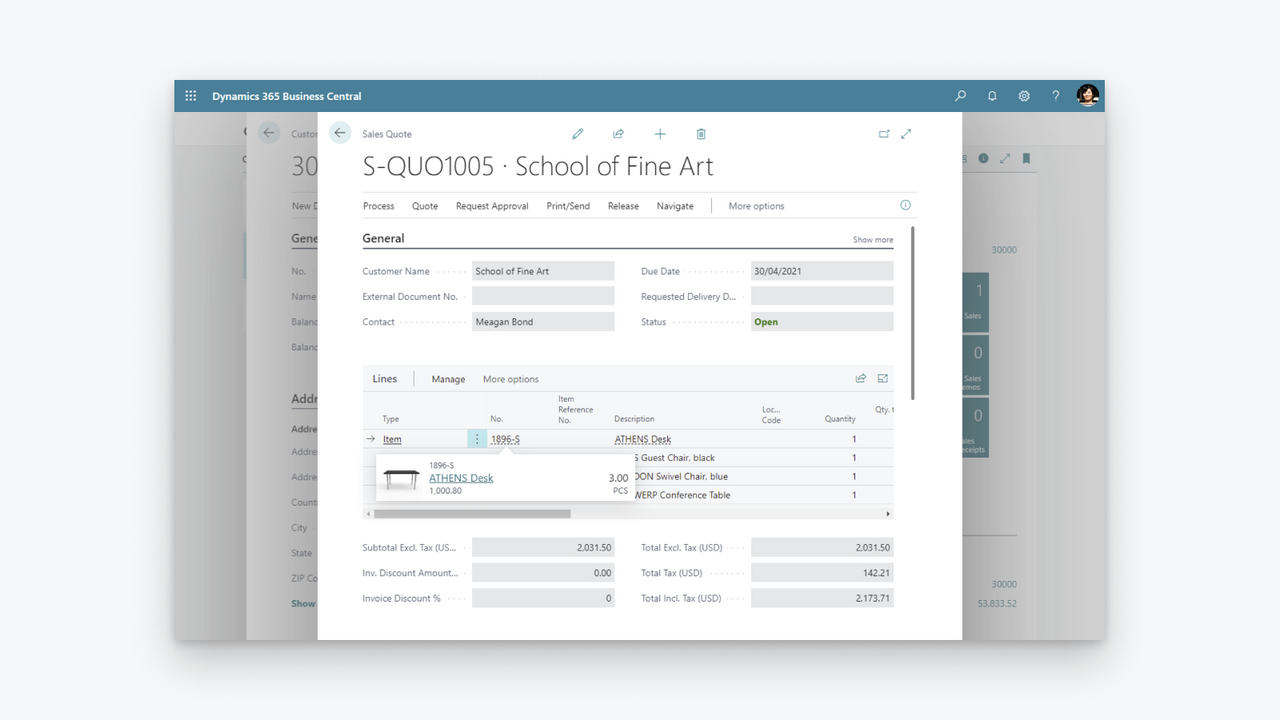
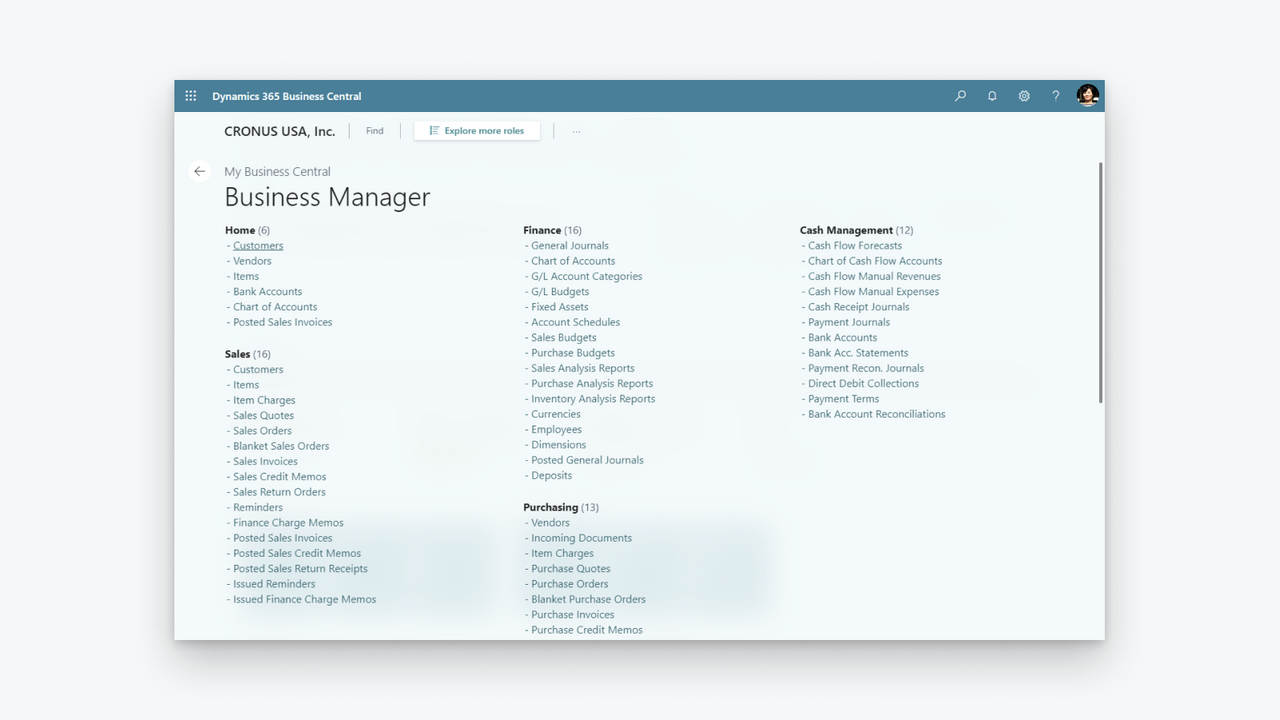
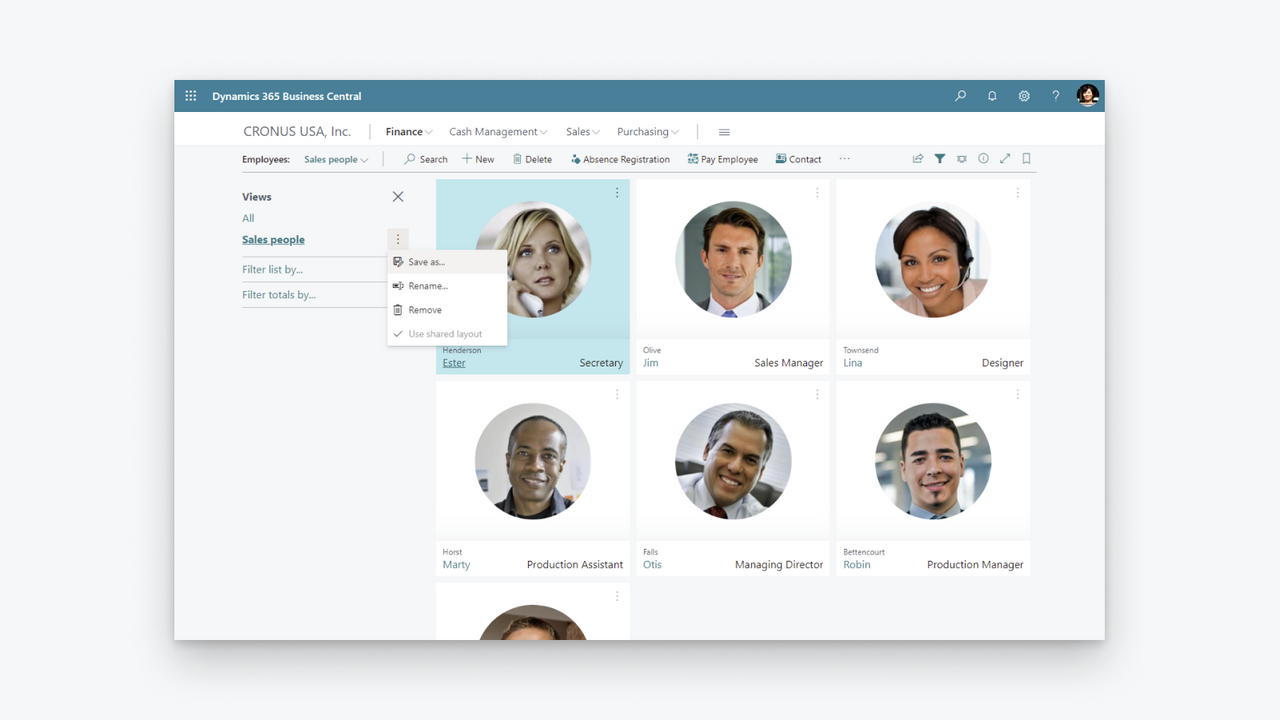
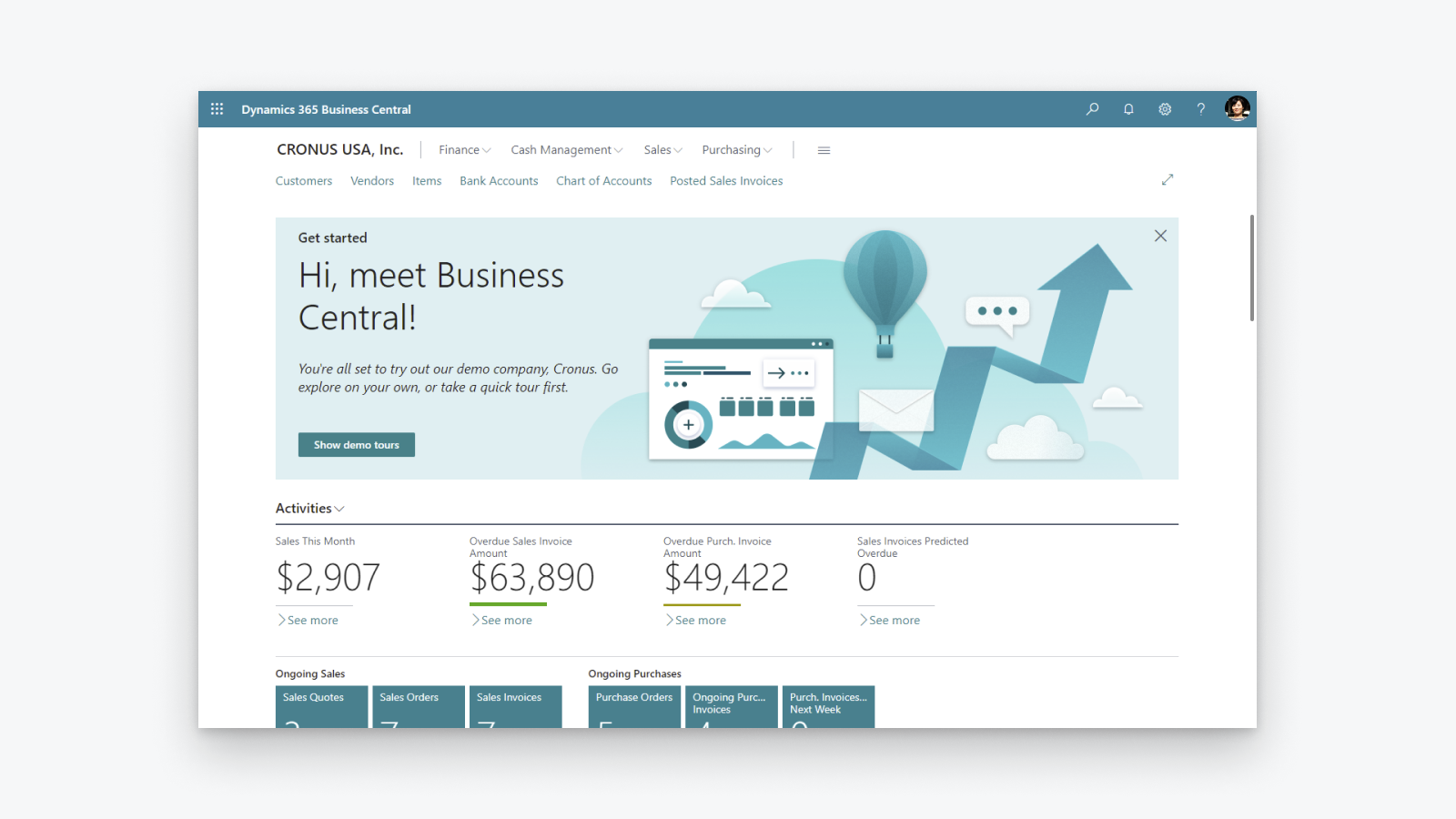
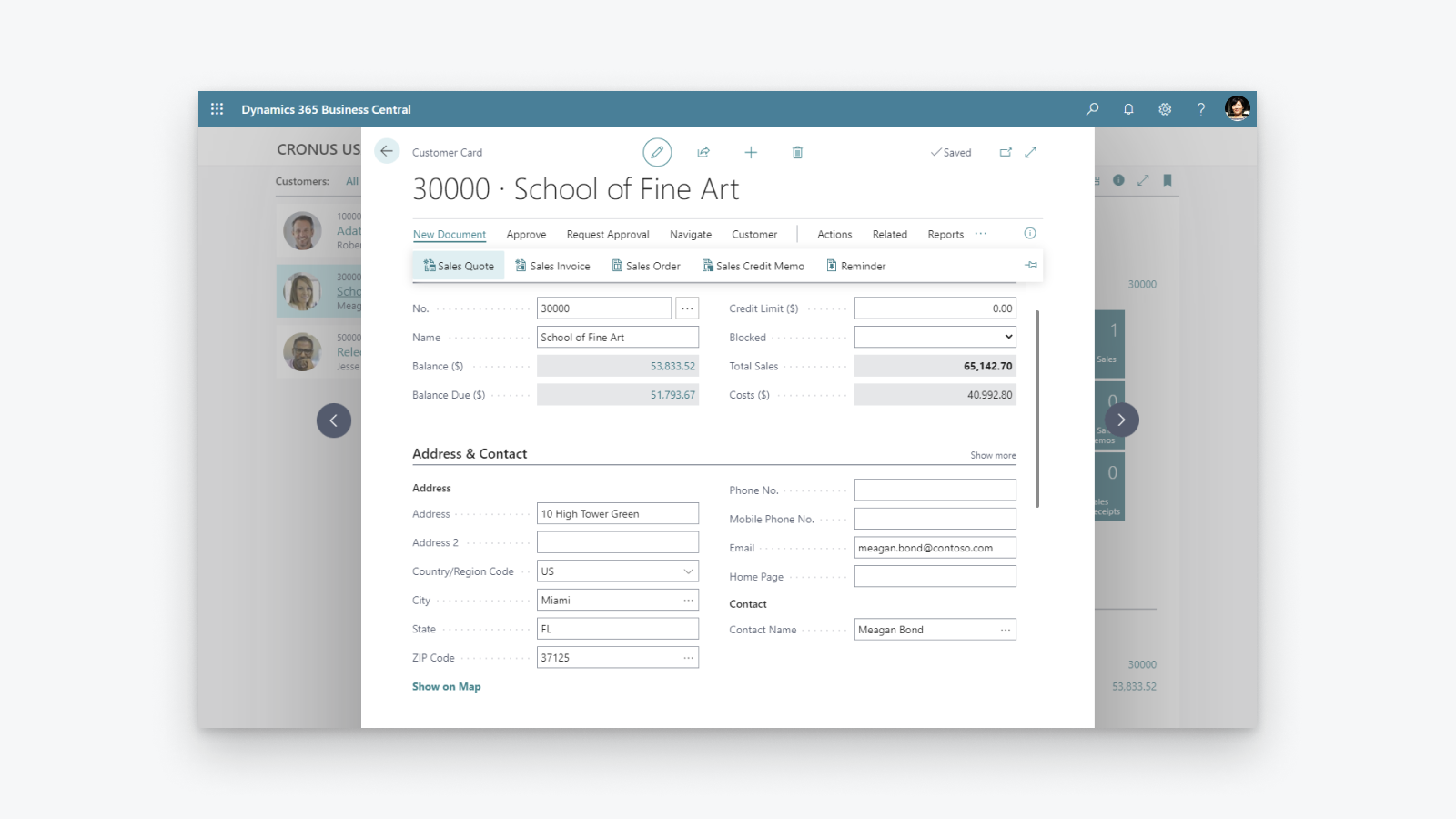
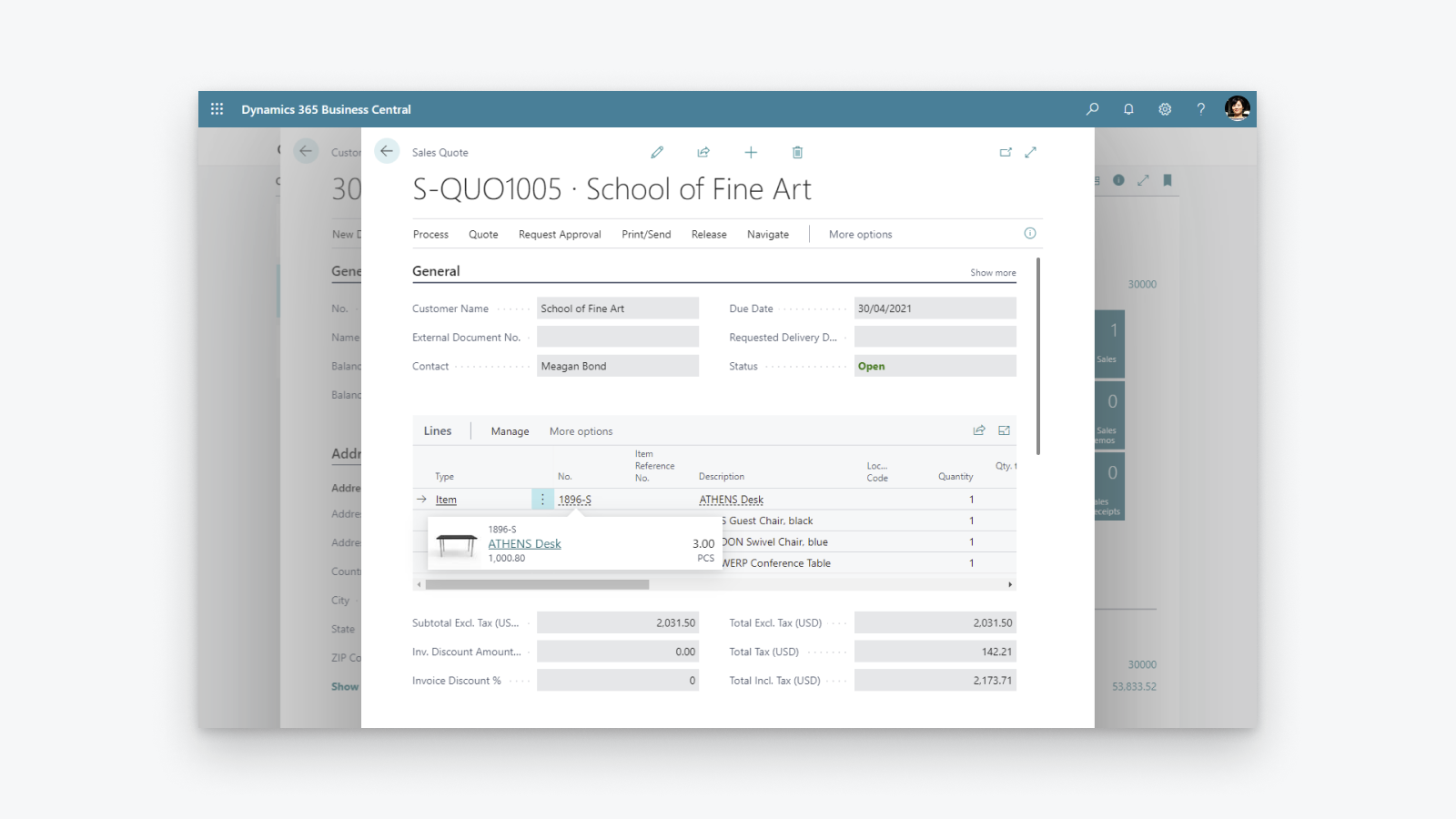
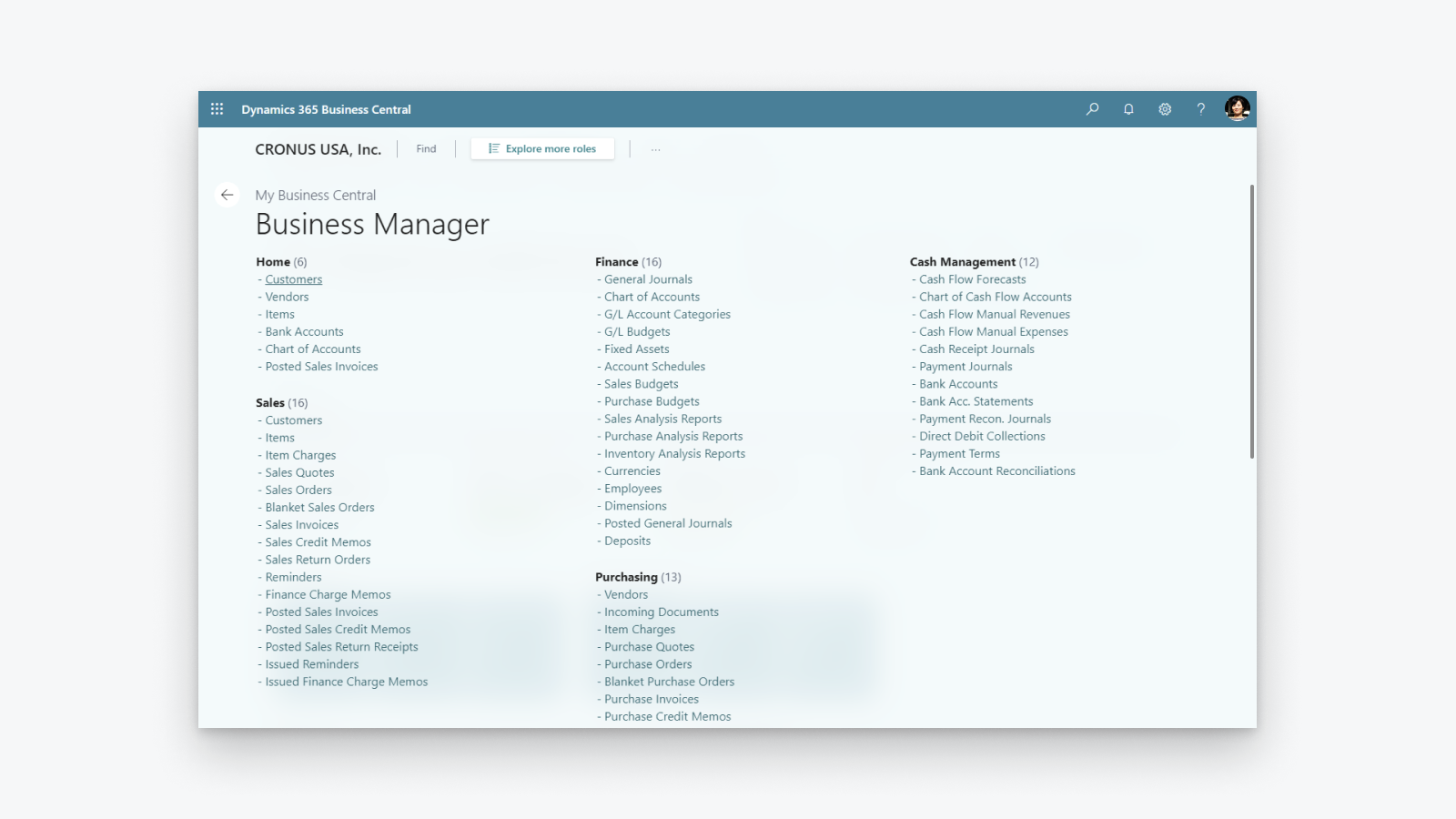
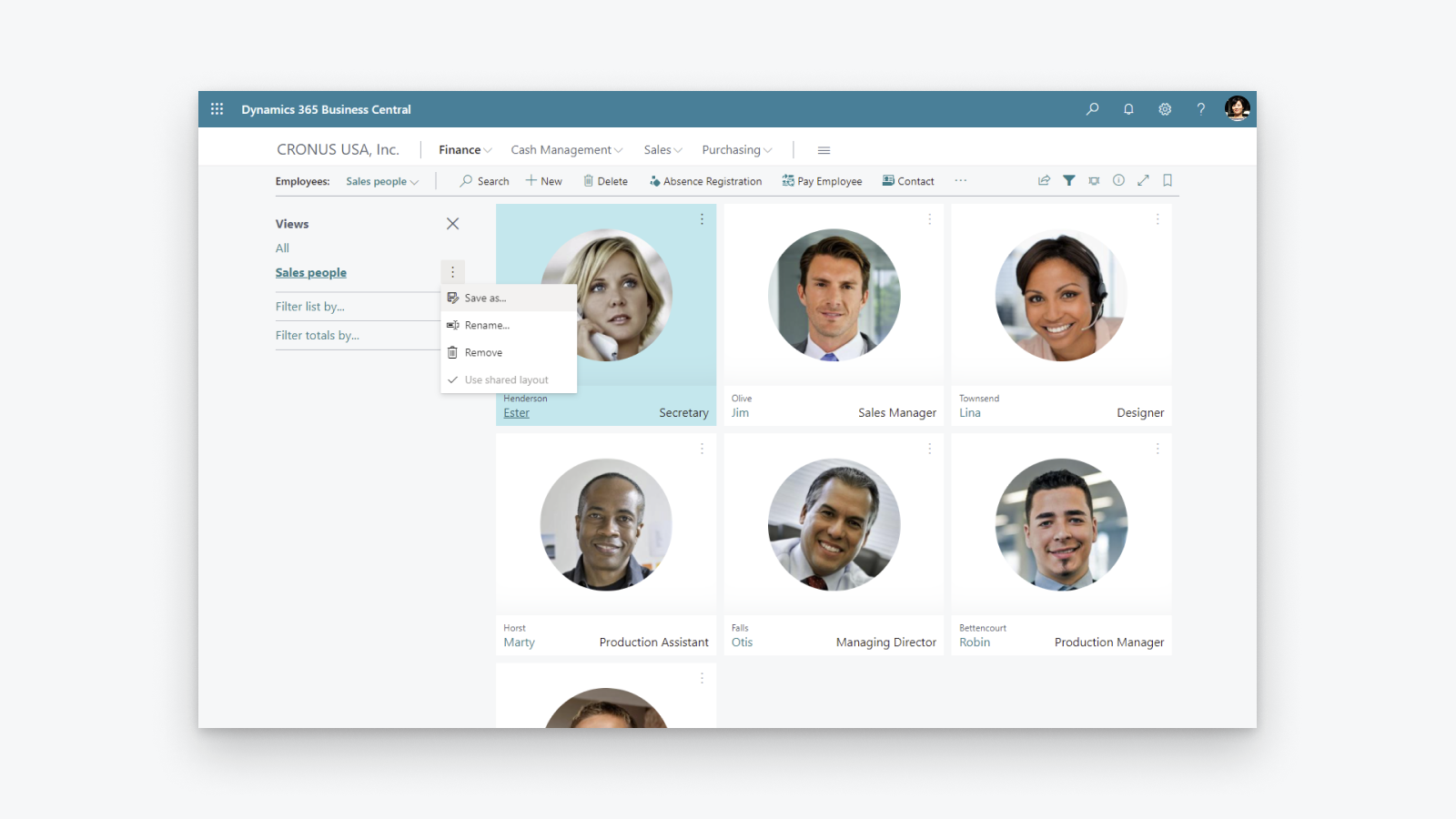
Uitgebreide bedrijfsbeheeroplossing die kleine en middelgrote bedrijven helpt.
Financieel inzicht vergroten: krijg een overzicht van uw winst en kosten, beheer uw belastingberekening en -aangifte. Voorraad optimaliseren: lever producten op tijd en pas u aan aan veranderende bedrijfsmodellen met inzicht in incoop, productie, voorraad en magazijnen. Bedrijfsinzichten ontgrendelen: krijg een overzicht van uw voorraadwaarde, gebruik AI om toekomstige verkopen te voorspellen, stel automatisch bestellen van producten in en beheers de kosten.
- Ondersteuning voor meerdere Shopify-winkels, -verkoopkanalen, -vestigingen.
- Bidirectionele synchronisatie van artikelen of producten.
- Synchronisatie van voorraadniveaus.
- Bidirectionele synchronisatie van klanten.
- Orders uit Shopify importeren en afhandelingsinformatie naar Shopify verzenden.
Talen
Engels
Deze app is niet vertaald in het Nederlands
Categorieën
Financiële rapporten
Financiële activiteiten
Automatische gegevenssynchronisatie
Verwerking van bestellingen
Voorraadbeheer
Boekhouding en financiën
Prijs
Kies het abonnement dat het beste bij je bedrijf past.
Er kunnen door Microsoft externe kosten in rekening worden gebracht, los van je Shopify-factuur. Meer informatie
Gratis
Gratis
Alle betalingen worden in USD gefactureerd.
Recensies (28)
The app feels extremely complicated for no reason. For one, there is barely any user interface on the Shopify side. You would think the process would be much simpler, with Shopify acting as the hub while inventory is automatically pulled from Business Central.
Inventory syncing is also inconvenient and extremely unreliable. I set up a Job Queue Entry to automatically sync inventory, and it simply does not work consistently. Some items update correctly while others do not, which makes the entire system difficult to trust.
The setup process itself is also unnecessarily complicated. The documentation already tells you exactly what needs to be entered and where, so why are those fields not automatically populated during setup?
Overall, this section feels much more complicated than it needs to be, especially for something as basic as keeping inventory synchronized between Business Central and Shopify.
Thank you for trying the Shopify Connector for Business Central and for sharing these detailed insights. Your feedback helps us understand where the setup and inventory synchronization experience needs improvement, and we will explore how to make it simpler and easier to trust.
We would also like to understand why some items are not synchronizing as expected. On the Shopify Shops list in Business Central, please use the Provide Feedback action and share examples of the affected items and any relevant details.
Our troubleshooting guide might also help identify the cause:
https://learn.microsoft.com/dynamics365/business-central/shopify/synchronize-inventory#troubleshooting-inventory-synchronization
Please continue sharing suggestions for improving the connector at https://aka.ms/bcideas.
Kind regards,
Microsoft Dynamics 365 Business Central engineering team
Trash. Especially reconciliation, and even more so when dealing with orders(sales orders) where there are multiples of the same item and discount is present on one of them:
The item gets broken down into two item lines, and when you sync the shipment back to Shopify, the connector doesn’t know what to do with two or more of the same item on different item lines.
Thank you for your feedback. We understand the frustration with how discounted and non-discounted lines for the same item are handled during shipment synchronization back to Shopify.
We are really happy to share that we found a way to solve this problem and released a fix as part of the 2026 release wave 1 update, which is already available. We encourage you to upgrade to the latest version of Business Central to benefit from it.
Kind regards,
Microsoft Dynamics 365 Business Central engineering team
Hasta ahora no habíamos tenido problemas con la APP, pero tras realizar un downgrade de licencia en Shopify, la APP ha dejado de funcionar correctamente indicándonos en un mensaje de error que dice:
"[{"message":"Access denied for staffMember field. Required access: `read_users` access scope. Also: The app must be a finance embedded app or installed on a Shopify Plus or Advanced store. Contact Shopify Support to enable this scope for your app.","locations":[{"line":1,"column":1188}],"extensions":{"code":"ACCESS_DENIED","documentation":"https://shopify.dev/api/usage/access-scopes","requiredAccess":"`read_users` access scope. Also: The app must be a finance embedded app or installed on a Shopify Plus or Advanced store. Contact Shopify Support to enable this scope for your app."},"path""
En ningún caso se indica en las caracteristicas de la APP que no funcionará correctamente si no es Advance o Plus.
Según Shopify, el problema lo debe solucionar MS como desarrollador, no tengo constancia todavía de que se haya hecho nada
Thank you for reporting that.
We understand the issue you are experiencing. After a Shopify plan downgrade, the connector may still reference fields that are no longer accessible on your current plan, resulting in the "Access denied for staffMember field" error.
To resolve this, please toggle the Enabled switch off and then back on in the Shopify Shop Card within Business Central. This refreshes the stored plan information and will stop the connector from requesting fields that require a higher-tier plan.
We are also working on a fix to ensure the connector automatically detects plan changes so that this manual step will no longer be necessary.
Kind regards,
Microsoft Dynamics 365 Business Central engineering team
Ondersteuning
App-ondersteuning wordt verzorgd door Microsoft.
Hulpbronnen
Deze ontwikkelaar biedt geen directe ondersteuning in het Nederlands.
Ontwikkelaar
Kanalvej 7, Kongens Lyngby, 2800, DK
Geïntroduceerd
29 april 2022
Toegang tot gegevens
Deze app heeft toegang nodig tot de volgende gegevens om goed te kunnen werken in je winkel. Ontdek waarom in het privacybeleid van de ontwikkelaar .
Klantgegevens bekijken:
Gevoelige gegevens, apparaat- en activiteitsgegevens
-
Gevoelige gegevens
Naam, e-mailadres, telefoonnummer, fysiek adres
-
Apparaat- en activiteitsgegevens
Geolocatie, IP-adres, browser en besturingssysteem
Gegevens van medewerkers en bijdragers bekijken:
Winkeleigenaar, medewerkers
-
Winkeleigenaar
Naam, e-mailadres, telefoonnummer, fysiek adres
-
Medewerkers
Naam, e-mailadres, telefoonnummer
Winkelgegevens bekijken en bewerken:
Klanten, producten, bestellingen, kortingen, medewerkersaccounts, Shopify Payments, Webshop, Shopify-beheercentrum, andere gegevens
-
Klanten bewerken
Klantgegevens
-
Producten bewerken
Voorraad, producten, collecties
-
Bestellingen bewerken
Toegewezen fulfilment, conceptbestellingen, orderfulfilments, fulfilment beheerd door merchant, bestellingbewerkingen, volledige bestelgeschiedenis, retouren, verzendgegevens, fulfilment door externe partij
-
Kortingen bekijken
Kortingscodes en promoties
-
Medewerkersaccounts bekijken
Medewerkersaccounts
-
Shopify Payments bekijken
Shopify Payments-accounts, Shopify Payments-uitbetalingen, Shopify Payments-geschillen
-
Webshop bekijken
Checkoutpagina
-
Shopify-beheercentrum bewerken
Bestanden
-
Andere gegevens bewerken
Landinstellingen, locaties, Shopify Markets-instellingen, betalingsvoorwaarden, publicaties van producten op verkoopkanalen, vertalingen
Uitgelicht in

Meer apps zoals deze