Wyróżnione obrazy w galerii
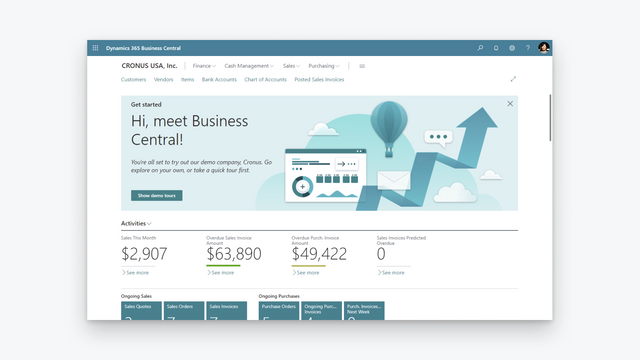

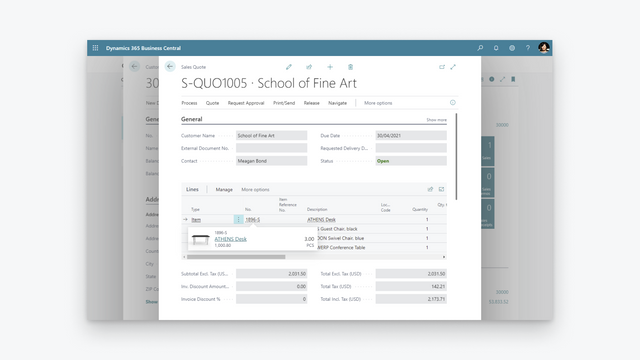
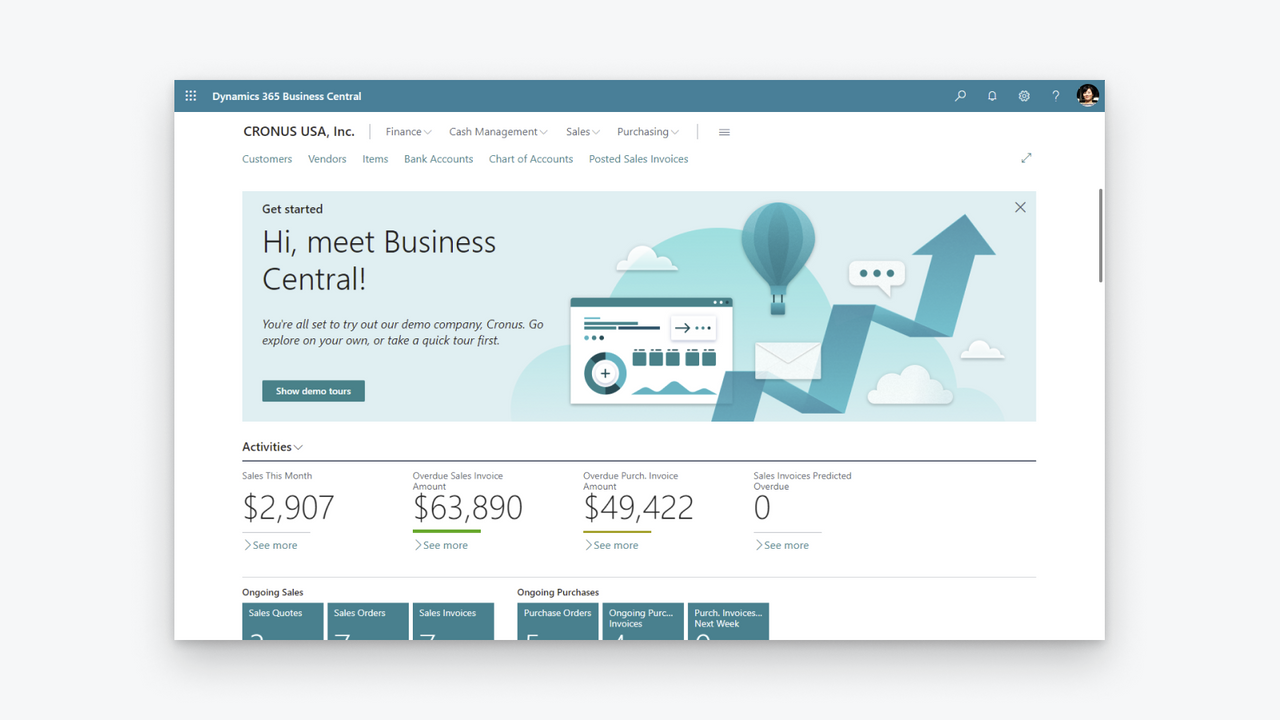

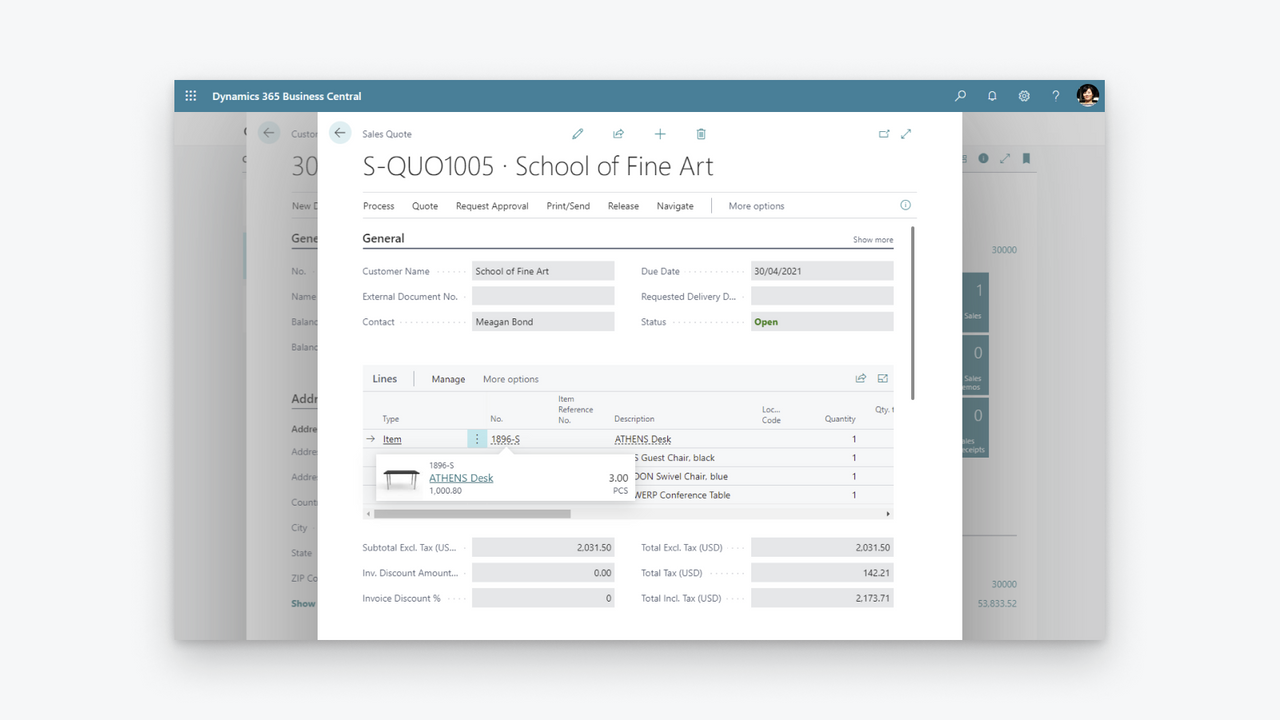
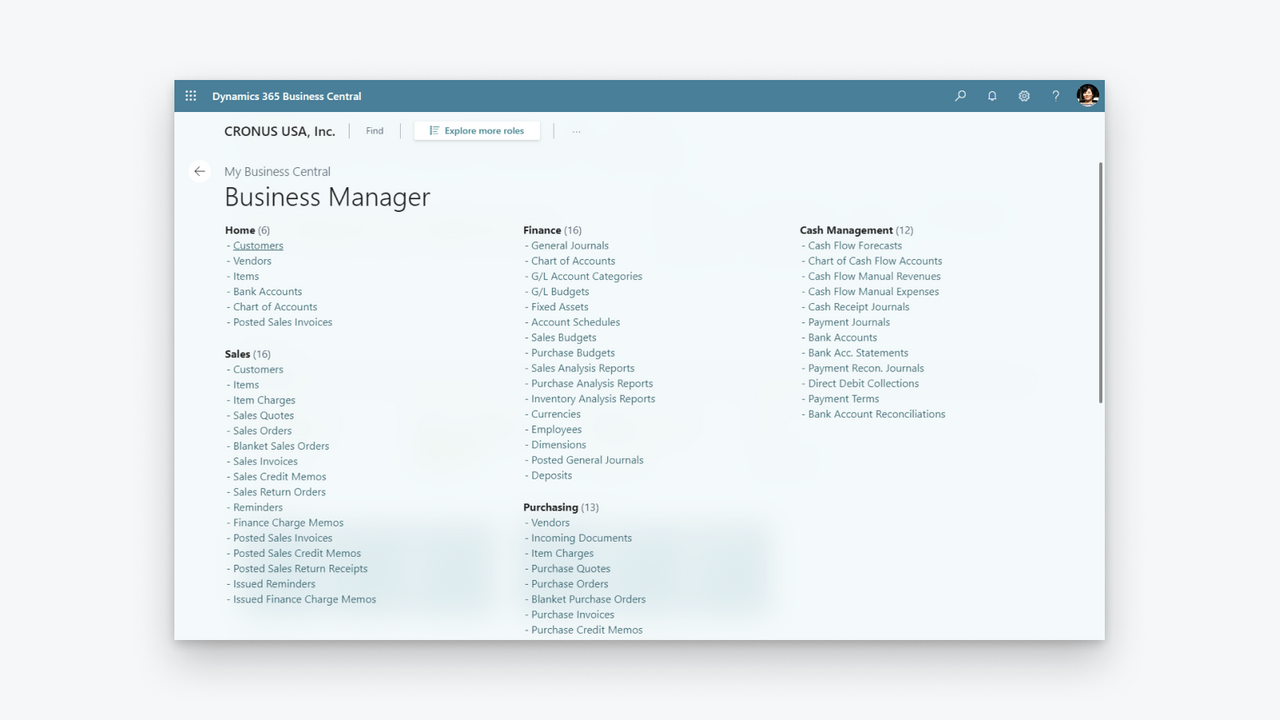
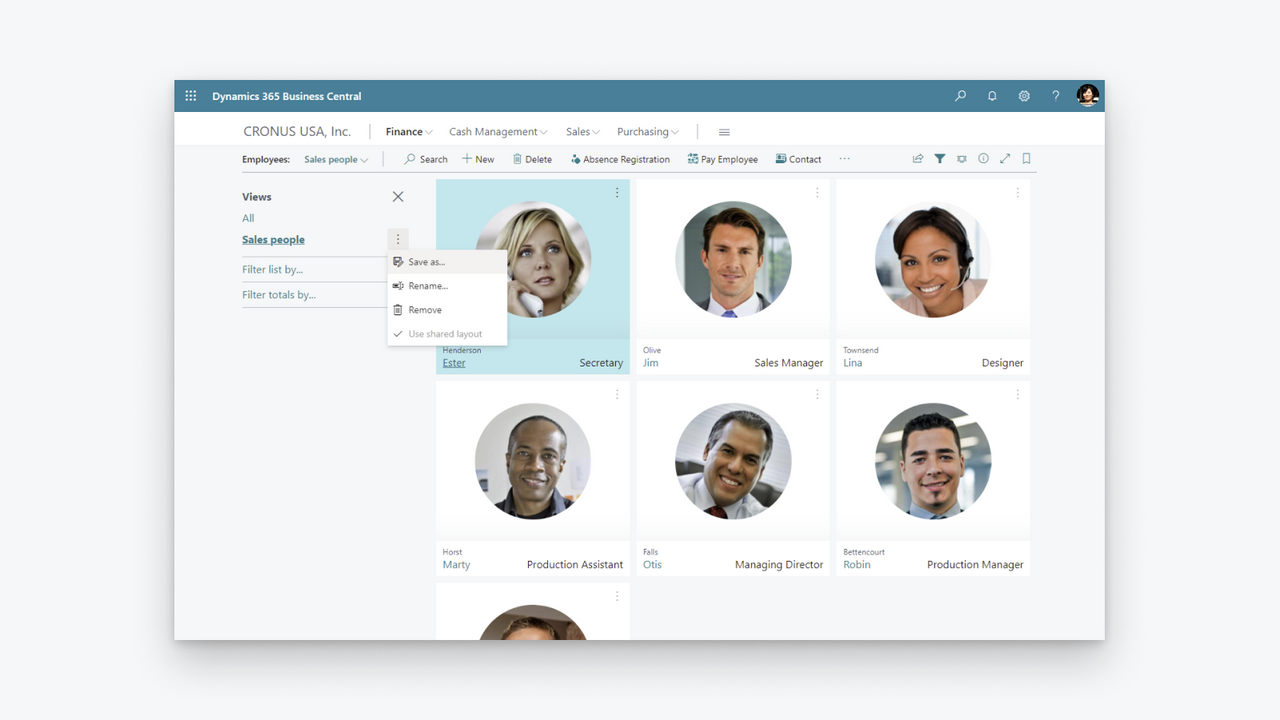
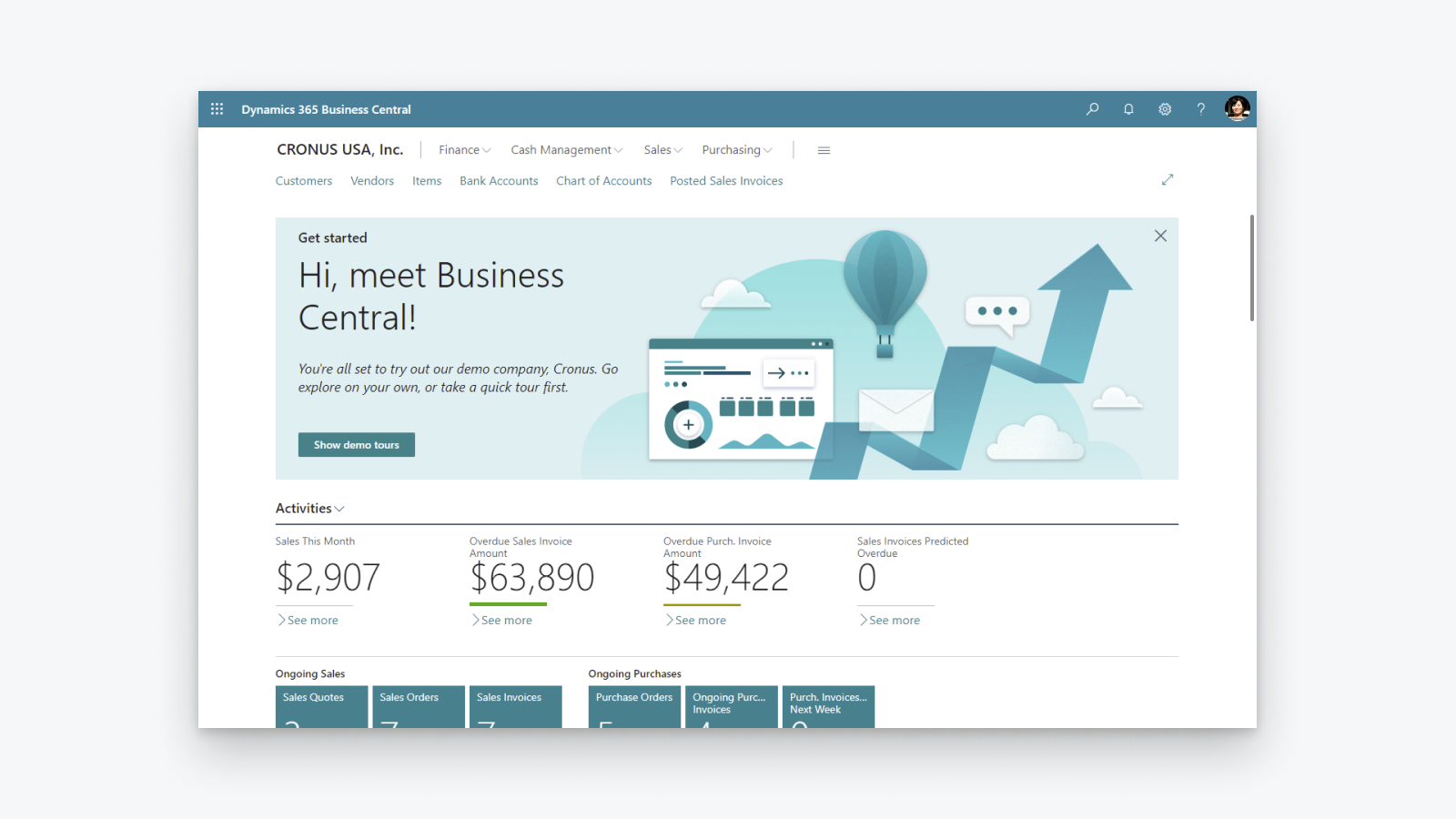

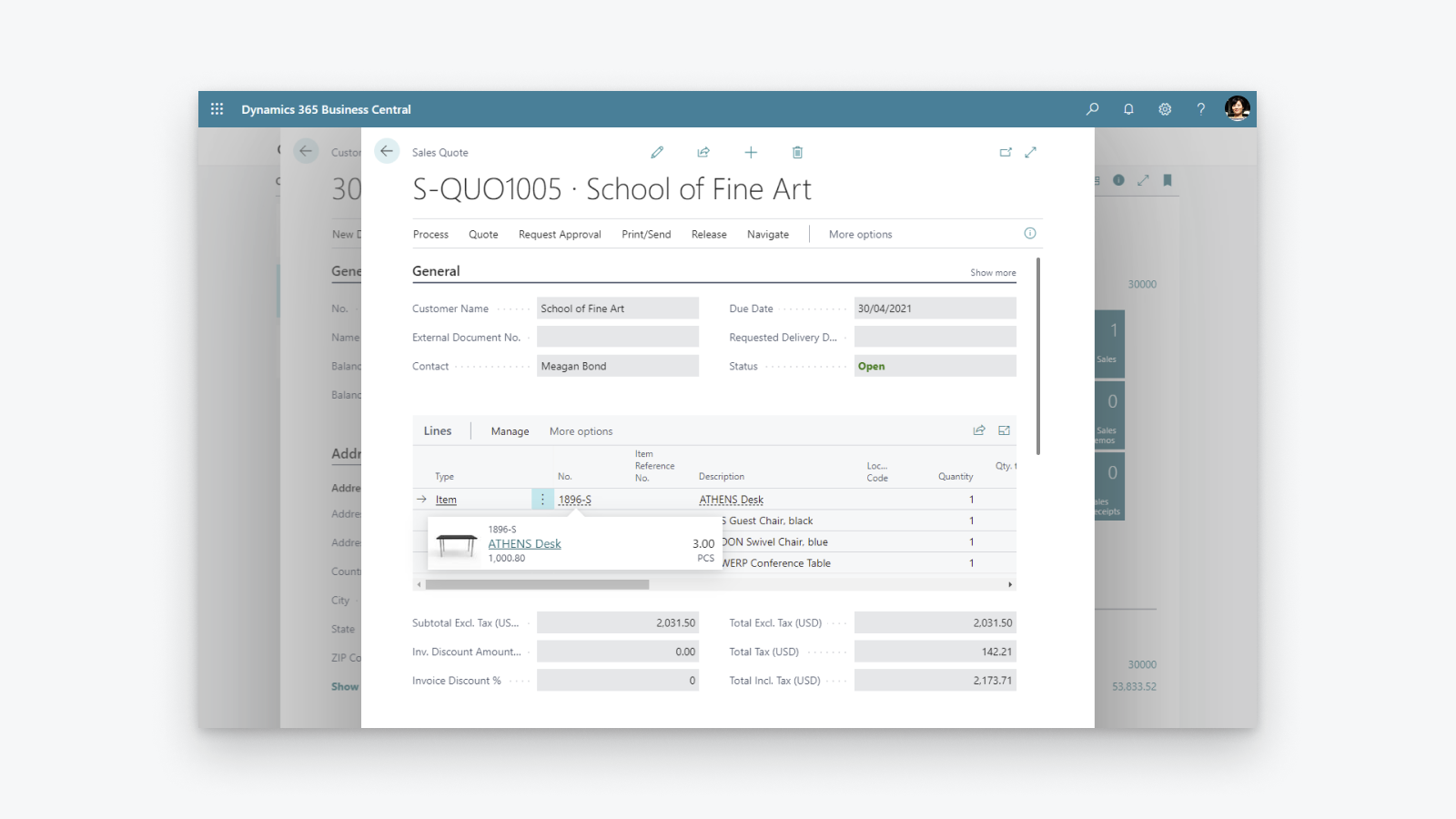
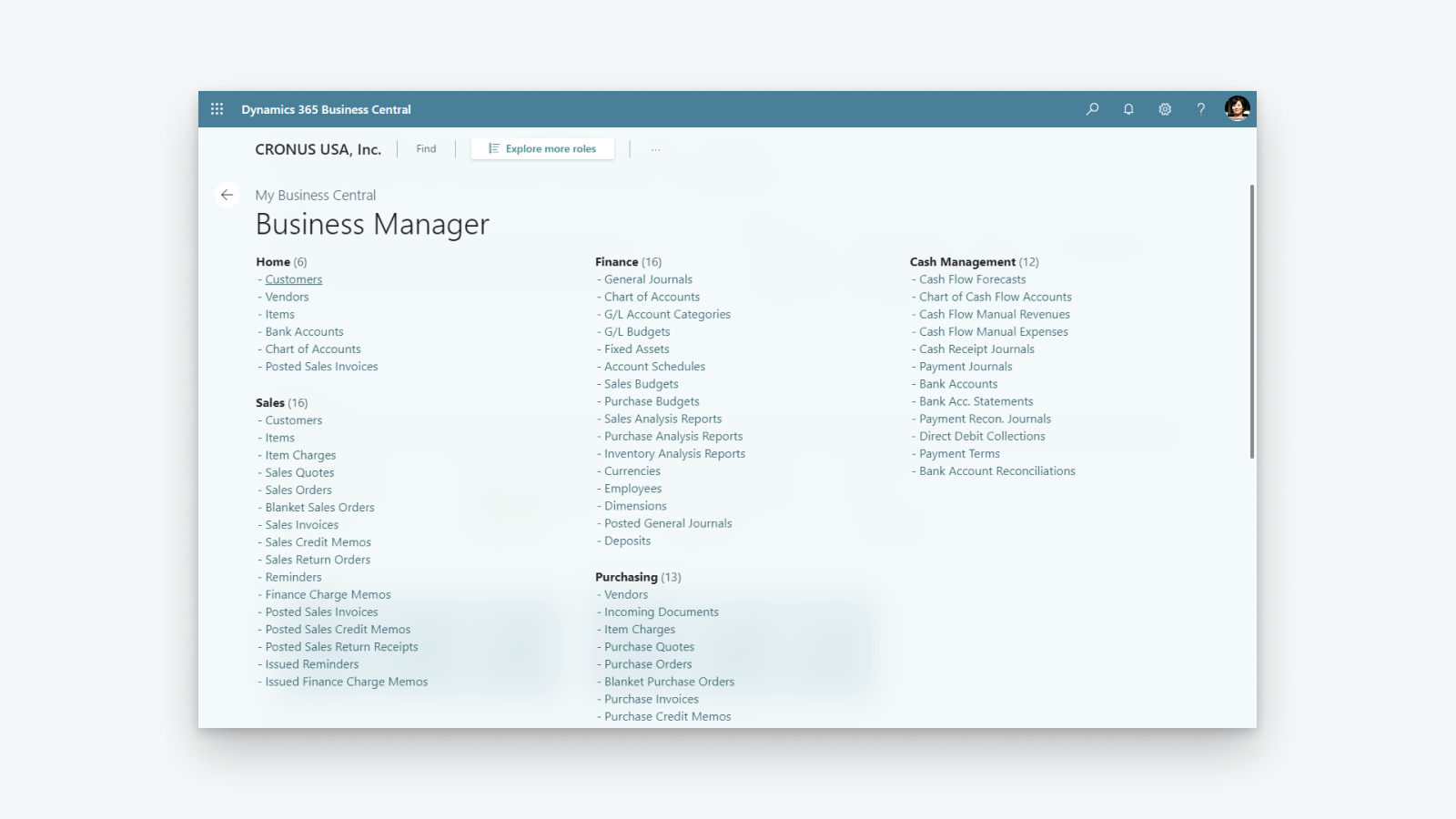
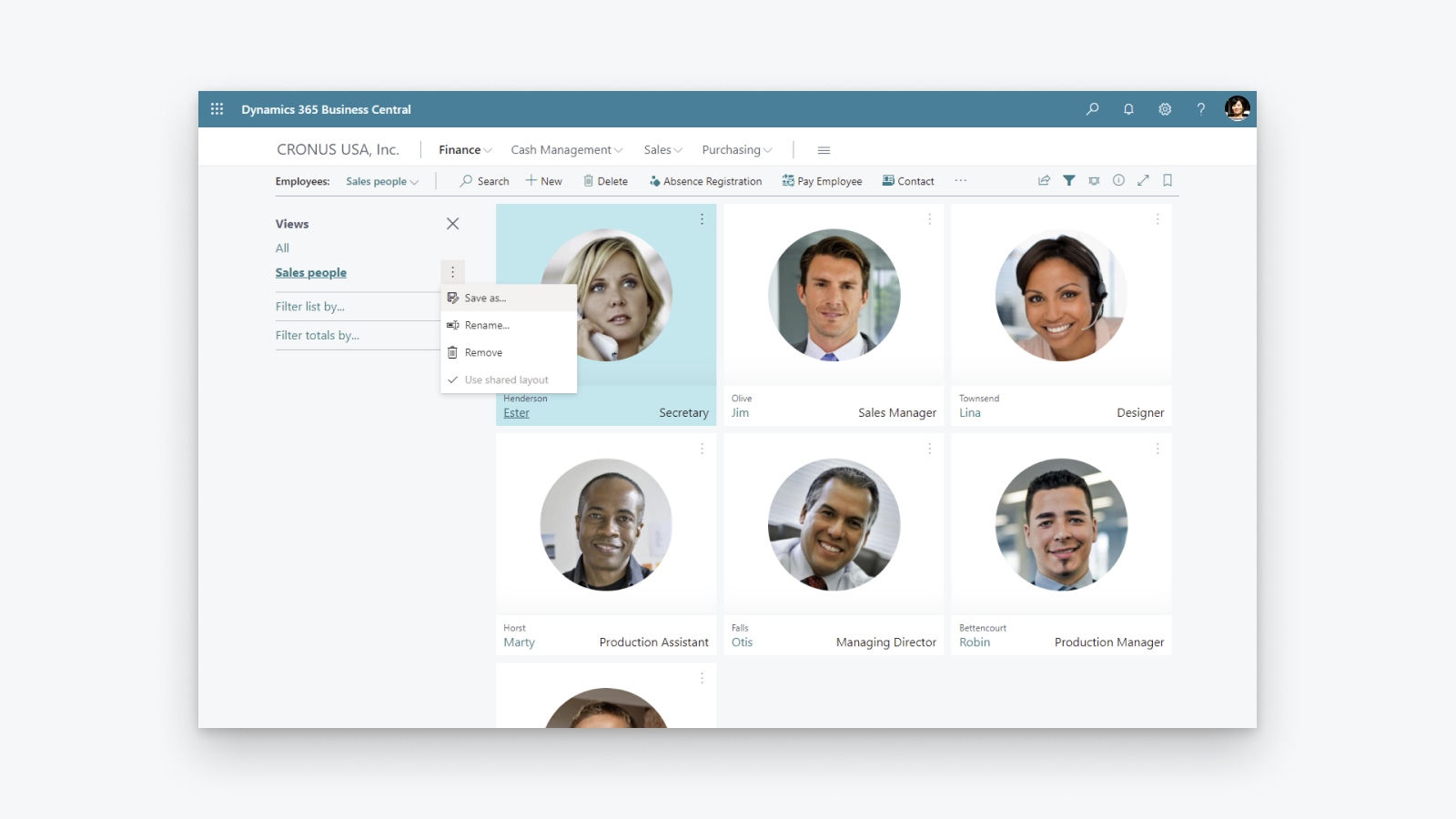
Kompleksowe rozwiązanie do zarządzania firmą, które pomaga małym i średnim przedsiębiorstwom.
Zwiększ przejrzystość finansową: zyskaj wgląd w zyski i koszty, kontroluj naliczanie podatków i raportowanie. Optymalizuj zapasy: dostarczaj produkty na czas i dostosowuj się do zmieniających się modeli biznesowych dzięki pełnemu wglądowi w zakupy, produkcję, zapasy i magazyny. Wykorzystaj analizy biznesowe: zyskaj wgląd w wartość zapasów, wykorzystaj sztuczną inteligencję do prognozowania przyszłej sprzedaży, skonfiguruj automatyczne zamawianie produktów i zachowaj kontrolę nad kosztami.
- Obsługa więcej niż jednego sklepu na platformie Shopify, kanału sprzedaży i lokalizacji.
- Dwukierunkowa synchronizacja towarów lub produktów.
- Synchronizacja stanów magazynowych.
- Dwukierunkowa synchronizacja klientów i firm.
- Import zamówień z platformy Shopify i wysyłanie informacji o realizacji do platformy Shopify.
Zawiera automatycznie przetłumaczony tekst
Języki
Angielski
Ta aplikacja nie została przetłumaczona na język Polski
Kategorie
Raporty finansowe
Operacje finansowe
Automatyczna synchronizacja danych
Przetwarzanie zamówień
Zarządzanie zapasami
Ceny
Wybierz plan najlepiej dopasowany do potrzeb firmy.
Microsoft może naliczać osobne opłaty, które nie są uwzględniane na fakturze Shopify. Dowiedz się więcej
Darmowy
Gratis
Zawiera automatycznie przetłumaczony tekst
Wszystkie opłaty są naliczane w USD. Zobacz wszystkie opcje cen
Recenzje (28)
The app feels extremely complicated for no reason. For one, there is barely any user interface on the Shopify side. You would think the process would be much simpler, with Shopify acting as the hub while inventory is automatically pulled from Business Central.
Inventory syncing is also inconvenient and extremely unreliable. I set up a Job Queue Entry to automatically sync inventory, and it simply does not work consistently. Some items update correctly while others do not, which makes the entire system difficult to trust.
The setup process itself is also unnecessarily complicated. The documentation already tells you exactly what needs to be entered and where, so why are those fields not automatically populated during setup?
Overall, this section feels much more complicated than it needs to be, especially for something as basic as keeping inventory synchronized between Business Central and Shopify.
Thank you for trying the Shopify Connector for Business Central and for sharing these detailed insights. Your feedback helps us understand where the setup and inventory synchronization experience needs improvement, and we will explore how to make it simpler and easier to trust.
We would also like to understand why some items are not synchronizing as expected. On the Shopify Shops list in Business Central, please use the Provide Feedback action and share examples of the affected items and any relevant details.
Our troubleshooting guide might also help identify the cause:
https://learn.microsoft.com/dynamics365/business-central/shopify/synchronize-inventory#troubleshooting-inventory-synchronization
Please continue sharing suggestions for improving the connector at https://aka.ms/bcideas.
Kind regards,
Microsoft Dynamics 365 Business Central engineering team
Trash. Especially reconciliation, and even more so when dealing with orders(sales orders) where there are multiples of the same item and discount is present on one of them:
The item gets broken down into two item lines, and when you sync the shipment back to Shopify, the connector doesn’t know what to do with two or more of the same item on different item lines.
Thank you for your feedback. We understand the frustration with how discounted and non-discounted lines for the same item are handled during shipment synchronization back to Shopify.
We are really happy to share that we found a way to solve this problem and released a fix as part of the 2026 release wave 1 update, which is already available. We encourage you to upgrade to the latest version of Business Central to benefit from it.
Kind regards,
Microsoft Dynamics 365 Business Central engineering team
Hasta ahora no habíamos tenido problemas con la APP, pero tras realizar un downgrade de licencia en Shopify, la APP ha dejado de funcionar correctamente indicándonos en un mensaje de error que dice:
"[{"message":"Access denied for staffMember field. Required access: `read_users` access scope. Also: The app must be a finance embedded app or installed on a Shopify Plus or Advanced store. Contact Shopify Support to enable this scope for your app.","locations":[{"line":1,"column":1188}],"extensions":{"code":"ACCESS_DENIED","documentation":"https://shopify.dev/api/usage/access-scopes","requiredAccess":"`read_users` access scope. Also: The app must be a finance embedded app or installed on a Shopify Plus or Advanced store. Contact Shopify Support to enable this scope for your app."},"path""
En ningún caso se indica en las caracteristicas de la APP que no funcionará correctamente si no es Advance o Plus.
Según Shopify, el problema lo debe solucionar MS como desarrollador, no tengo constancia todavía de que se haya hecho nada
Thank you for reporting that.
We understand the issue you are experiencing. After a Shopify plan downgrade, the connector may still reference fields that are no longer accessible on your current plan, resulting in the "Access denied for staffMember field" error.
To resolve this, please toggle the Enabled switch off and then back on in the Shopify Shop Card within Business Central. This refreshes the stored plan information and will stop the connector from requesting fields that require a higher-tier plan.
We are also working on a fix to ensure the connector automatically detects plan changes so that this manual step will no longer be necessary.
Kind regards,
Microsoft Dynamics 365 Business Central engineering team
Pomoc techniczna
Pomoc techniczną dla aplikacji zapewnia Microsoft.
Zasoby
Ten programista nie oferuje bezpośredniego wsparcia w języku: Polski.
Deweloper
Wprowadzenie na rynek
29 kwiecień 2022
Dostęp do danych
Ta aplikacja potrzebuje dostępu do następujących danych, aby działać w Twoim sklepie. Dowiedz się, dlaczego, przeglądając politykę prywatności dewelopera.
Wyświetlanie danych klientów:
Dane wrażliwe, dane urządzenia i aktywności
-
Dane wrażliwe
Nazwa, adres e-mail, numer telefonu, adres fizyczny
-
Dane urządzenia i aktywności
Geolokalizacja, adres IP, przeglądarka i system operacyjny
Wyświetlanie danych pracowników i współpracowników:
Właściciel sklepu, pracownicy
-
Właściciel sklepu
Nazwa, adres e-mail, numer telefonu, adres fizyczny
-
Pracownicy
Nazwa, adres e-mail, numer telefonu
Wyświetlaj i edytuj dane sklepu:
Klienci, produkty, zamówienia, rabaty, konta pracowników, Shopify Payments, Sklep online, panel administracyjny Shopify, inne dane
-
Edytuj klientów
Dane klientów
-
Edytuj produkty
Zapasy, produkty, kolekcje
-
Edytuj zamówienia
Przypisana realizacja, wersje robocze zamówień, realizacje zamówień, realizacja zarządzana przez sprzedawcę, edycje zamówień, cała historia zamówień, zwroty, informacje o wysyłce, realizacja przez firmę zewnętrzną
-
Wyświetl rabaty
Kody rabatowe i promocje
-
Wyświetl konta pracowników
Konta pracowników
-
Wyświetl Shopify Payments
Konta Shopify Payments, wypłaty Shopify Payments, spory dotyczące Shopify Payments
-
Wyświetl Sklep online
Strona realizacji zakupu
-
Edytuj panel administracyjny Shopify
Pliki
-
Edytuj inne dane
Ustawienia regionalne, lokalizacje, Ustawienia Shopify Markets, warunki płatności, publikacje produktów w kanałach sprzedaży, tłumaczenia
Wyróżnione tutaj:

Więcej podobnych aplikacji