แกลเลอรีรูปภาพที่แสดง
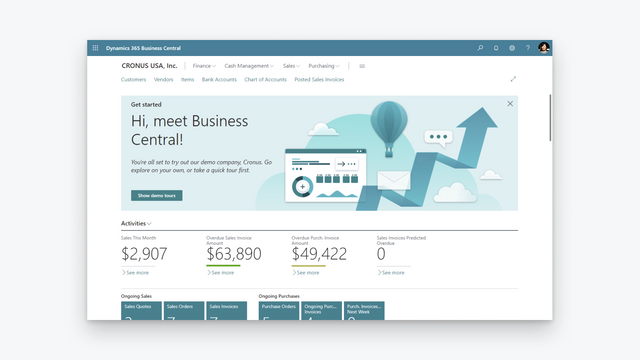

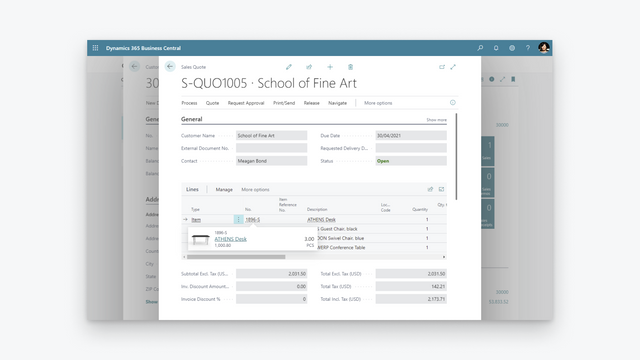
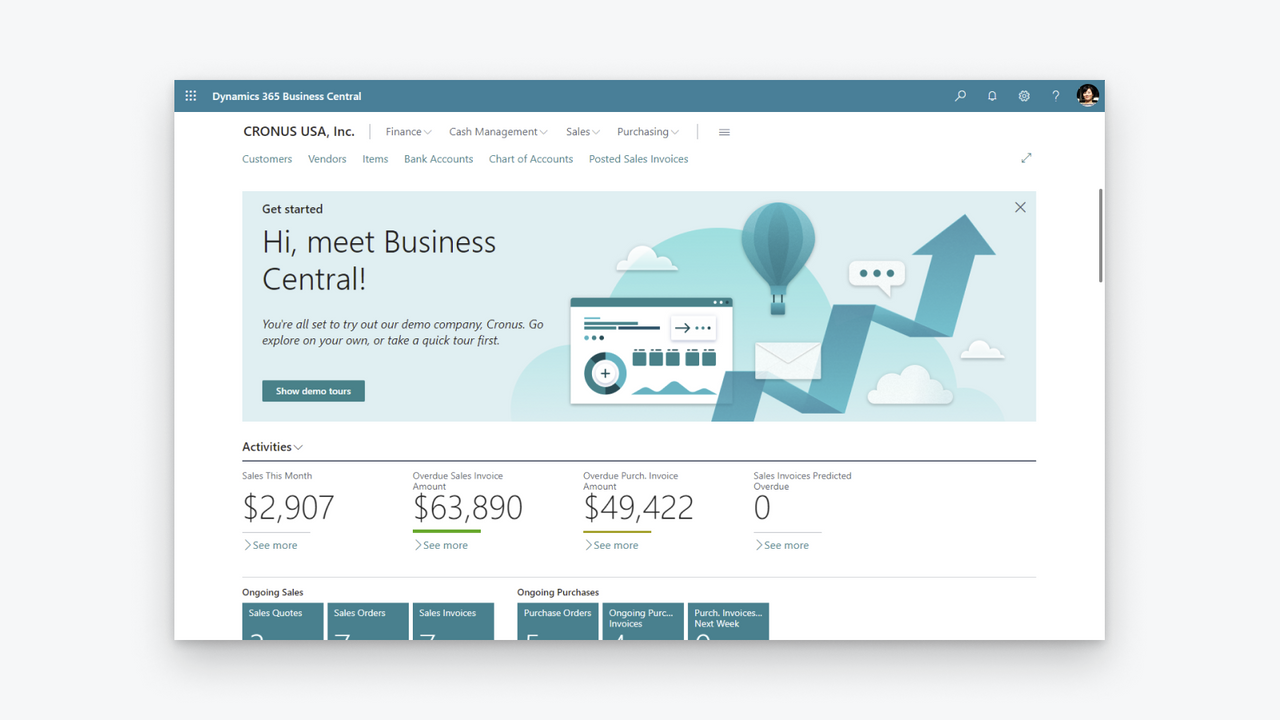

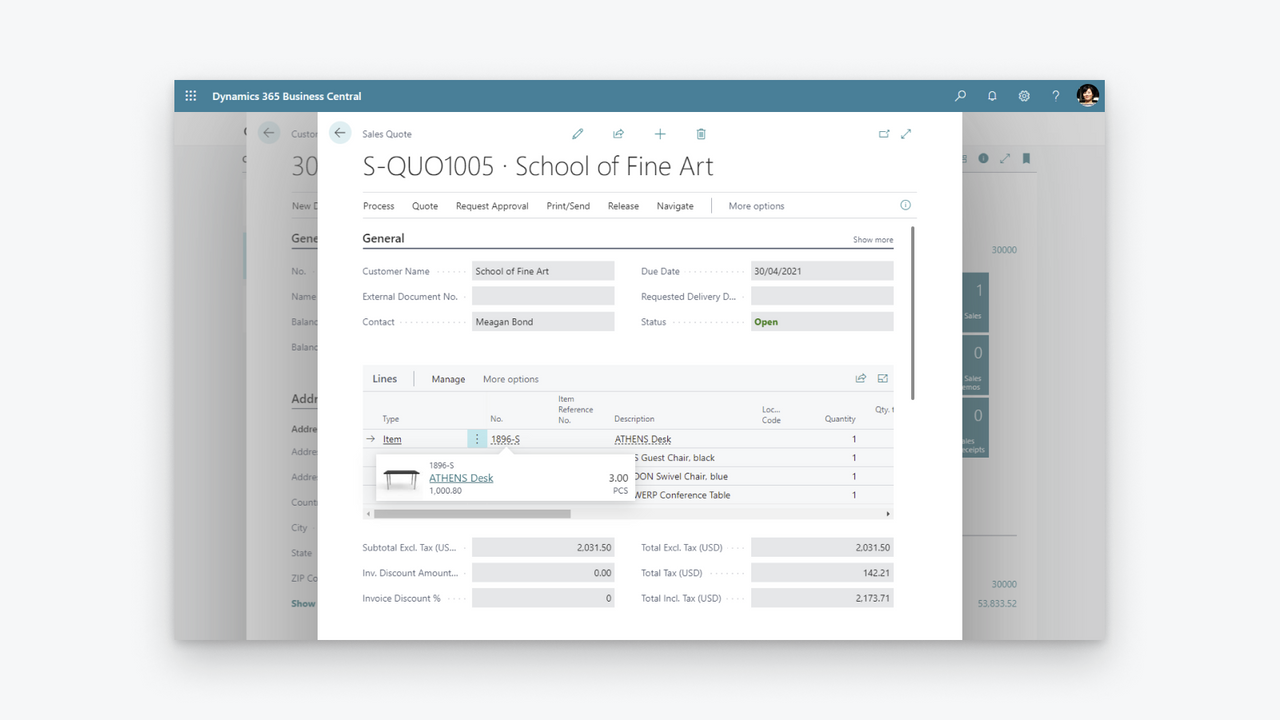

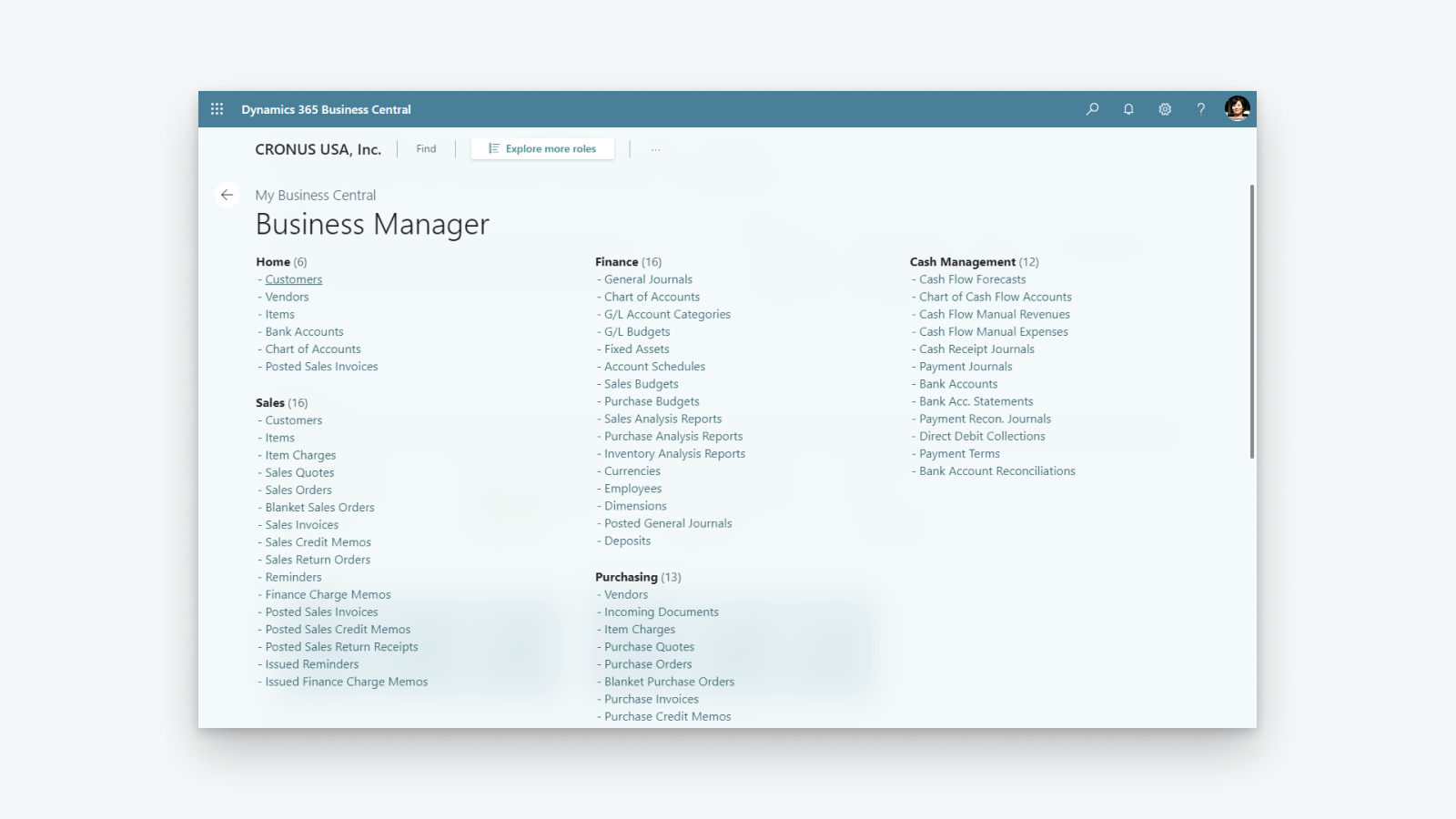
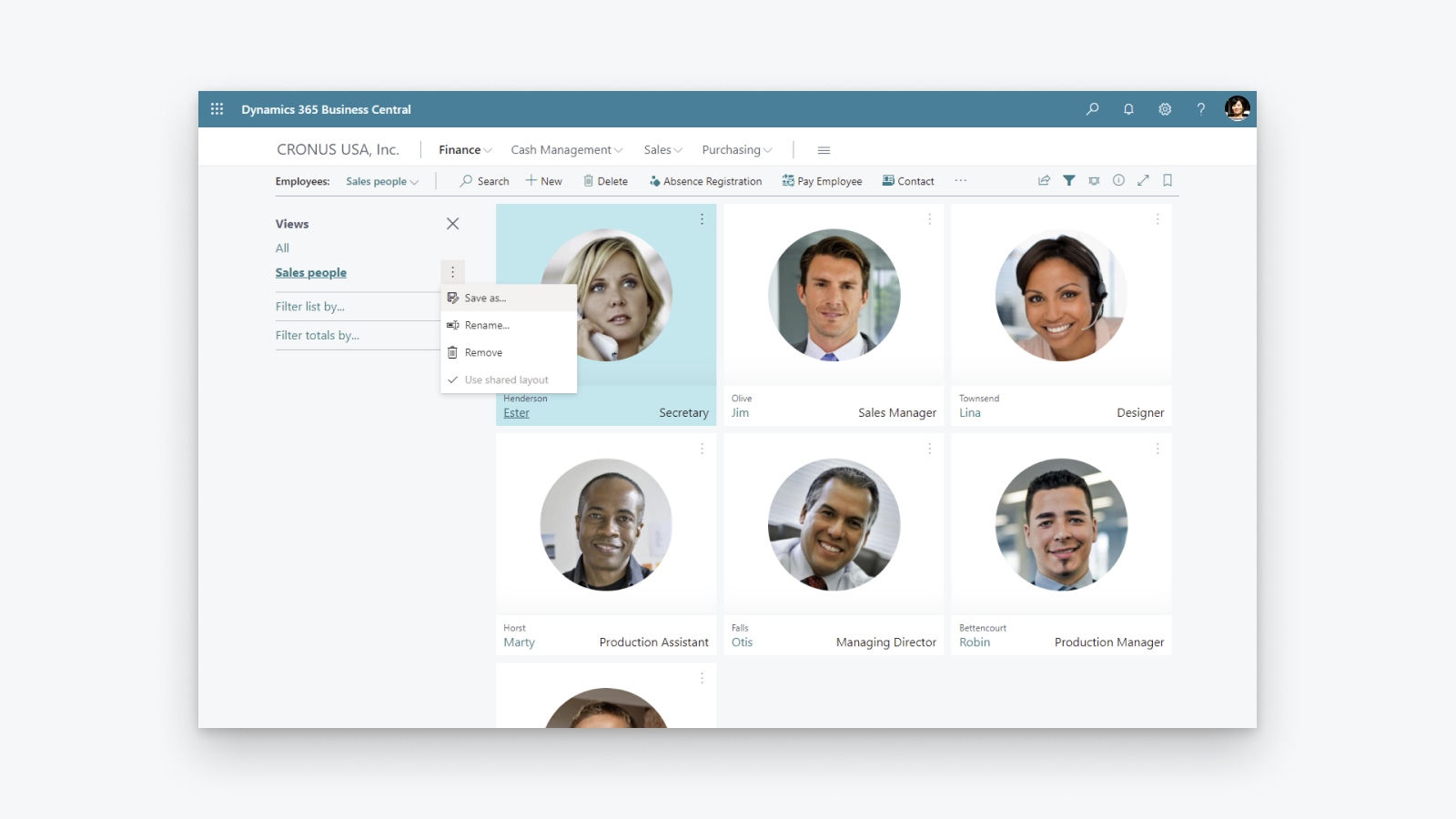
โซลูชันการจัดการธุรกิจแบบครบวงจรที่ช่วยสนับสนุนบริษัทขนาดเล็กและขนาดกลาง
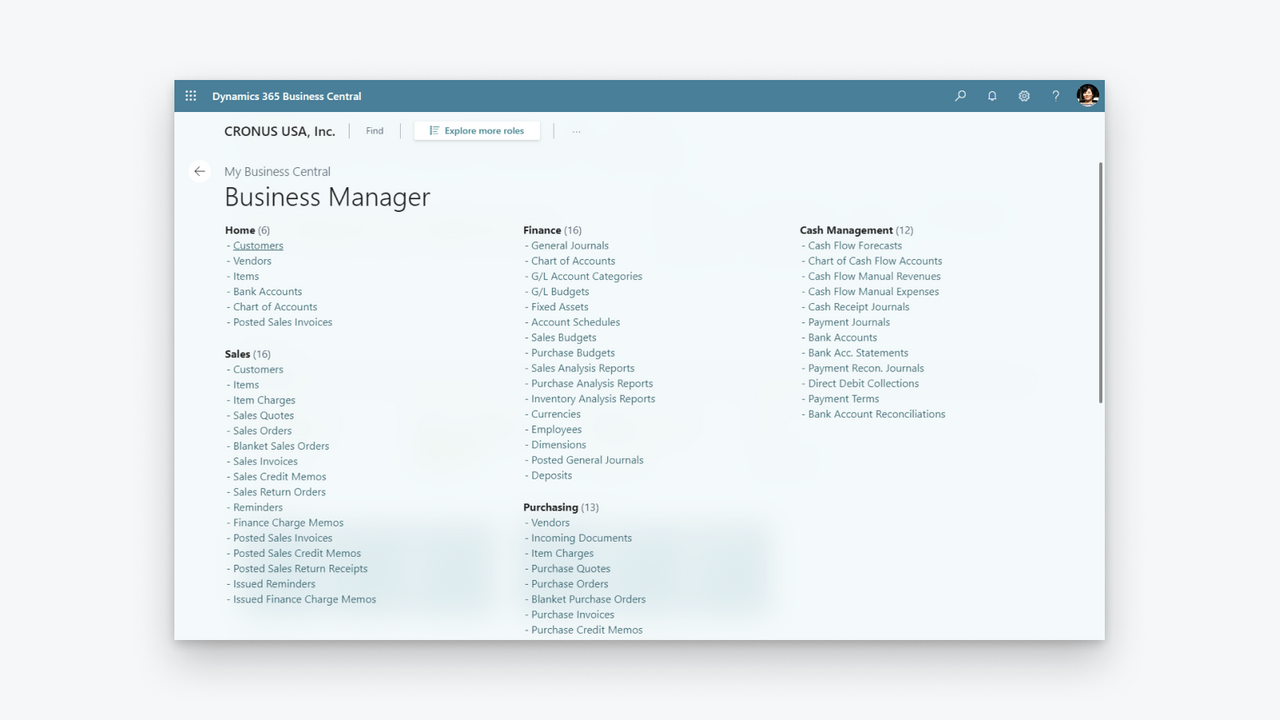
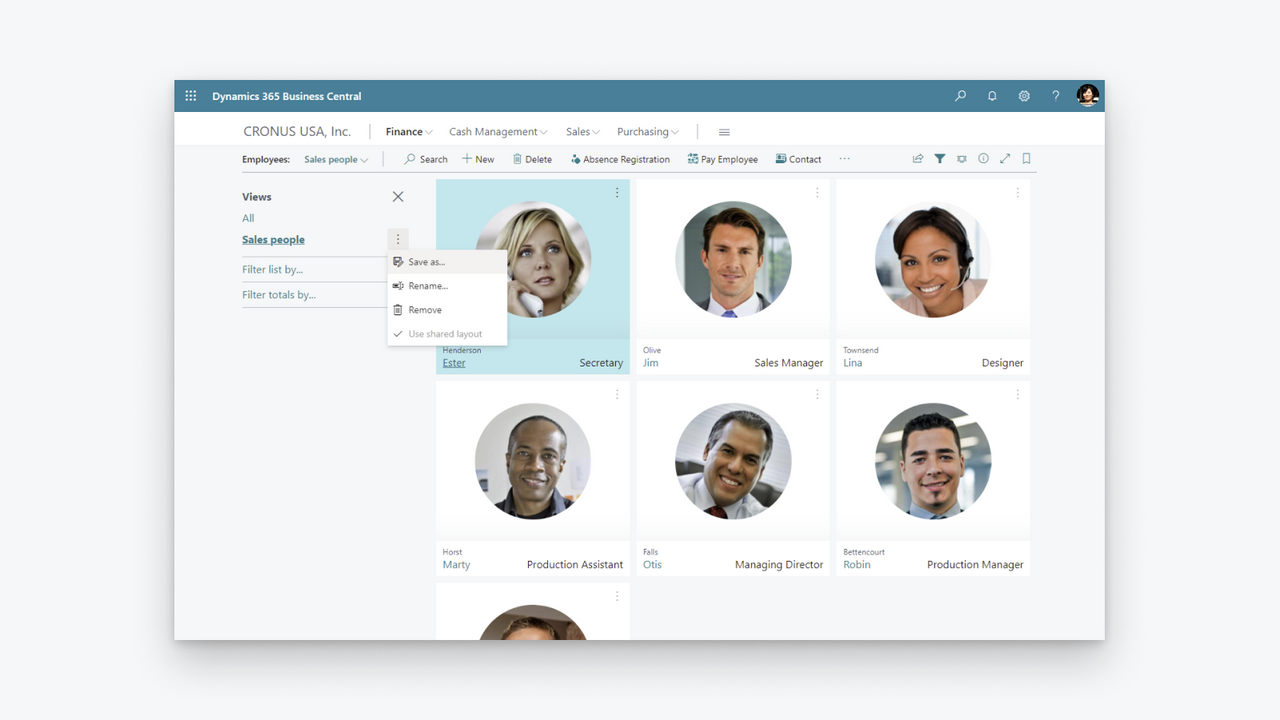
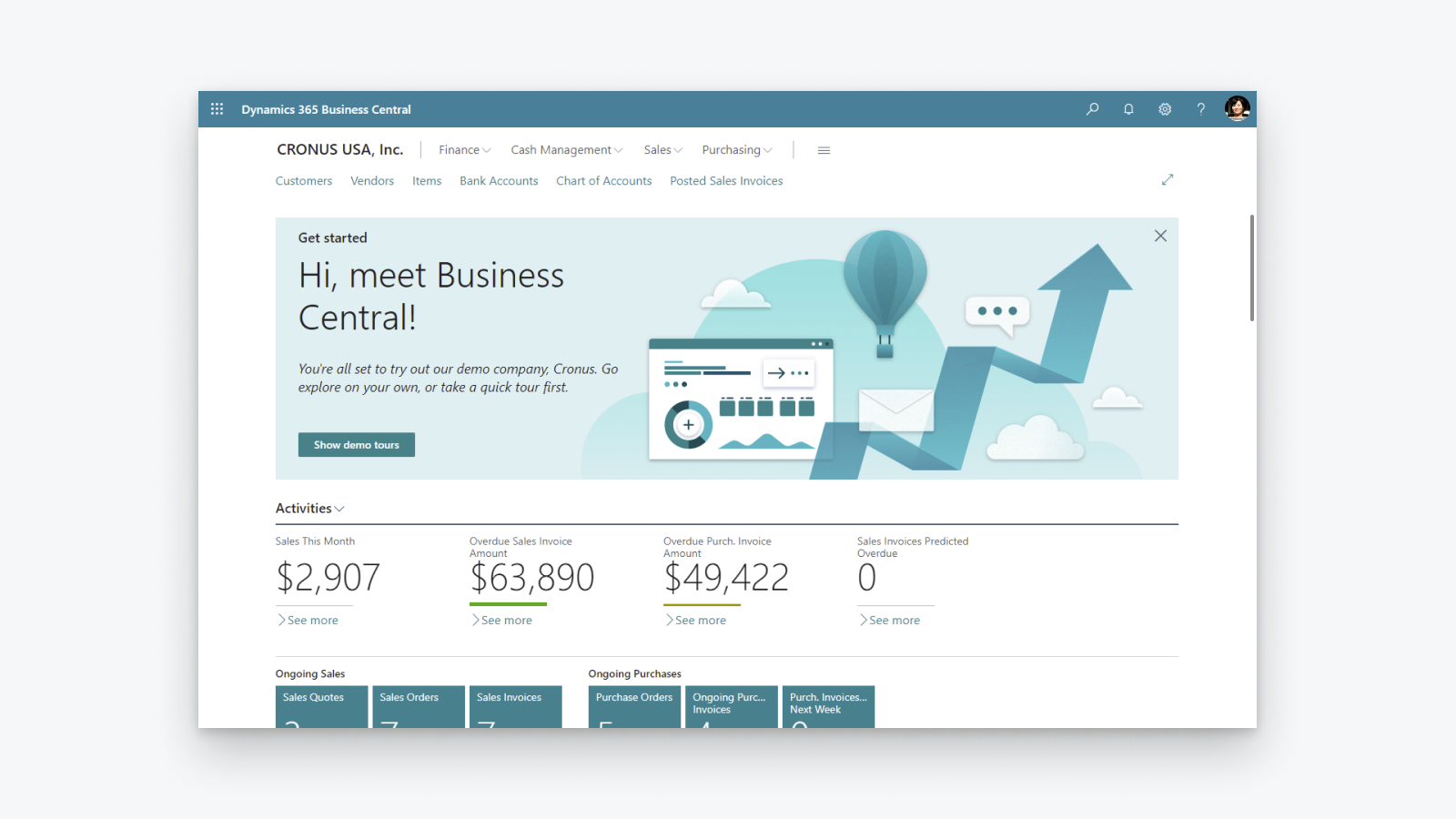
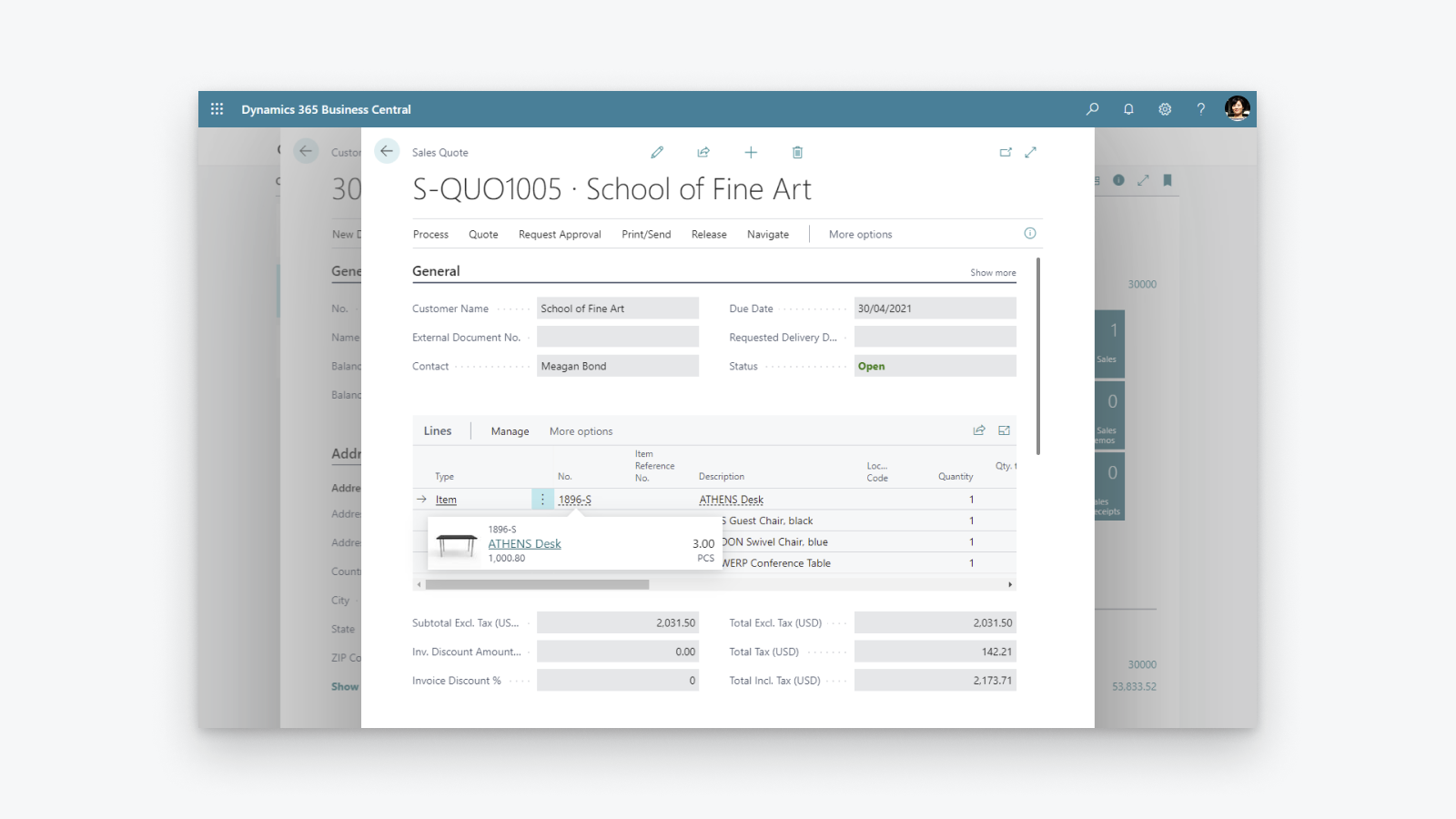
เพิ่มความโปร่งใสทางการเงิน: ดูภาพรวมผลกำไรและต้นทุน ควบคุมการคำนวณและการรายงานภาษี เพิ่มประสิทธิภาพสินค้าคงคลัง: ส่งมอบสินค้าได้ตรงเวลาและปรับตัวให้เข้ากับรูปแบบธุรกิจที่เปลี่ยนแปลงไป พร้อมมุมมองที่ครอบคลุมทั้งการจัดซื้อ การผลิต สินค้าคงคลัง และคลังสินค้า ปลดล็อกข้อมูลเชิงลึกทางธุรกิจ: ดูภาพรวมมูลค่าสินค้าคงคลัง ใช้ AI คาดการณ์ยอดขายในอนาคต ตั้งค่าการสั่งซื้อสินค้าอัตโนมัติ และควบคุมต้นทุน
- รองรับร้านค้า Shopify ช่องทางการขาย และตำแหน่งที่ตั้งมากกว่าหนึ่งแห่ง
- ซิงค์ข้อมูลไอเท็มหรือสินค้าแบบสองทิศทาง
- ซิงค์ระดับสินค้าคงคลัง
- ซิงค์ข้อมูลลูกค้าและบริษัทแบบสองทิศทาง
- นำเข้าคำสั่งซื้อจาก Shopify และส่งข้อมูลการจัดการคำสั่งซื้อไปยัง Shopify
มีข้อความที่แปลอัตโนมัติ
ภาษา
ภาษาอังกฤษ
แอปนี้ไม่ได้แปลเป็นภาษาไทย
ประเภท
รายงานด้านการเงิน
การดำเนินงานทางการเงิน
การซิงค์ข้อมูลอัตโนมัติ
การประมวลผลการสั่งซื้อ
การจัดการสินค้าคงคลัง
การกำหนดราคา
เลือกแผนที่เหมาะกับธุรกิจของคุณที่สุด
Microsoft อาจคิดค่าบริการภายนอกแยกจากใบแจ้งหนี้ของ Shopify ดูข้อมูลเพิ่มเติม
ฟรี
ฟรี
มีข้อความที่แปลอัตโนมัติ
ค่าบริการทั้งหมดจะเรียกเก็บเป็น USD ดูตัวเลือกการกำหนดราคาทั้งหมด
รีวิว (28)
The app feels extremely complicated for no reason. For one, there is barely any user interface on the Shopify side. You would think the process would be much simpler, with Shopify acting as the hub while inventory is automatically pulled from Business Central.
Inventory syncing is also inconvenient and extremely unreliable. I set up a Job Queue Entry to automatically sync inventory, and it simply does not work consistently. Some items update correctly while others do not, which makes the entire system difficult to trust.
The setup process itself is also unnecessarily complicated. The documentation already tells you exactly what needs to be entered and where, so why are those fields not automatically populated during setup?
Overall, this section feels much more complicated than it needs to be, especially for something as basic as keeping inventory synchronized between Business Central and Shopify.
Thank you for trying the Shopify Connector for Business Central and for sharing these detailed insights. Your feedback helps us understand where the setup and inventory synchronization experience needs improvement, and we will explore how to make it simpler and easier to trust.
We would also like to understand why some items are not synchronizing as expected. On the Shopify Shops list in Business Central, please use the Provide Feedback action and share examples of the affected items and any relevant details.
Our troubleshooting guide might also help identify the cause:
https://learn.microsoft.com/dynamics365/business-central/shopify/synchronize-inventory#troubleshooting-inventory-synchronization
Please continue sharing suggestions for improving the connector at https://aka.ms/bcideas.
Kind regards,
Microsoft Dynamics 365 Business Central engineering team
Trash. Especially reconciliation, and even more so when dealing with orders(sales orders) where there are multiples of the same item and discount is present on one of them:
The item gets broken down into two item lines, and when you sync the shipment back to Shopify, the connector doesn’t know what to do with two or more of the same item on different item lines.
Thank you for your feedback. We understand the frustration with how discounted and non-discounted lines for the same item are handled during shipment synchronization back to Shopify.
We are really happy to share that we found a way to solve this problem and released a fix as part of the 2026 release wave 1 update, which is already available. We encourage you to upgrade to the latest version of Business Central to benefit from it.
Kind regards,
Microsoft Dynamics 365 Business Central engineering team
Hasta ahora no habíamos tenido problemas con la APP, pero tras realizar un downgrade de licencia en Shopify, la APP ha dejado de funcionar correctamente indicándonos en un mensaje de error que dice:
"[{"message":"Access denied for staffMember field. Required access: `read_users` access scope. Also: The app must be a finance embedded app or installed on a Shopify Plus or Advanced store. Contact Shopify Support to enable this scope for your app.","locations":[{"line":1,"column":1188}],"extensions":{"code":"ACCESS_DENIED","documentation":"https://shopify.dev/api/usage/access-scopes","requiredAccess":"`read_users` access scope. Also: The app must be a finance embedded app or installed on a Shopify Plus or Advanced store. Contact Shopify Support to enable this scope for your app."},"path""
En ningún caso se indica en las caracteristicas de la APP que no funcionará correctamente si no es Advance o Plus.
Según Shopify, el problema lo debe solucionar MS como desarrollador, no tengo constancia todavía de que se haya hecho nada
Thank you for reporting that.
We understand the issue you are experiencing. After a Shopify plan downgrade, the connector may still reference fields that are no longer accessible on your current plan, resulting in the "Access denied for staffMember field" error.
To resolve this, please toggle the Enabled switch off and then back on in the Shopify Shop Card within Business Central. This refreshes the stored plan information and will stop the connector from requesting fields that require a higher-tier plan.
We are also working on a fix to ensure the connector automatically detects plan changes so that this manual step will no longer be necessary.
Kind regards,
Microsoft Dynamics 365 Business Central engineering team
ความช่วยเหลือ
ให้ความช่วยเหลือสำหรับแอปโดย Microsoft
แหล่งข้อมูล
ผู้พัฒนารายนี้ไม่มีการช่วยเหลือโดยตรงเป็นภาษาภาษาไทย
เปิดตัวแล้ว
29 เมษายน 2022
สิทธิ์เข้าถึงข้อมูล
แอปนี้ต้องมีสิทธิ์เข้าถึงข้อมูลต่อไปนี้เพื่อดำเนินการในร้านค้าของคุณ ดูข้อมูลในนโยบายความเป็นส่วนตัว ของนักพัฒนา
ดูข้อมูลลูกค้า:
ข้อมูลที่ละเอียดอ่อน, ข้อมูลอุปกรณ์และกิจกรรม
-
ข้อมูลที่ละเอียดอ่อน
ชื่อ, ที่อยู่อีเมล, หมายเลขโทรศัพท์, ที่อยู่จริง
-
ข้อมูลอุปกรณ์และกิจกรรม
ตำแหน่งที่ตั้งทางภูมิศาสตร์, ที่อยู่ IP, เบราว์เซอร์และระบบปฏิบัติการ
ดูข้อมูลพนักงานและผู้มีส่วนร่วม:
เจ้าของร้าน, พนักงาน
-
เจ้าของร้าน
ชื่อ, ที่อยู่อีเมล, หมายเลขโทรศัพท์, ที่อยู่จริง
-
พนักงาน
ชื่อ, ที่อยู่อีเมล, หมายเลขโทรศัพท์
ดูและแก้ไขข้อมูลร้านค้า:
ลูกค้า, สินค้า, คำสั่งซื้อ, ส่วนลด, บัญชีผู้ใช้ของพนักงาน, Shopify Payments, ร้านค้าออนไลน์, ส่วนผู้ดูแล Shopify, ข้อมูลอื่นๆ
-
แก้ไขข้อมูลลูกค้า
ข้อมูลลูกค้า
-
แก้ไขสินค้า
สินค้าคงคลัง, สินค้า, คอลเลกชัน
-
แก้ไขคำสั่งซื้อ
การจัดการคำสั่งซื้อที่ได้รับมอบหมาย, คำสั่งซื้อที่ยังไม่ชำระเงิน, การจัดการคำสั่งซื้อ, การจัดการคำสั่งซื้อที่จัดการโดยผู้ขาย, การแก้ไขคำสั่งซื้อ, ประวัติคำสั่งซื้อทั้งหมด, การคืนสินค้า, ข้อมูลการจัดส่ง, การจัดการคำสั่งซื้อจากภายนอก
-
ดูส่วนลด
รหัสส่วนลดและโปรโมชัน
-
ดูบัญชีผู้ใช้ของพนักงาน
บัญชีผู้ใช้ของพนักงาน
-
ดู Shopify Payments
บัญชี Shopify Payments, ยอดเงินเข้าจาก Shopify Payments, ข้อโต้แย้งของ Shopify Payments
-
ดูร้านค้าออนไลน์
หน้าการชำระเงิน
-
แก้ไขส่วนผู้ดูแล Shopify
ไฟล์
-
แก้ไขข้อมูลอื่นๆ
ตำแหน่งที่ตั้ง, การตั้งค่า Shopify Markets, เงื่อนไขการชำระเงิน, การเผยแพร่สินค้าบนช่องทางการขาย, การแปล
แนะนำ

พบกับแอปที่น่าสนใจ