Öne çıkan görsel galerisi
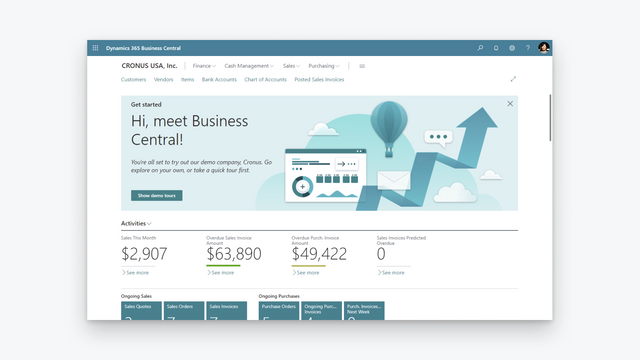

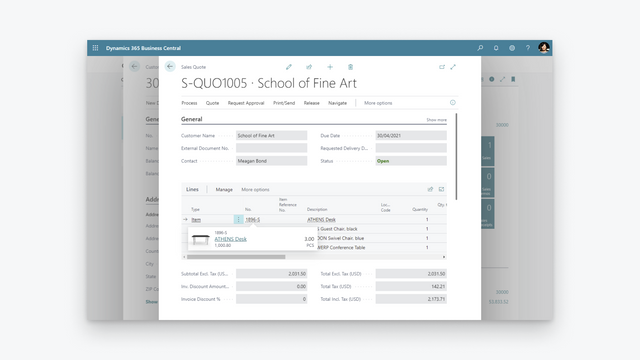
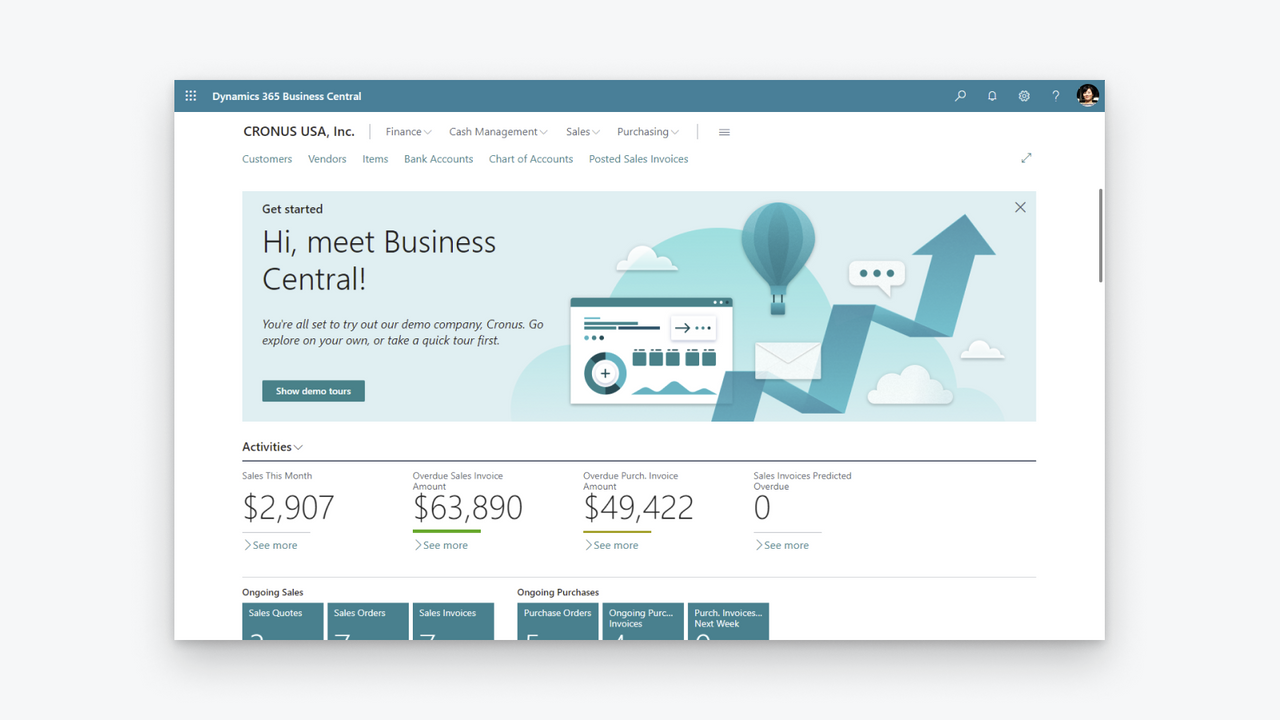

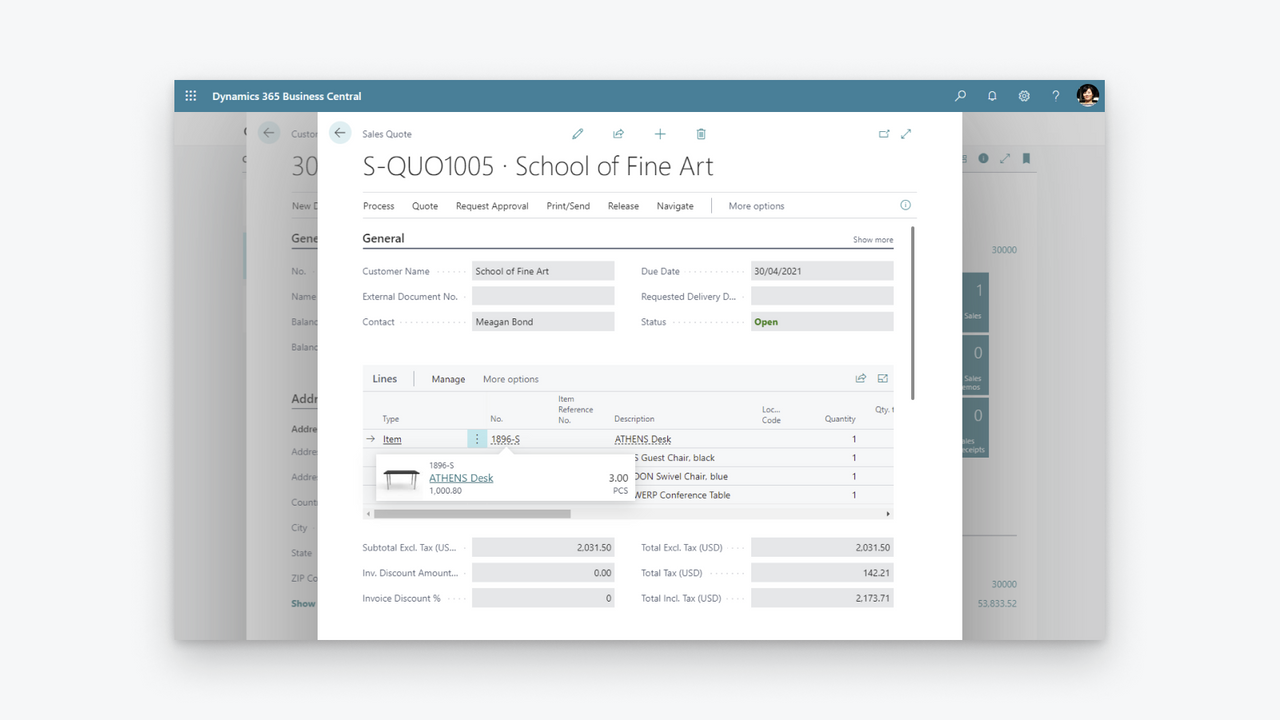
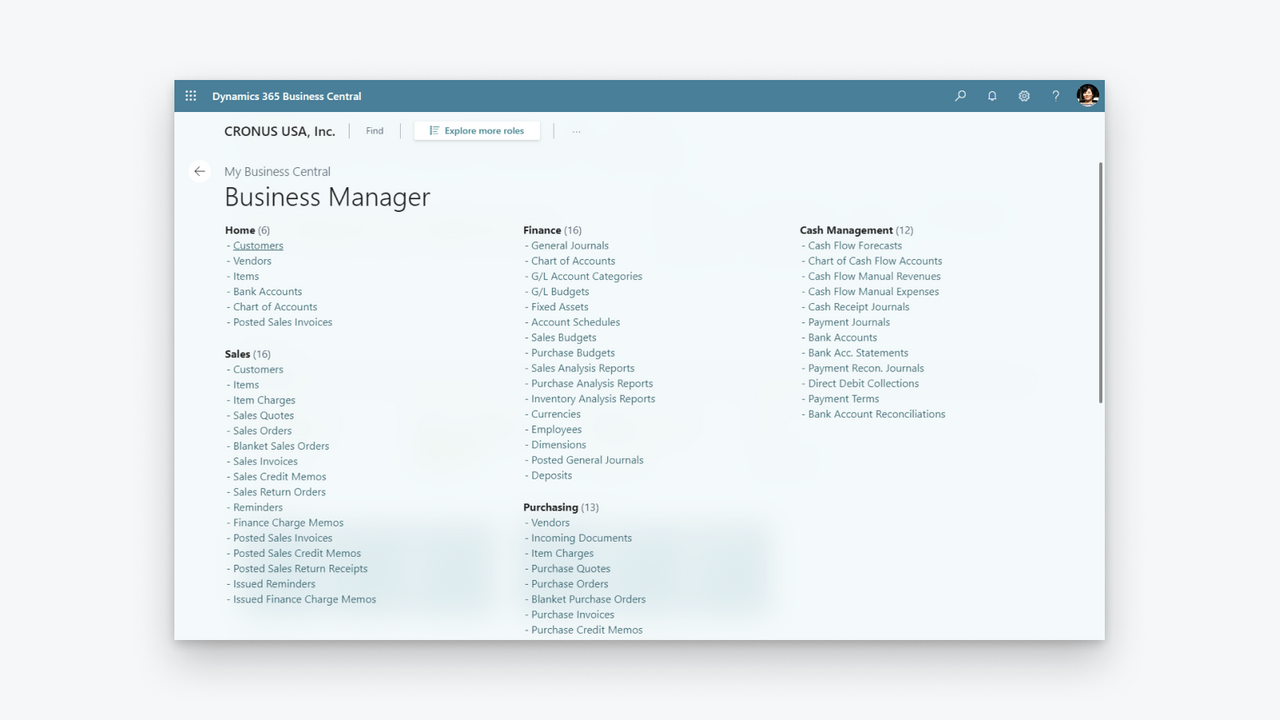
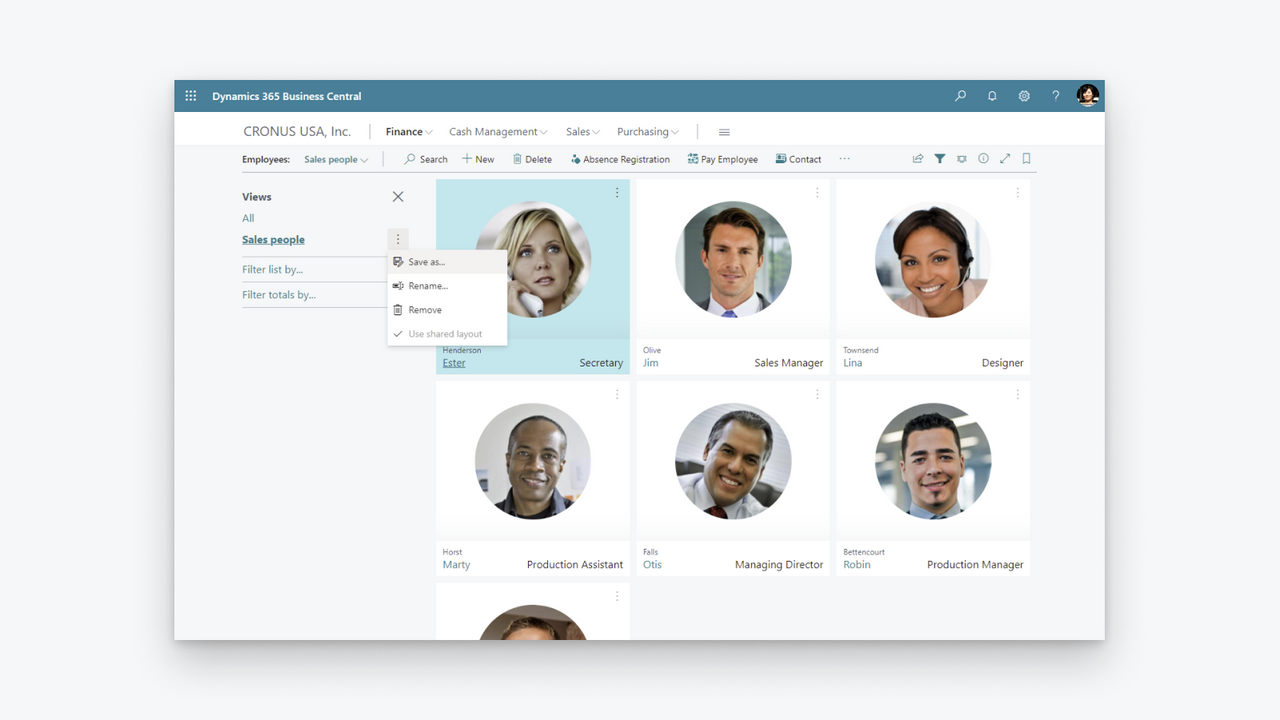
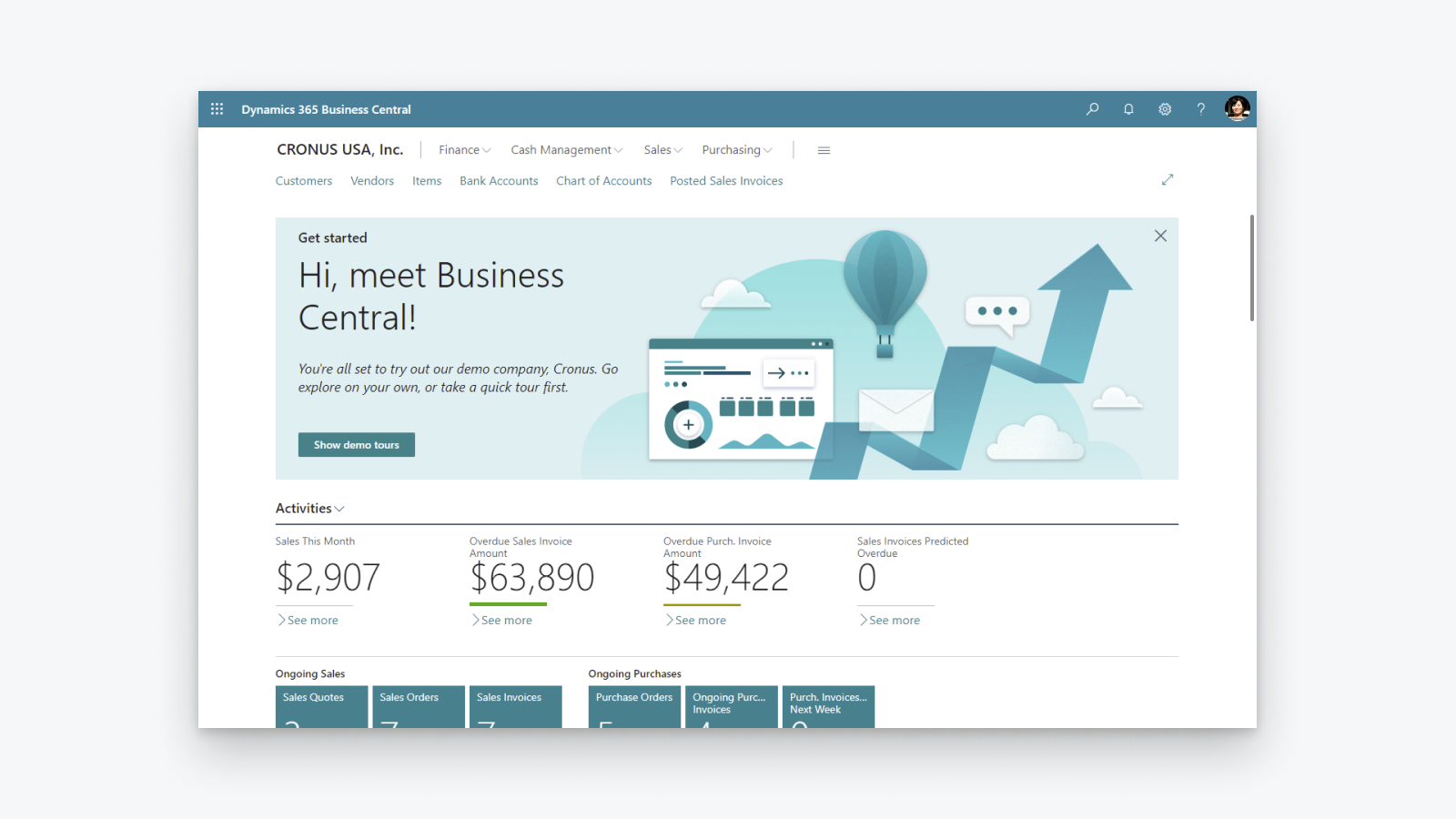

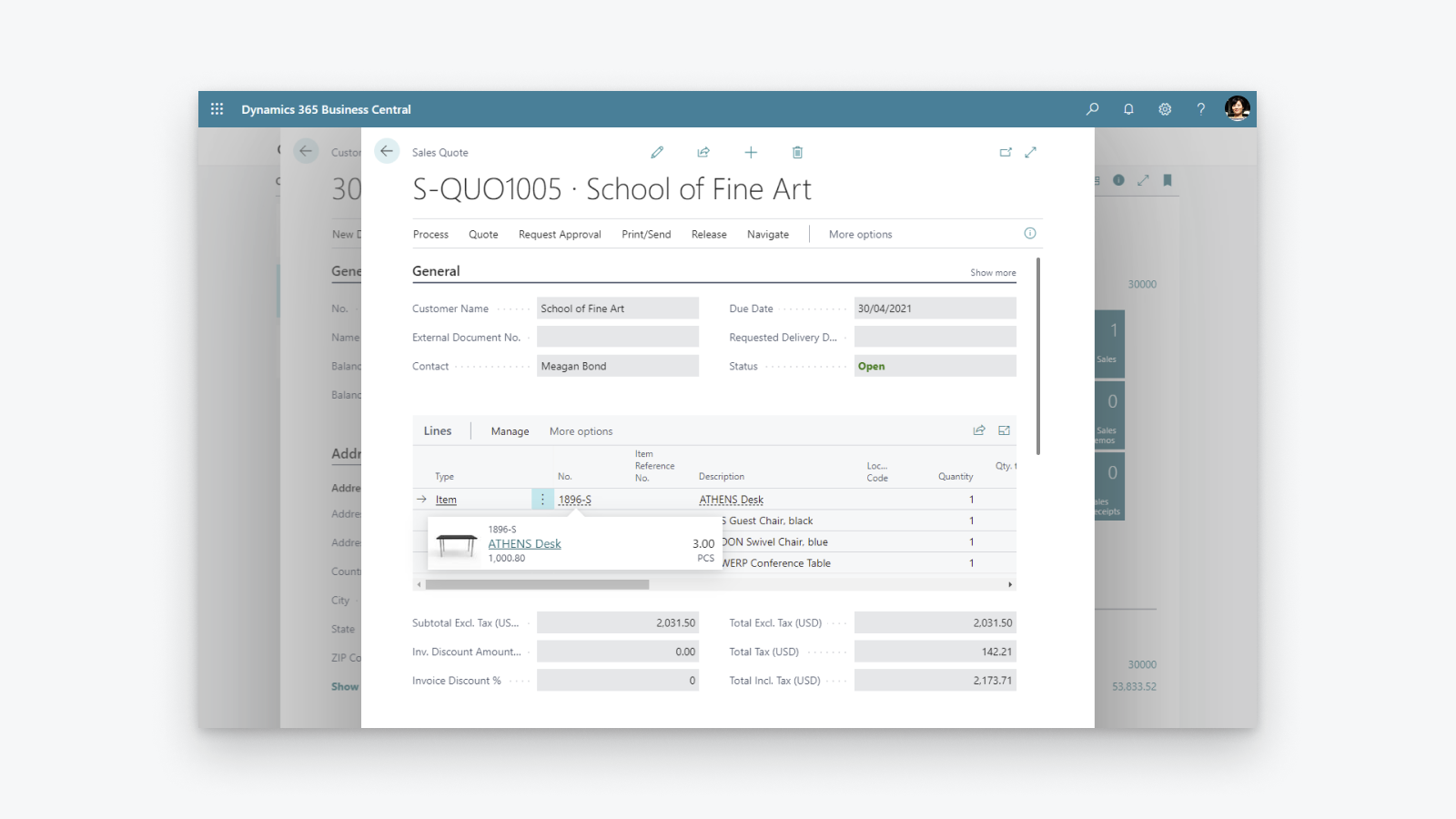
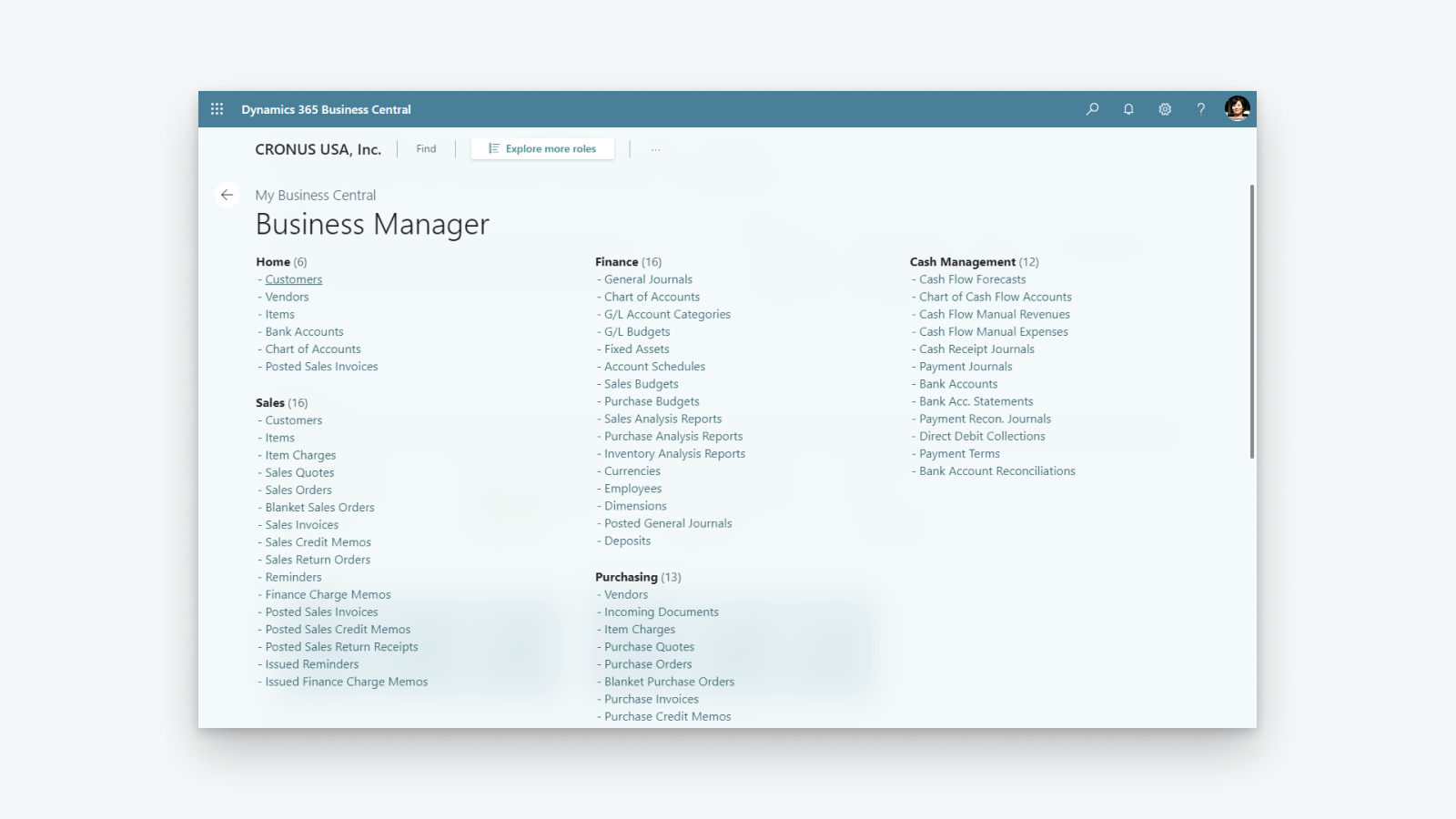
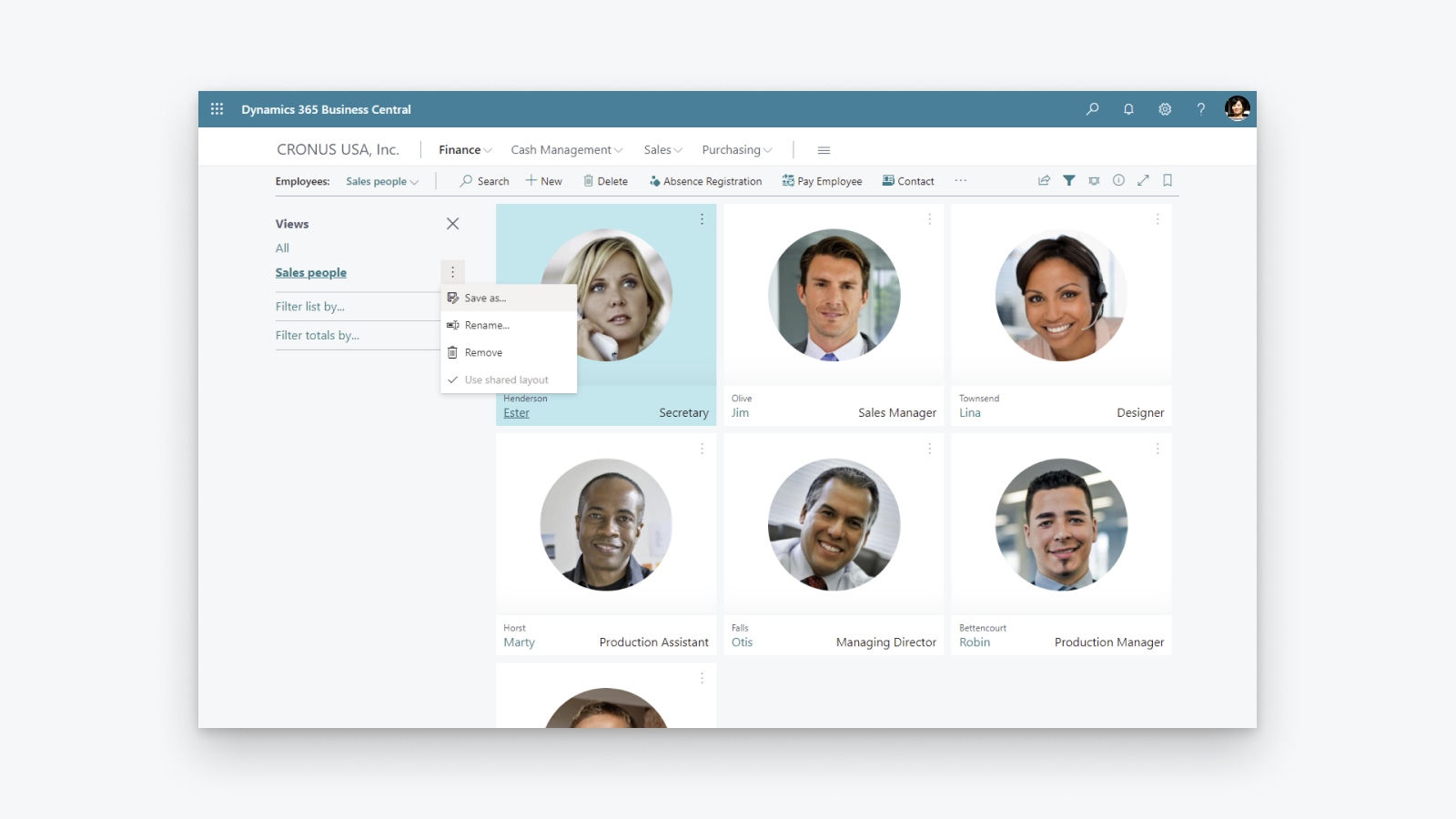
Küçük ve orta ölçekli şirketlere yardımcı olan kapsamlı iş yönetimi çözümü.
Finansal görünürlüğü artırın: Kâr ve maliyetlerinizi genel hatlarıyla görün, vergi hesaplama ve raporlama süreçlerinizi kontrol altına alın. Envanteri optimize edin: Satın alma, üretim, envanter ve depolar genelindeki görünürlük sayesinde ürünleri zamanında teslim edin ve değişen iş modellerine uyum sağlayın. İşinize dair içgörüleri keşfedin: Envanter değerinizi genel hatlarıyla görün, gelecekteki satışları tahmin etmek için yapay zekadan yararlanın, otomatik ürün siparişi ayarlayın ve maliyetleri kontrol altında tutun.
- Birden fazla Shopify mağazası, satış kanalı ve konum desteği.
- Öğe veya ürünlerin çift yönlü senkronizasyonu.
- Envanter seviyelerinin senkronizasyonu.
- Müşterilerin ve şirketlerin çift yönlü senkronizasyonu.
- Shopify'dan siparişlerin içe aktarılması ve gönderim bilgilerinin Shopify'a iletilmesi.
Otomatik çeviri içerir
Diller
İngilizce
Bu uygulama şu dile çevrilmedi:Türkçe
Kategoriler
Finansal raporlar
Finansal işlemler
Otomatik veri senkronizasyonu
Sipariş işleme
Envanter yönetimi
Fiyatlandırma
İşletmenize en uygun planı seçin.
Harici ücretler Microsoft tarafından Shopify faturanızdan ayrı olarak faturalandırılabilir. Daha fazla bilgi
Ücretsiz
Ücretsiz
Otomatik çeviri içerir
Tüm ücretler USD cinsinden faturalandırılır. Tüm fiyatlandırma seçeneklerini göster
Değerlendirmeler (28)
The app feels extremely complicated for no reason. For one, there is barely any user interface on the Shopify side. You would think the process would be much simpler, with Shopify acting as the hub while inventory is automatically pulled from Business Central.
Inventory syncing is also inconvenient and extremely unreliable. I set up a Job Queue Entry to automatically sync inventory, and it simply does not work consistently. Some items update correctly while others do not, which makes the entire system difficult to trust.
The setup process itself is also unnecessarily complicated. The documentation already tells you exactly what needs to be entered and where, so why are those fields not automatically populated during setup?
Overall, this section feels much more complicated than it needs to be, especially for something as basic as keeping inventory synchronized between Business Central and Shopify.
Thank you for trying the Shopify Connector for Business Central and for sharing these detailed insights. Your feedback helps us understand where the setup and inventory synchronization experience needs improvement, and we will explore how to make it simpler and easier to trust.
We would also like to understand why some items are not synchronizing as expected. On the Shopify Shops list in Business Central, please use the Provide Feedback action and share examples of the affected items and any relevant details.
Our troubleshooting guide might also help identify the cause:
https://learn.microsoft.com/dynamics365/business-central/shopify/synchronize-inventory#troubleshooting-inventory-synchronization
Please continue sharing suggestions for improving the connector at https://aka.ms/bcideas.
Kind regards,
Microsoft Dynamics 365 Business Central engineering team
Trash. Especially reconciliation, and even more so when dealing with orders(sales orders) where there are multiples of the same item and discount is present on one of them:
The item gets broken down into two item lines, and when you sync the shipment back to Shopify, the connector doesn’t know what to do with two or more of the same item on different item lines.
Thank you for your feedback. We understand the frustration with how discounted and non-discounted lines for the same item are handled during shipment synchronization back to Shopify.
We are really happy to share that we found a way to solve this problem and released a fix as part of the 2026 release wave 1 update, which is already available. We encourage you to upgrade to the latest version of Business Central to benefit from it.
Kind regards,
Microsoft Dynamics 365 Business Central engineering team
Hasta ahora no habíamos tenido problemas con la APP, pero tras realizar un downgrade de licencia en Shopify, la APP ha dejado de funcionar correctamente indicándonos en un mensaje de error que dice:
"[{"message":"Access denied for staffMember field. Required access: `read_users` access scope. Also: The app must be a finance embedded app or installed on a Shopify Plus or Advanced store. Contact Shopify Support to enable this scope for your app.","locations":[{"line":1,"column":1188}],"extensions":{"code":"ACCESS_DENIED","documentation":"https://shopify.dev/api/usage/access-scopes","requiredAccess":"`read_users` access scope. Also: The app must be a finance embedded app or installed on a Shopify Plus or Advanced store. Contact Shopify Support to enable this scope for your app."},"path""
En ningún caso se indica en las caracteristicas de la APP que no funcionará correctamente si no es Advance o Plus.
Según Shopify, el problema lo debe solucionar MS como desarrollador, no tengo constancia todavía de que se haya hecho nada
Thank you for reporting that.
We understand the issue you are experiencing. After a Shopify plan downgrade, the connector may still reference fields that are no longer accessible on your current plan, resulting in the "Access denied for staffMember field" error.
To resolve this, please toggle the Enabled switch off and then back on in the Shopify Shop Card within Business Central. This refreshes the stored plan information and will stop the connector from requesting fields that require a higher-tier plan.
We are also working on a fix to ensure the connector automatically detects plan changes so that this manual step will no longer be necessary.
Kind regards,
Microsoft Dynamics 365 Business Central engineering team
Destek
Uygulama desteği Microsoft tarafından sağlanmaktadır.
Kaynaklar
Geliştirici
Yayınlanma
29 Nisan 2022
Veri erişimi
Bu uygulamanın mağazanızda kullanılabilmesi için aşağıdaki verilere erişmesi gerekir. Nedenini geliştiriciningizlilik politikası belgesinden öğrenin.
Müşteri verilerini görüntüle:
Hassas veriler, cihaz ve etkinlik verileri
-
Hassas veriler
Ad, e-posta adresi, telefon numarası, fiziksel adres
-
Cihaz ve etkinlik verileri
Coğrafi konum, IP adresi, tarayıcı ve işletim sistemi
Personel ve katkıda bulunan verilerini görüntüle:
Mağaza sahibi, personel üyeleri
-
Mağaza sahibi
Ad, e-posta adresi, telefon numarası, fiziksel adres
-
Personel üyeleri
Ad, e-posta adresi, telefon numarası
Mağaza verilerini görüntüle ve düzenle:
Müşteriler, ürünler, siparişler, indirimler, personel hesapları, Shopify Payments, Online Mağaza, Shopify yöneticisi, diğer veriler
-
Müşterileri düzenle
Müşteri verileri
-
Ürünleri düzenle
Envanter, ürünler, koleksiyonlar
-
Siparişleri düzenle
Atanan gönderim, taslak siparişler, sipariş gönderimleri, satıcı tarafından yönetilen gönderim, sipariş düzenlemeleri, tüm sipariş geçmişi, iadeler, kargo bilgileri, üçüncü taraf gönderimi
-
İndirimleri görüntüle
Indirim kodları ve promosyonlar
-
Personel hesaplarını görüntüle
Personel hesapları
-
Shopify Payments'ı görüntüle
Shopify Payments hesapları, Shopify Payments ödemeleri, Shopify Payments itirazları
-
Online Mağazayı görüntüle
Ödeme sayfası
-
Shopify yöneticisini düzenle
Dosyalar
-
Diğer verileri düzenle
Yerel ayarlar, konumlar, Shopify Markets ayarları, ödeme koşulları, satış kanallarındaki ürün yayınları, çeviriler
Öne çıktığı yer:

Buna benzer diğer uygulamalar