主要圖片圖庫
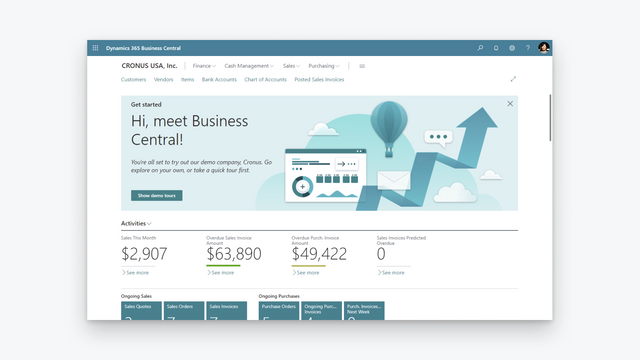

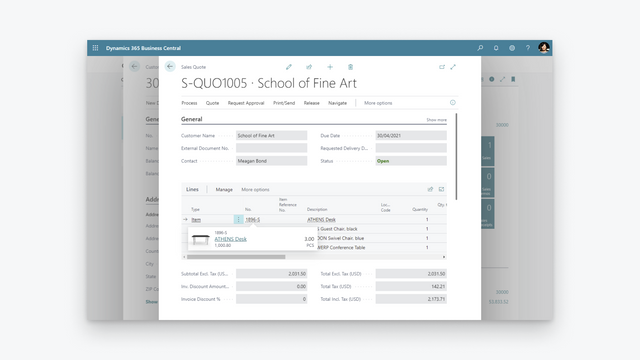
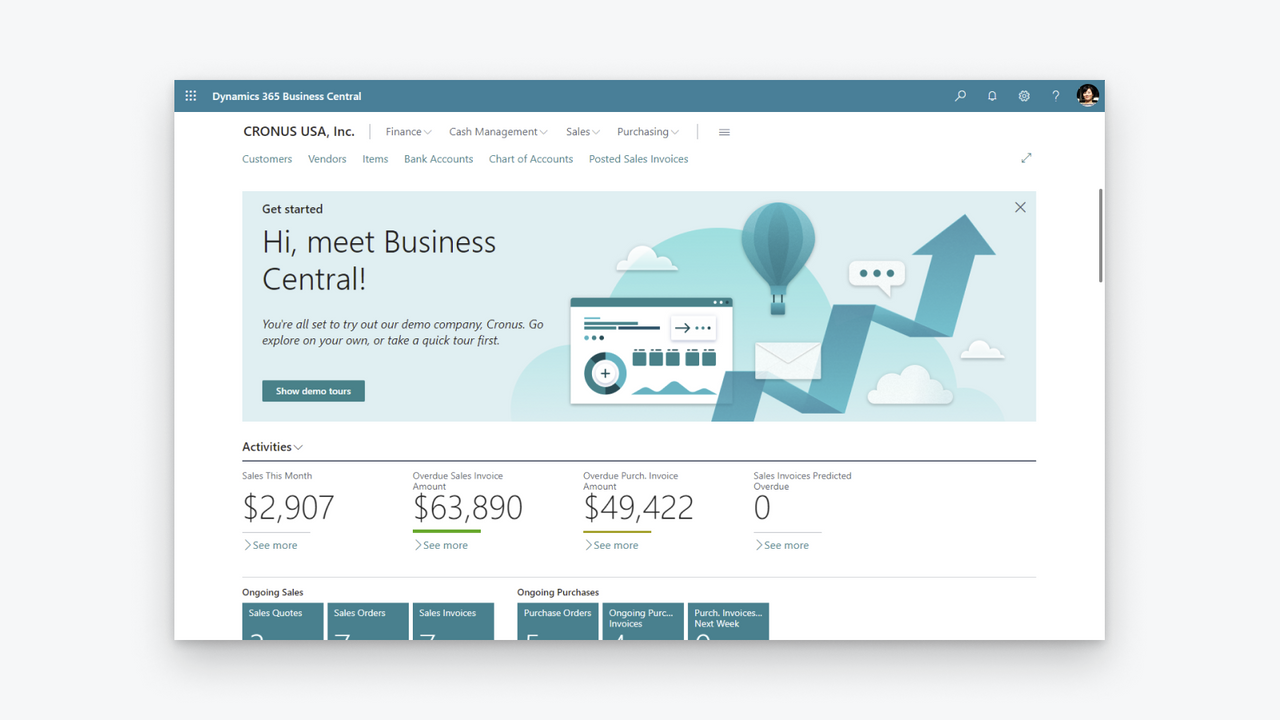

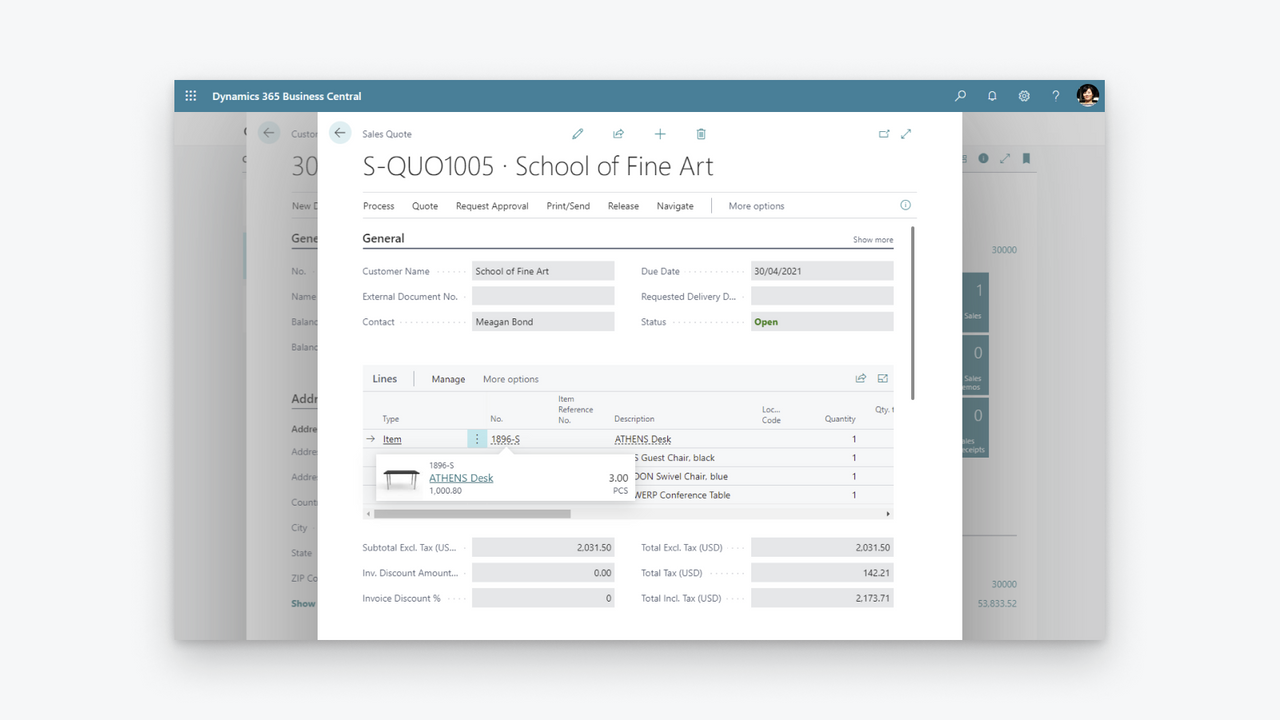
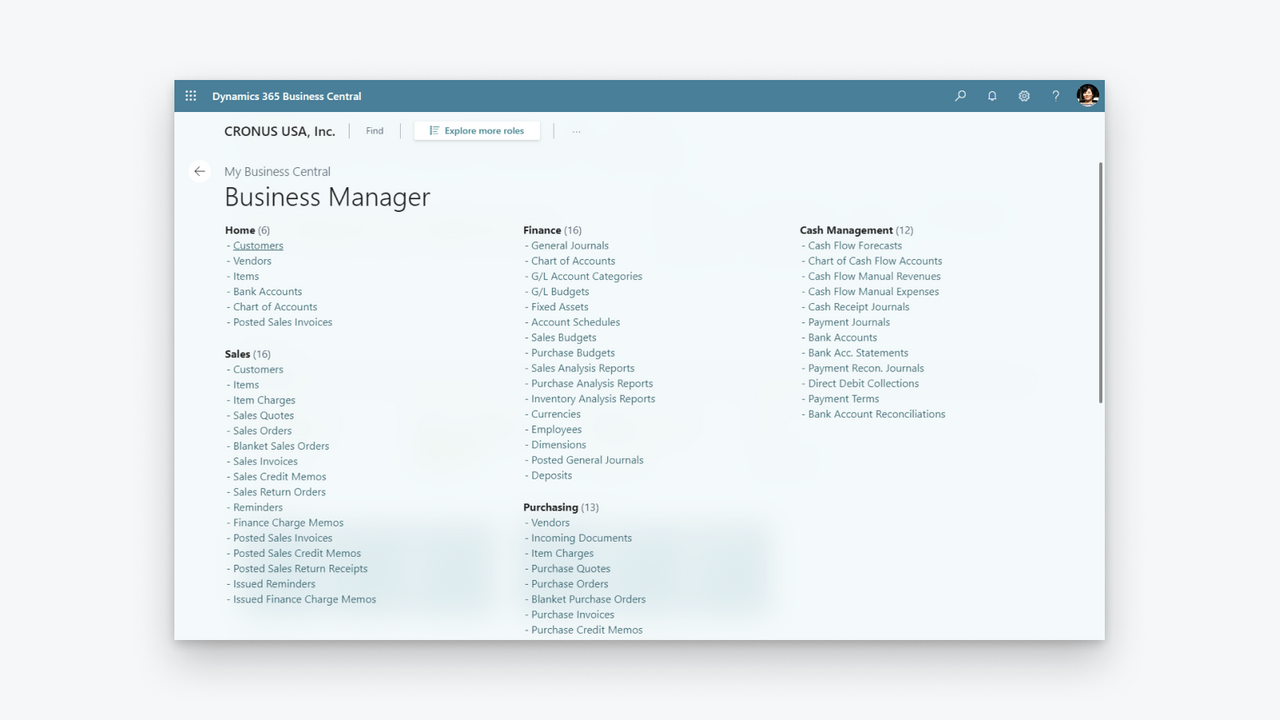
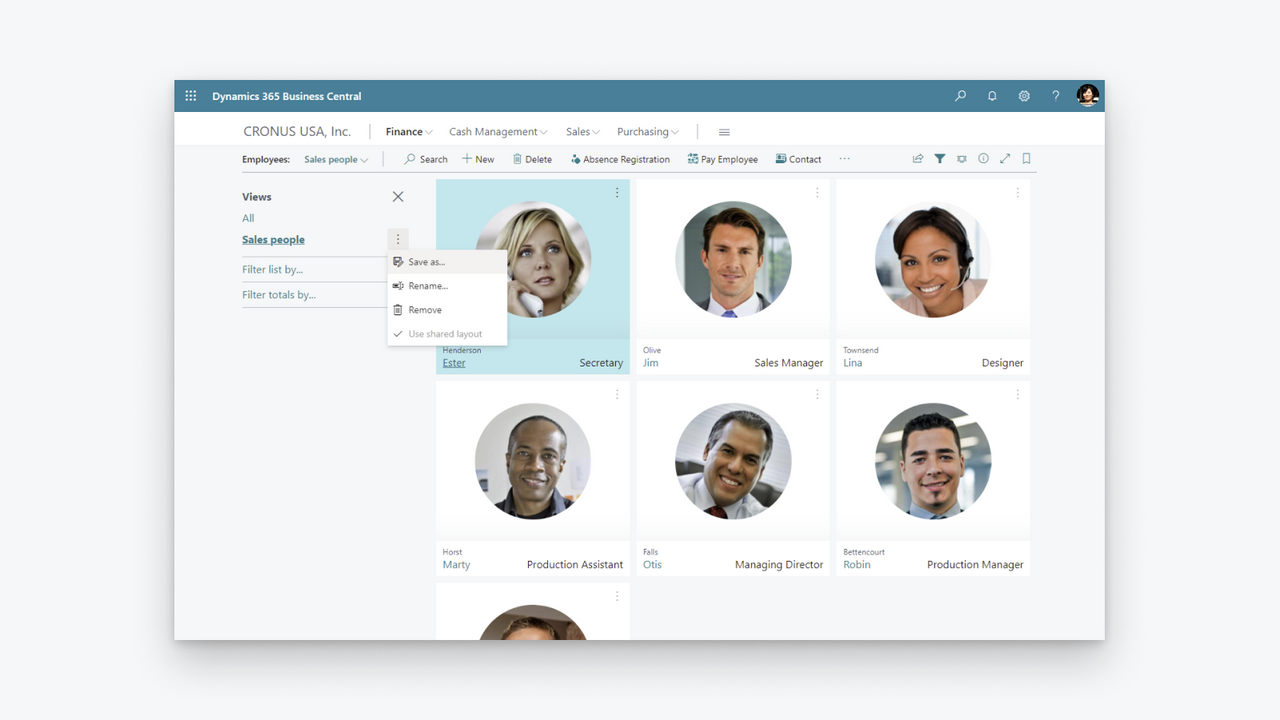
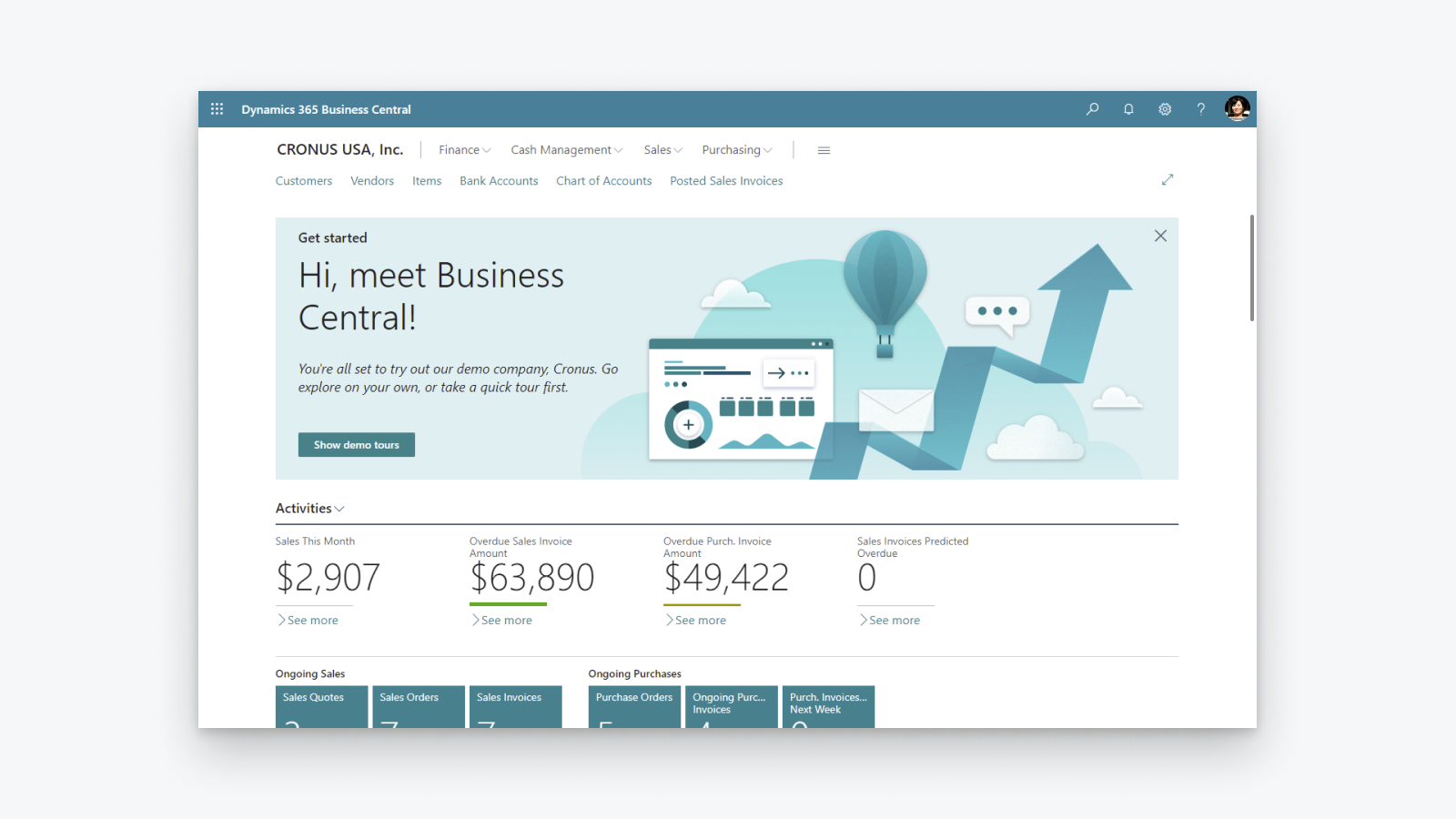

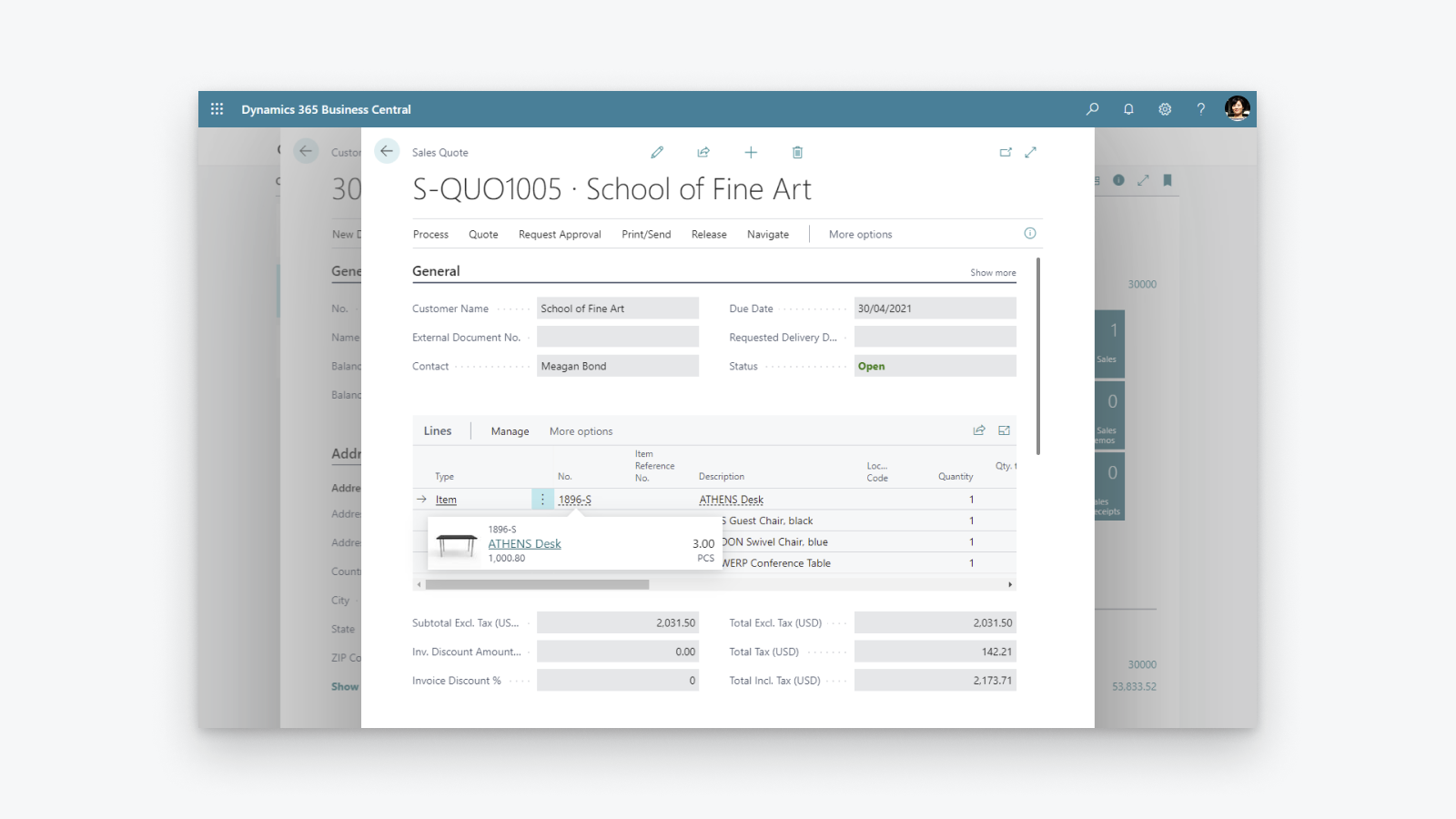
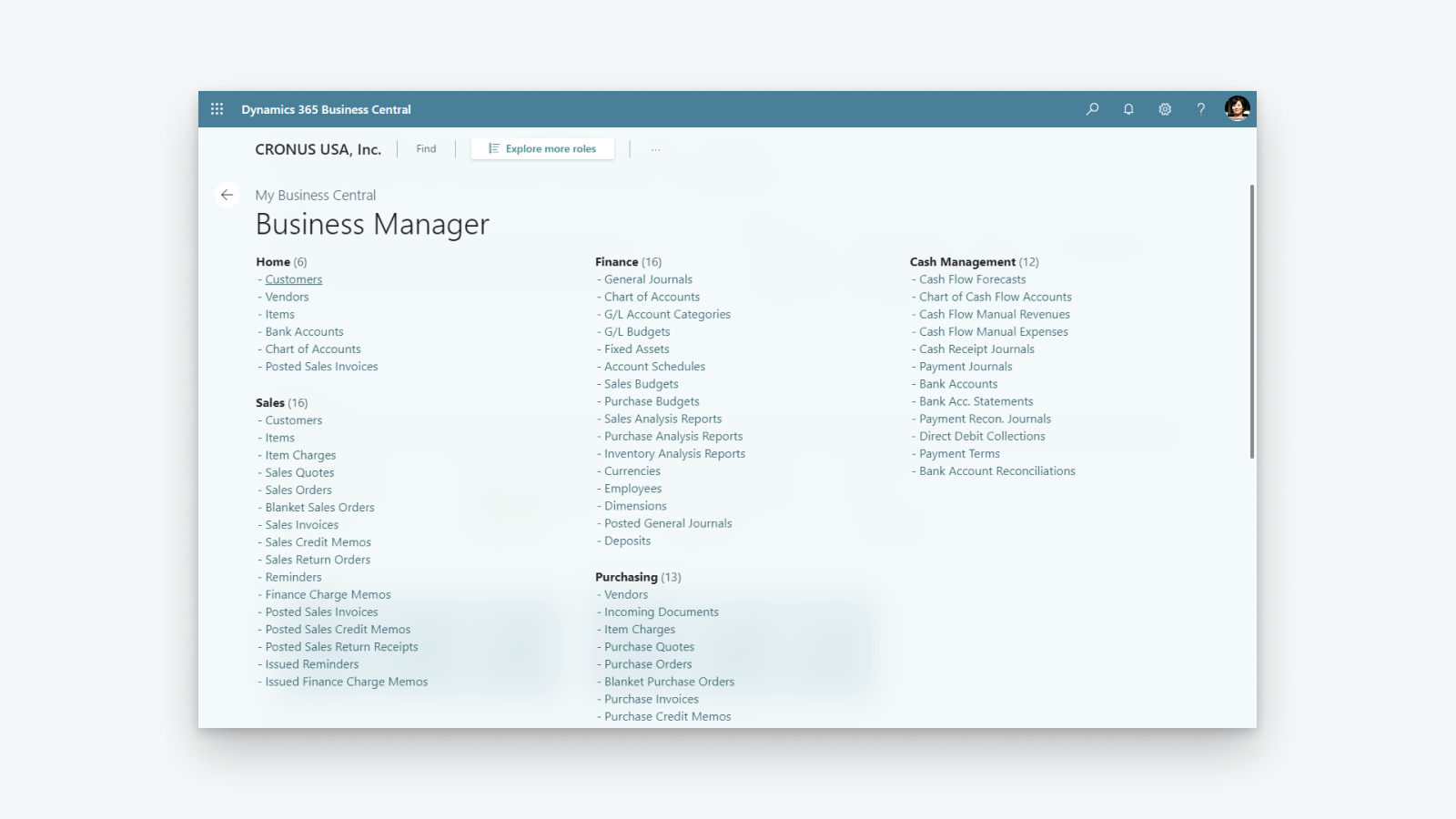
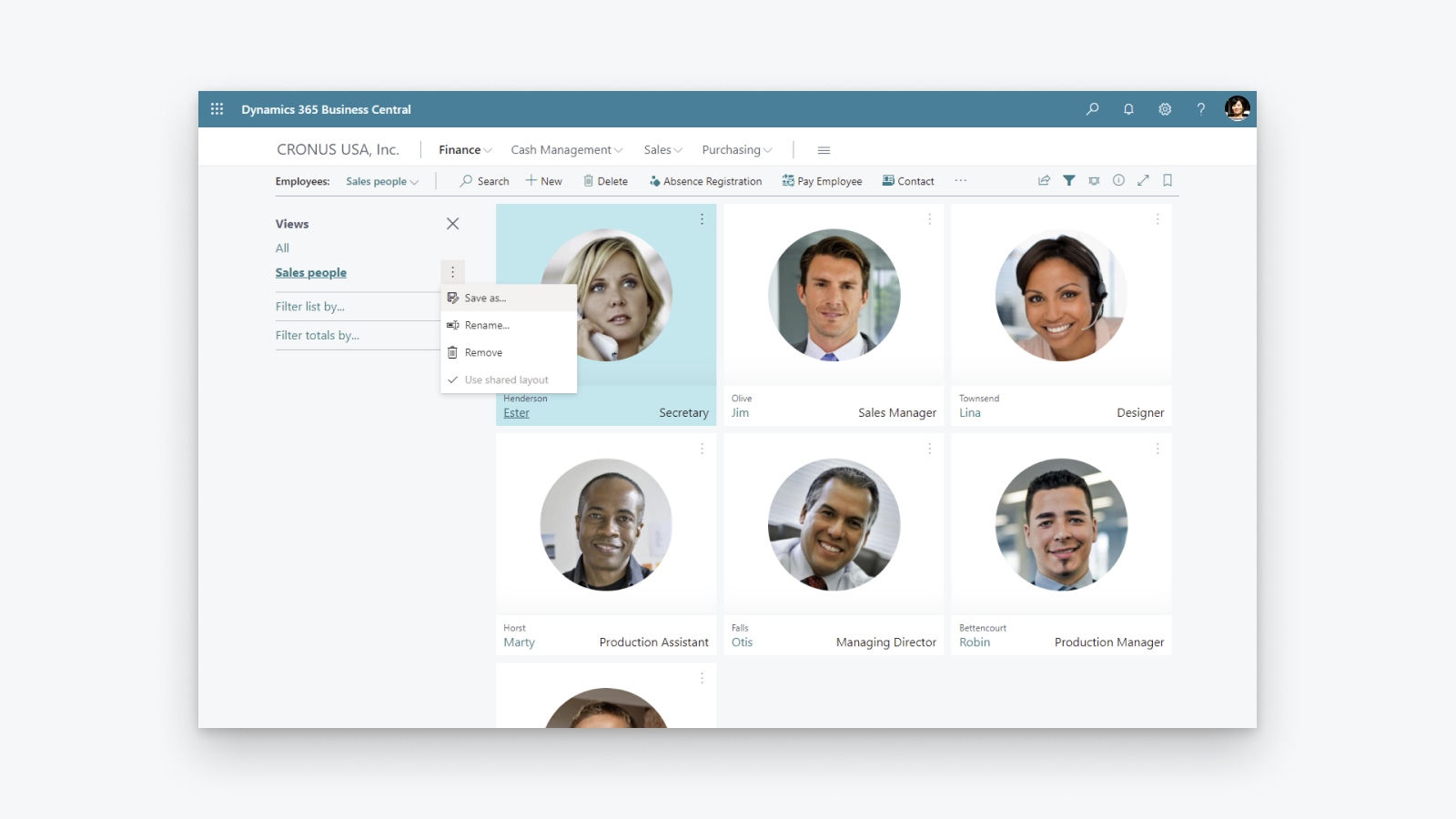
協助中小型企業的全面性商業管理解決方案。
提升財務能見度:概覽利潤與成本,掌握稅金計算與報表。 最佳化庫存:準時交付產品,並透過採購、製造、庫存及倉儲等環節的透明度,靈活適應不斷變化的商業模式。 發掘業務洞察:掌握庫存價值、運用 AI 預測未來銷售情況、設定自動訂購產品,全面控制成本。
- 支援多間 Shopify 商店、銷售管道與地點。
- 雙向同步品項或產品。
- 同步庫存量。
- 雙向同步顧客與公司。
- 從 Shopify 匯入訂單,並將出貨資訊傳送至 Shopify。
含有自動翻譯的文字
語言
英文
這項應用程式尚未翻譯成繁體中文
評論 (28)
The app feels extremely complicated for no reason. For one, there is barely any user interface on the Shopify side. You would think the process would be much simpler, with Shopify acting as the hub while inventory is automatically pulled from Business Central.
Inventory syncing is also inconvenient and extremely unreliable. I set up a Job Queue Entry to automatically sync inventory, and it simply does not work consistently. Some items update correctly while others do not, which makes the entire system difficult to trust.
The setup process itself is also unnecessarily complicated. The documentation already tells you exactly what needs to be entered and where, so why are those fields not automatically populated during setup?
Overall, this section feels much more complicated than it needs to be, especially for something as basic as keeping inventory synchronized between Business Central and Shopify.
Thank you for trying the Shopify Connector for Business Central and for sharing these detailed insights. Your feedback helps us understand where the setup and inventory synchronization experience needs improvement, and we will explore how to make it simpler and easier to trust.
We would also like to understand why some items are not synchronizing as expected. On the Shopify Shops list in Business Central, please use the Provide Feedback action and share examples of the affected items and any relevant details.
Our troubleshooting guide might also help identify the cause:
https://learn.microsoft.com/dynamics365/business-central/shopify/synchronize-inventory#troubleshooting-inventory-synchronization
Please continue sharing suggestions for improving the connector at https://aka.ms/bcideas.
Kind regards,
Microsoft Dynamics 365 Business Central engineering team
Trash. Especially reconciliation, and even more so when dealing with orders(sales orders) where there are multiples of the same item and discount is present on one of them:
The item gets broken down into two item lines, and when you sync the shipment back to Shopify, the connector doesn’t know what to do with two or more of the same item on different item lines.
Thank you for your feedback. We understand the frustration with how discounted and non-discounted lines for the same item are handled during shipment synchronization back to Shopify.
We are really happy to share that we found a way to solve this problem and released a fix as part of the 2026 release wave 1 update, which is already available. We encourage you to upgrade to the latest version of Business Central to benefit from it.
Kind regards,
Microsoft Dynamics 365 Business Central engineering team
Hasta ahora no habíamos tenido problemas con la APP, pero tras realizar un downgrade de licencia en Shopify, la APP ha dejado de funcionar correctamente indicándonos en un mensaje de error que dice:
"[{"message":"Access denied for staffMember field. Required access: `read_users` access scope. Also: The app must be a finance embedded app or installed on a Shopify Plus or Advanced store. Contact Shopify Support to enable this scope for your app.","locations":[{"line":1,"column":1188}],"extensions":{"code":"ACCESS_DENIED","documentation":"https://shopify.dev/api/usage/access-scopes","requiredAccess":"`read_users` access scope. Also: The app must be a finance embedded app or installed on a Shopify Plus or Advanced store. Contact Shopify Support to enable this scope for your app."},"path""
En ningún caso se indica en las caracteristicas de la APP que no funcionará correctamente si no es Advance o Plus.
Según Shopify, el problema lo debe solucionar MS como desarrollador, no tengo constancia todavía de que se haya hecho nada
Thank you for reporting that.
We understand the issue you are experiencing. After a Shopify plan downgrade, the connector may still reference fields that are no longer accessible on your current plan, resulting in the "Access denied for staffMember field" error.
To resolve this, please toggle the Enabled switch off and then back on in the Shopify Shop Card within Business Central. This refreshes the stored plan information and will stop the connector from requesting fields that require a higher-tier plan.
We are also working on a fix to ensure the connector automatically detects plan changes so that this manual step will no longer be necessary.
Kind regards,
Microsoft Dynamics 365 Business Central engineering team
支援服務
App 支援由 Microsoft 提供。
資料存取權
這項應用程式需要存取以下資料,才能在商店中正常運作。 原因請參閱開發者的隱私權政策 。
檢視顧客資料:
敏感資料、 裝置與活動資料
-
敏感資料
姓名、 電子郵件地址、 電話號碼、 實體地址
-
裝置與活動資料
地理位置、 IP 位址、 瀏覽器與作業系統
檢視員工與協作者資料:
商店擁有人、 員工
-
商店擁有人
姓名、 電子郵件地址、 電話號碼、 實體地址
-
員工
姓名、 電子郵件地址、 電話號碼
檢視與編輯商店資料:
顧客、 產品、 訂單、 折扣、 員工帳號、 Shopify Payments、 線上商店、 Shopify 管理後台、 其他資料
-
編輯顧客
顧客資料
-
編輯產品
庫存, 產品、 商品系列
-
編輯訂單
已指派的出貨訂單, 訂單草稿, 訂單出貨作業, 由商家管理的出貨, 訂單編輯, 所有訂單記錄, 退貨流程, 運送資訊、 第三方出貨
-
檢視折扣
折扣代碼與促銷活動
-
檢視員工帳號
員工帳號
-
檢視 Shopify Payments
Shopify Payments 帳戶, Shopify Payments 支付款項、 Shopify Payments 爭議
-
檢視線上商店
結帳頁面
-
編輯 Shopify 管理後台
檔案
-
編輯其他資料
語言代碼, 地點, Shopify Markets 設定, 付款條款, 商品在銷售管道上的發布、 翻譯
精選分享

其他同類型應用程式