


Easify Product Attachments
符合我們成效、設計和整合層面的最高標準。 深入瞭解「在新視窗中開啟」
主要圖片圖庫
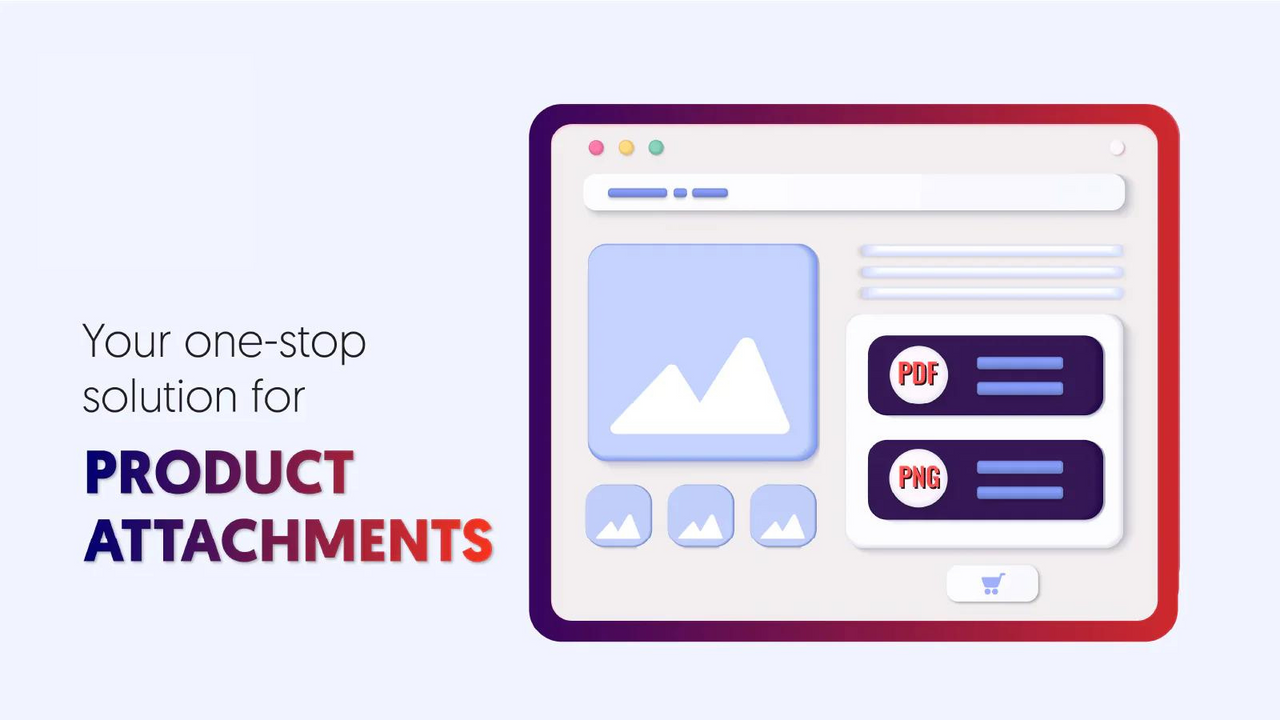
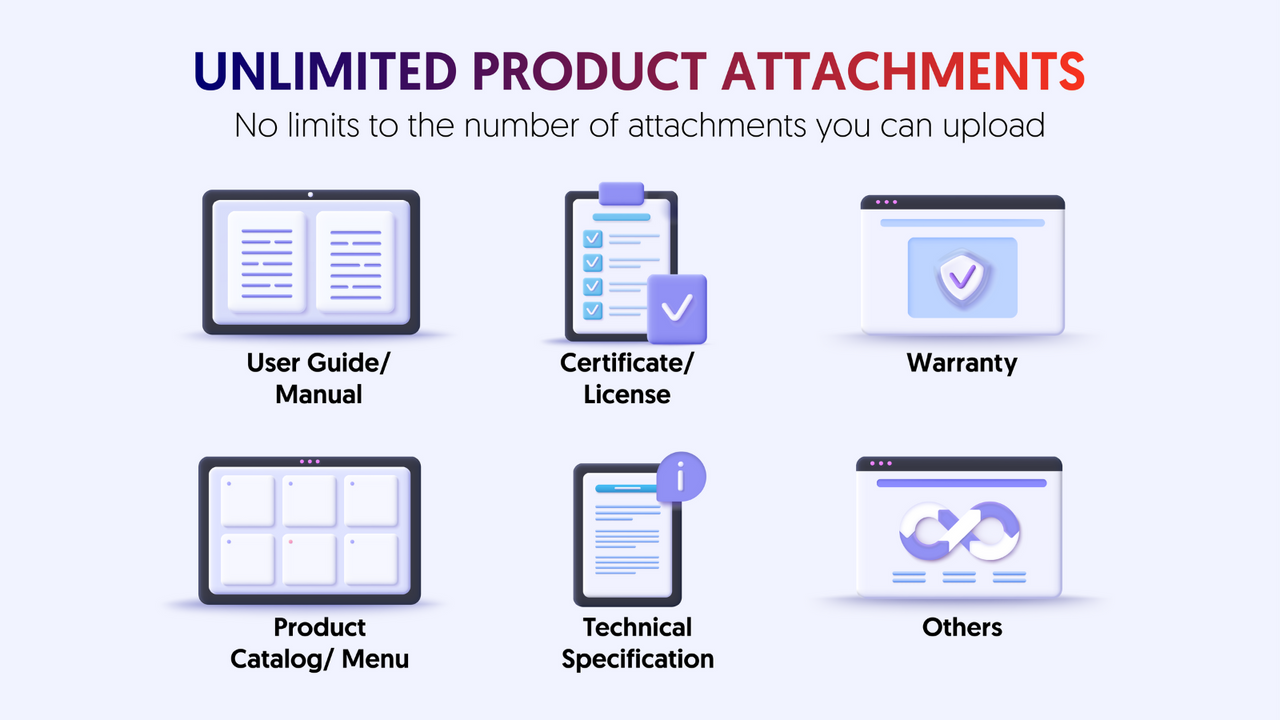
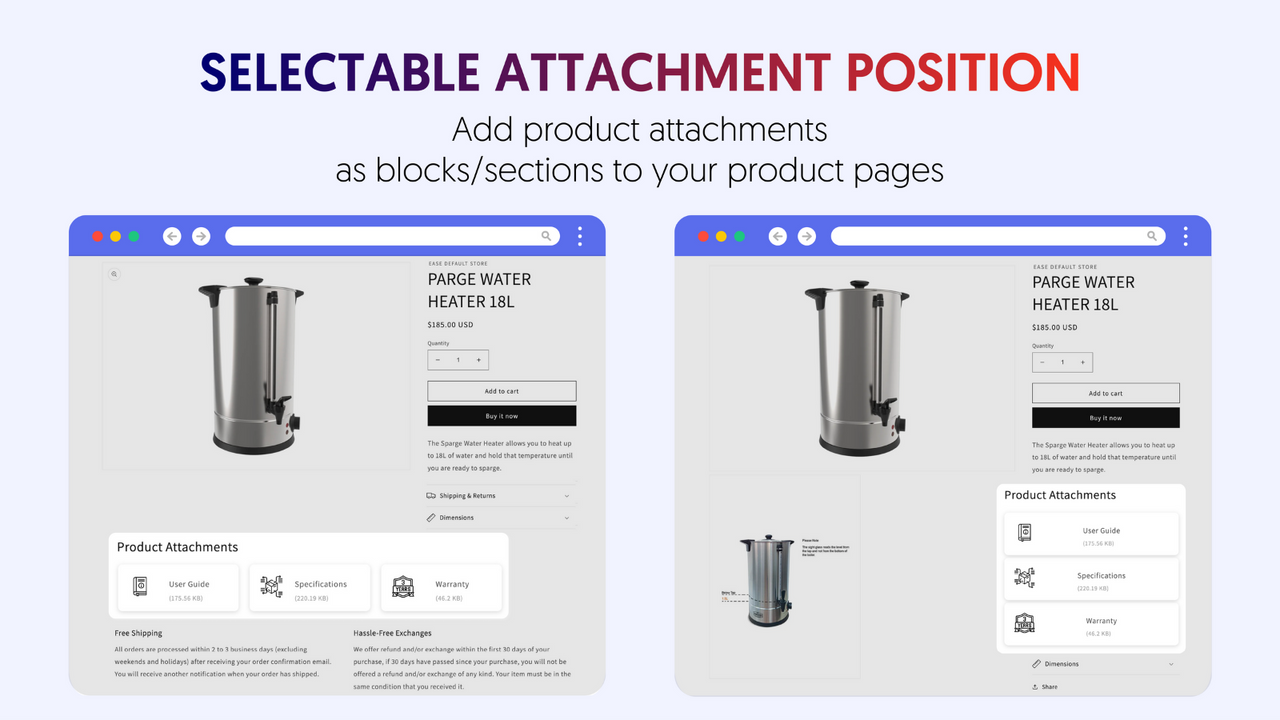
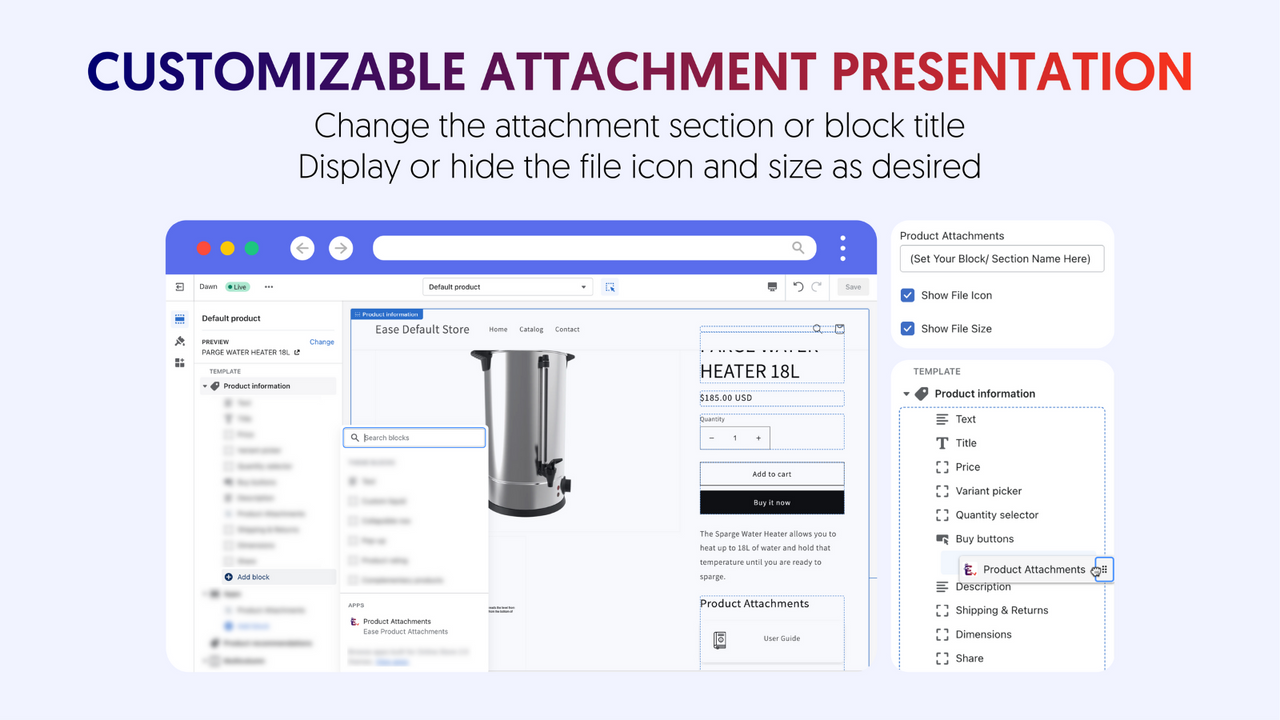

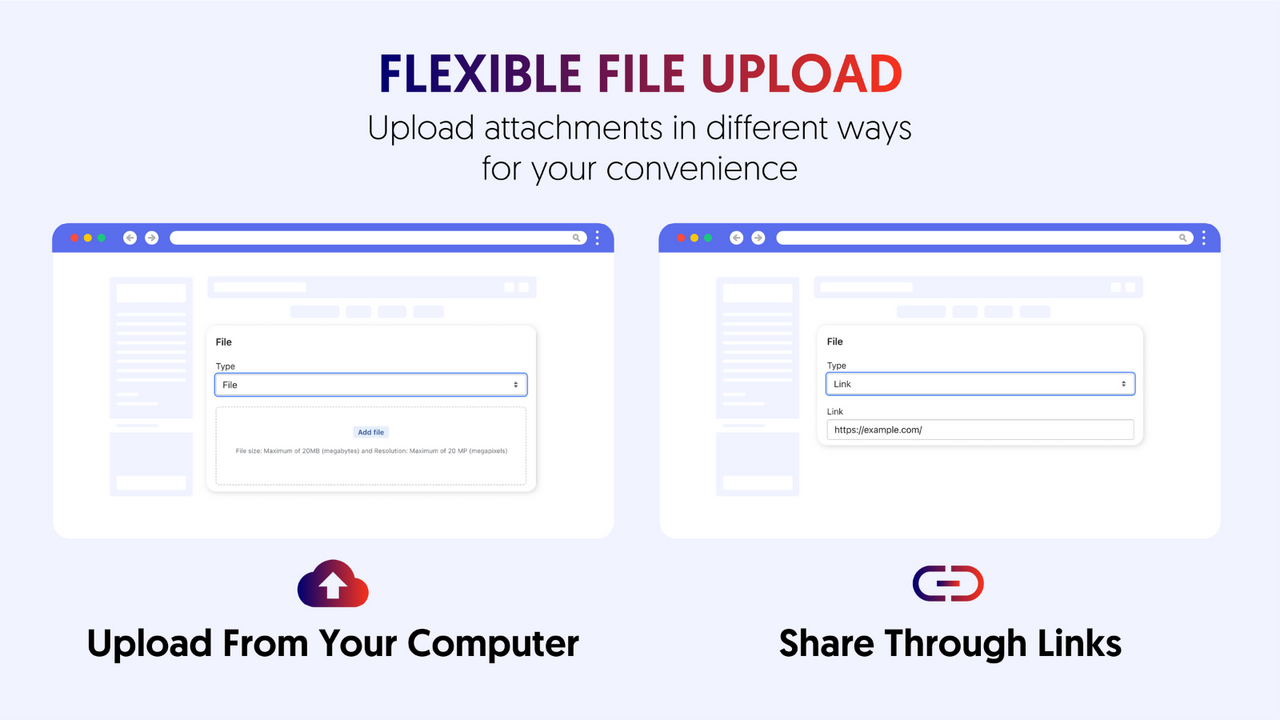
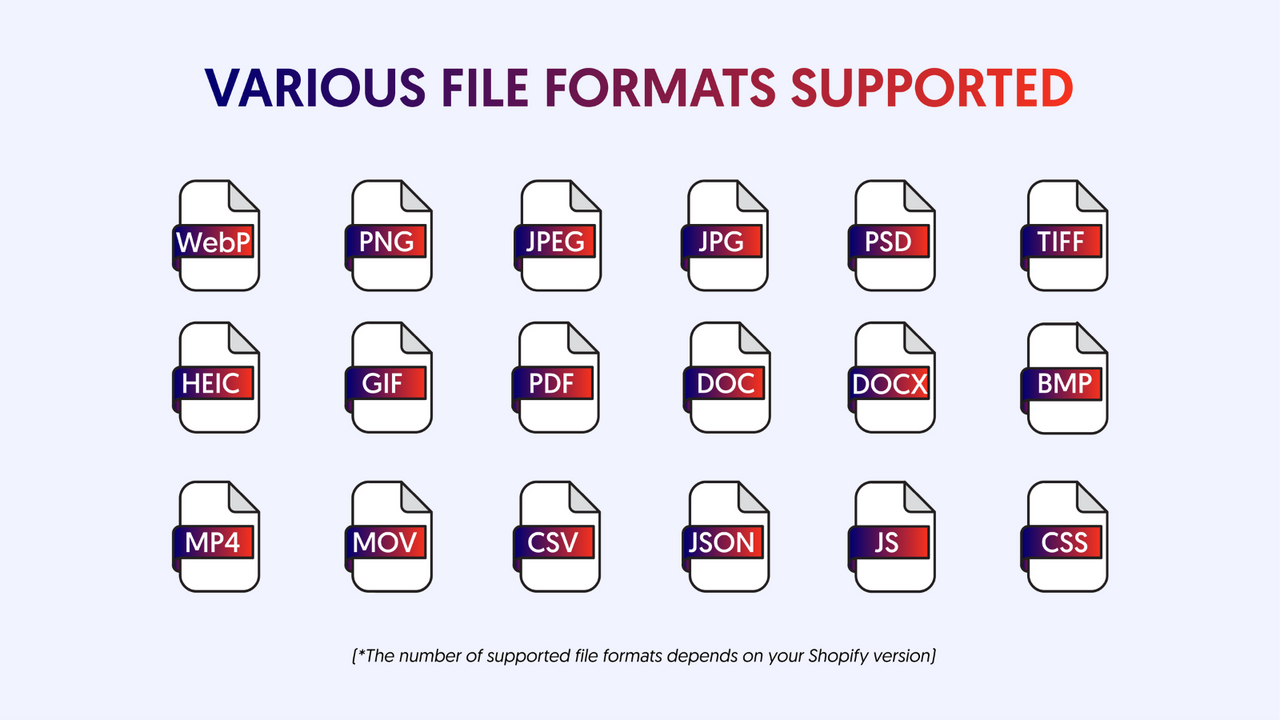
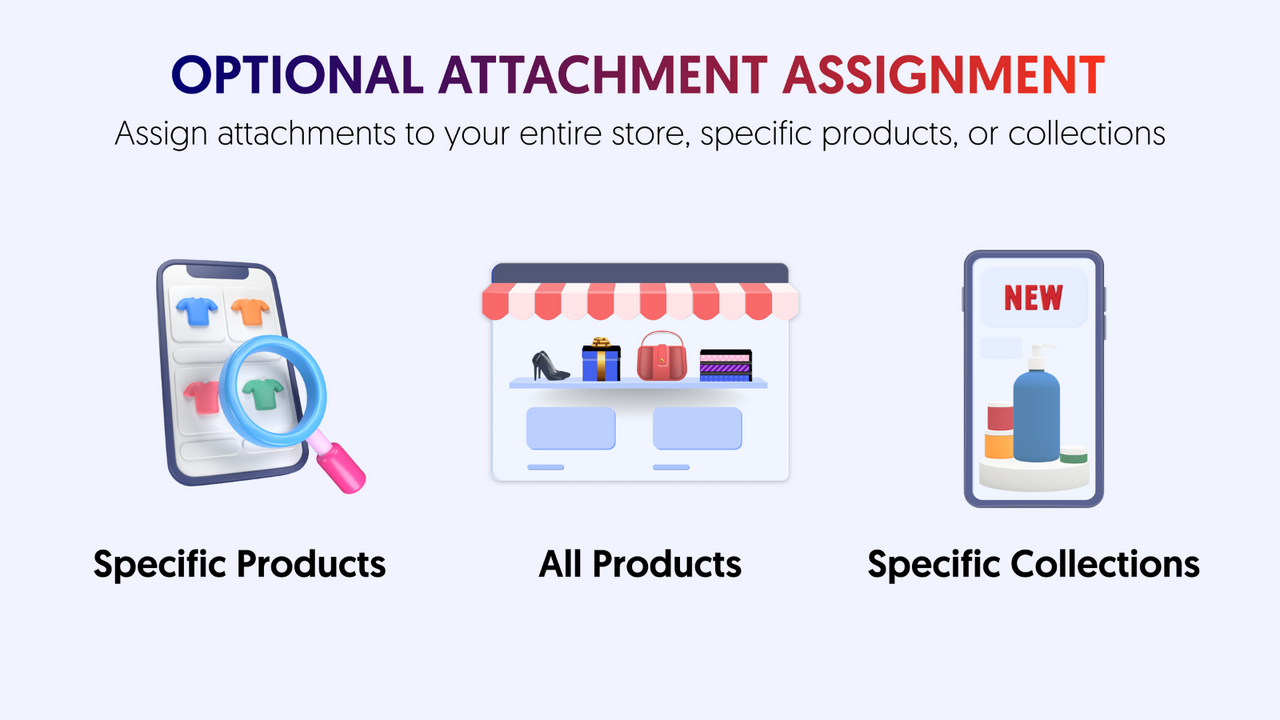
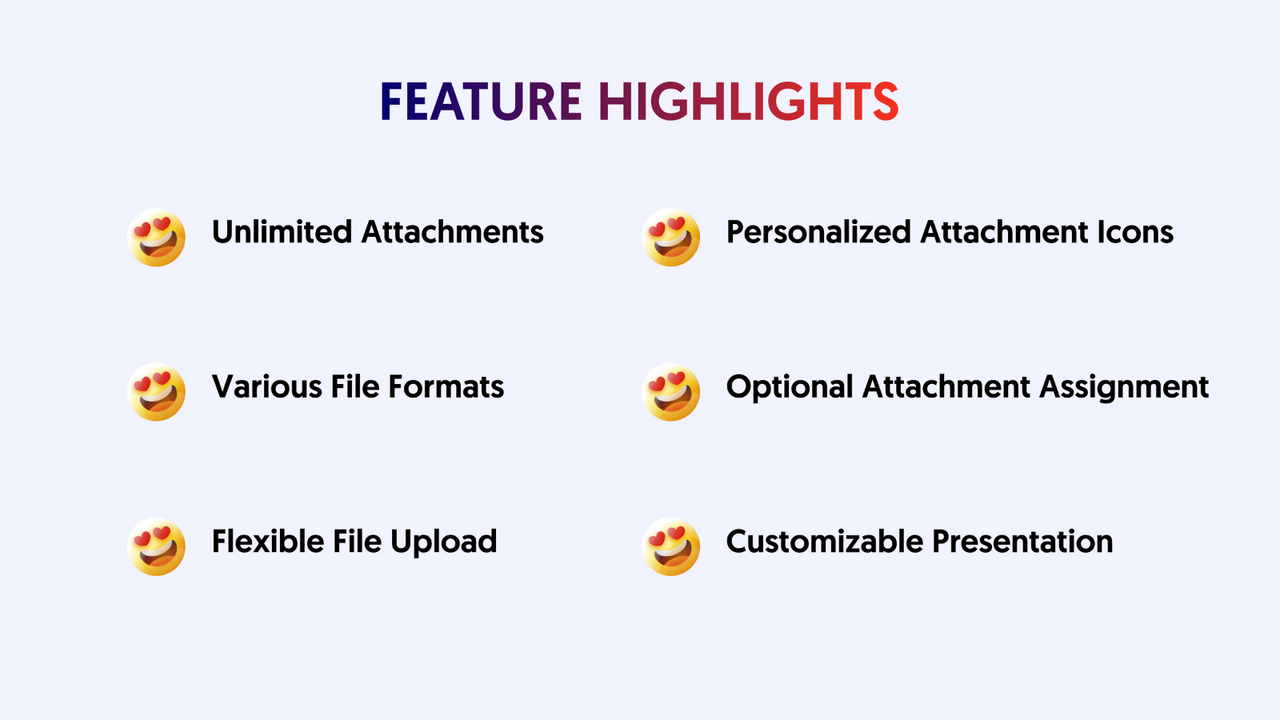
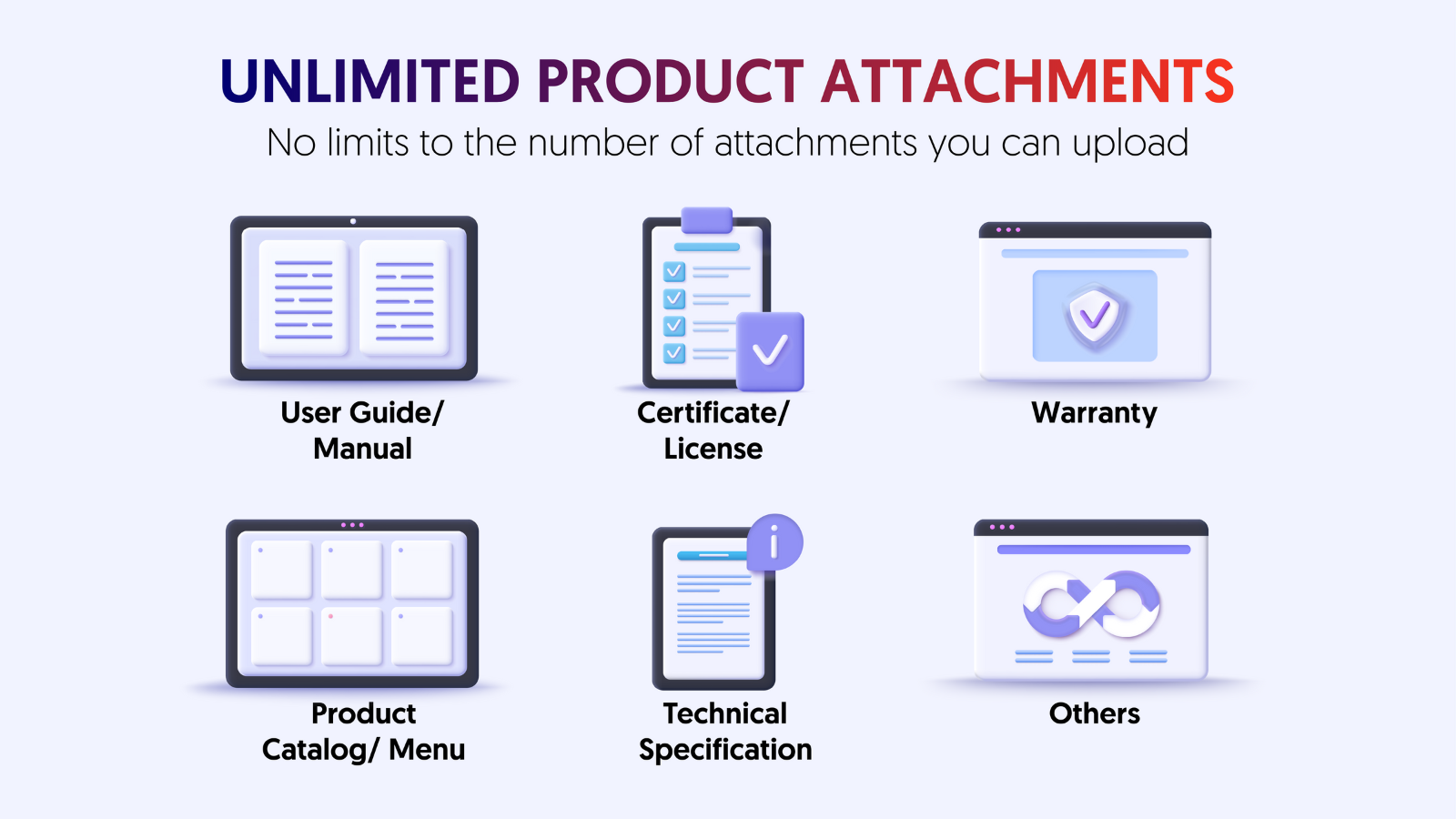
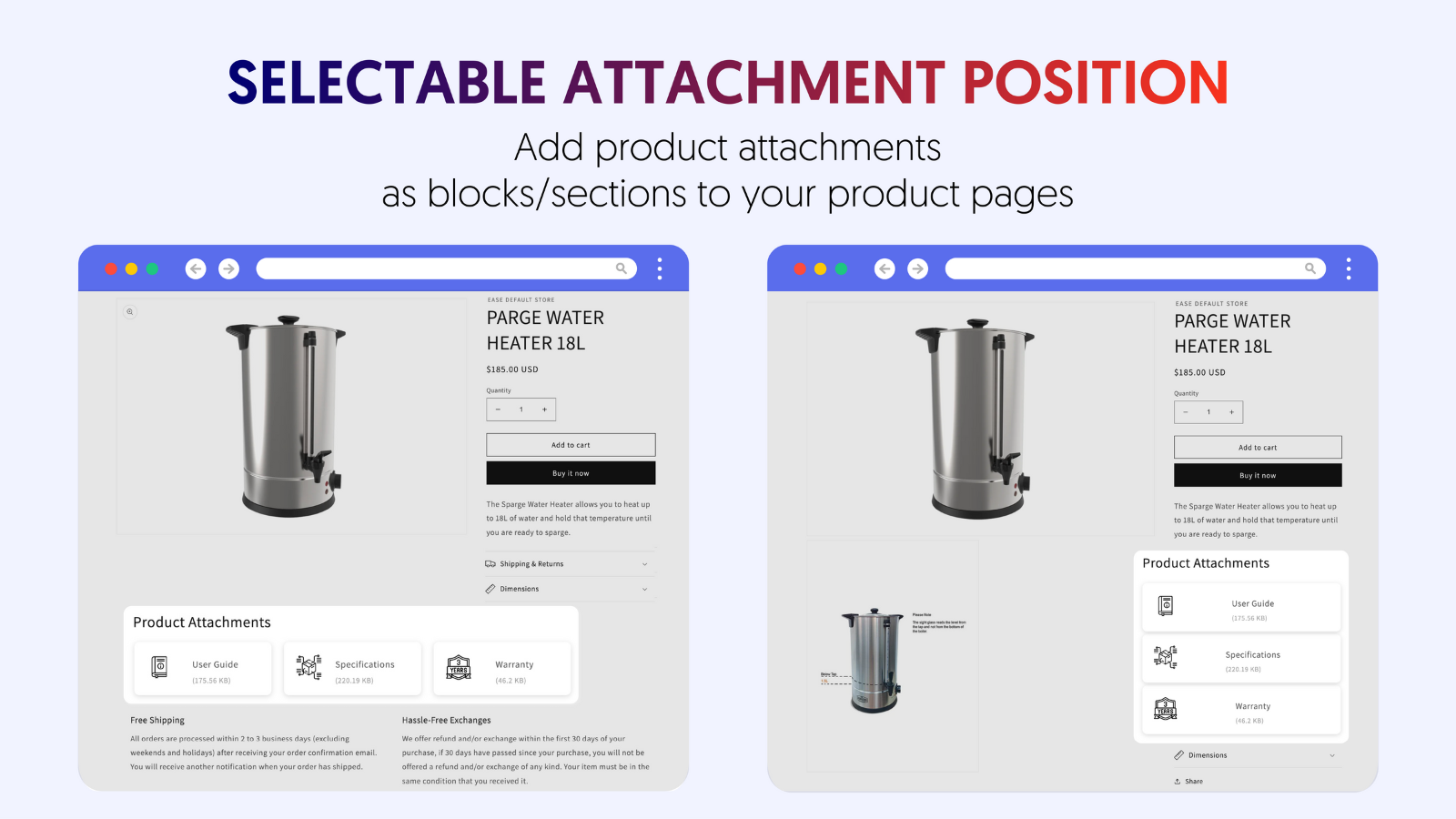
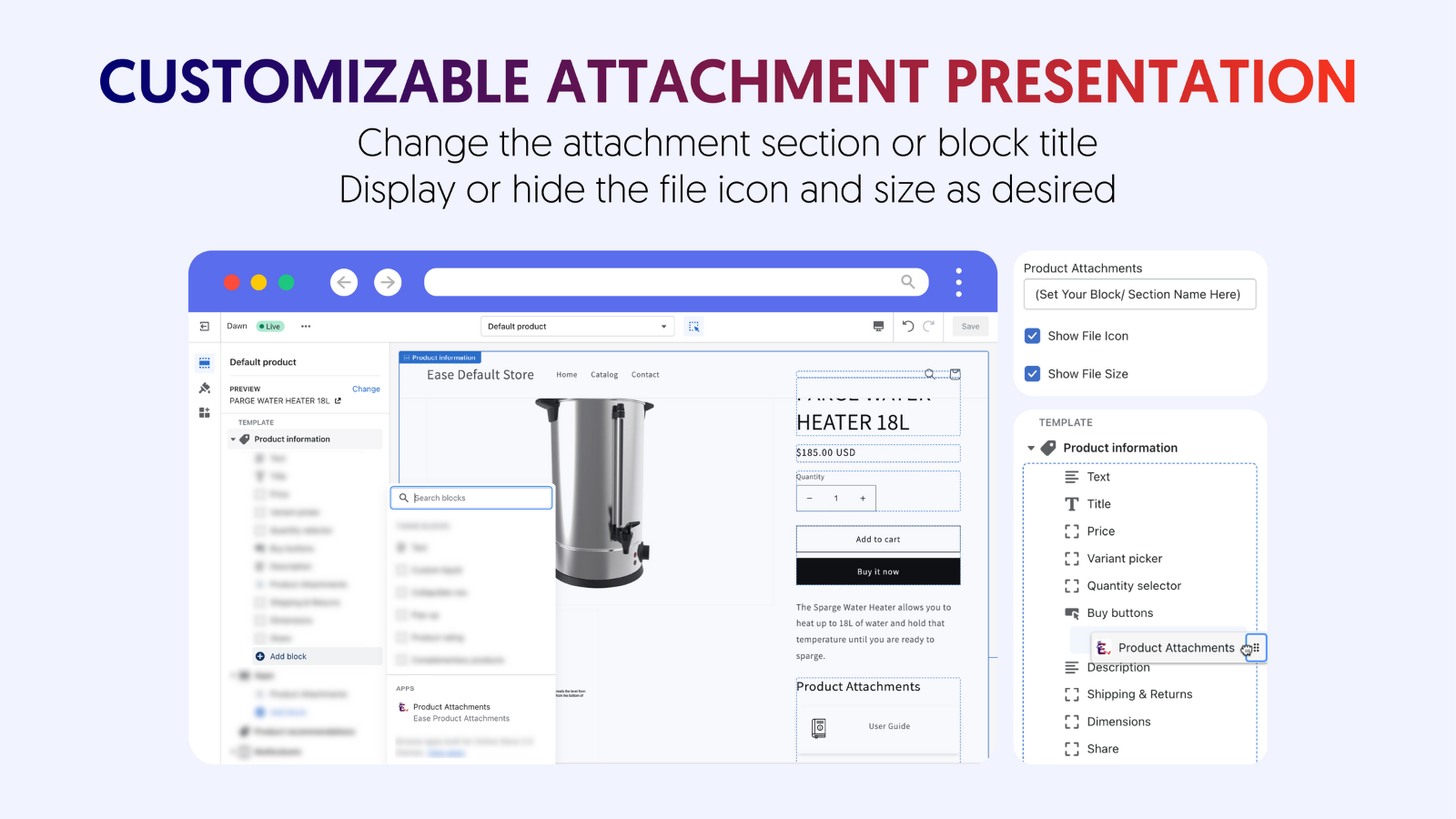

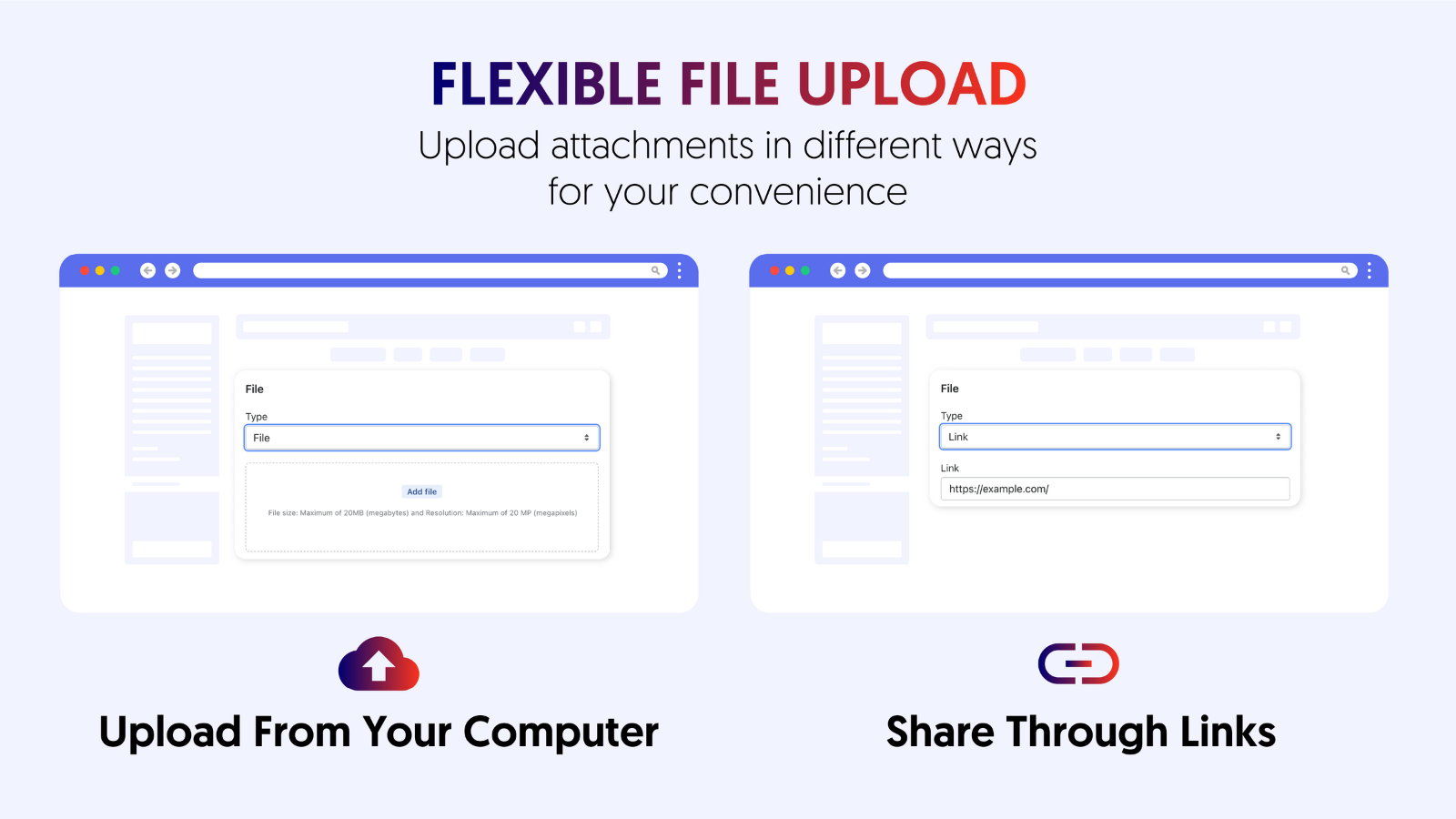
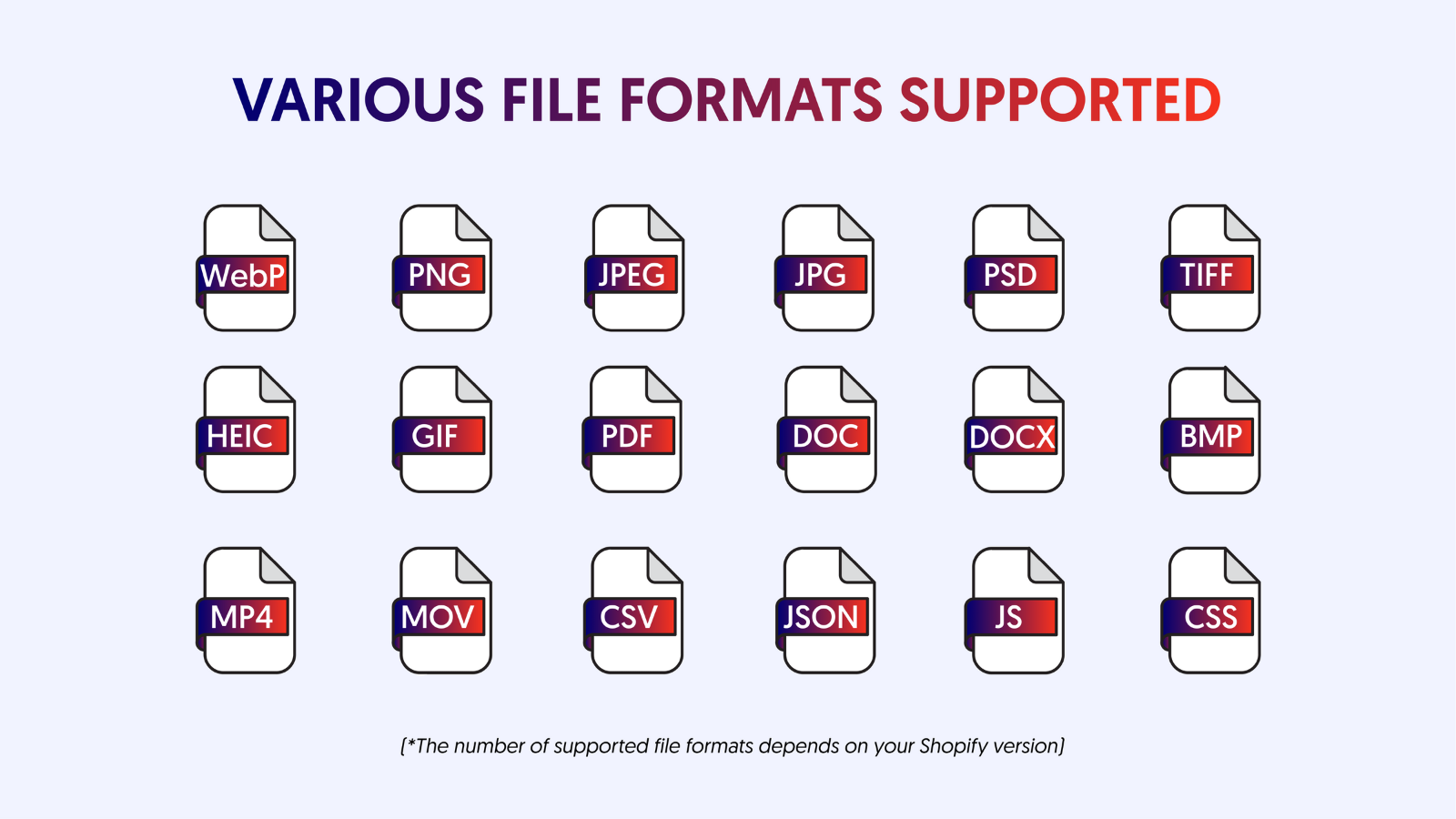
輕鬆將可下載的 PDF (或其他檔案格式) 新增至商店的產品頁面及任何其他頁面。
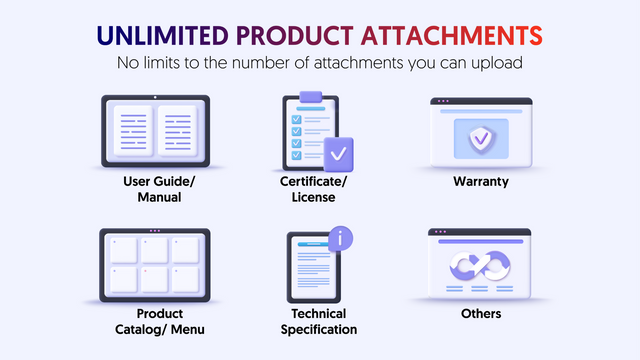
輕鬆將多種檔案格式 (包含 PDF) 的附件檔案 (例如手冊、授權、憑證、保固等) 上傳至您的產品頁面。此外,您還可以建立吸睛的附件區塊來吸引顧客目光,並提供所有必要的資訊。這比將檔案新增至 Shopify 產品描述有效得多,因為產品描述中的檔案很容易被忽略。從此告別錯失銷售機會,以及顧客抱怨資訊不足的問題。
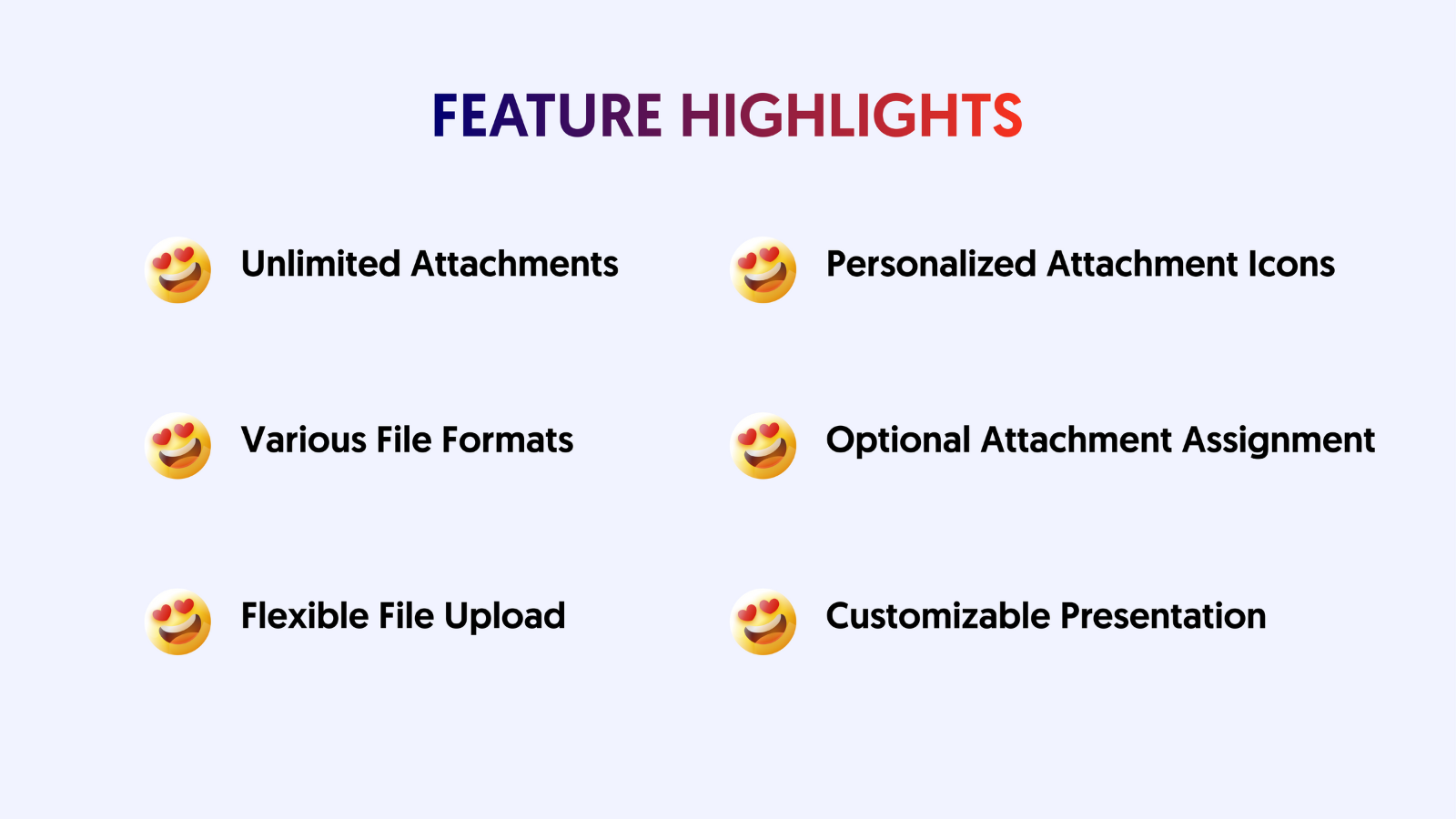
- 只需按幾下,即可將 PDF 或任何檔案格式上傳並新增至 Shopify。
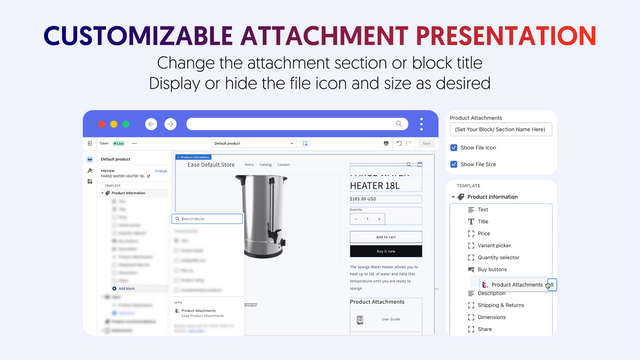
- 使用您選擇的圖示來提升附件的視覺吸引力。
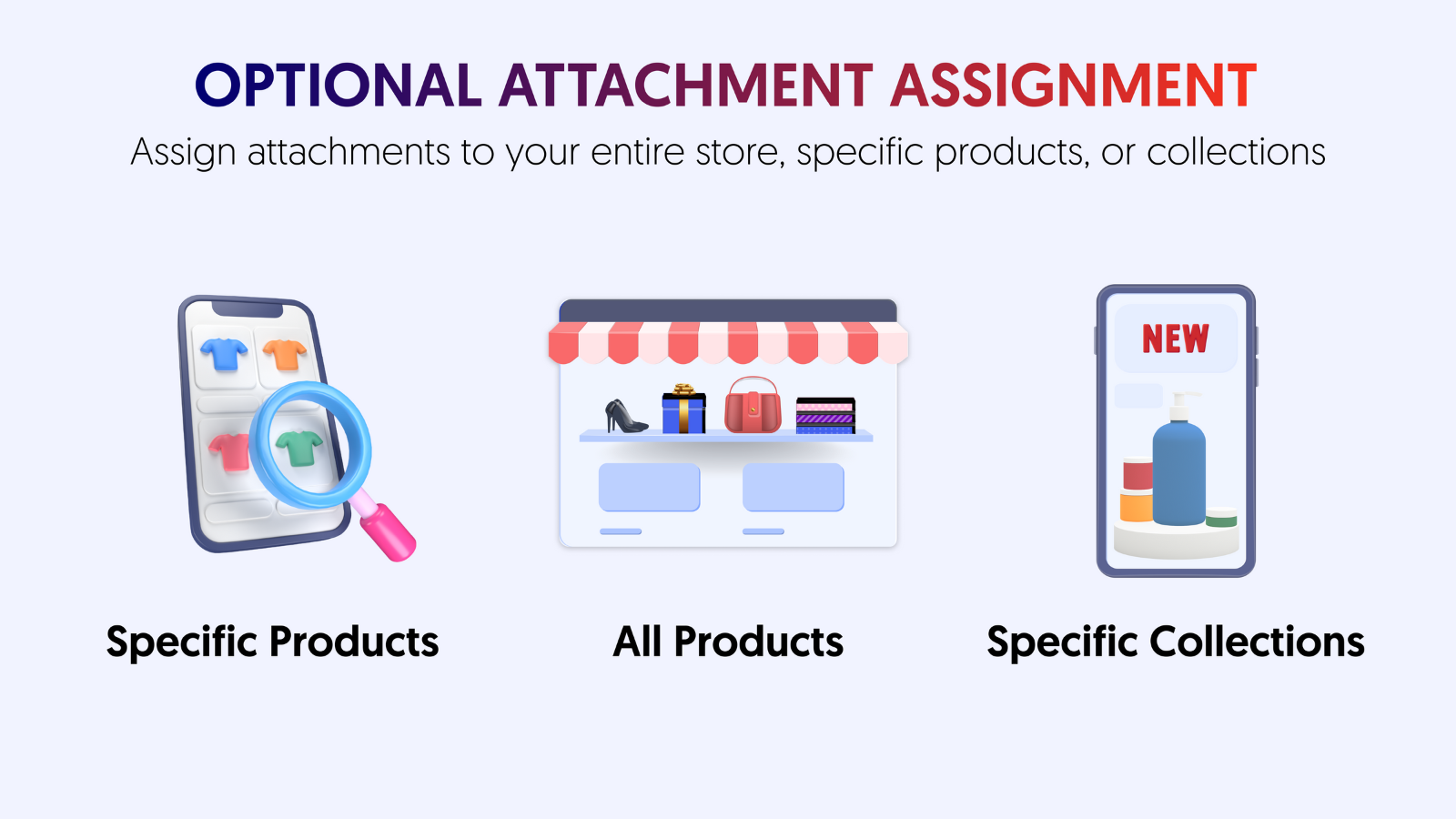
- 將附件指派給整間商店、特定產品或商品系列。
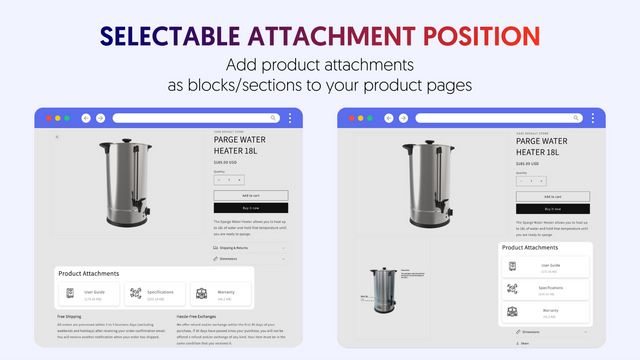
- 在區塊/區段中顯示附件,並控制其在頁面上的位置。
- 上傳的產品附件檔案數量無上限。
含有自動翻譯的文字
語言
英文
這項應用程式尚未翻譯成繁體中文
可與以下項目搭配使用
- Shopify 管理介面
類別
評論 (124)
this app is very fit for us, I have took several days to find a app providing a place in product for customer to download user manual, it's so hard for me to find a right APP like this, perfect solve my needs
Very easy app to set up and use. I use it for allowing file uploads on certain products in my store and it does exactly what I need. Support was excellent too. I had an issue and it was resolved within 5 minutes of sending a message. Friendly and helpful contact.
One feature that would make it even better would be the ability to use an existing uploaded logo or file from the Shopify files library, rather than having to upload one each time.
Overall, it has been a solid app for my store and I will definitely continue using it. Thank you!
Fantastic product, fantastic service, would highly recommend
支援服務
App 支援由 Easify 提供。
資料存取權
這項應用程式需要存取以下資料,才能在商店中正常運作。 原因請參閱開發者的隱私權政策 。
檢視員工與協作者資料:
商店擁有人、 網誌投稿者
-
商店擁有人
姓名、 電子郵件地址、 電話號碼、 實體地址
-
網誌投稿者
電子郵件地址、 IP 位址、 瀏覽器與作業系統
檢視與編輯商店資料:
產品、 線上商店、 Shopify 管理後台、 其他資料
-
檢視產品
產品、 商品系列
-
檢視線上商店
線上商店頁面、 佈景主題
-
編輯 Shopify 管理後台
檔案
-
編輯其他資料
商品在銷售管道上的發布
其他同類型應用程式





