


Email My Webhooks
- 定價
-
提供免費方案
- 評分
- 3.0 (5)
主要圖片圖庫
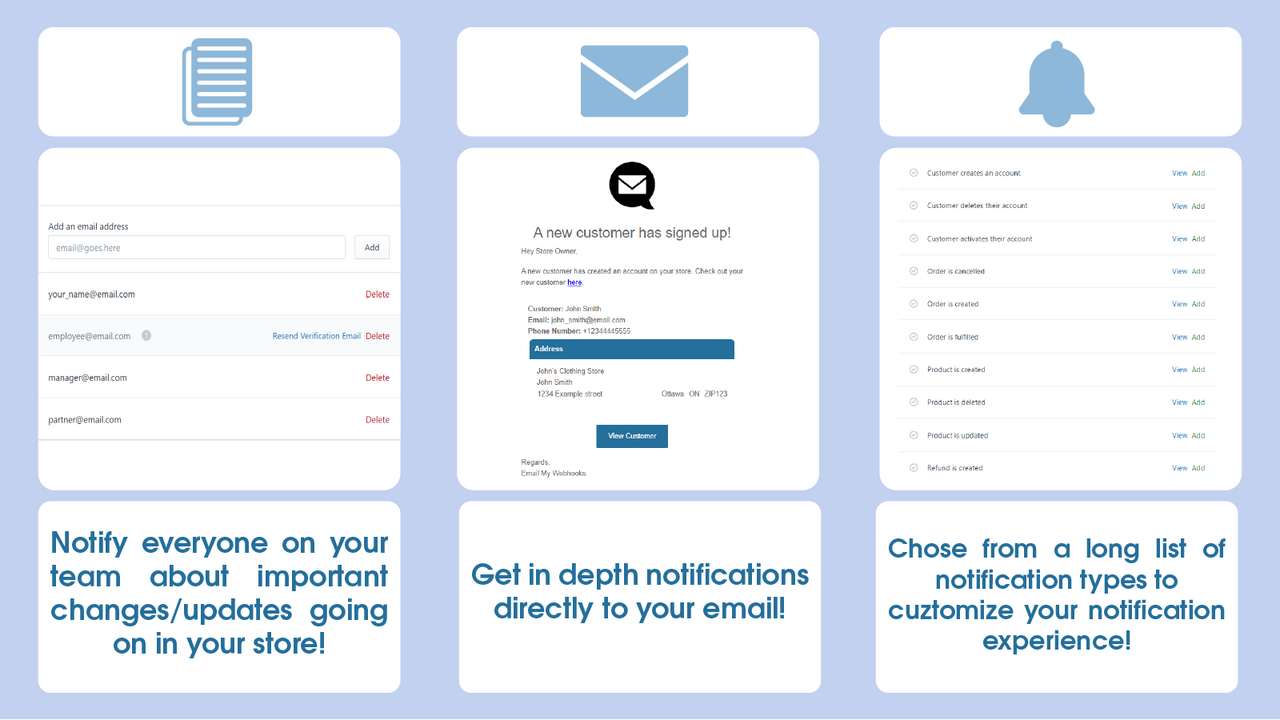
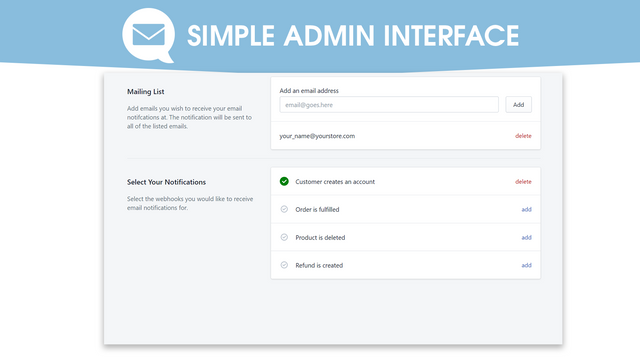
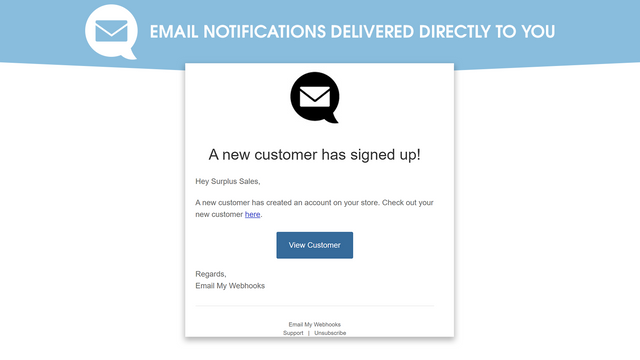
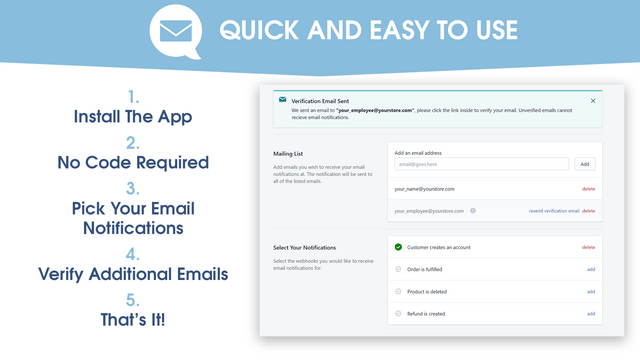
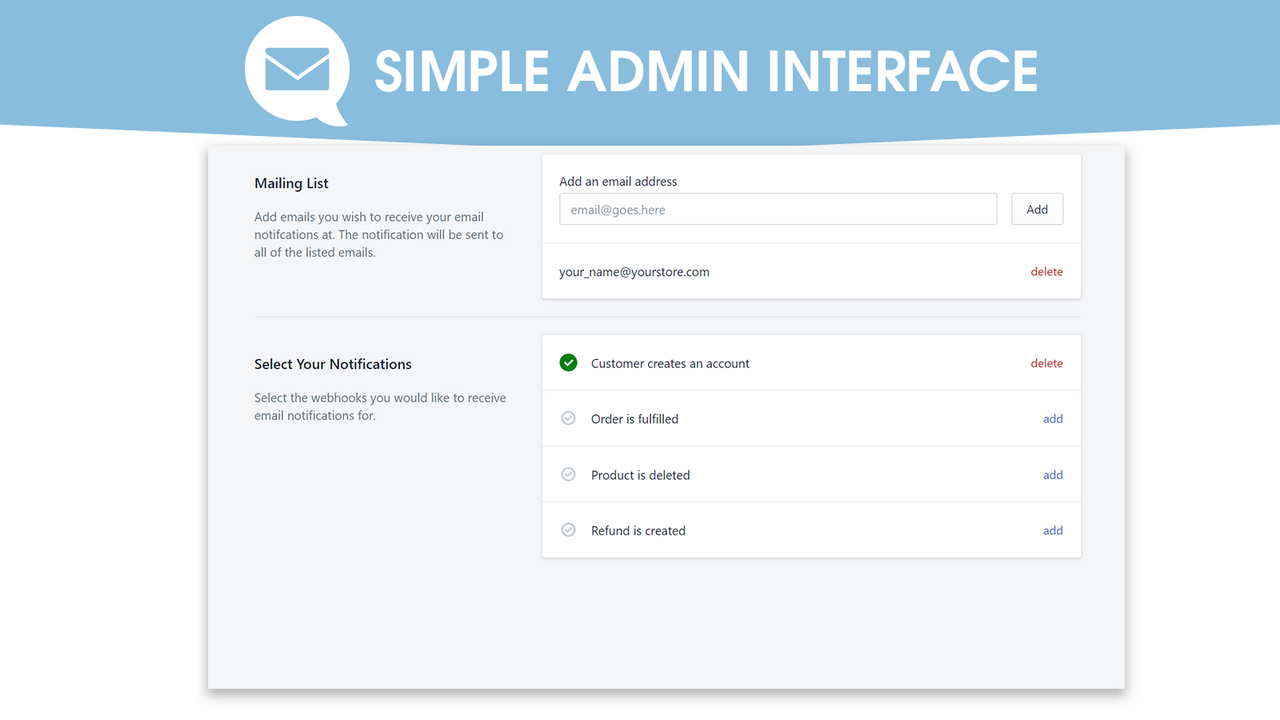
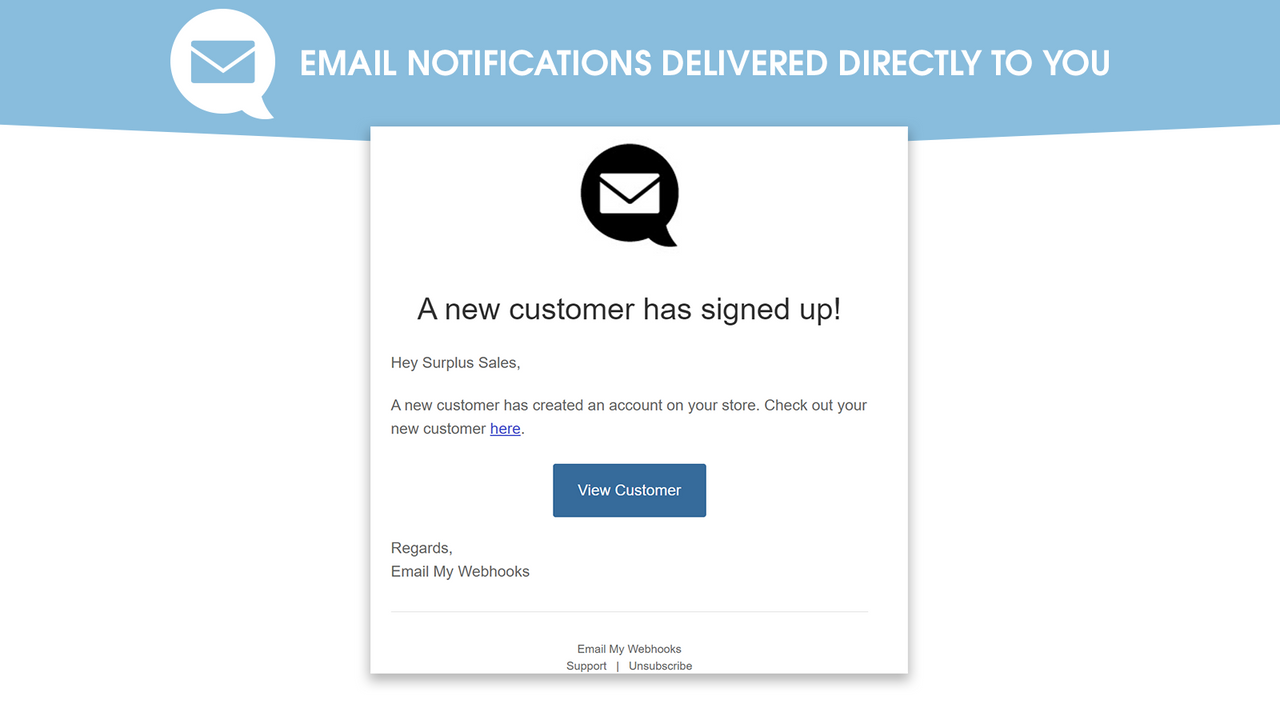

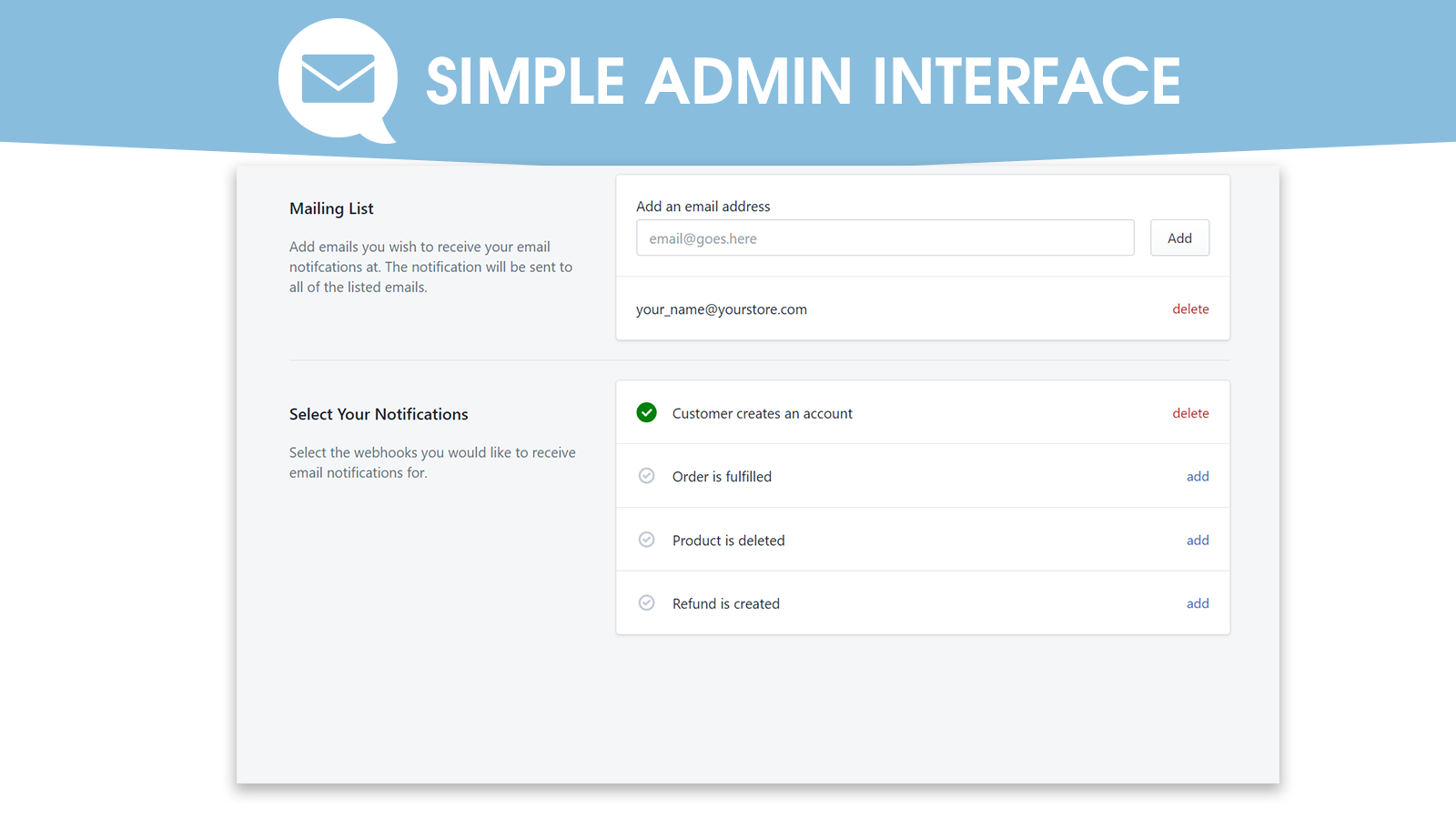
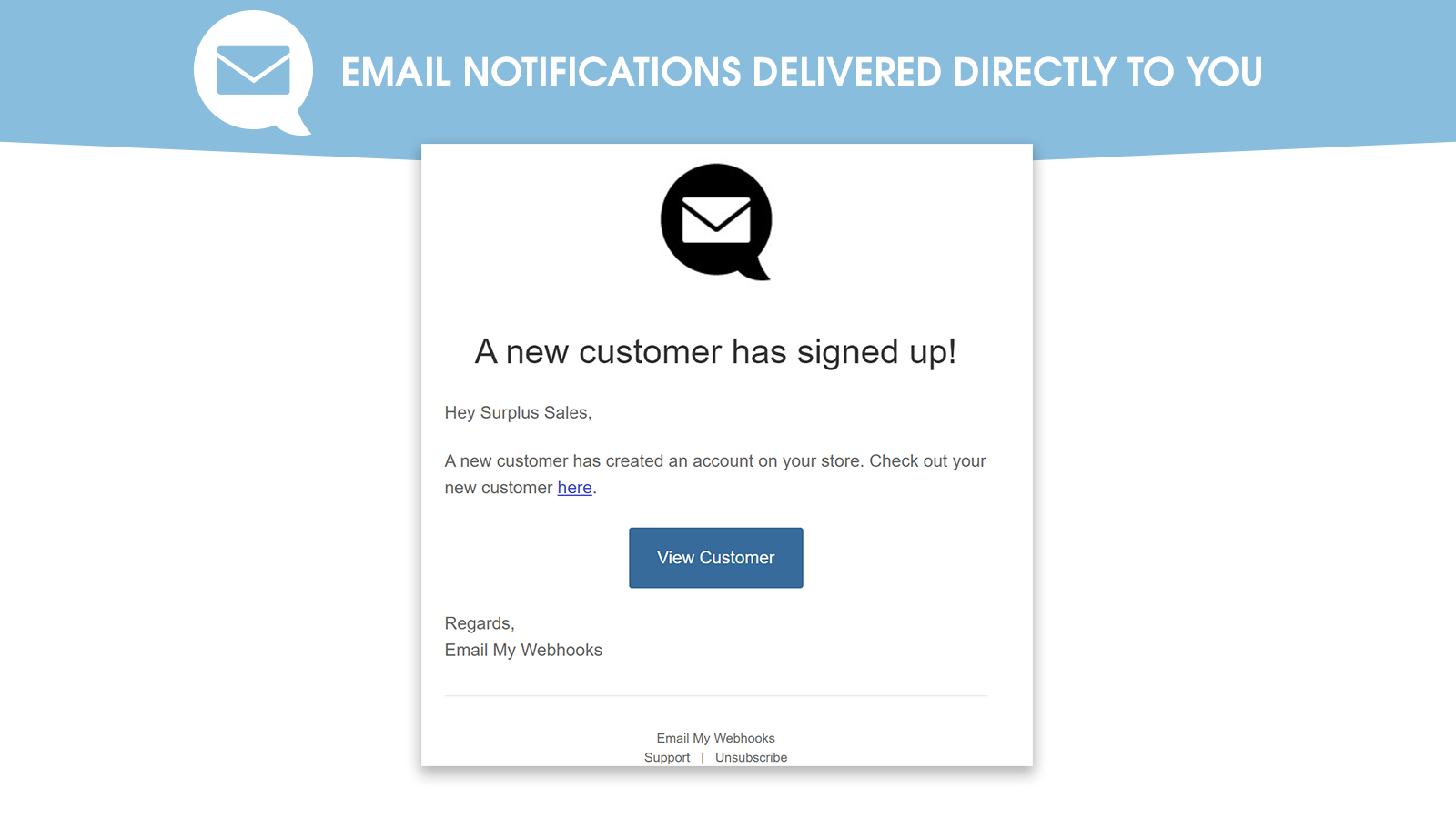
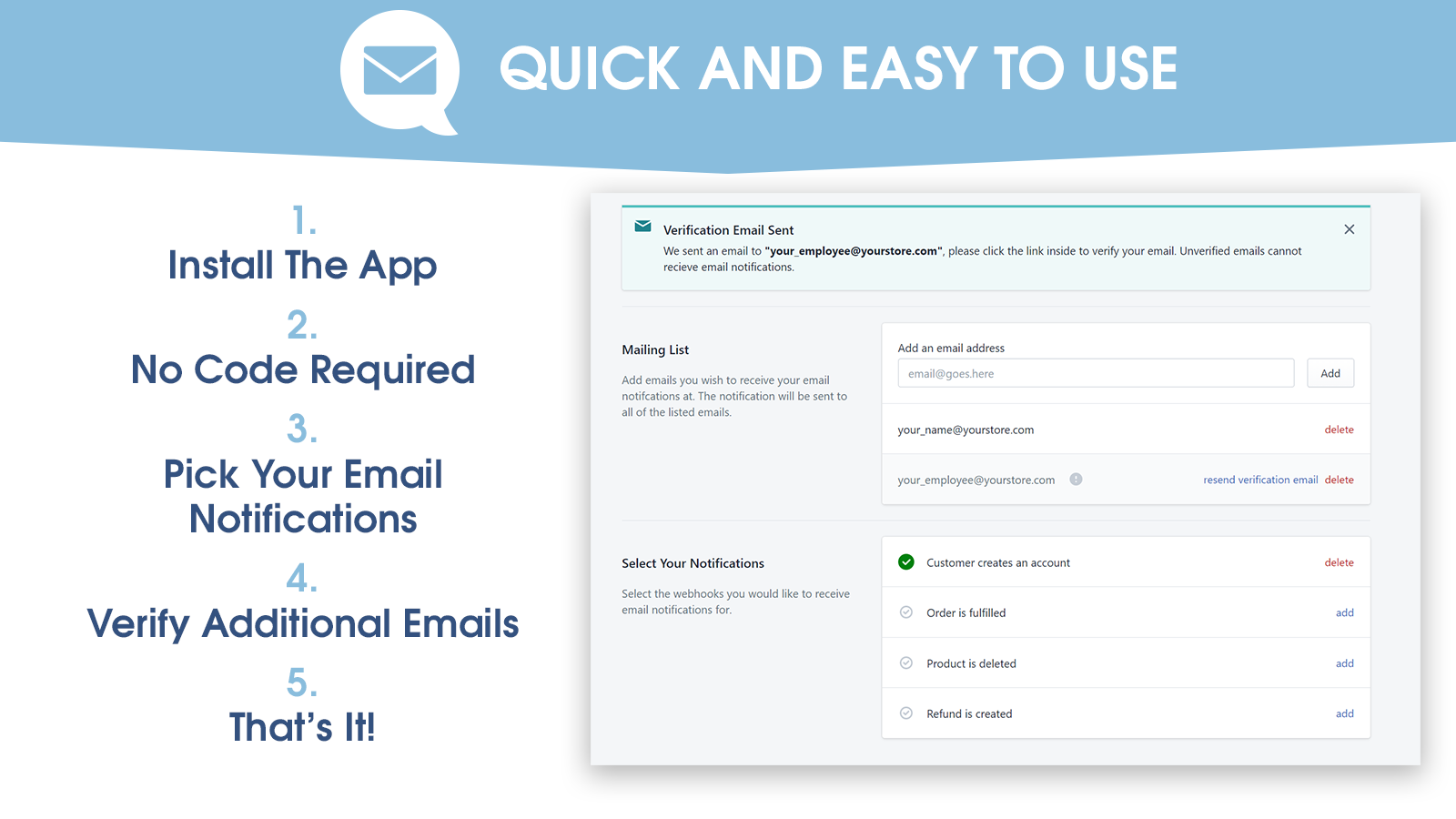
Email My Webhooks 會將關於商店狀態的重要更新直接傳送至您的電子郵件信箱!
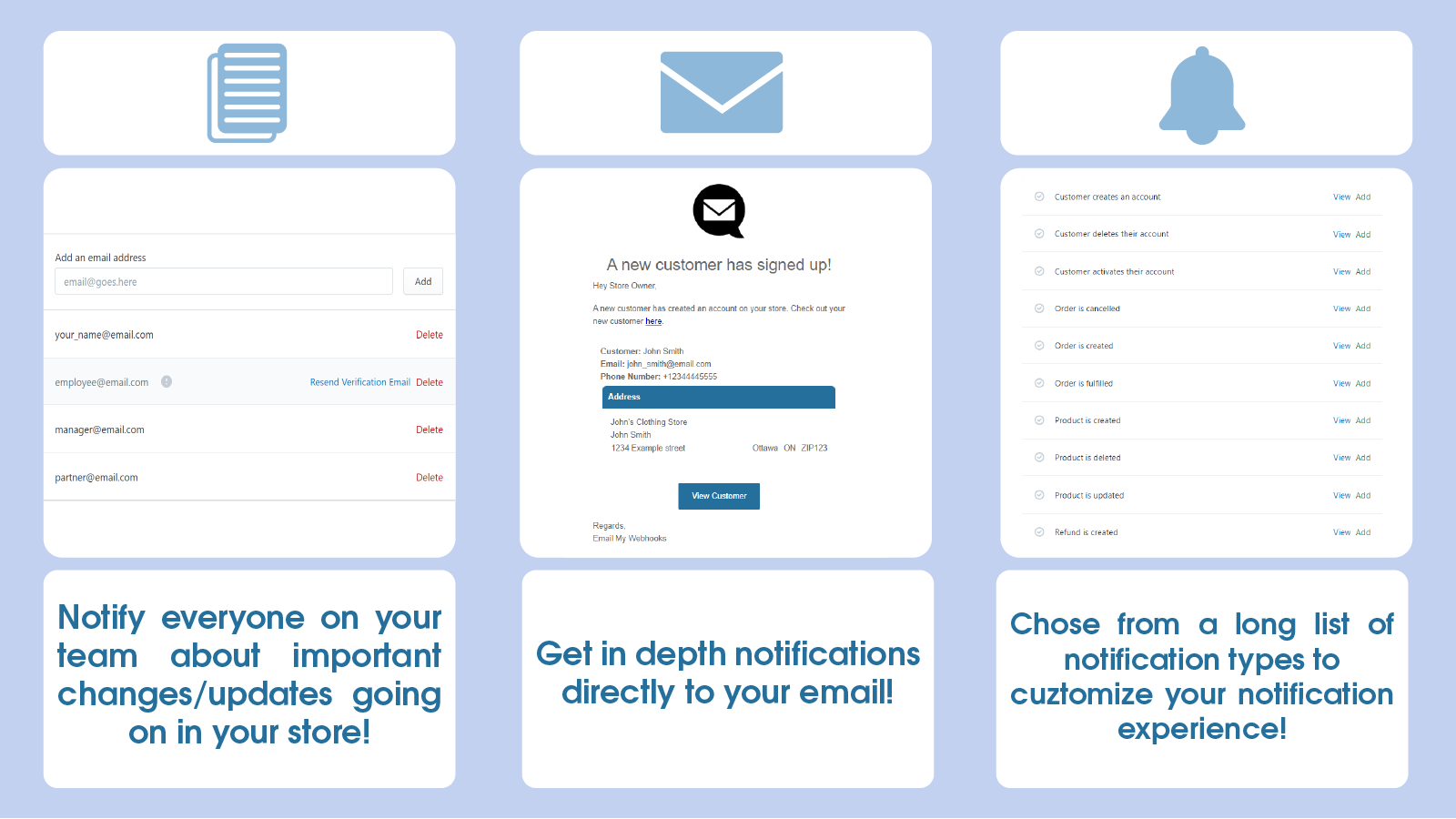
每當您的商店發生關鍵事件時,Email My Webhooks 就會傳送電子郵件通知給您 (和您的團隊),讓您隨時掌握商店的最新狀態。 安裝後幾秒內即可開始接收通知! 在下列情況接收通知: - 顧客建立帳號 - 顧客刪除帳號 - 顧客啟用帳號 - 取消訂單 - 完成訂單出貨 - 建立產品 - 刪除產品 - 更新產品 - 建立退款
- 設定快速簡單!立即開始接收通知!
- 提供多種通知類型,讓您隨時掌握重要的商店活動
- 在您的郵寄清單中新增多個電子郵件信箱,讓您和員工隨時掌握最新動態
含有自動翻譯的文字
語言
英文
這項應用程式尚未翻譯成繁體中文
類別
定價
選擇最適合您業務的方案。
免費方案
免費
功能
- 每個月 150 封免費電子郵件
Plus 方案
$7.99 /月
每 100 封電子郵件 49 美分
功能
- 2,000 封免費電子郵件
- 進階電子郵件範本
Ultra 方案
$33.99 /月
每 100 封電子郵件 33 美分
功能
- 10,000 封免費電子郵件
- 進階電子郵件範本
含有自動翻譯的文字
所有費用均以 USD 計價。 定期費用和依使用量計費方案,均以 30 天為週期收費。
Was working for some time but now it does not work or even open. I would not recommend this app. I emailed support too but got no response.
Greetings!
We are sorry to hear that you are having issues with our app, It does not appear that we ever received a support request from you.
We are sorry for the grief this has caused. If possible, can you send an email with the issues you are encountering to: emailmywebhooks@gmail.com
We will gladly work with you to sort out this issue!
Sorry again for the inconvenience.
Proved useful within 15 minutes!
I had previously deleted this app because as I was getting constant spambot sign ups, I didn't see the point of the extra email that did not contain the customer name/email etc.
However, I've come to realize that the in-house Shopify notifications are not only missing my custom information but very, very slow. My wholesale customers were signed up and ready to order but I had not received the 'new customer' email.
About 15 minutes after reinstalling, I got an *instant* customer notification from such a customer and was able to update their account right away.
App works and is SO simple its riduciously. We are using it to get emails when a customer creates an account - this is beyond great. Keep up the great work guys.
Thank you for the lovely words! Glad you like it.
支援服務
App 支援由 Email My Webhooks 提供。
資源
開發者無法直接以繁體中文提供支援。
開發者
發布日期
2015年12月22日
其他同類型應用程式


符合我們成效、設計和整合層面的最高標準。 深入瞭解「在新視窗中開啟」


