


Magic 360
- Precios
-
Desde $169
- Calificación
- 4,6 (30)
- Desarrollador
- Magic Toolbox
Galería de imágenes destacadas
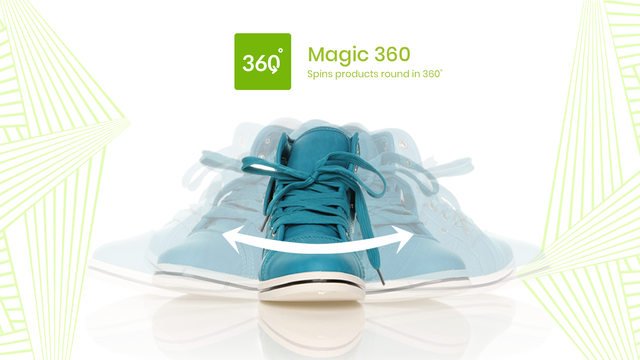
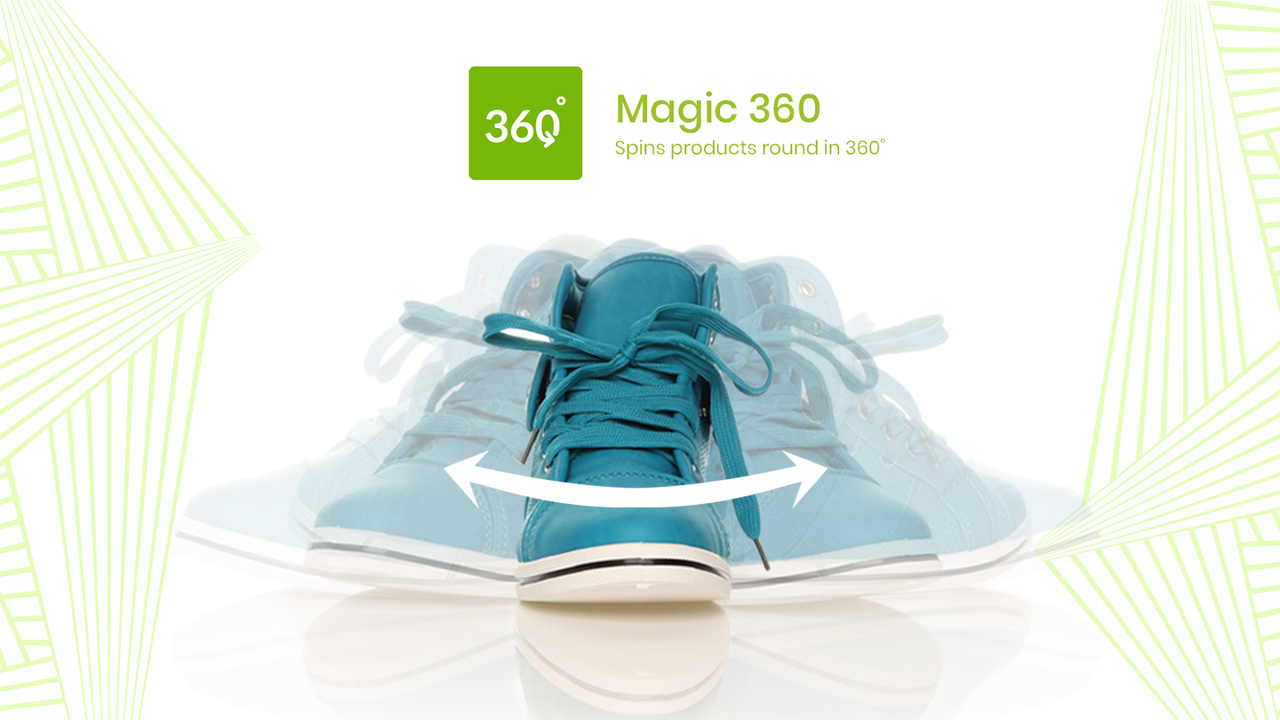
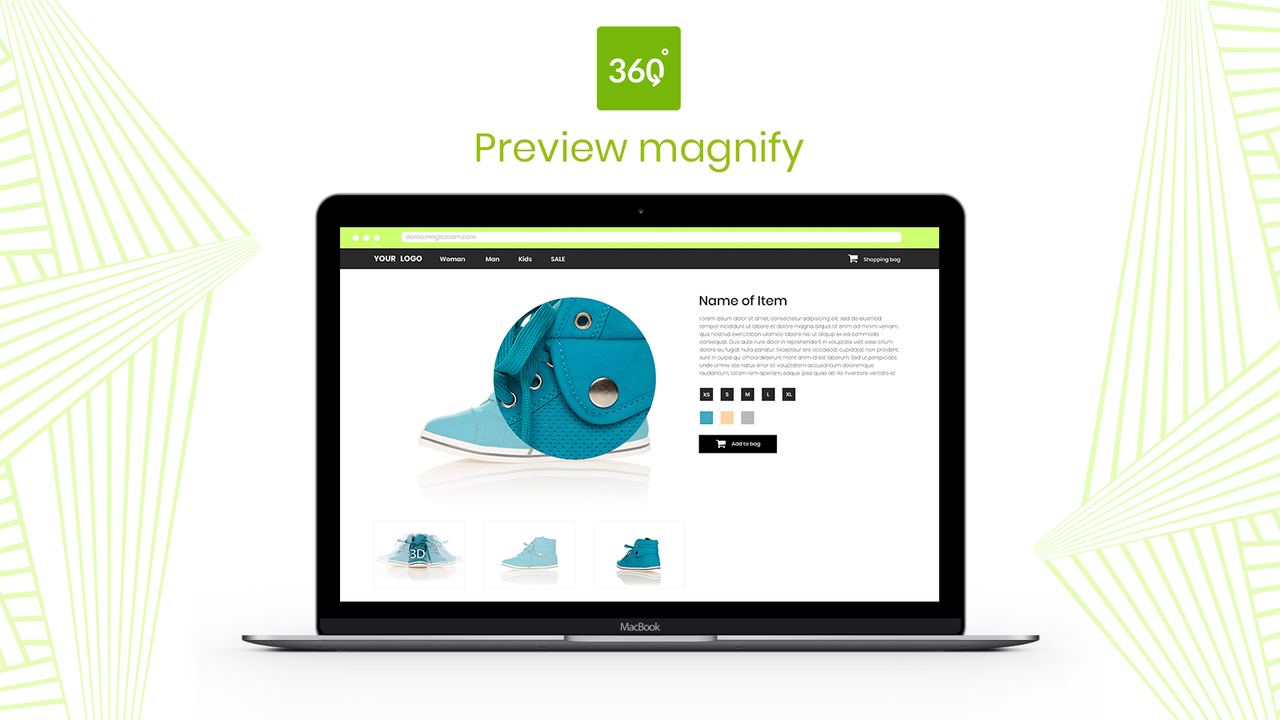


Display your products in 360 degrees. Customer confidence increases sales and reduces returns.
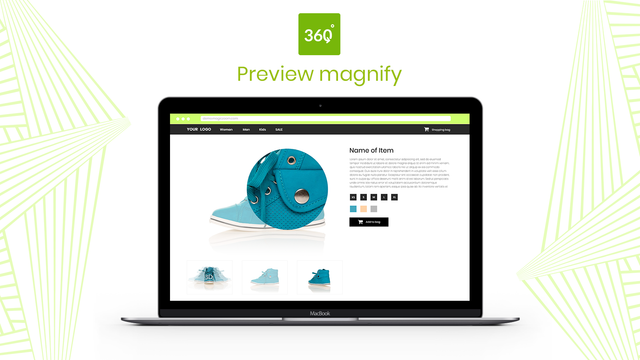
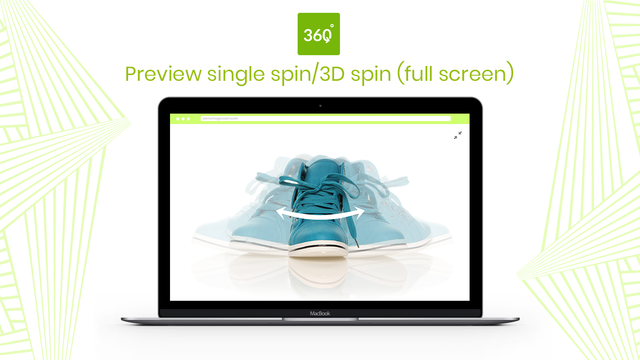
Show customers every detail of your product with 360-degree spin. Customers can even zoom-in and enlarge to full-screen too. You'll need a set of JPG photos which show every angle. Your product moves ever so slightly in each photo, to create the 360 effect. We recommend 1200px to 1500px wide. These big images will create gorgeous spin, magnify & full-screen effects. Magic 360 works on iPad, iPhone, most Android devices so your customers can view your products whenever and wherever they want.
- Display static images alongside your 360 degree spin.
- Magic 360 supports any Shopify theme.
- Customize options like speed and autospin easily on the app settings page.
Contiene texto sin traducir
Idiomas
Inglés
Esta aplicación no está traducida al Español
Categorías
Precios
Elige el plan que mejor se adapte a tu negocio.
One-time charge
$169 cargo único
Free to install. $169 to buy a license (which removes 'Trial version' message)
Contiene texto sin traducir
Todos los cargos se facturan en USD.
Reseñas (30)
After trying several 360 spin apps I stumbled upon magic 360 and it is a game changer!
Very simple to use and the one-time fee is refreshing, and totally worth it.
My only gripe would be that on mobile devices the zoom feature on the front end is a little buggy but apart from that such a great piece of software that does the job effectively!
Overall an easy app. Love how its only a one time charge. We got professional photos of our products taken by a company they recommended that did a great job (The Spin Guys). Compiling all 36 photos in the app is super easy and the spins turn out flawless.
Only downside is I wish photos would load in the background so I can continue adding photos to other products. When uploading just be aware it will take some time if you have a lot of products.
Hello Waveband Communications!
We're thrilled your love your flawless spins! TOP TIP: Shopify has 2 ways to bulk upload images to your Shopify admin:
i) Shopify admin > Settings > Files.
ii) CSV file (although article states you will need public urls, not from local machine).
The information for both options is shown on the Shopify community discussion board below:
https://community.shopify.com/c/shopify-discussions/can-i-bulk-upload-images-on-shopify-using-server-paths/m-p/2220911
Once all your spin images have been bulked uploaded to your Shopify products, Magic 360 will automatically use the last 36 images in each product Media list to create the spin effect on the product page.
Hope this helps!
Gallery works very well.
Support was great and helped us set up the app in our custom theme.
Even helped us to match some functionality our regular gallery has. We really appreciate the extra effort the app team offered. Thanks :)
Great
Soporte técnico
Ayuda para la app ofrecida por Magic Toolbox.
Recursos
Este desarrollador no ofrece soporte técnico directo en Español.
Desarrollador
9 Cowley Road, Oxford, ENG, OX4 1HP, GB
Fecha de lanzamiento
7 de septiembre de 2012
Acceso a los datos
Esta aplicación necesita acceso a los siguientes datos para funcionar en tu tienda. Obtén más información en la política de privacidad del desarrollador.
Ver datos de empleados y colaboradores:
Propietario de tienda
-
Propietario de tienda
Nombre, Dirección de correo electrónico, Número de teléfono, Dirección física
Ver y editar datos de la tienda:
Productos, Tienda online, Administrador de Shopify
-
Editar productos
Productos, Colecciones
-
Ver tienda online
Tema
-
Editar el administrador de Shopify
Archivos
Más aplicaciones como esta



Cumple con nuestros más altos estándares de rendimiento, diseño e integración. Más información sobre Se abre en una ventana nueva

Cumple con nuestros más altos estándares de rendimiento, diseño e integración. Más información sobre Se abre en una ventana nueva

