
主要圖片圖庫
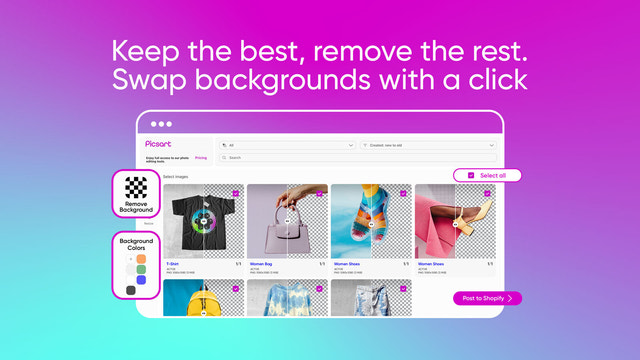
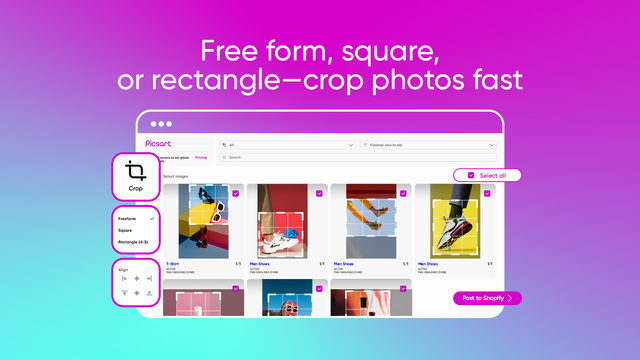
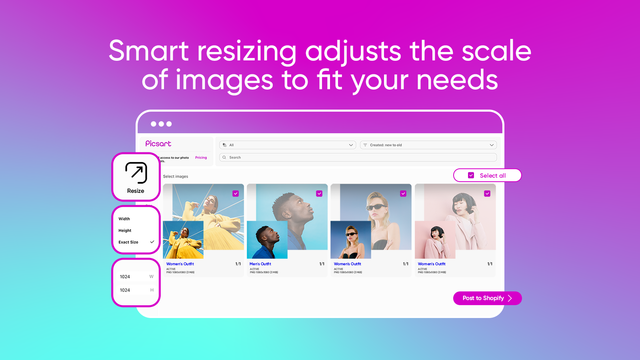
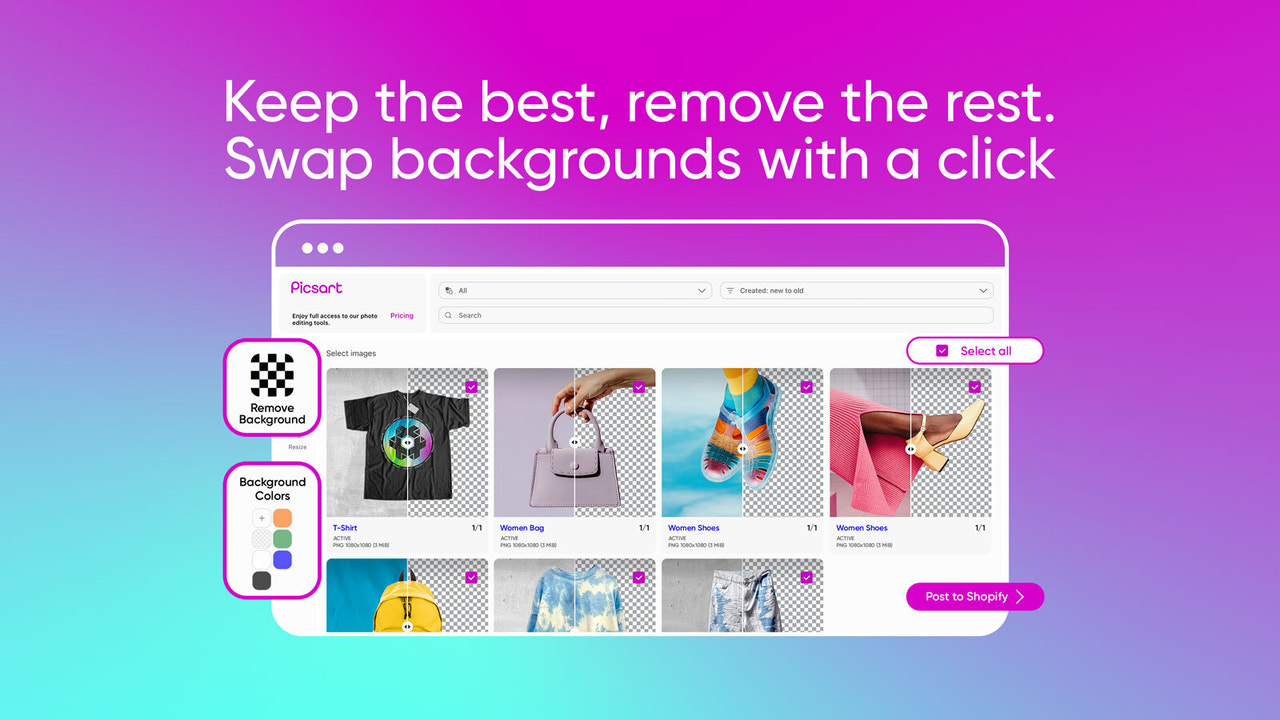
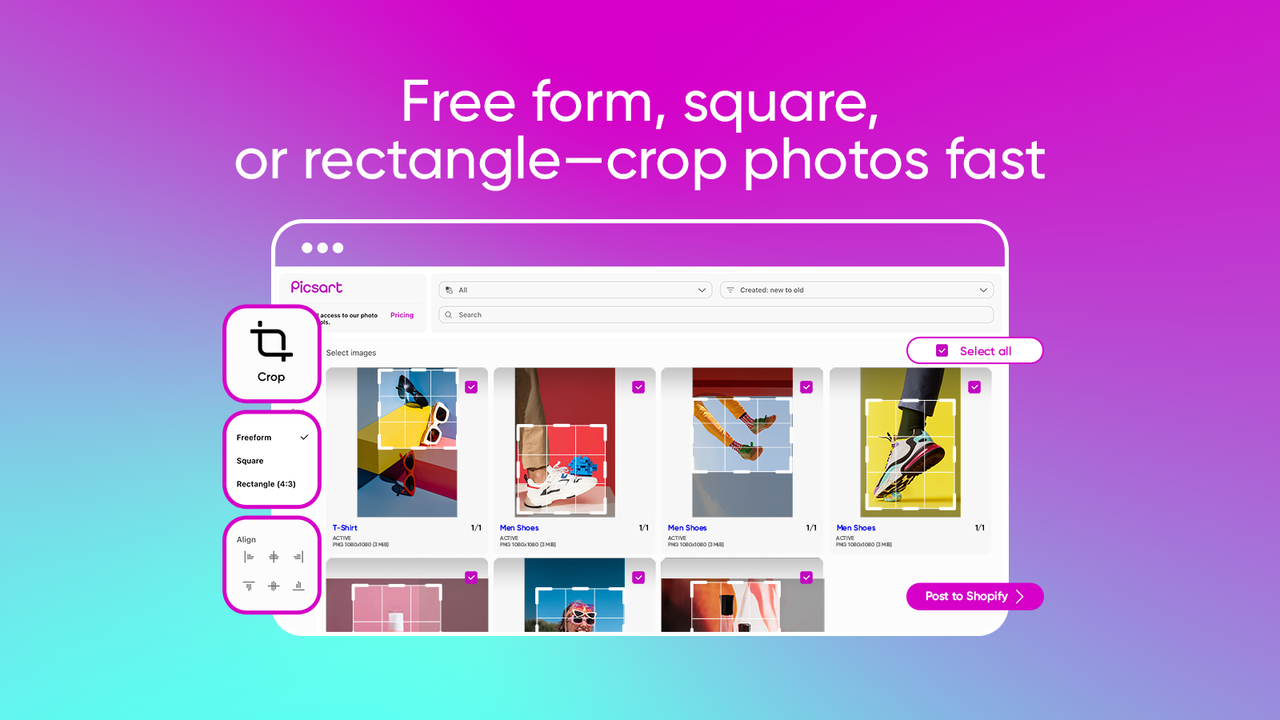
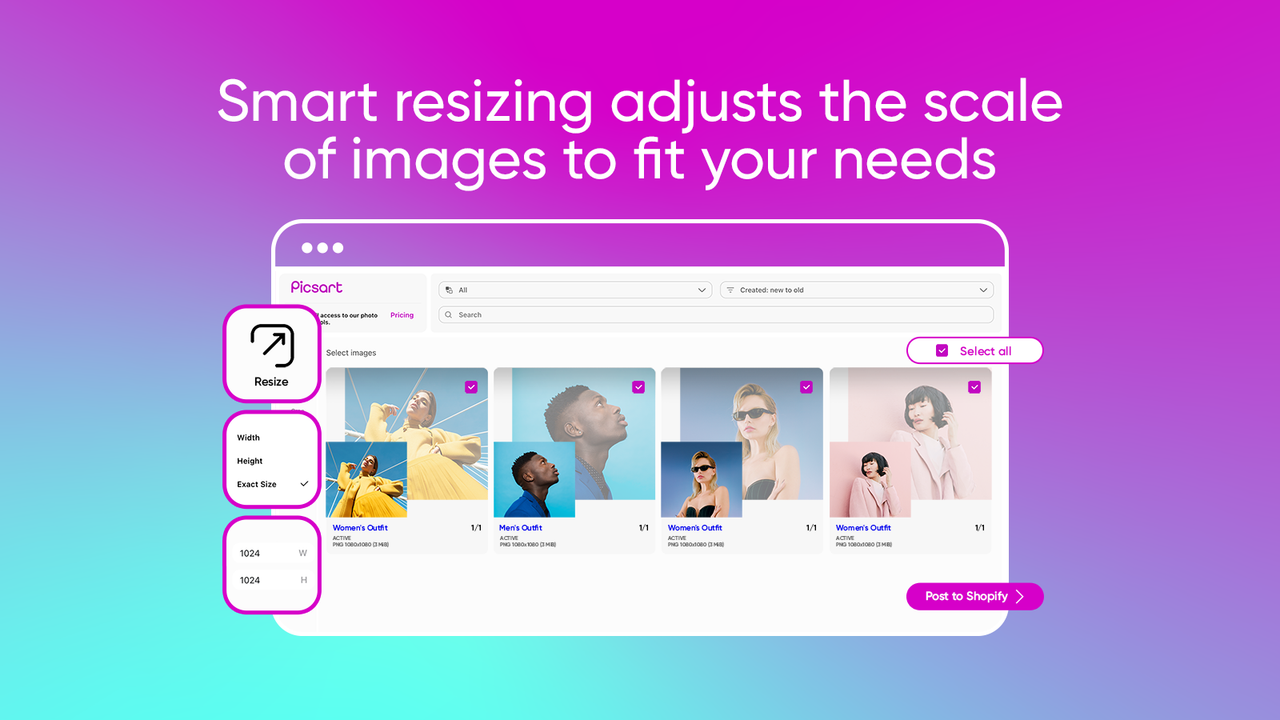
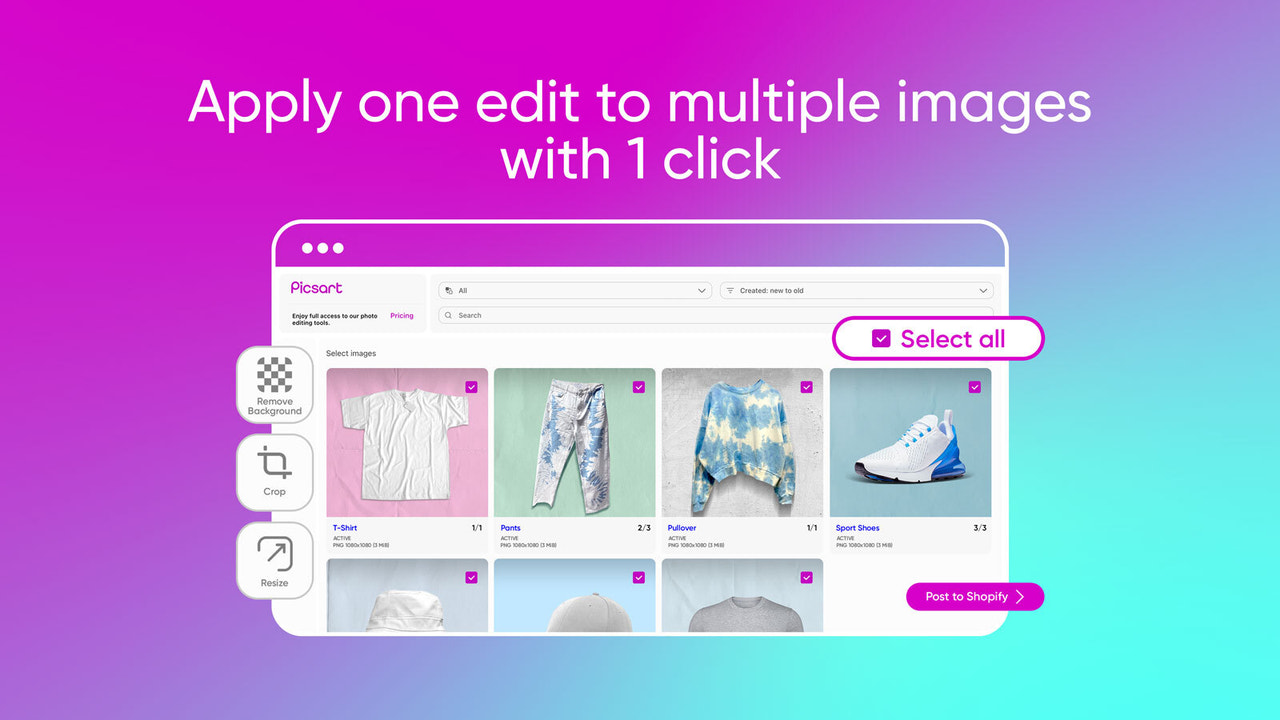

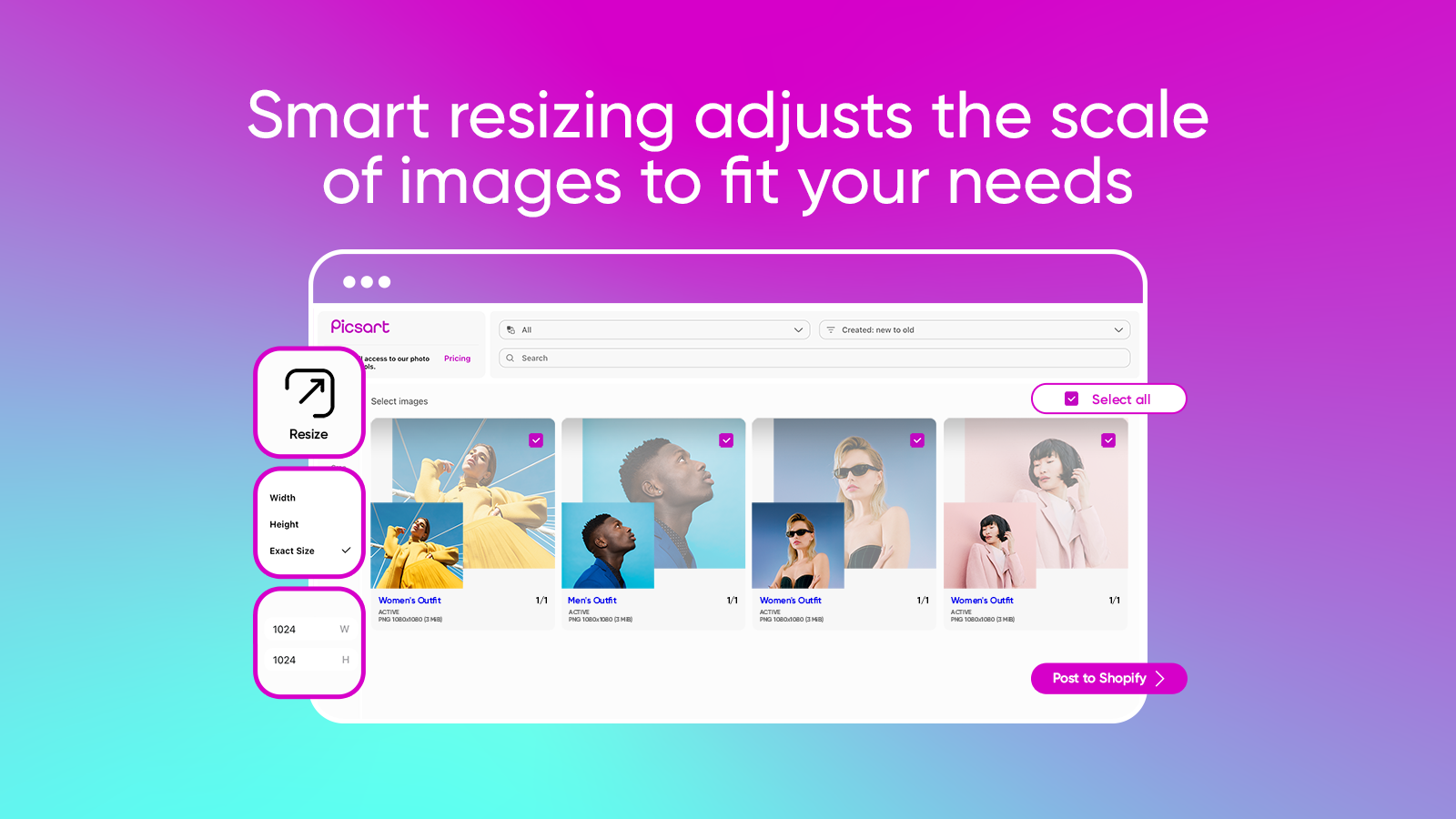

加快相片編輯速度:運用 AI 工具移除背景、裁切、調整大小及批次編輯。
透過 AI 支援的批次圖片編輯功能,讓您的商店外觀更簡潔、更專業。輕鬆移除背景、加入純色、將圖片裁切為合適的形狀,並根據版面調整大小。只要按一下,最多可同時編輯 30 張產品相片。完全無需設計技巧,非常適合想加快商店更新速度並提升產品吸引力的大忙人賣家。
- 移除背景並替換為所選顏色,藉此突顯產品。
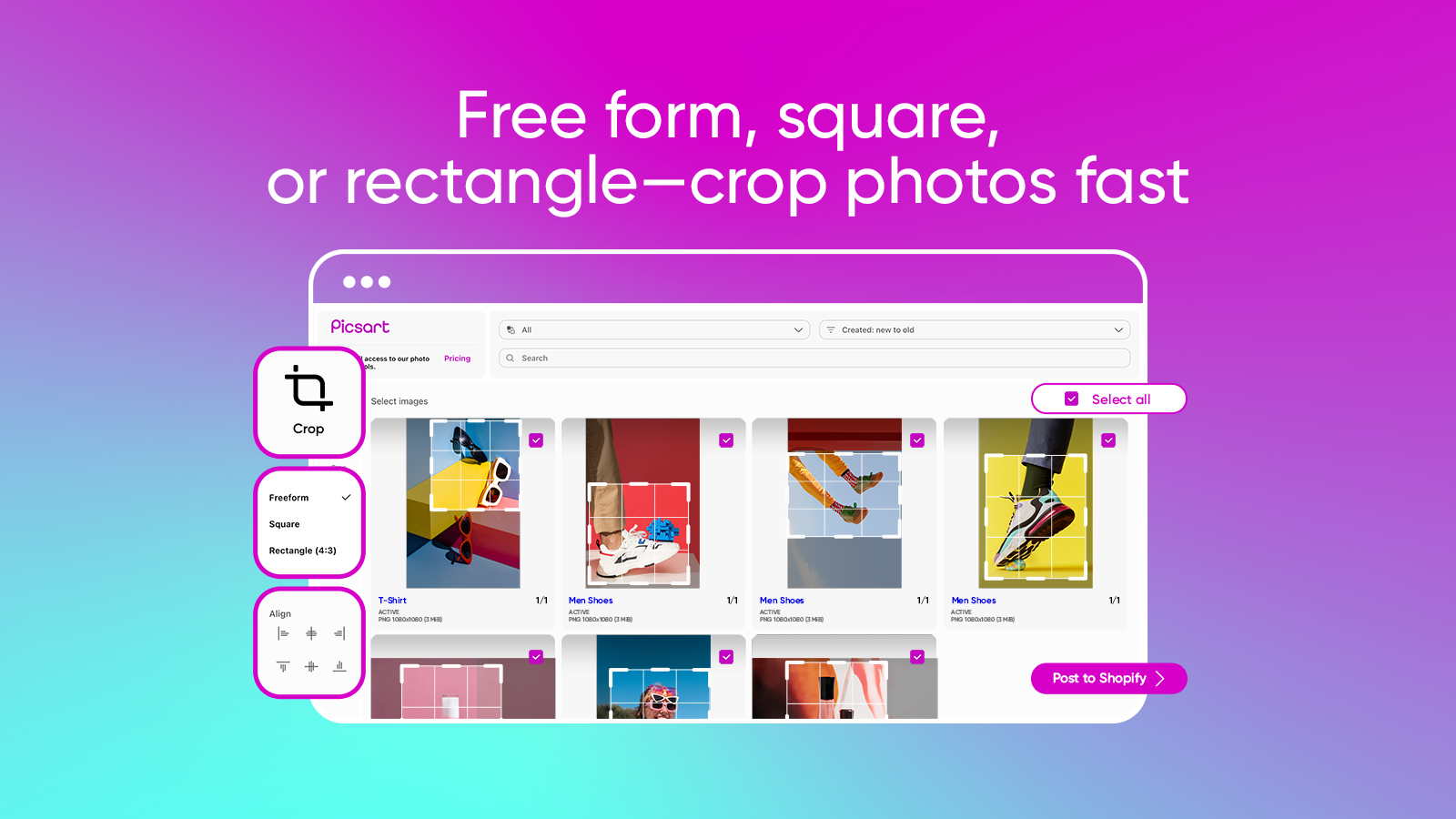
- 以自由格式手動裁切,或自動裁切為正方形或 4:3 矩形。
- 藉由調整寬度或高度來變更圖片尺寸,以符合您的商店設計。
- 只要按一下,最多可同時批次編輯 30 張相片。
含有自動翻譯的文字
語言
英文
這項應用程式尚未翻譯成繁體中文
可與以下項目搭配使用
- Shopify 管理介面
The idea is great, but didn't work in my store, even I accepted the subscription it was showing all the time as inactive, when it seems it was working after selecting the images a press edit background took forever and when I push to import to the store it never worked, I installed it twice and still didn't work.
Hi there,
My name is David, and I am customer support representative at Picsart. Thank you for taking the time to share your feedback with us. We genuinely appreciate your honesty and apologies for any inconvenience or frustration you may have experienced. We value all our customers and their feedback, whether positive or negative, as it helps us identify areas where we can improve and provide a better experience for our users. If it will not be a major inconvenience, could you please contact us via email at partner-support@picsart.com and provide more details so we can understand your specific concerns better and solve them as soon as possible?
Thank you once again for your feedback, and we look forward to your email.
Best regards,
David
Simple app to crop and resize product photos within shopify. Also can change background colors easily.
支援服務
App 支援由 Picsart 提供。
資料存取權
這項應用程式需要存取以下資料,才能在商店中正常運作。 原因請參閱開發者的隱私權政策 。
檢視顧客資料:
裝置與活動資料
-
裝置與活動資料
地理位置
檢視員工與協作者資料:
商店擁有人
-
商店擁有人
姓名、 電子郵件地址、 電話號碼、 實體地址
檢視與編輯商店資料:
產品、 訂單、 Shopify 管理後台
-
編輯產品
產品、 商品系列
-
編輯訂單
訂單草稿
-
編輯 Shopify 管理後台
檔案
其他同類型應用程式