Power Tools Filter Menu
- Preisgestaltung
-
$15.99/Monat. Kostenloser Test verfügbar.
- Bewertung
- 4,9 (81)
- Entwickler
- Power Tools
Vorgestellte Bildergalerie
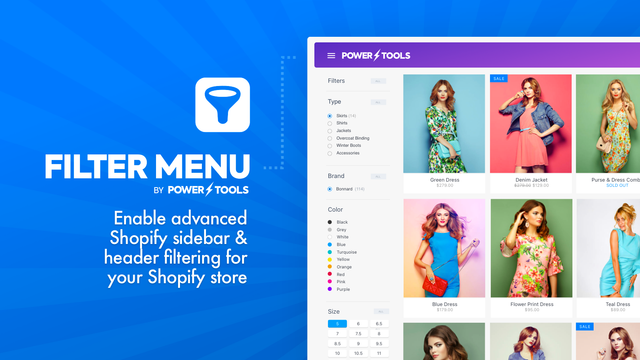
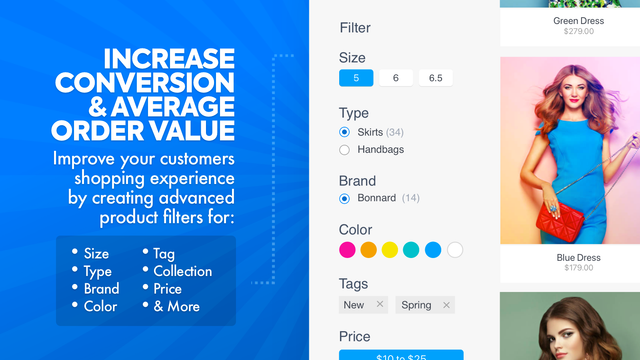

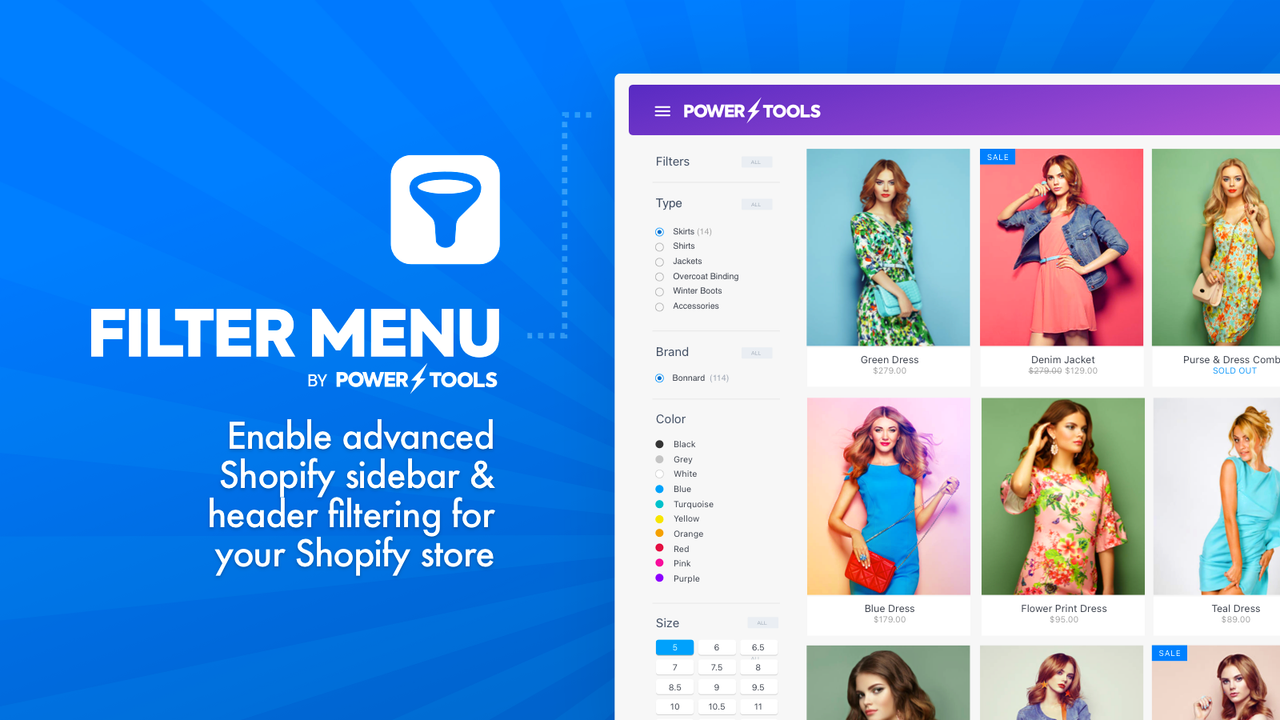
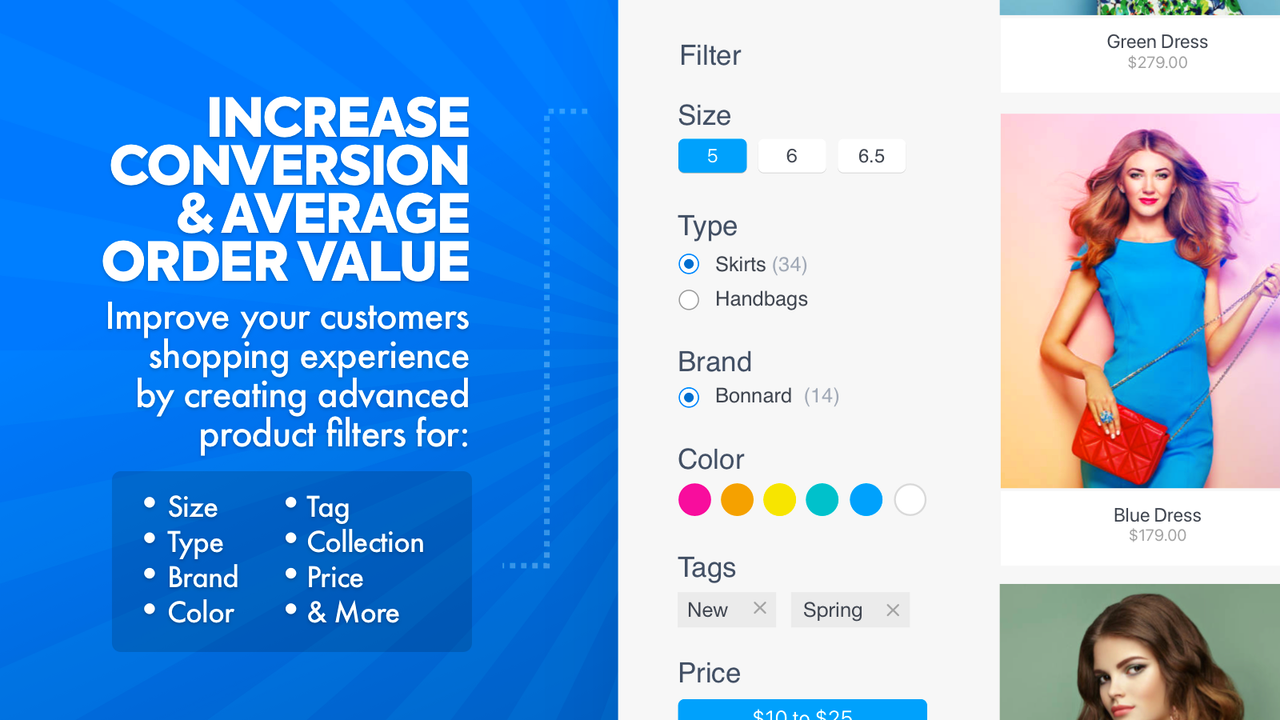
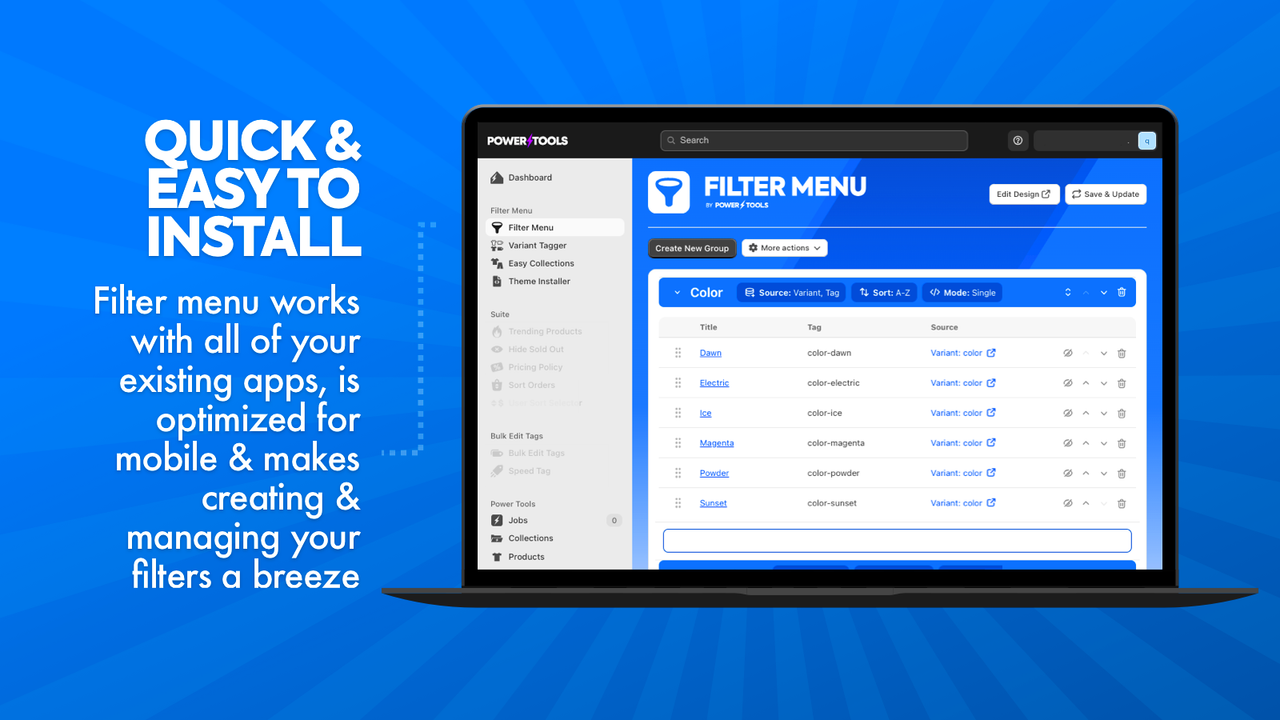
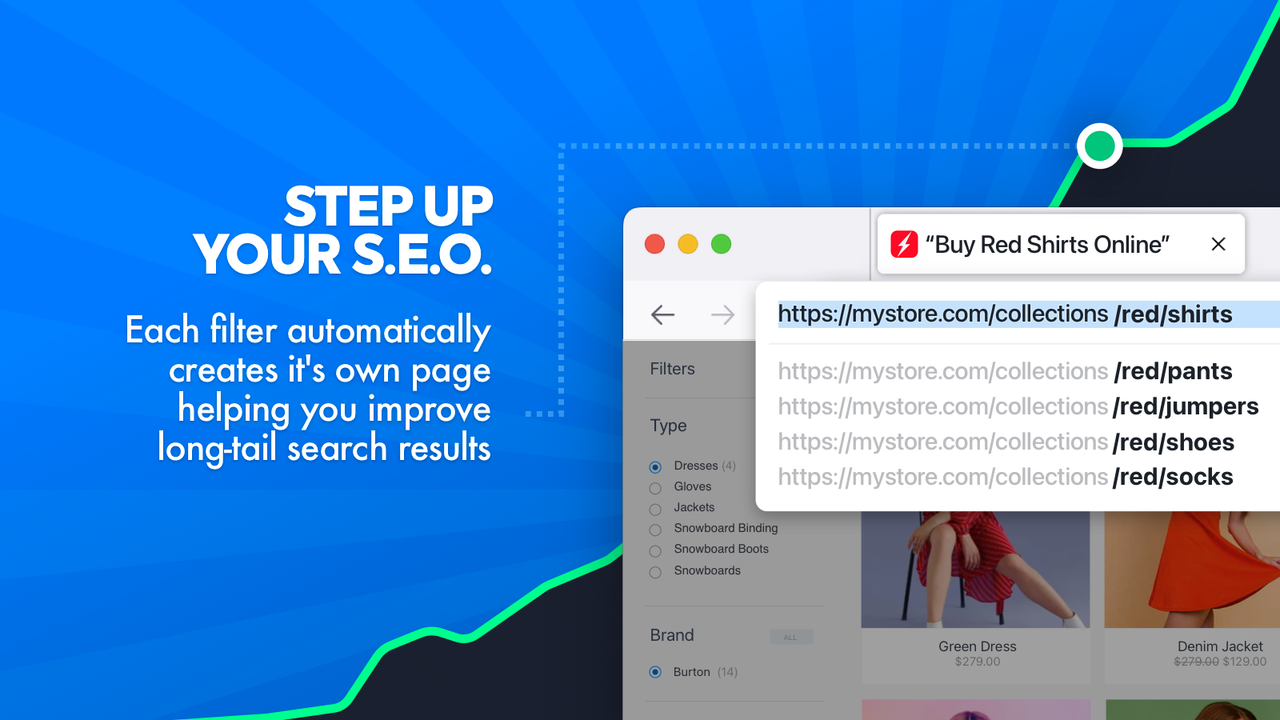


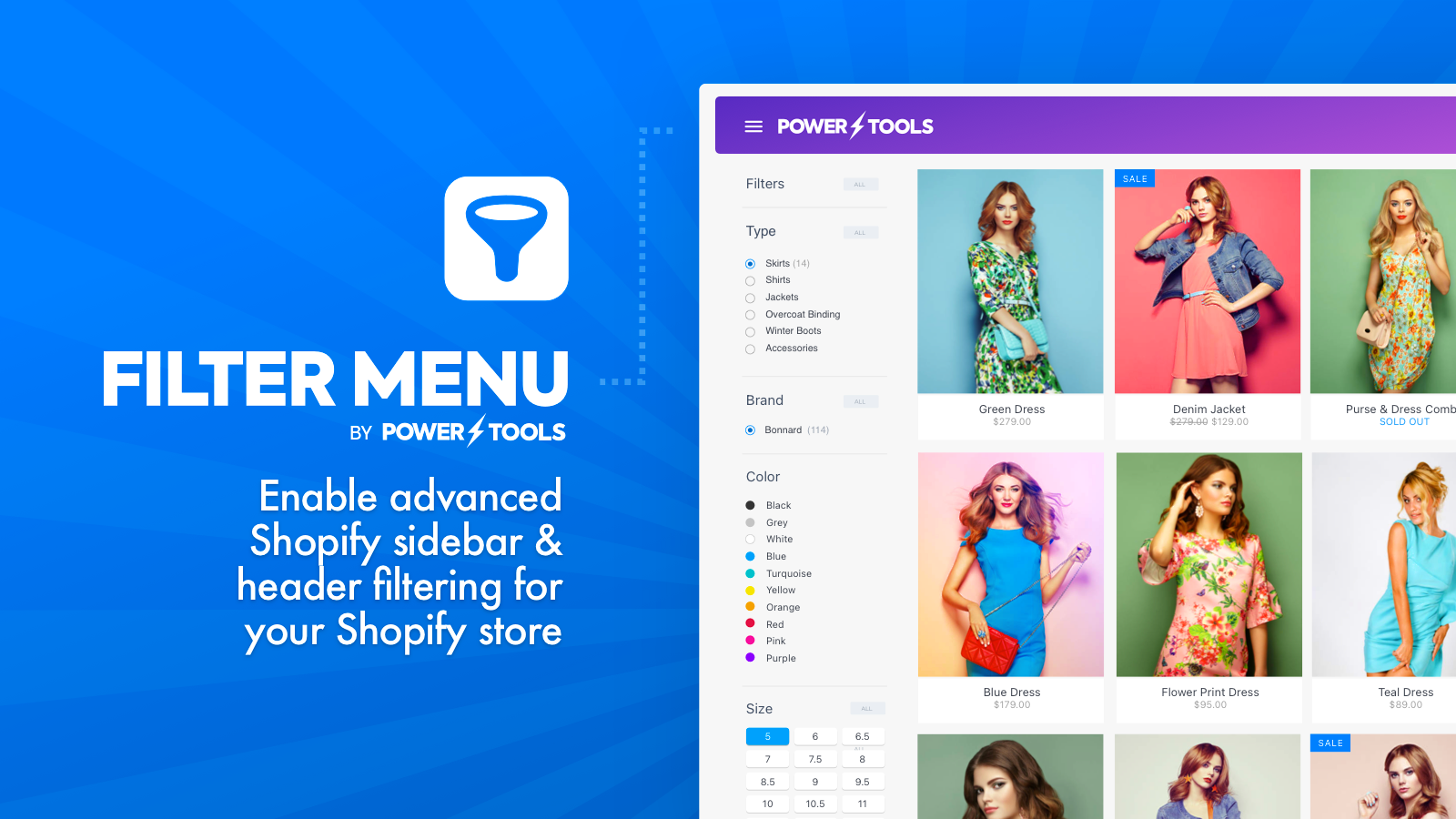
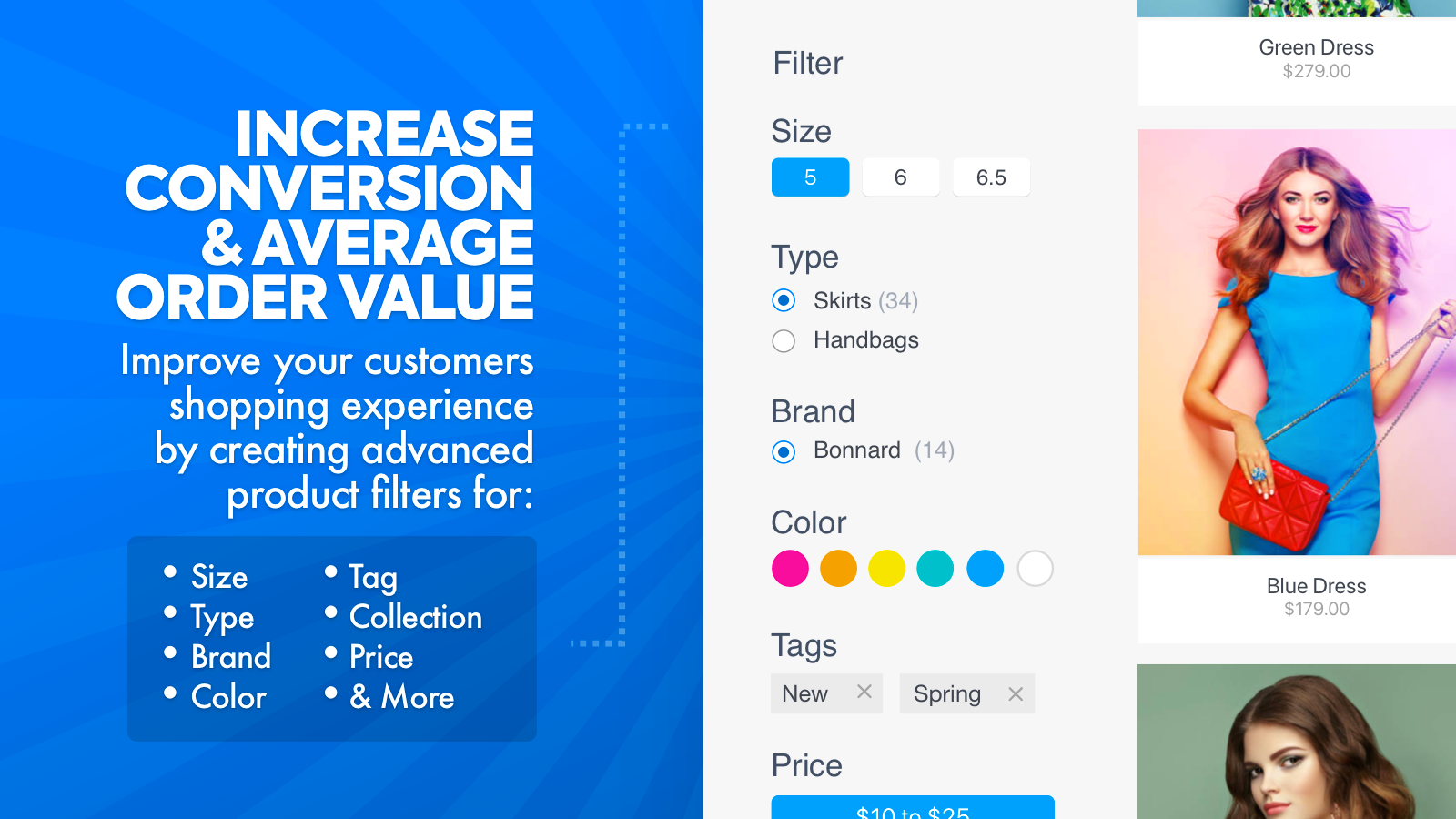
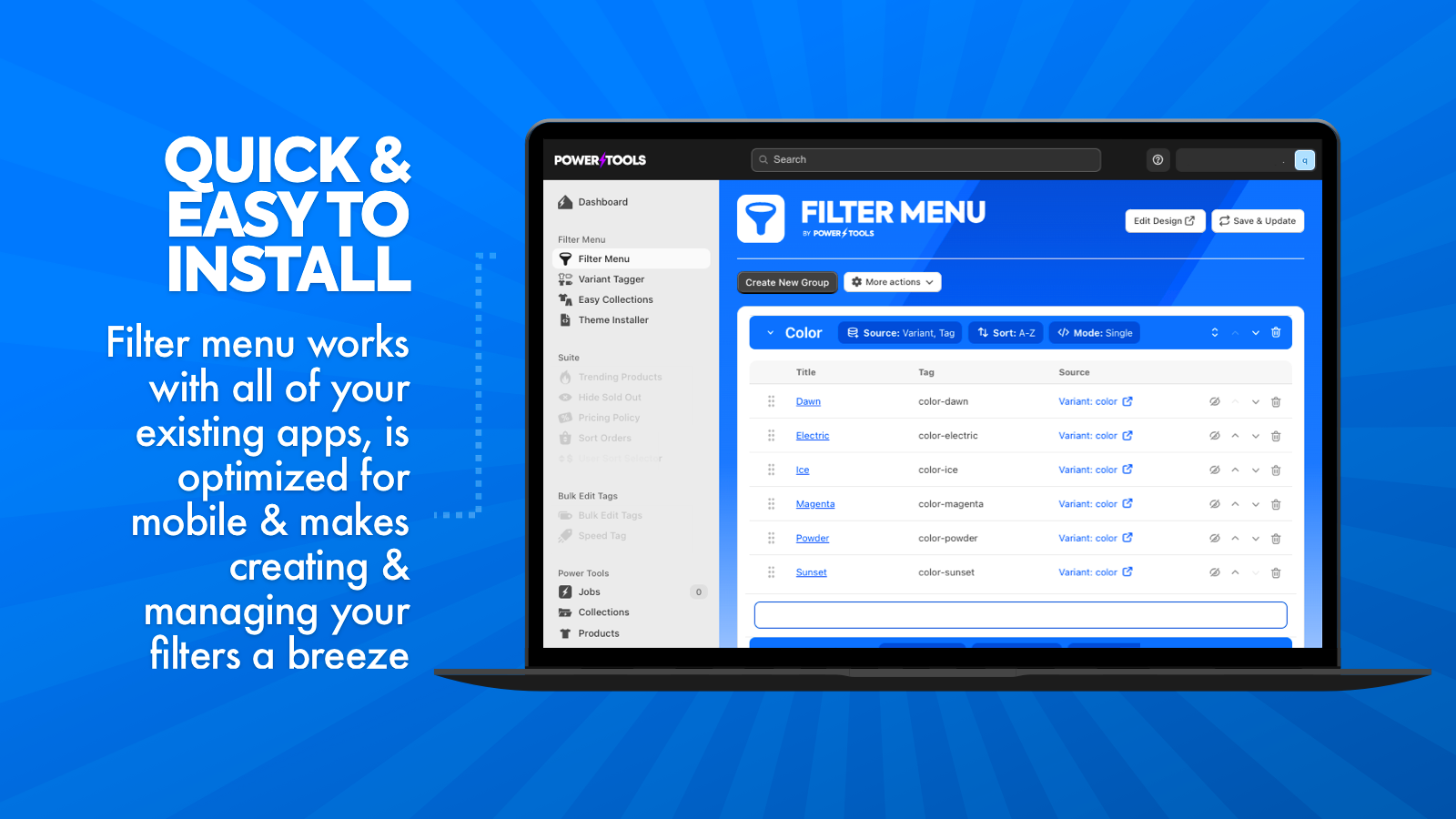
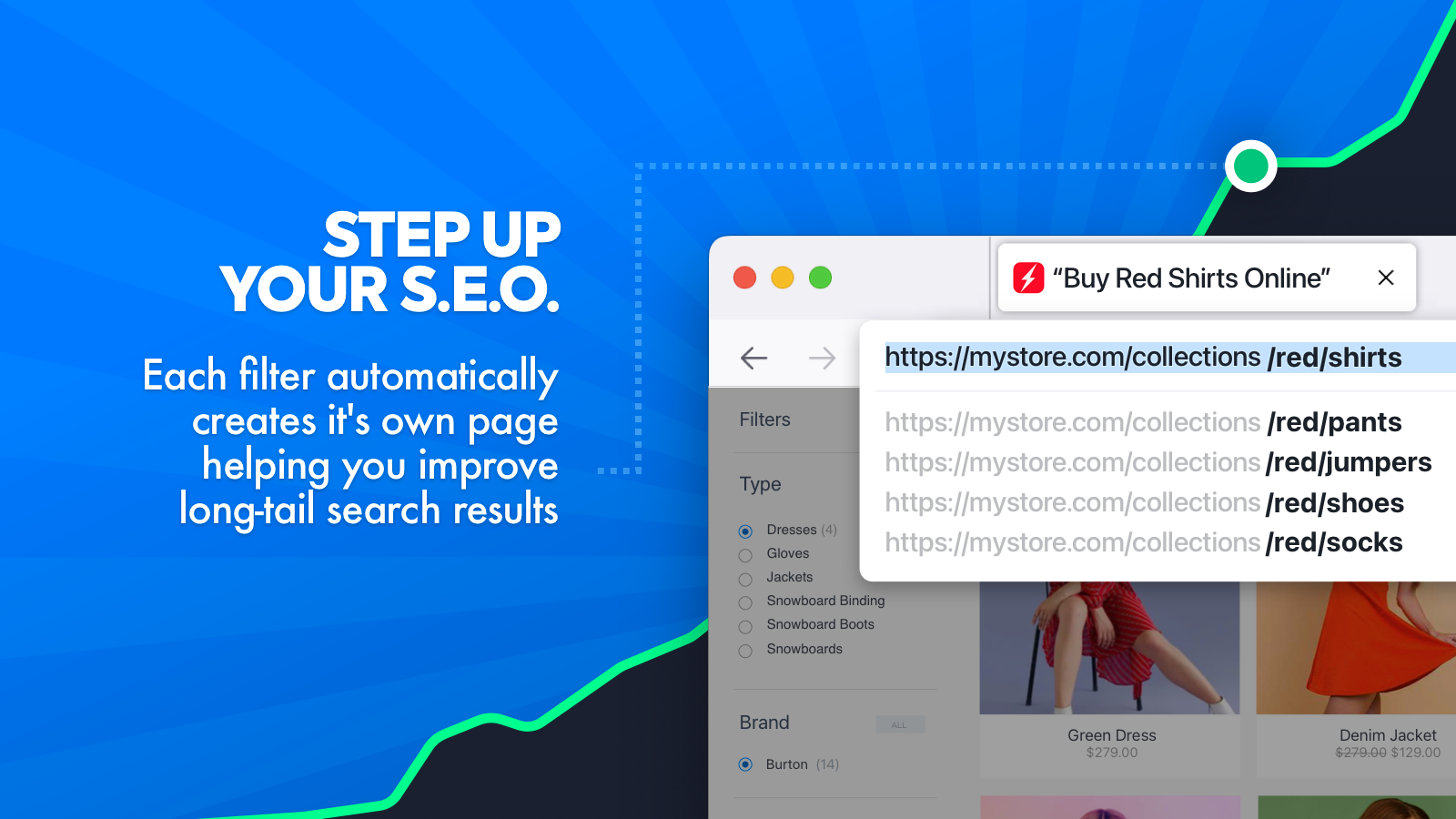


Erweiterte Produktfilter für Marke, Produkttyp, Tag, Kategorie, Variante, Preis und mehr erstellen
Möchtest du deinen Shop vereinfachen und den Umsatz steigern? Ein Kategorie-Filtersystem ist ein bewährter Weg, um den Umsatz zu steigern. Wenn du nach einer Möglichkeit suchst, die Leistung deines Shops zu verbessern ... dann könnte ein reibungsloses Navigationssystem die Lösung sein. Einzelhandelsexpert:innen haben bewiesen, dass der Umsatz steigt, wenn Shops ihrer Kundschaft das Einkaufen erleichtern. Warum? Weil deine Kund:innen wenig Zeit haben und es dir danken werden, wenn du ihnen das Leben leichter machst. Deshalb haben wir das Power Tools Filter Menu entwickelt!
- Erweiterte Produktfilter für Marke, Produkttyp, Tag, Kategorie, Variante und Preis erstellen
- Ein Produktfilter-Menü schnell erstellen, bearbeiten und verwalten, um den Umsatz zu steigern
- Einfache Installation, die alle Themes unterstützt, damit du dich auf das Wichtigste konzentrieren kannst
Enthält automatisch übersetzten Text
Sprachen
Englisch
Für diese App ist keine Übersetzung auf Deutsch vorhanden.
Kompatibel mit
- Shopify-Adminbereich
- Power Tools Suite
Kategorien
Suchfunktionen
Display-Anpassung
Analysen
Preisgestaltung
Wähle den Plan, der am besten zu deinem Unternehmen passt.
Filtermenü
$15.99 / Monat
14-tägiger kostenloser Test
Enthält automatisch übersetzten Text
Alle Gebühren werden in USD berechnet. Wiederkehrende und nutzungsabhängige Gebühren werden alle 30 Tage in Rechnung gestellt.
Rezensionen (81)
In the backend, the 'Vendor' filter had all the brands, but only a fraction of them were displayed on the collection page. Some tags were also set without permission. After uninstalling the filter, these were not removed and my default filter no longer works properly. A new test is therefore no longer an option.
Hi, please note that only the brands that are applicable to the current collection will show on the page - if you want to show all of the brand filters there are a number of options, such as the 'list' and 'replacer' modes, so you can customize the options to best suit your store and customers.
We have tried reaching out to you, our support team is always on hand to help resolve any issues. Once an app is removed from your Shopify store it can no longer make any changes, however we can easily clean up and restore any changes made by the app via support. Please get in touch so we can help you get your store sorted out.
Please note, leaving a negative review as your first option instead of contacting support is not entirely fair, our team works very hard on providing the best app and support we can, and these types of reviews are damaging to our business, particularly when they can easily be resolved or are due to how the app was configured.
Amazing app that gave us the ability to have different meta tags for different collections with selected filters.
This is something that’s not possible in Shopify by default if you’re using parameters in the URLs - but this app makes it possible!
Their support team went above and beyond by creating a custom solution for us completely free of charge. It allows dynamic loading of SEO content as well as infinite scroll functionality.
We are extremely satisfied and highly recommend this app!
For me, I find this app really useful for bulk updates of a 10 year old inventory and also managing customer filtering options at the front end.
I have found this easy to use, easy to install and when I have had something I have been unsure about or struggled with then the support team have been helpful, quick and responsive.
Totally recommend this. At least take up the free trial, you have nothing to loose.
Support
App-Support wird von Power Tools bereitgestellt.
Ressourcen
Entwickler
Eingeführt
26. Juni 2013
Datenzugriff
Damit diese App in deinem Shop funktioniert, benötigt sie Zugriff auf die folgenden Daten. Die Gründe dafür findest du in der Datenschutzerklärung des Entwicklers bzw. der Entwicklerin.
Daten von Mitarbeiter:innen und Beitragenden einsehen:
Shop-Inhaber, Blog-Mitwirkende
-
Shop-Inhaber
Name, E-Mail-Adresse, Telefonnummer, Physische Adresse
-
Blog-Mitwirkende
E-Mail-Adresse, IP-Adresse, Browser und Betriebssystem
Shop-Daten anzeigen und bearbeiten:
Produkte, Onlineshop, andere Daten
-
Produkte bearbeiten
Produkte, Kollektionen
-
Onlineshop bearbeiten
Onlineshop-Seiten, Theme
-
Andere Daten bearbeiten
Veröffentlichungen von Produkten auf Vertriebskanälen
Mehr Apps wie diese


Erfüllt unsere höchsten Standards für Leistung, Design und Integration. Weitere Informationen Wird in einem neuen Fenster geöffnet