


Printful Size Guide,Size Chart
แกลเลอรีรูปภาพที่แสดง
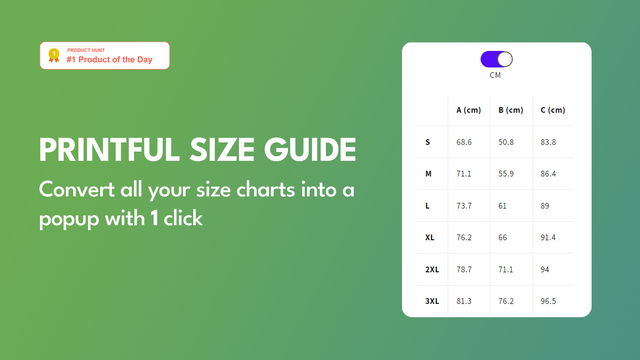
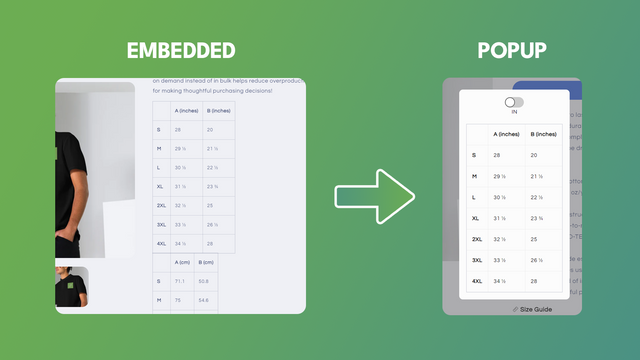



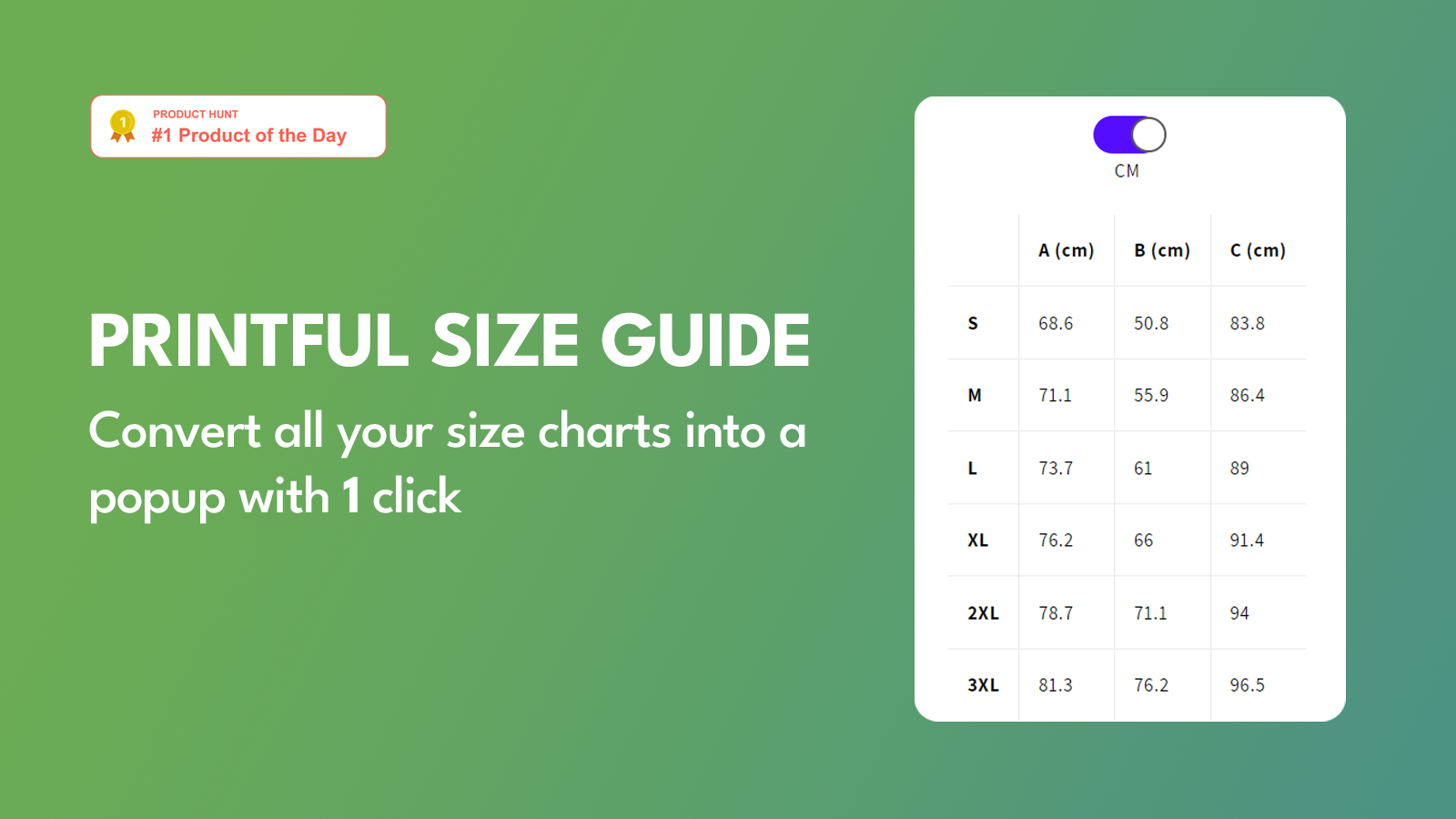
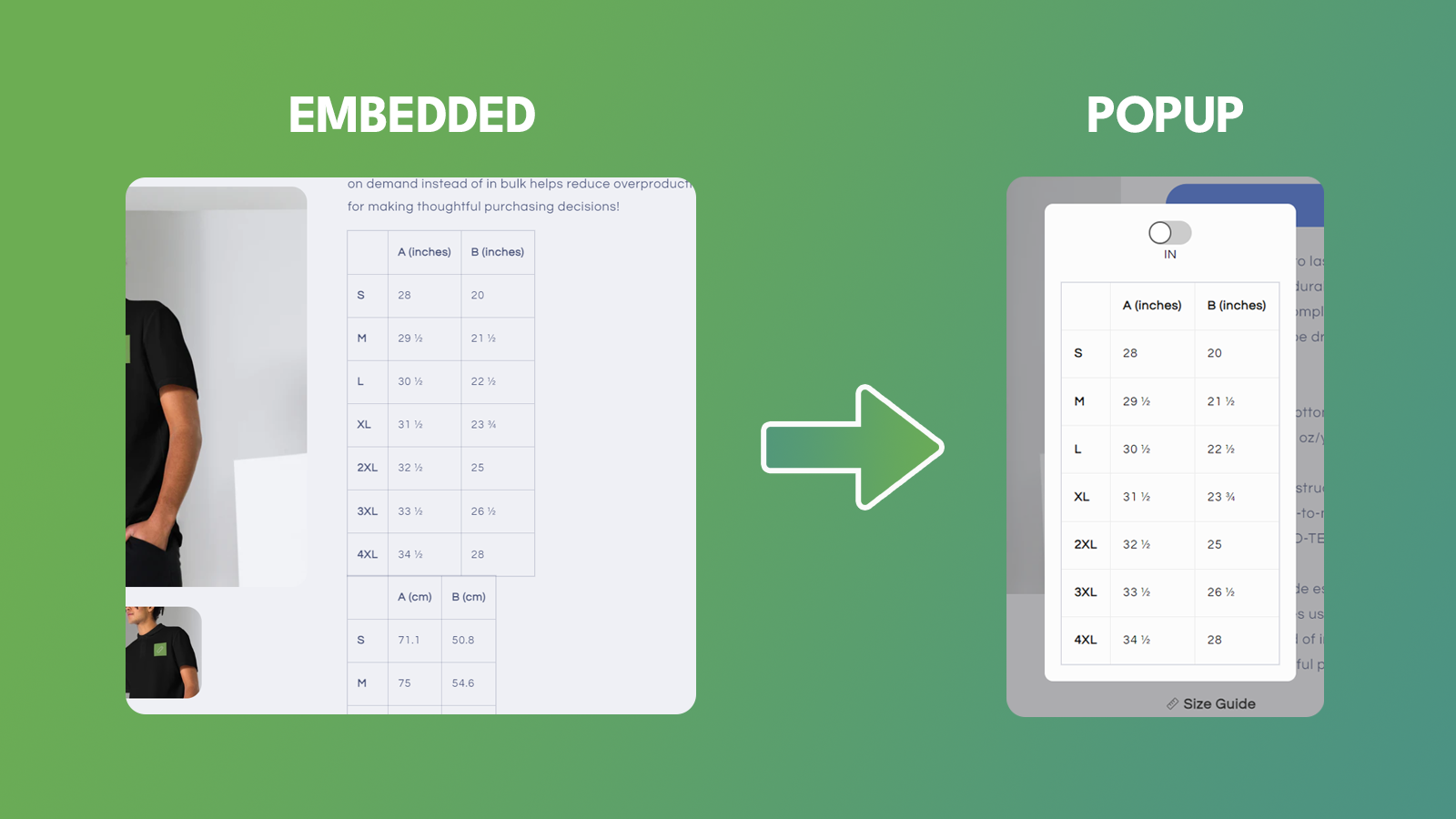

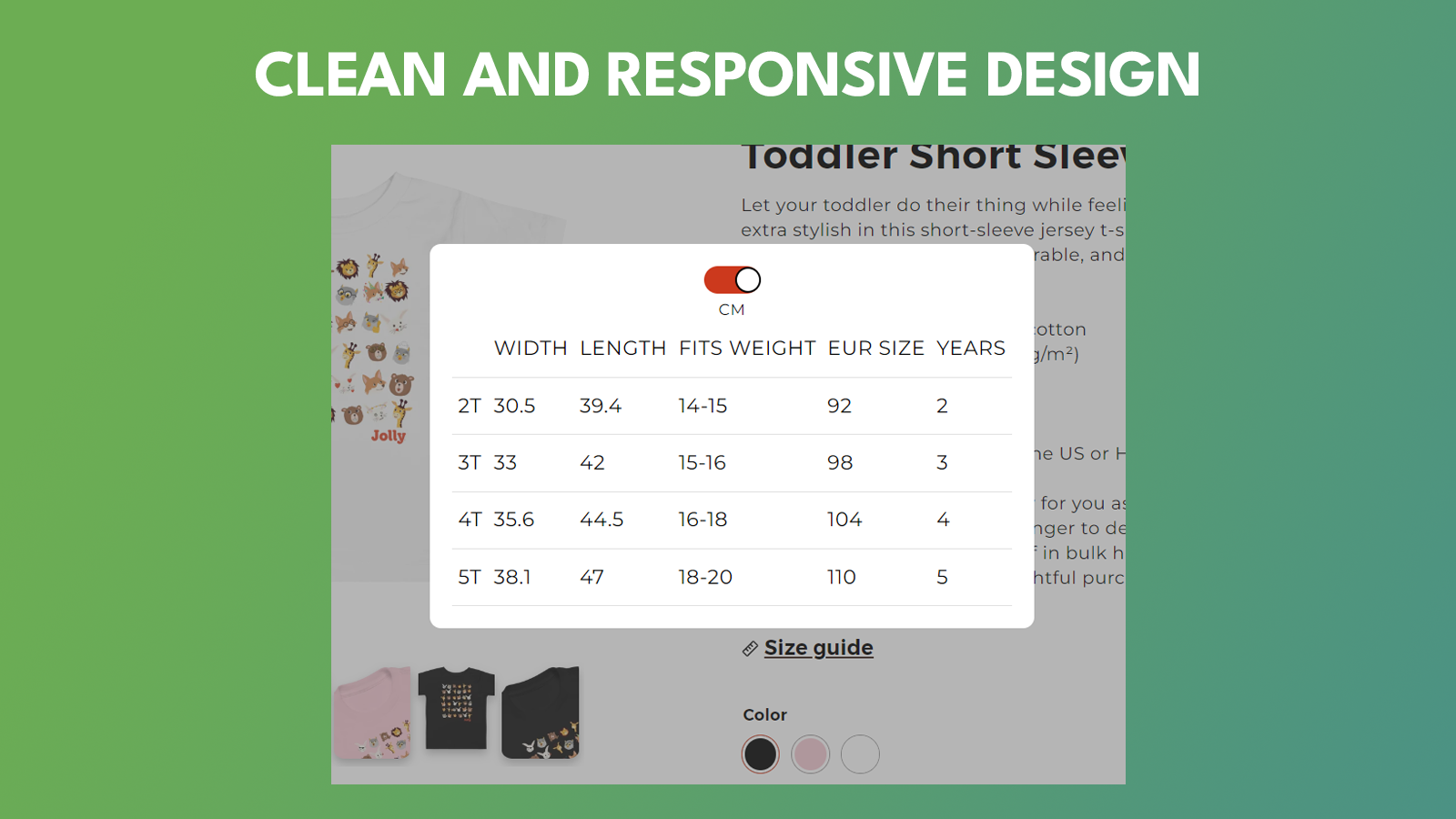

เปลี่ยนตารางขนาด Printful/Size Chart แบบฝังที่มีอยู่ให้เป็นป๊อปอัป
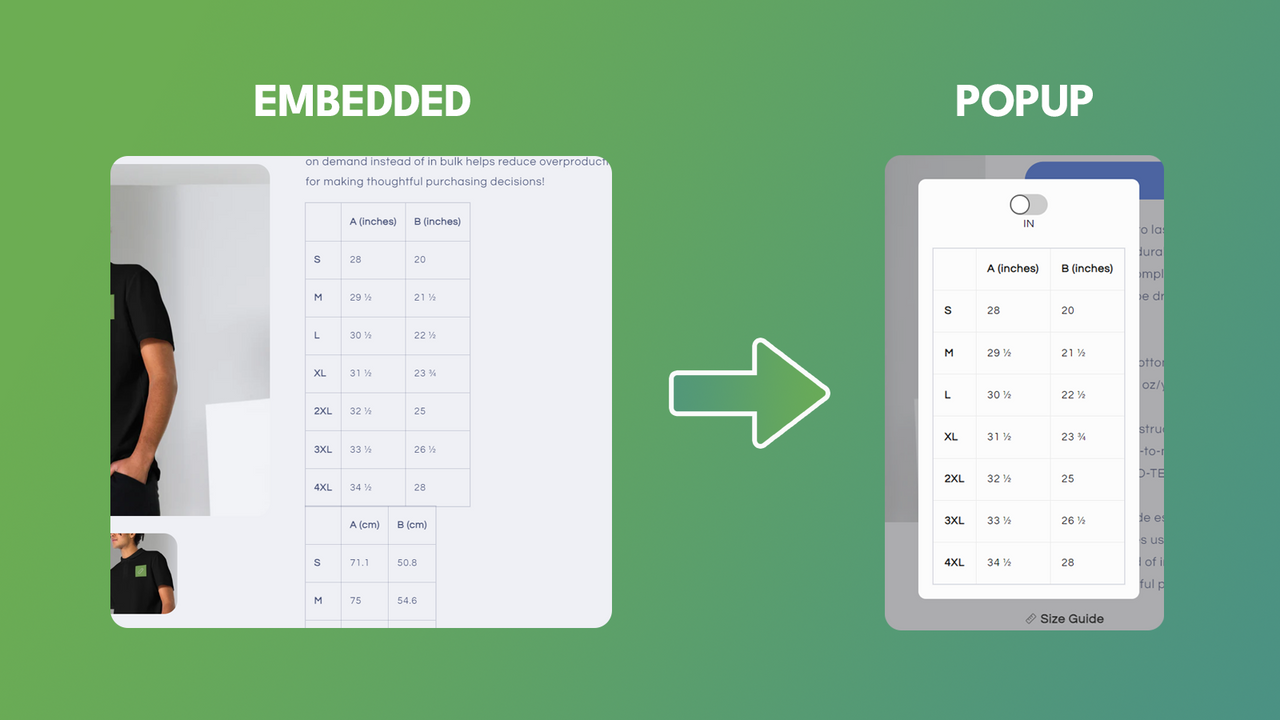
ขอแนะนำแอป Shopify นวัตกรรมใหม่ของเราที่ออกแบบมาเพื่อมอบประสบการณ์การช้อปปิ้งที่ง่ายยิ่งขึ้นสำหรับผู้ขายและลูกค้า แอปของเราปรับปรุงวิธีที่ผู้ใช้โต้ตอบกับตารางขนาดเมื่อใช้ Printful ตามค่าเริ่มต้น ผู้ใช้ Printful จะมีตารางขนาดฝังอยู่ในคำอธิบายสินค้า ซึ่งมักจะทำให้หน้าสินค้าดูรกและทำให้ผู้ใช้ได้รับประสบการณ์การใช้งานที่ไม่ดีเท่าที่ควร แอปของเราแก้ปัญหานี้ด้วยการสร้างปุ่มโดยอัตโนมัติ ซึ่งเมื่อคลิกแล้วจะเปิดป๊อปอัปที่มีตารางขนาดอยู่ด้านใน
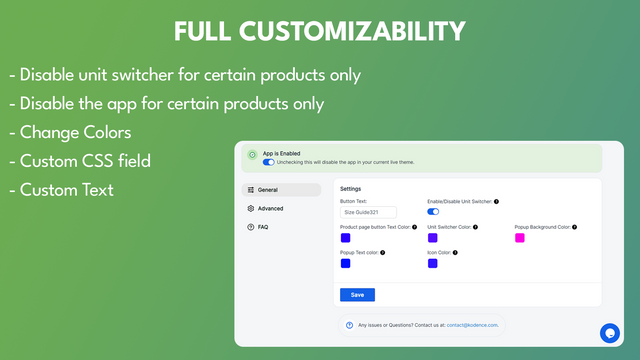
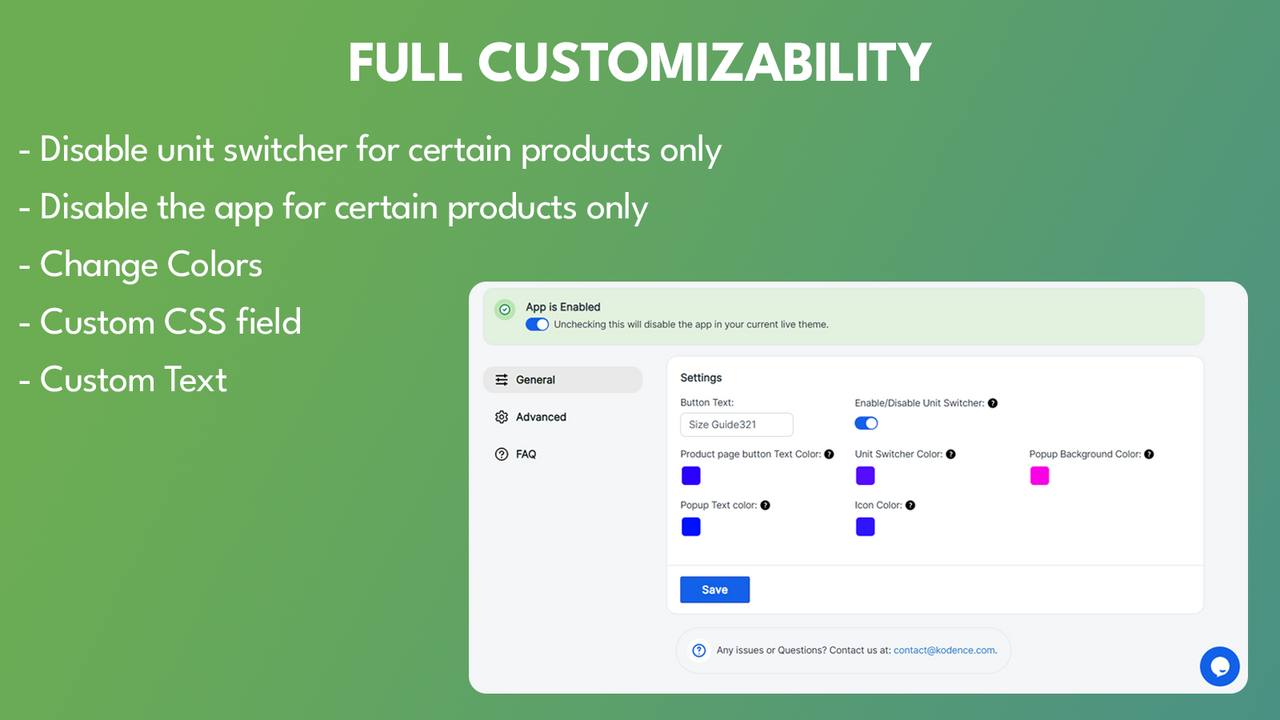
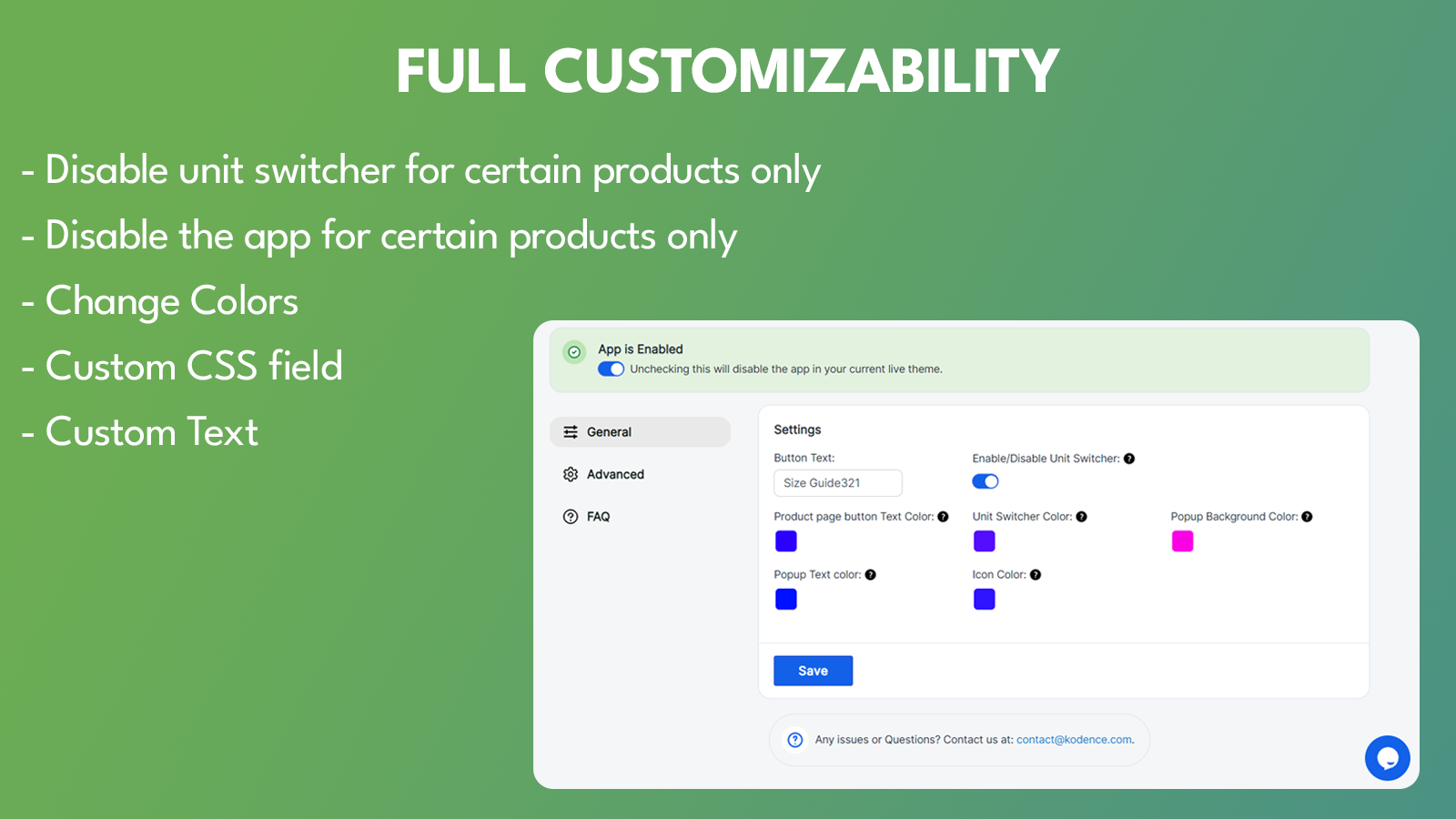
- สีที่ปรับแต่งได้
- ฟังก์ชันการสลับหน่วย
- แปลงตารางขนาดแบบฝังทั้งหมดให้เป็นป๊อปอัปโดยอัตโนมัติ
- ตำแหน่งของปุ่ม "Size Chart" ที่ปรับแต่งได้
- CSS แบบกำหนดเอง
มีข้อความที่แปลอัตโนมัติ
ภาษา
ภาษาอังกฤษ
แอปนี้ไม่ได้แปลเป็นภาษาไทย
ใช้ได้กับ
- ส่วนผู้ดูแล Shopify
- Printful
ประเภท
การกำหนดราคา
เลือกแผนที่เหมาะกับธุรกิจของคุณที่สุด
แผนพรีเมียม
$2.99 / เดือน
หรือ $29.99/ปี และประหยัด 16%
ฟีเจอร์
- การติดตั้งในคลิกเดียว
- Size Chart แบบไม่จำกัด
- การปรับแต่งสไตล์อย่างเต็มรูปแบบ
- ตำแหน่งวิดเจ็ตที่ปรับแต่งได้
- CSS แบบกำหนดเอง
ทดลองใช้งานฟรี 7 วัน
มีข้อความที่แปลอัตโนมัติ
ค่าบริการทั้งหมดจะเรียกเก็บเป็น USD ค่าบริการที่เกิดขึ้นประจำและตามการใช้งานจะเรียกเก็บเงินทุกๆ 30 วัน
รีวิว (6)
- 100% ของการให้คะแนนคือ 5 ดาว
-
0% ของการให้คะแนนคือ 4 ดาว
-
0% ของการให้คะแนนคือ 3 ดาว
-
0% ของการให้คะแนนคือ 2 ดาว
-
0% ของการให้คะแนนคือ 1 ดาว
What a simple, elegant solution to the problem of dealing with Size Charts on product pages in your store! No more clutter, fuss or muss. And the price point is well worth it. It gets the job done. Also, as this is a pretty new app, feedback will only make it better for the developer to make further enhancements. I'll even make one now: The Size Chart button/link needs a control to be able to center it in the page area it resides. As I'm a part-time web dev hacker as well (lol), I fixed it with some custom CSS code in the Custom CSS section for the product page. Here it is:
a#size-guide-link {
margin-block: 15px;
display: inline-block;
width: fit-content;
border-bottom: 0;
text-decoration: underline;
}
Another suggestion is to have an option to use a configurable button instead of a Text Link (as it currently uses). Button color and Button Text color configurable.
The bottom line is, it works great with Printful as your POD provider. I've talked to the Developer to get this app to work with Customcat (another POD provider) as I have an account with them too.
I hope this helps you. If nothing else, give the Free Trial a spin and see if it meets your needs. It does mine, all day long 365 and 24/7!
Very happy with this app! It greatly improved the user experience. Emil provided quick customization support, making size chart accessible next to size options - so sleek!
Very easy setup for printful size guides! Emil was quick to provide all the support I needed. Great job! Keep it up!
ความช่วยเหลือ
ให้ความช่วยเหลือสำหรับแอปโดย Kodence
แหล่งข้อมูล
ผู้พัฒนารายนี้ไม่มีการช่วยเหลือโดยตรงเป็นภาษาภาษาไทย
เปิดตัวแล้ว
20 กรกฎาคม 2023
พบกับแอปที่น่าสนใจ




ตรงตามมาตรฐานสูงสุดของเราในด้านประสิทธิภาพ การออกแบบ และการผสานการทำงาน ดูข้อมูลเพิ่มเติมเกี่ยวกับ เปิดในหน้าต่างใหม่

