配图图库
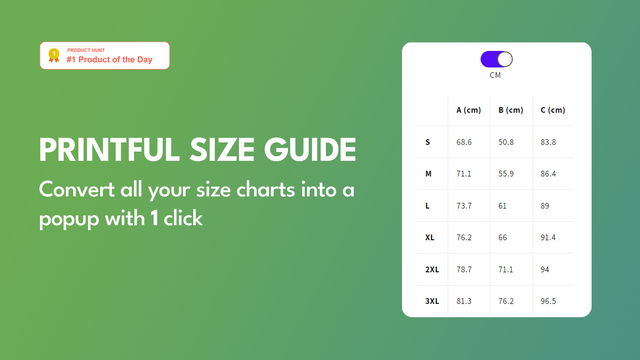
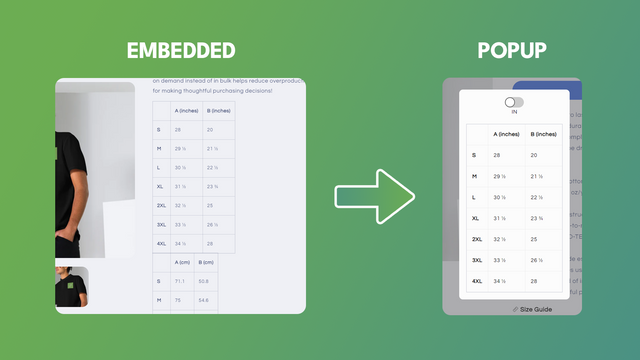

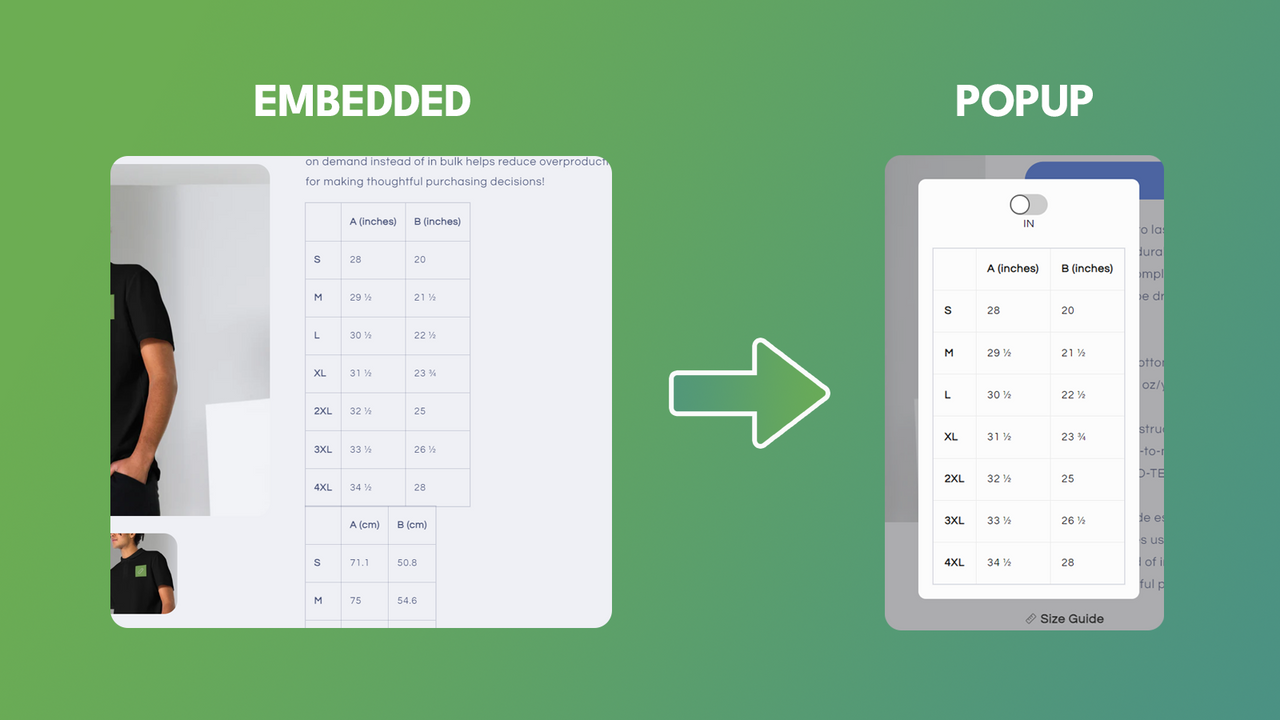


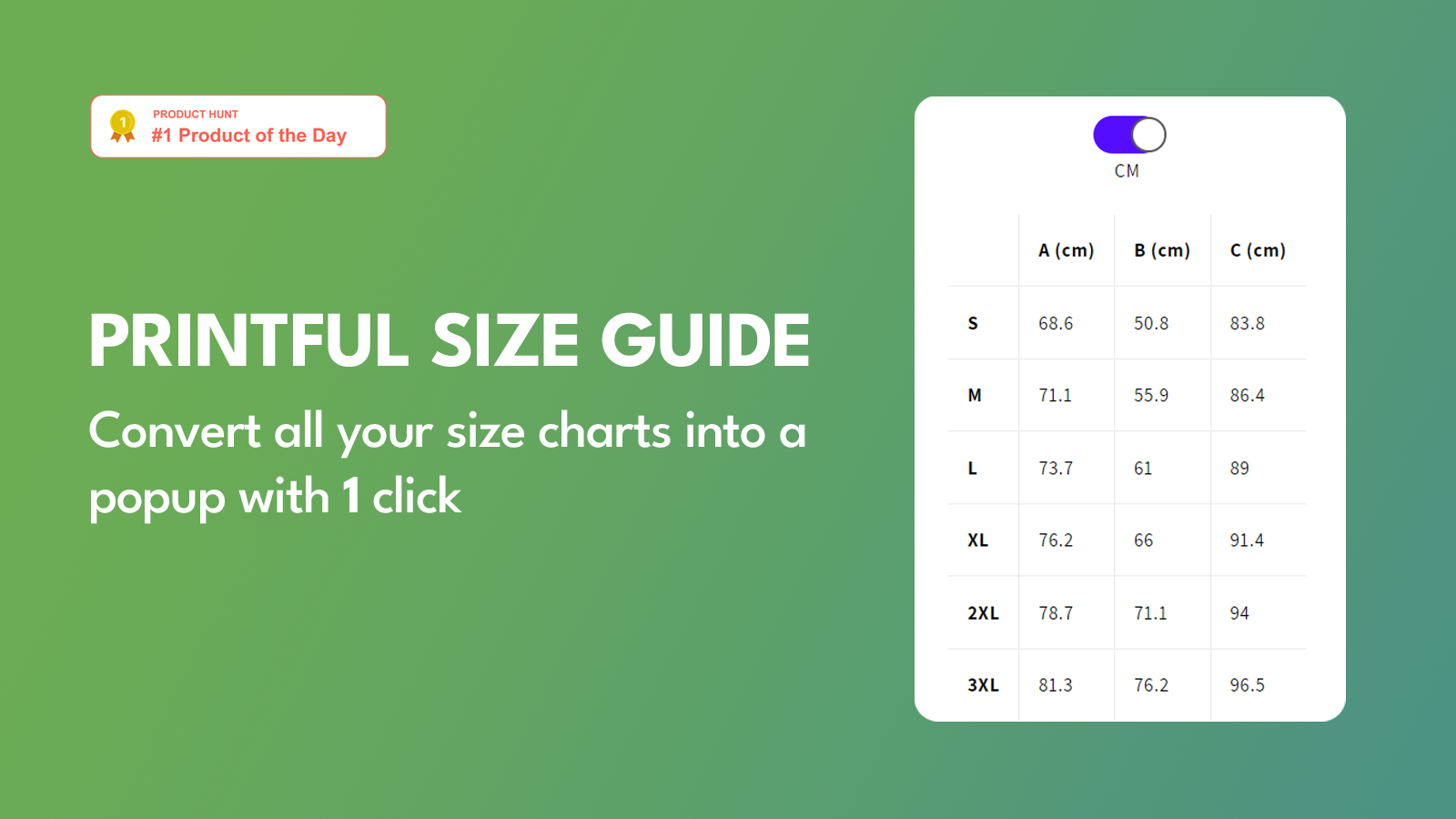
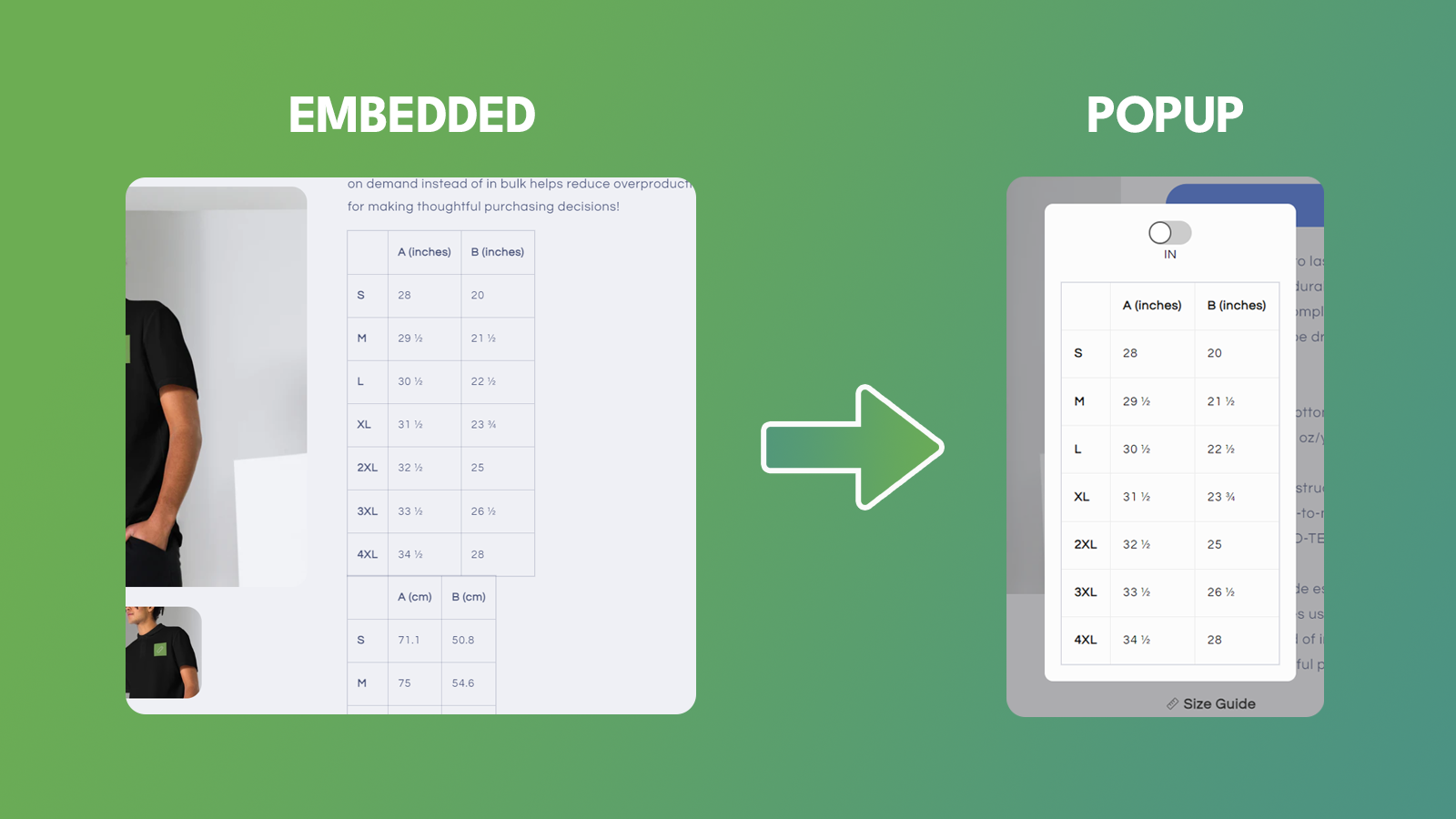

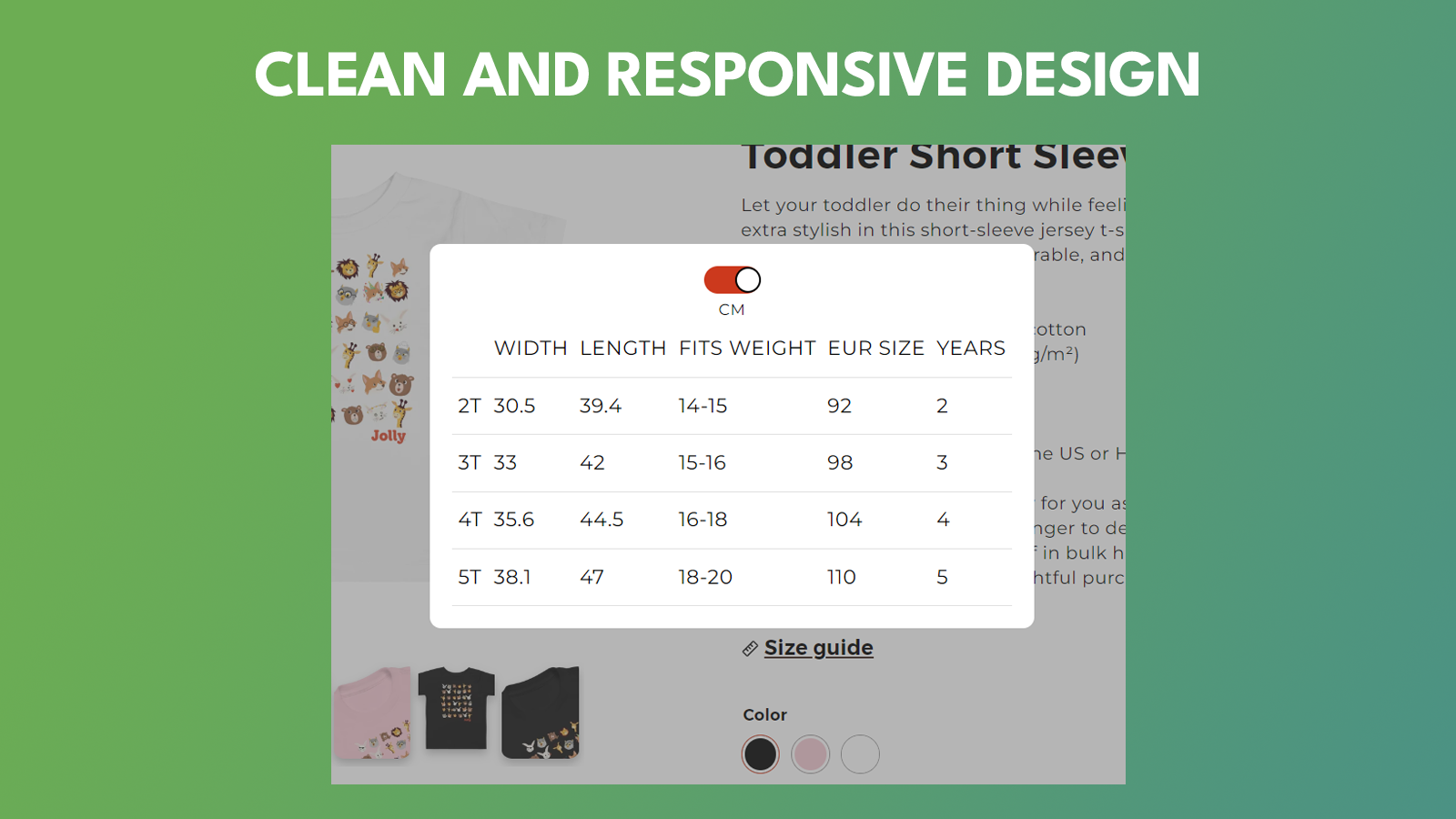

将您当前嵌入的 Printful 尺码表/Size Chart 转换为弹出窗口。
隆重推出我们创新的 Shopify 应用,该应用旨在简化商家及其客户的购物体验。我们的应用优化了用户在使用 Printful 时与尺码表交互的方式。默认情况下,Printful 用户的产品描述中会嵌入尺码表。这通常会使产品页面显得杂乱无章,并导致用户体验不佳。我们的应用通过自动创建一个按钮解决了这个问题,点击该按钮即可打开包含尺码表的弹出窗口。
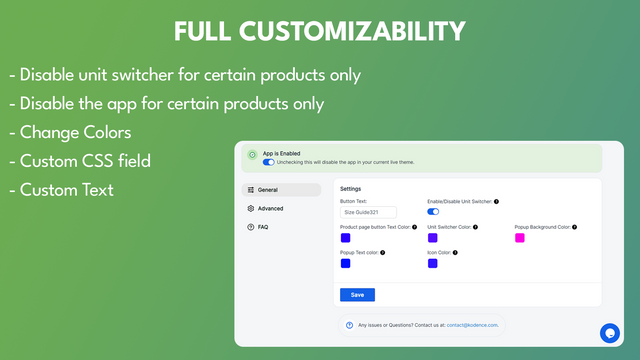
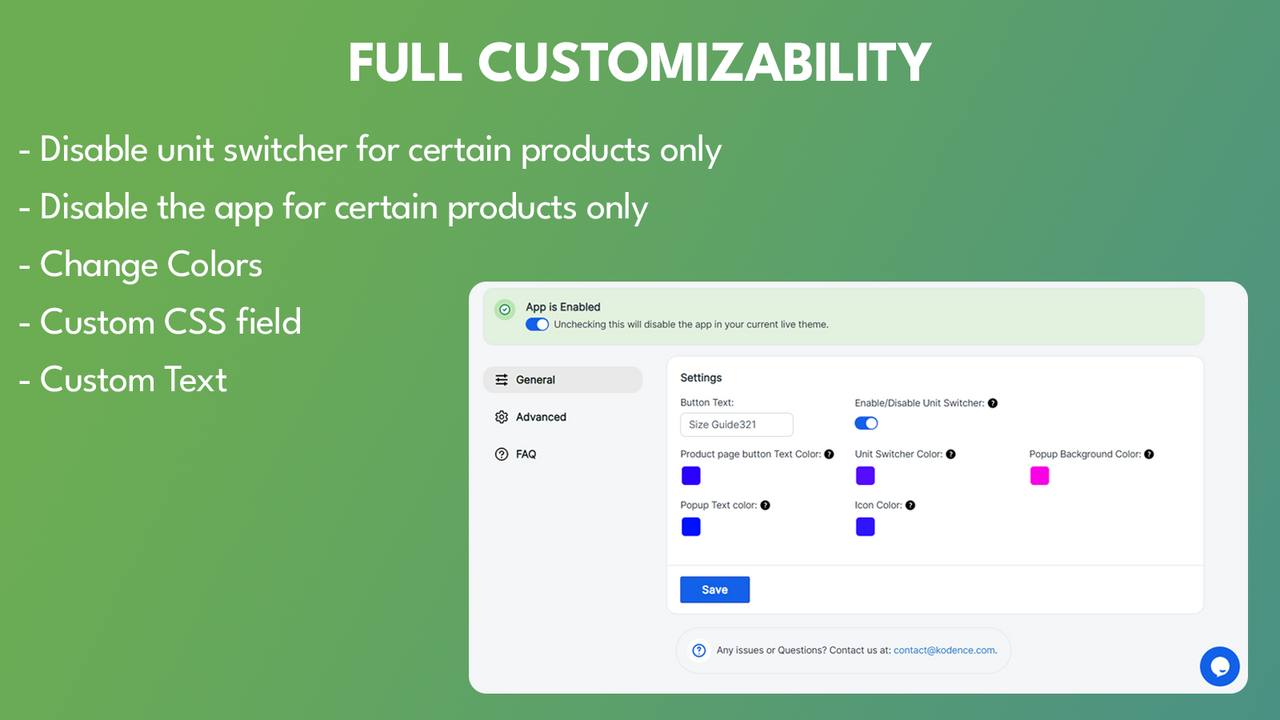
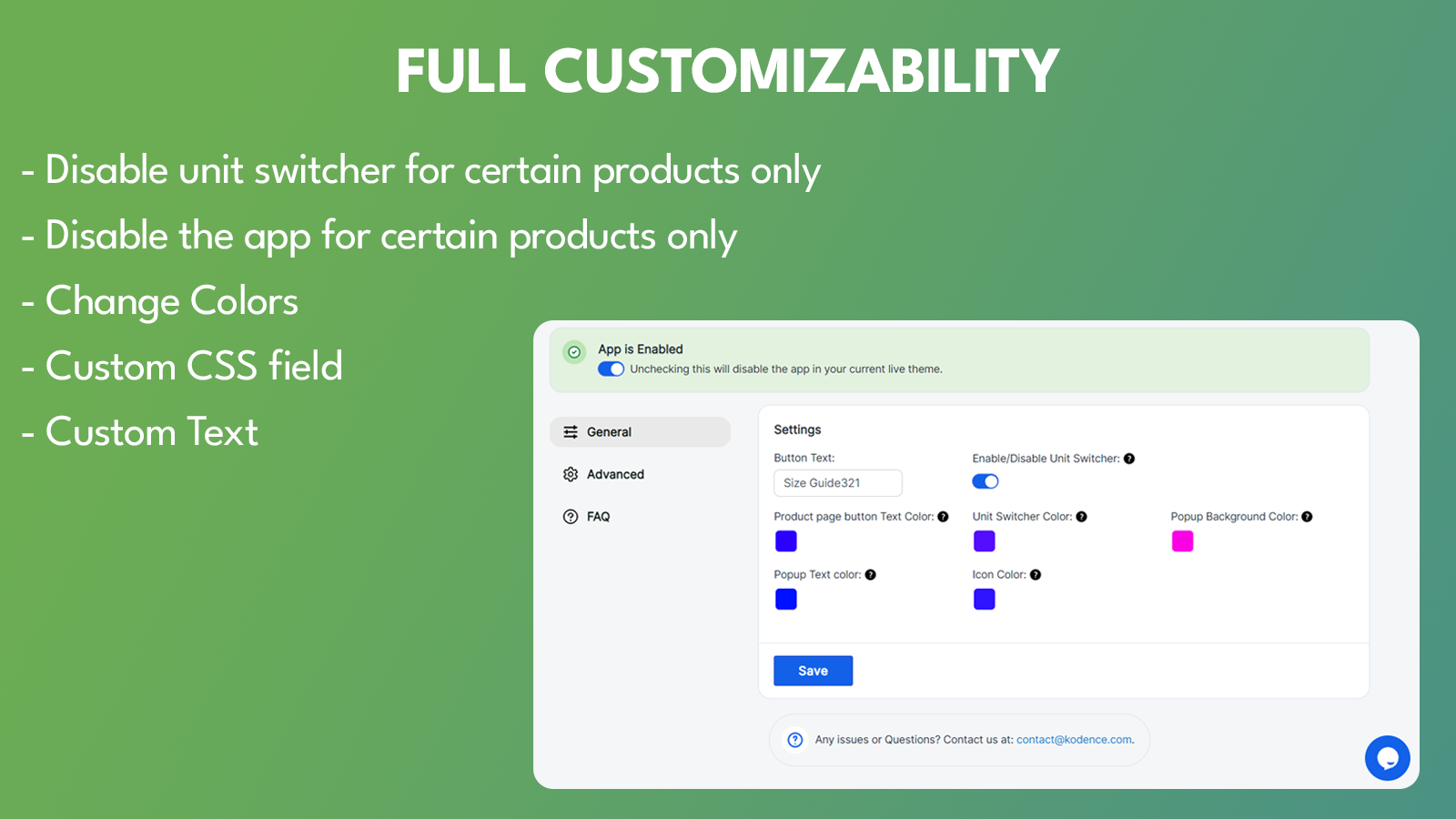
- 可自定义颜色。
- 单位切换功能。
- 自动将所有嵌入式尺码表转换为弹出窗口。
- 可自定义“Size Chart”按钮的位置。
- 自定义 CSS。
包含自动翻译的文本
语言
英语
这款应用未翻译成简体中文
适配以下产品:
- Shopify 后台
- Printful
类别
定价
选择最适合您业务的套餐。
高级套餐
$2.99 /月
或 $29.99/年(可节省 16%)
特色功能
- 一键安装
- 不限数量的尺码表
- 全面的样式自定义
- 可自定义小组件位置
- 自定义 CSS
7 天免费试用
包含自动翻译的文本
所有费用均以USD结算。 定期费用和基于使用情况的费用每 30 天收取一次。
What a simple, elegant solution to the problem of dealing with Size Charts on product pages in your store! No more clutter, fuss or muss. And the price point is well worth it. It gets the job done. Also, as this is a pretty new app, feedback will only make it better for the developer to make further enhancements. I'll even make one now: The Size Chart button/link needs a control to be able to center it in the page area it resides. As I'm a part-time web dev hacker as well (lol), I fixed it with some custom CSS code in the Custom CSS section for the product page. Here it is:
a#size-guide-link {
margin-block: 15px;
display: inline-block;
width: fit-content;
border-bottom: 0;
text-decoration: underline;
}
Another suggestion is to have an option to use a configurable button instead of a Text Link (as it currently uses). Button color and Button Text color configurable.
The bottom line is, it works great with Printful as your POD provider. I've talked to the Developer to get this app to work with Customcat (another POD provider) as I have an account with them too.
I hope this helps you. If nothing else, give the Free Trial a spin and see if it meets your needs. It does mine, all day long 365 and 24/7!
Very happy with this app! It greatly improved the user experience. Emil provided quick customization support, making size chart accessible next to size options - so sleek!
Very easy setup for printful size guides! Emil was quick to provide all the support I needed. Great job! Keep it up!
支持
应用支持由 Kodence 提供。