


Storelapse ‑ Backup & Restore
- Preisgestaltung
-
Kostenlos
- Bewertung
- 0,0 (0 Rezensionen)
- Entwickler
- SyncX
Vorgestellte Bildergalerie

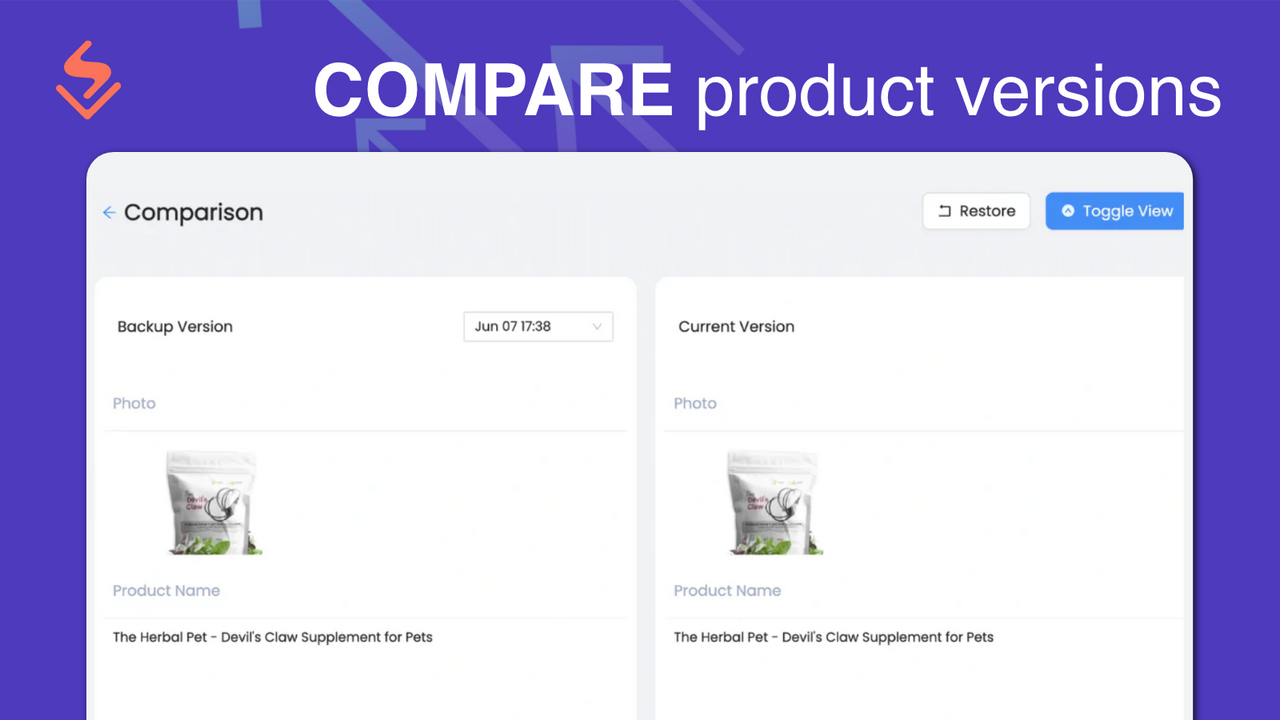
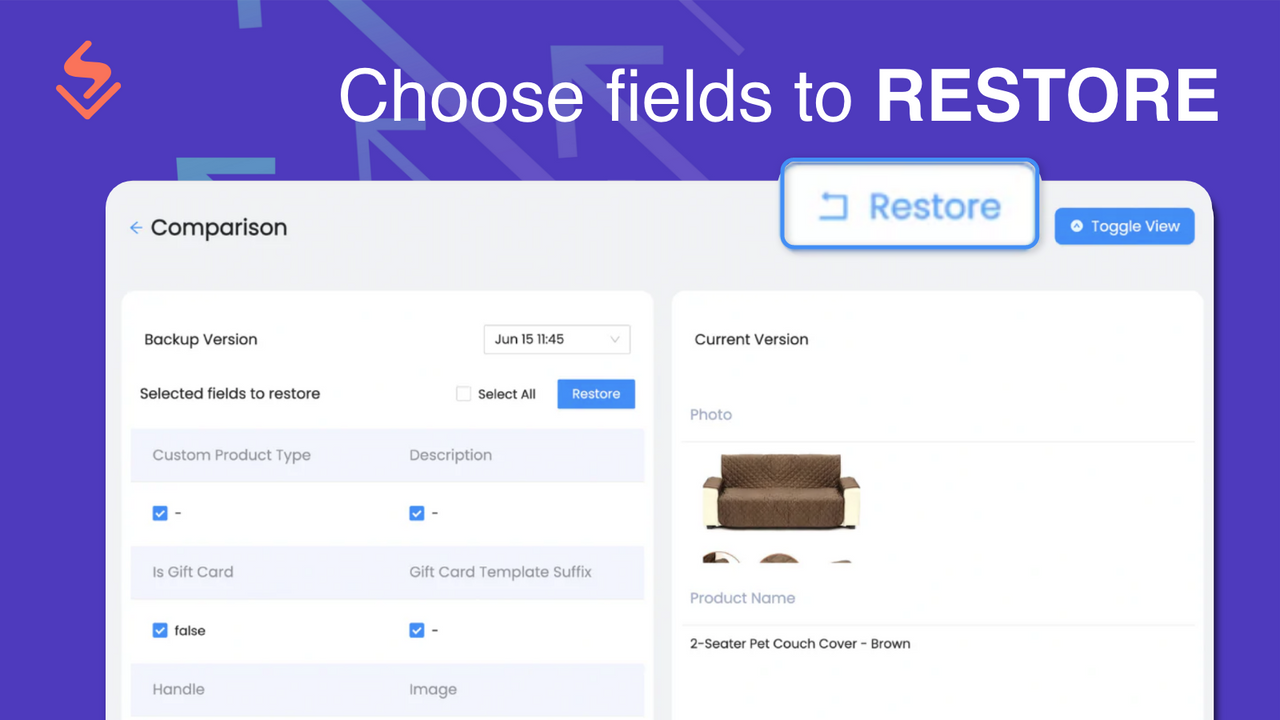
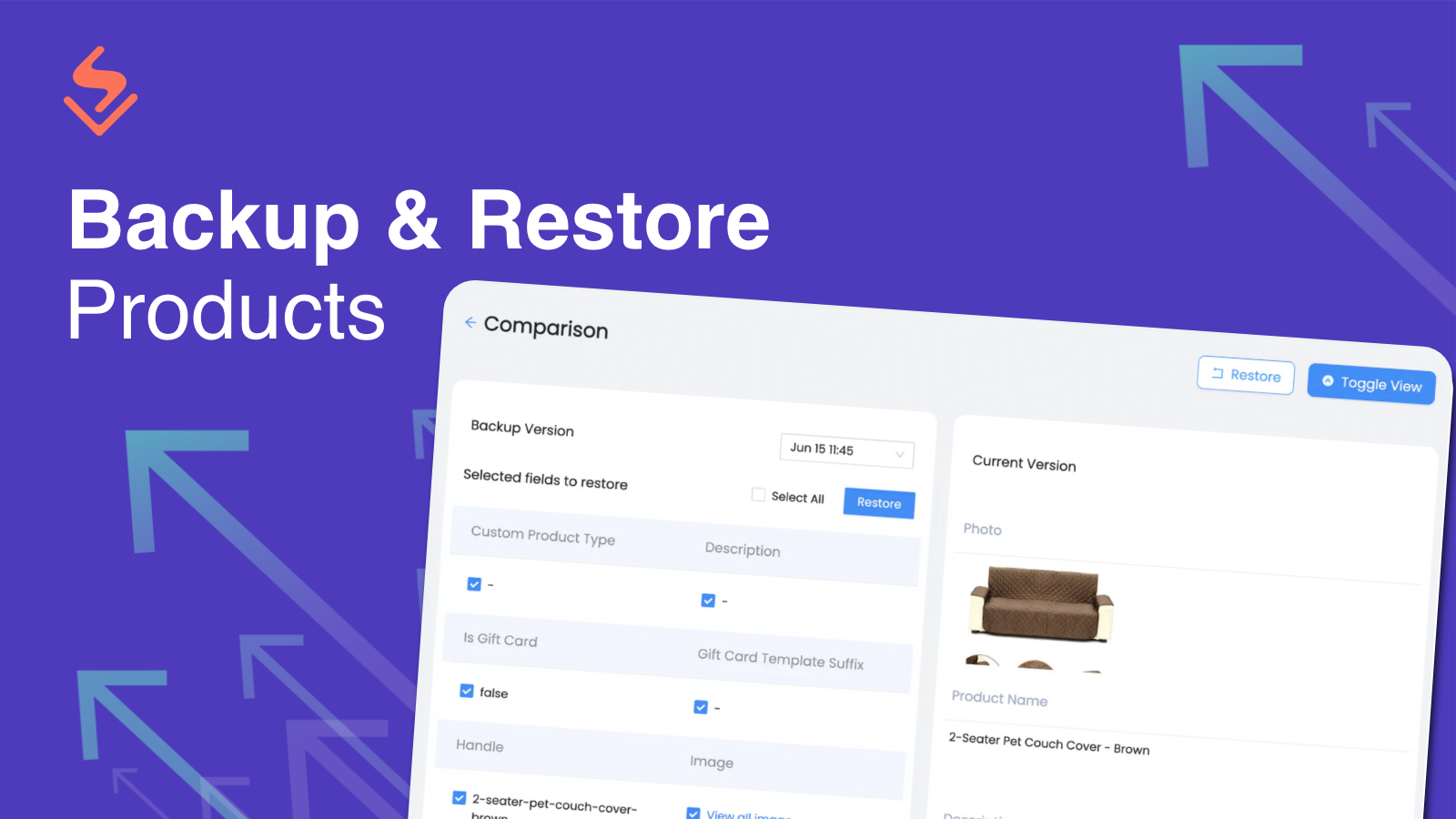
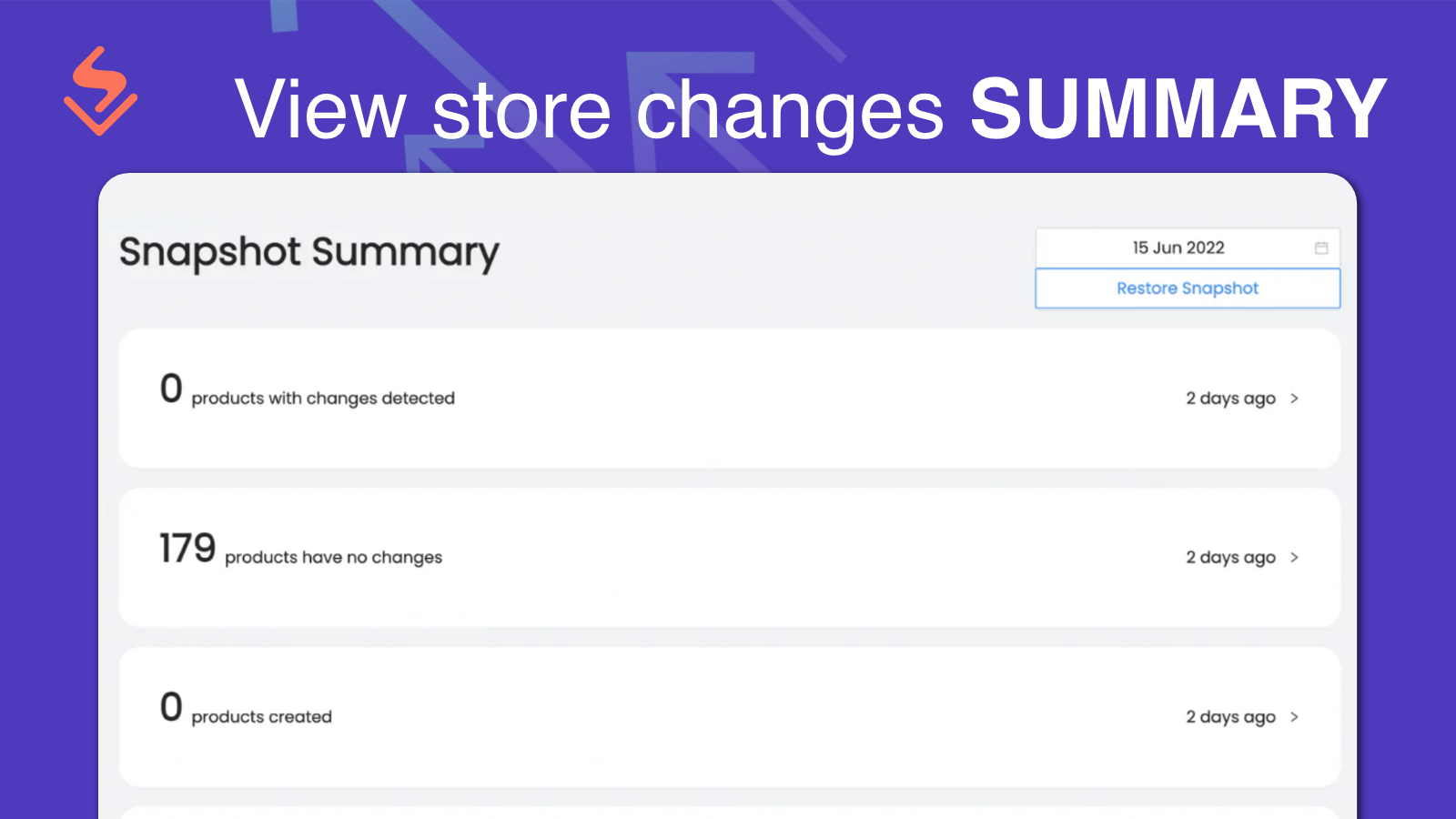
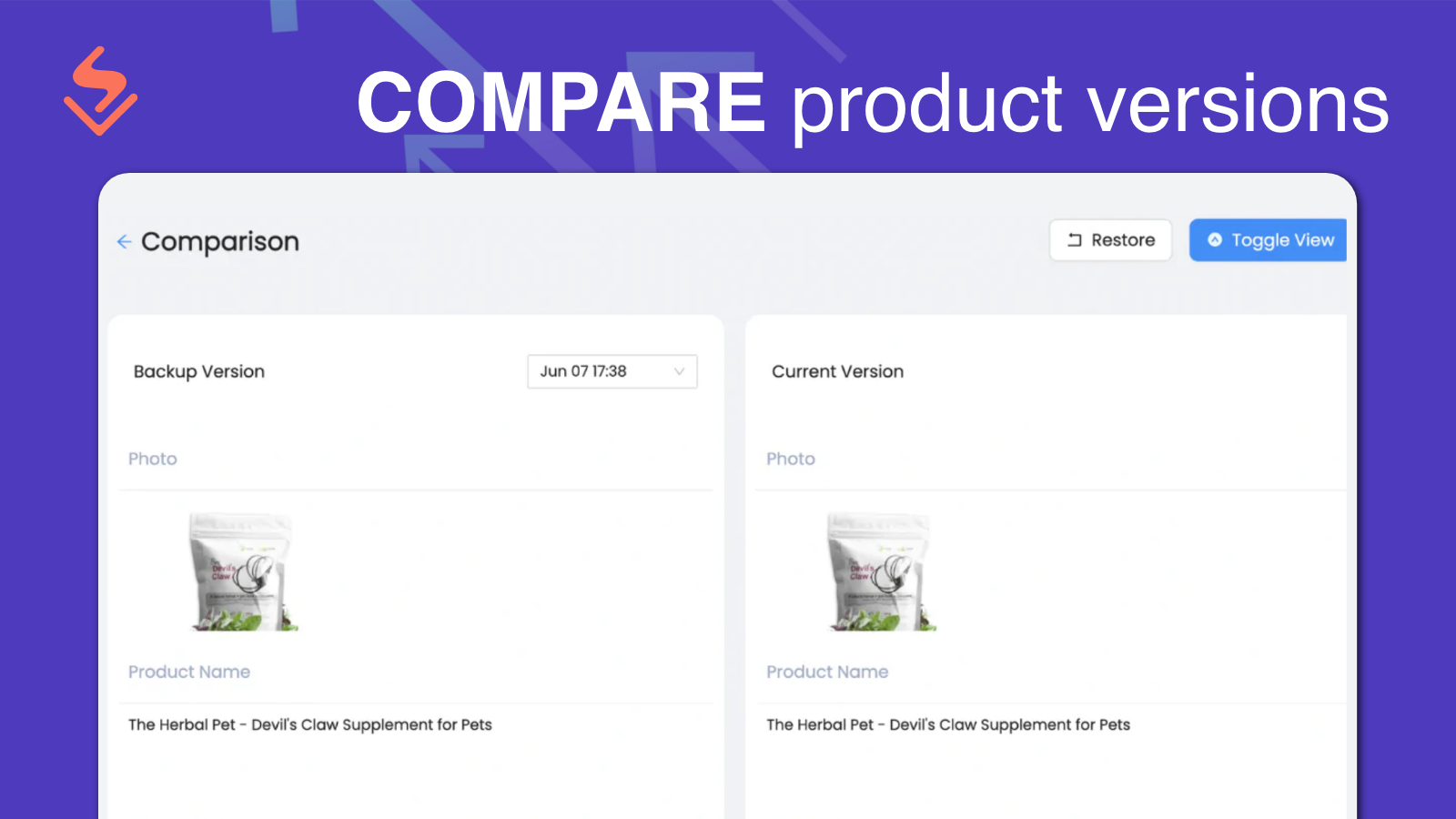
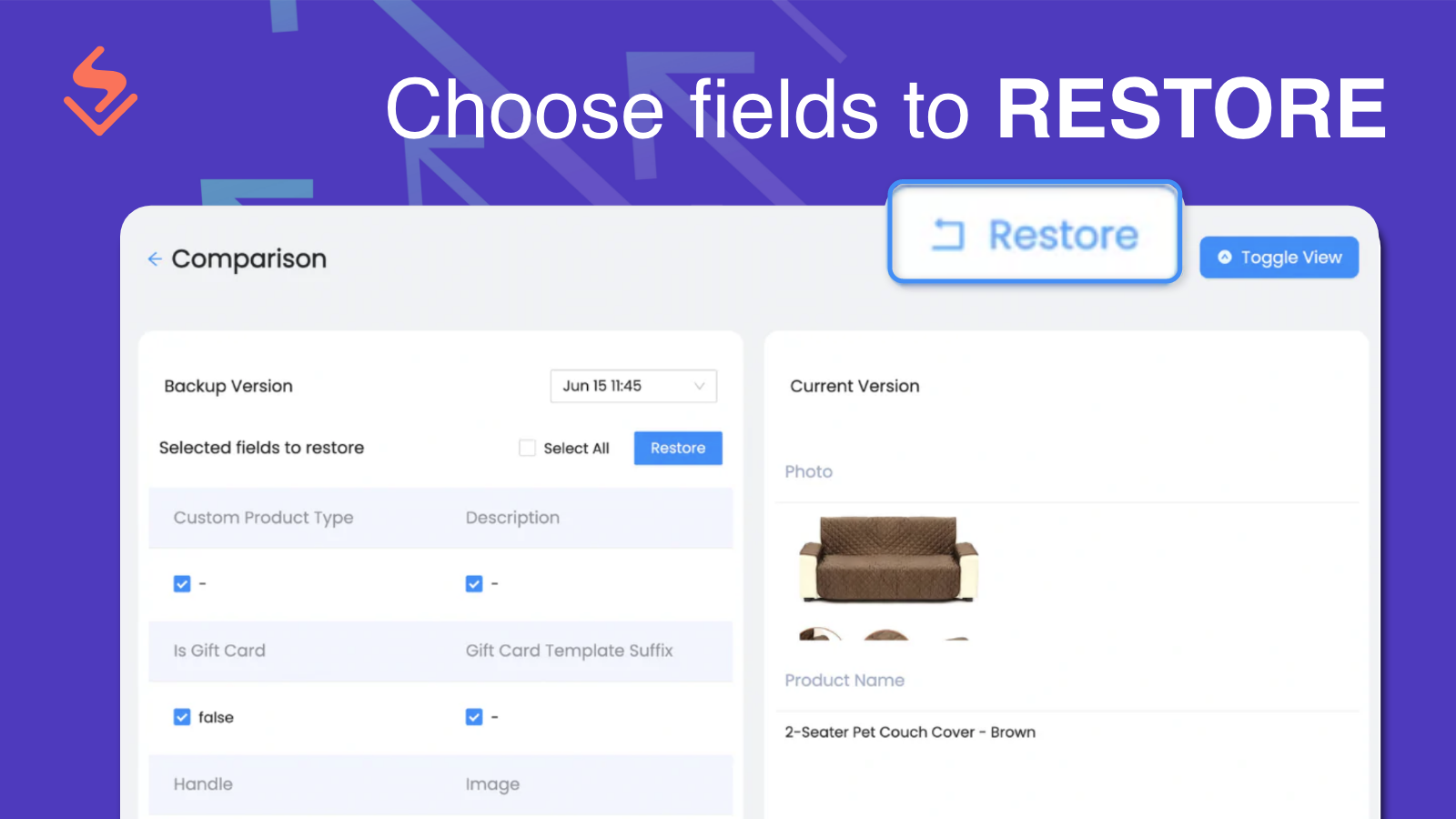
Restore and backup products to the selected version in minutes and view changes in timeline.
View changes that happened in-store in a timeline. Storelapse displays the product changes that happen in a timeline. The snapshot includes added products, product updates and deletion of products. Restore the product to the selected version in minutes. Select a single product to be restored. Select multiple products from a specific snapshot to be restored. The detailed comparison allows you to differentiate the product in 2 different snapshots.
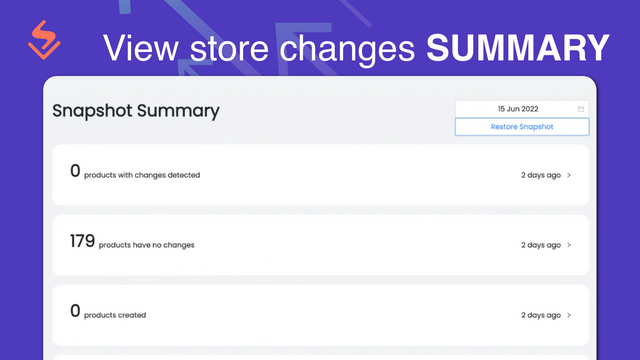
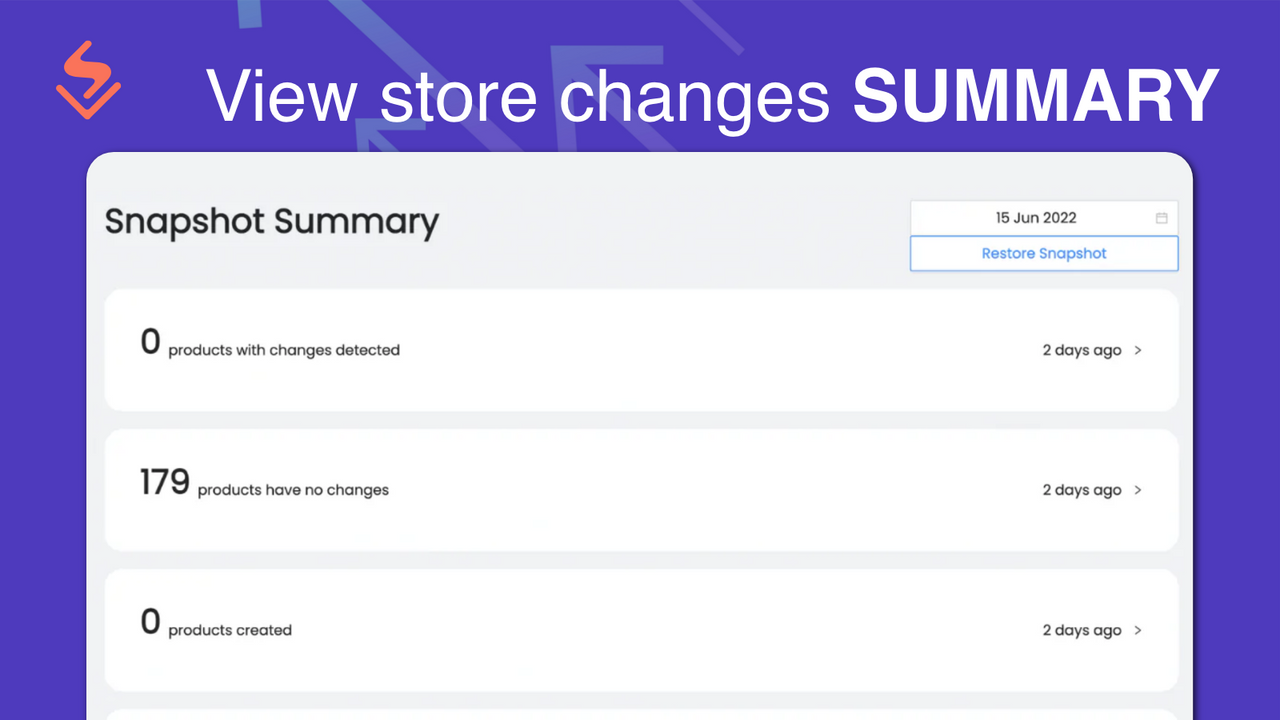
- Snapshot summary displays products changes that happened in the store
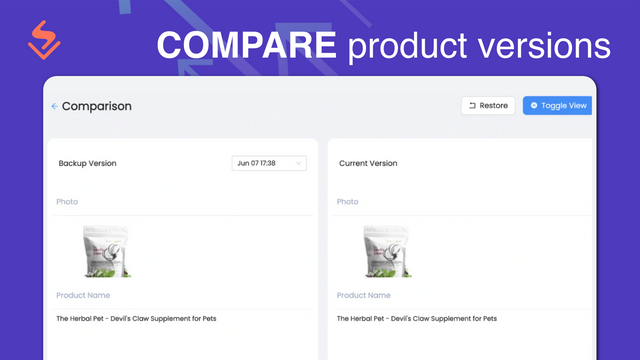
- Compare and schedule current version with previous versions to see the changes
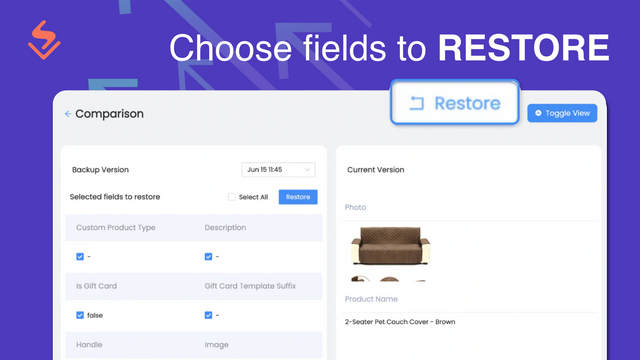
- Choose specific fields to be restored to the previous version
Enthält unübersetzten Text
Sprachen
Englisch
Für diese App ist keine Übersetzung auf Deutsch vorhanden.
Kategorien
Datensynchronisierung
Datenmigration
Rezensionen
-
0 % der Bewertungen sind 5 Sterne
-
0 % der Bewertungen sind 4 Sterne
-
0 % der Bewertungen sind 3 Sterne
-
0 % der Bewertungen sind 2 Sterne
-
0 % der Bewertungen sind 1 Sterne
Support
App-Support wird von SyncX bereitgestellt.
Ressourcen
Dieser Entwickler bietet keinen direkten Support auf Deutsch an.
Entwickler
5-13-05, Block 5, VSQ @ PJ City Centre, Jln Utara, Petaling Jaya, SGR, 46200, MY
Eingeführt
6. Juli 2022
Datenzugriff
Damit diese App in deinem Shop funktioniert, benötigt sie Zugriff auf die folgenden Daten. Die Gründe dafür findest du in der Datenschutzerklärung des Entwicklers bzw. der Entwicklerin.
Daten von Mitarbeiter:innen und Beitragenden einsehen:
Shop-Inhaber
-
Shop-Inhaber
Name, E-Mail-Adresse, Telefonnummer, Physische Adresse
Shop-Daten anzeigen und bearbeiten:
Produkte
-
Produkte bearbeiten
Inventar, Produkte, Kollektionen
Mehr Apps wie diese


Erfüllt unsere höchsten Standards für Leistung, Design und Integration. Weitere Informationen Wird in einem neuen Fenster geöffnet


Erfüllt unsere höchsten Standards für Leistung, Design und Integration. Weitere Informationen Wird in einem neuen Fenster geöffnet

