


Galería de imágenes destacadas
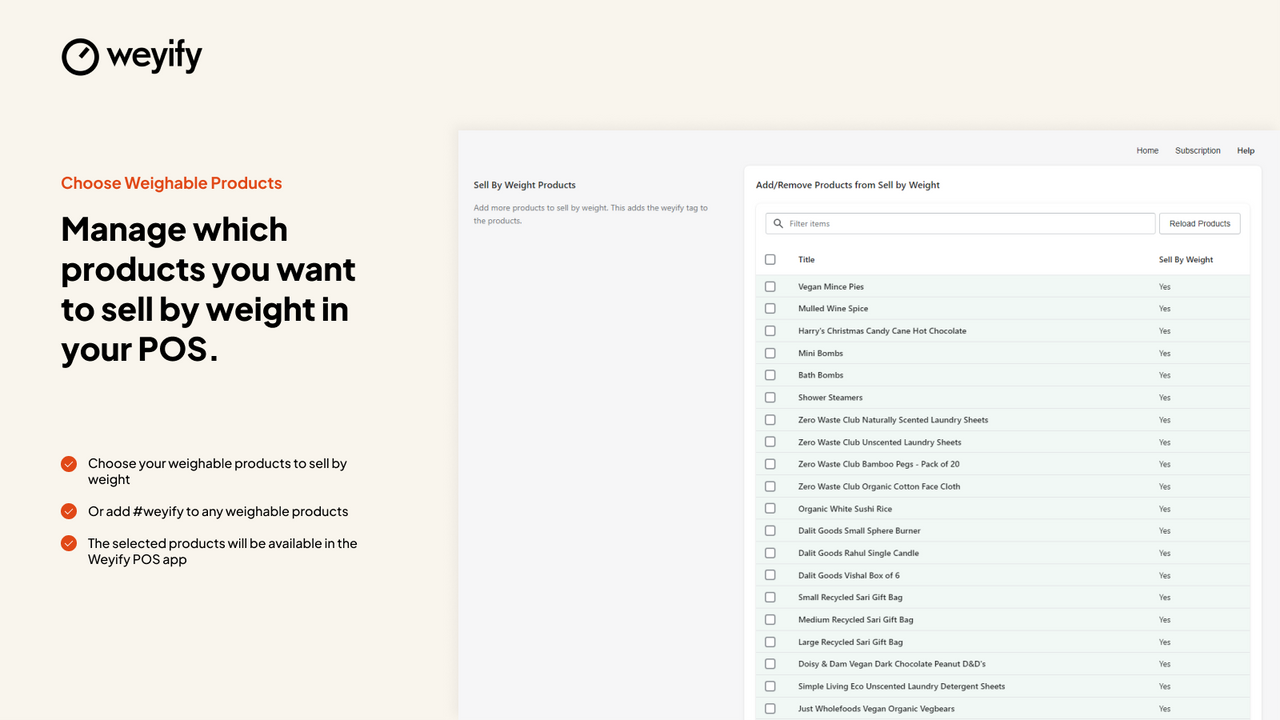
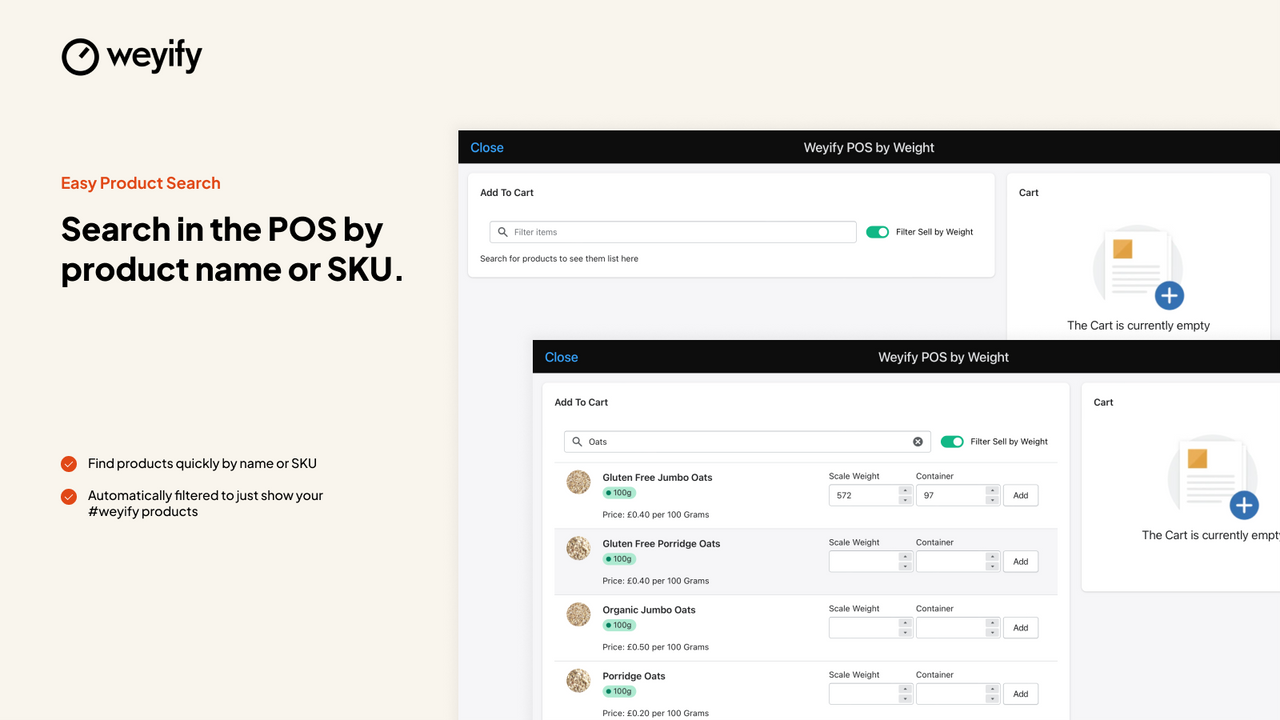
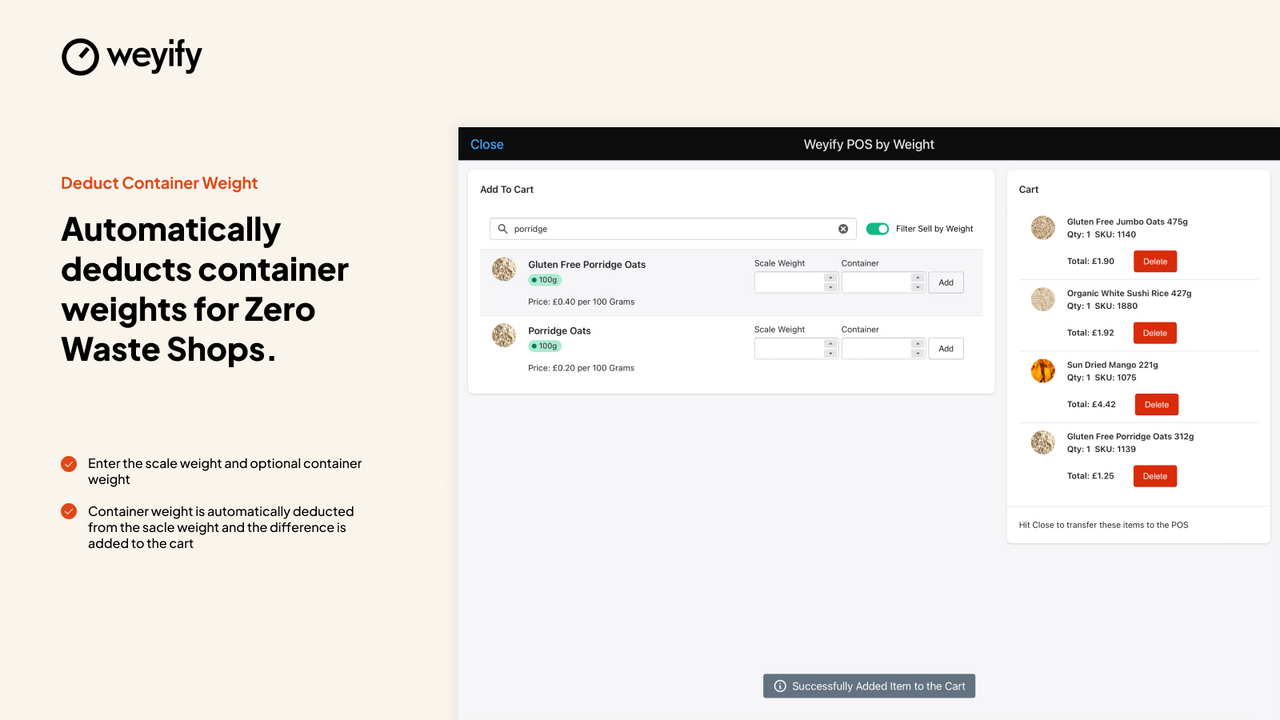
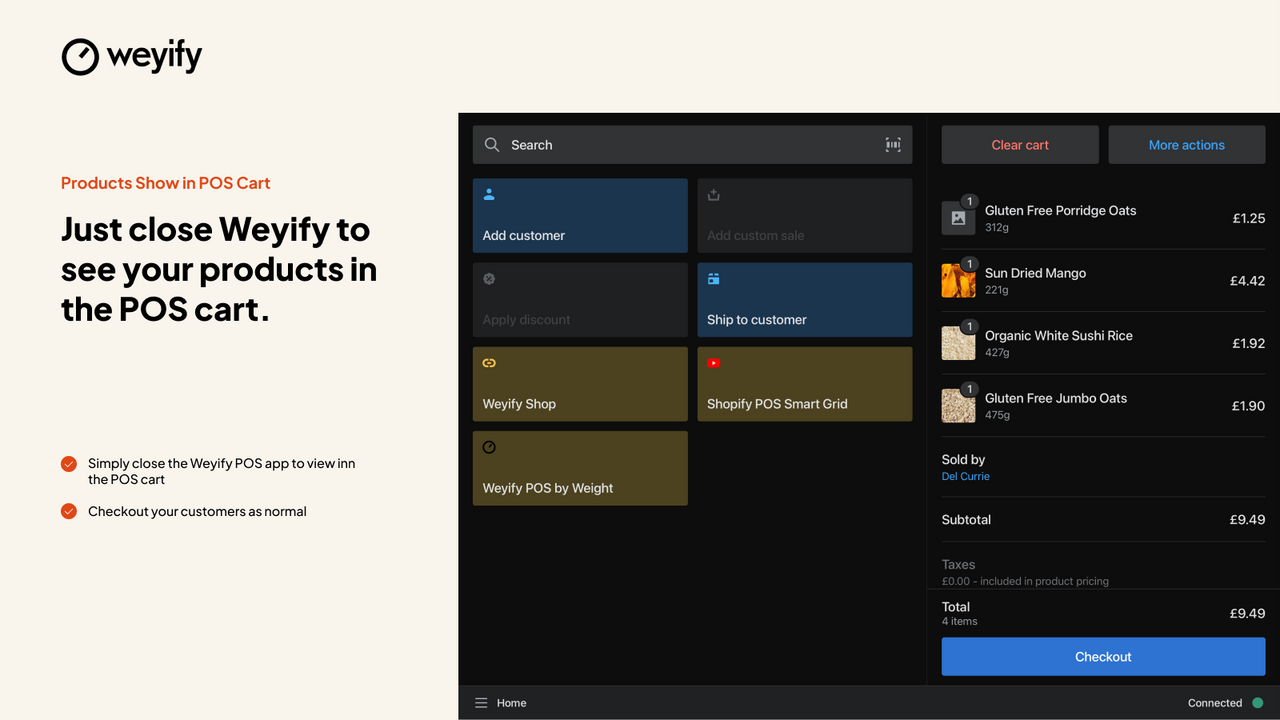
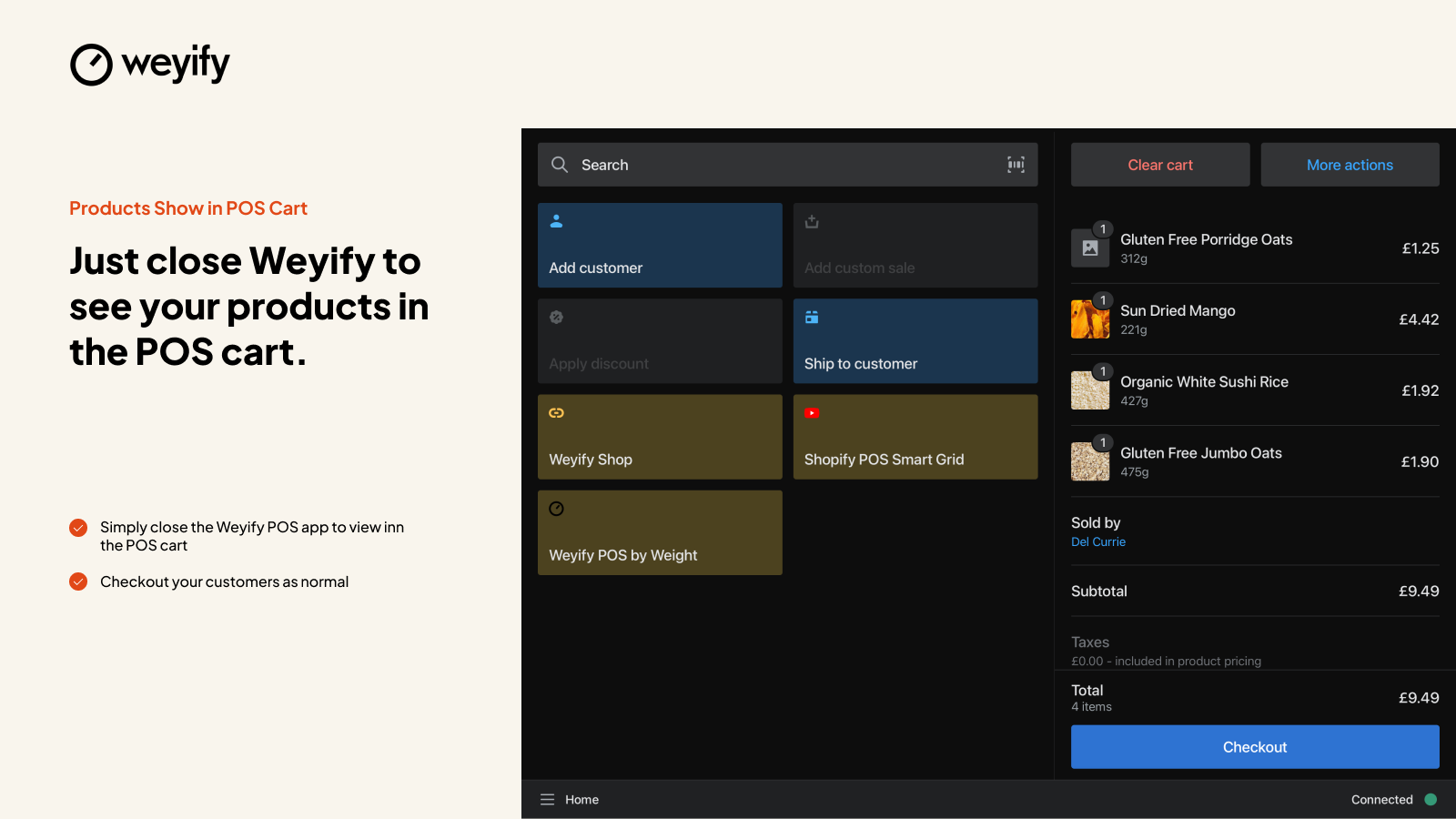
Vende productos por peso en tu POS. Un proceso de pago rápido y sencillo para todo tipo de productos de venta por peso.
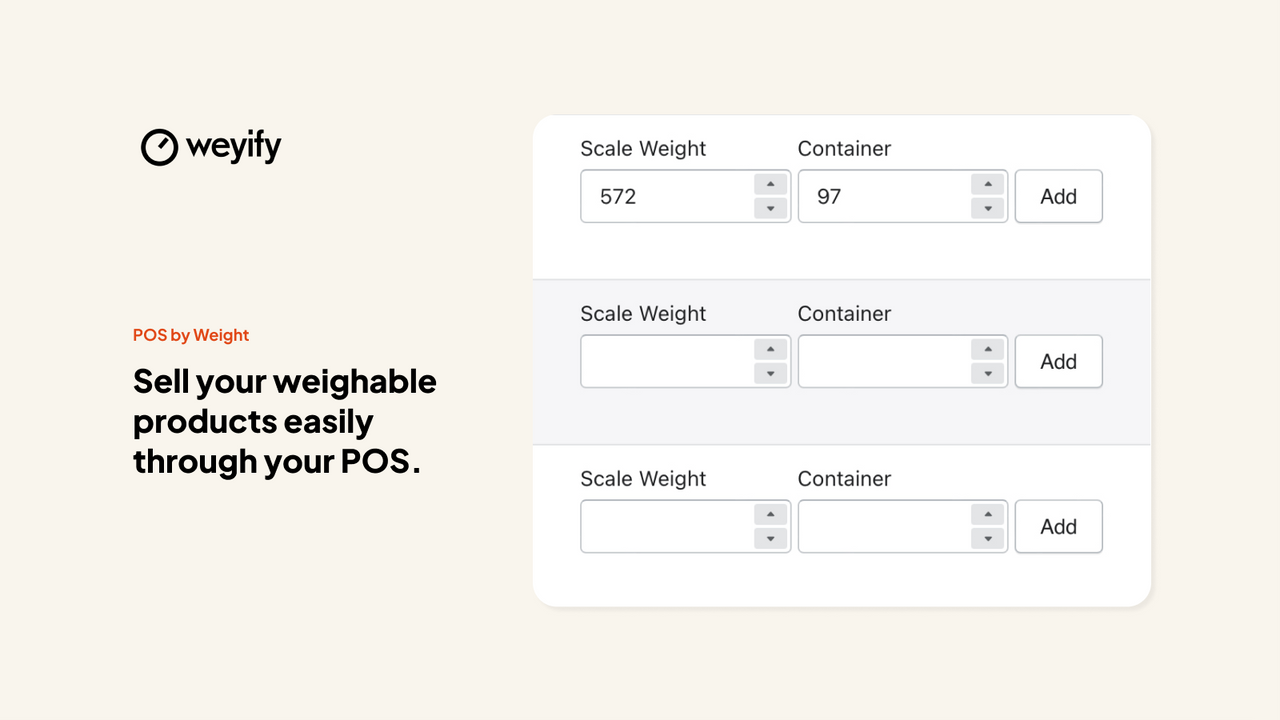
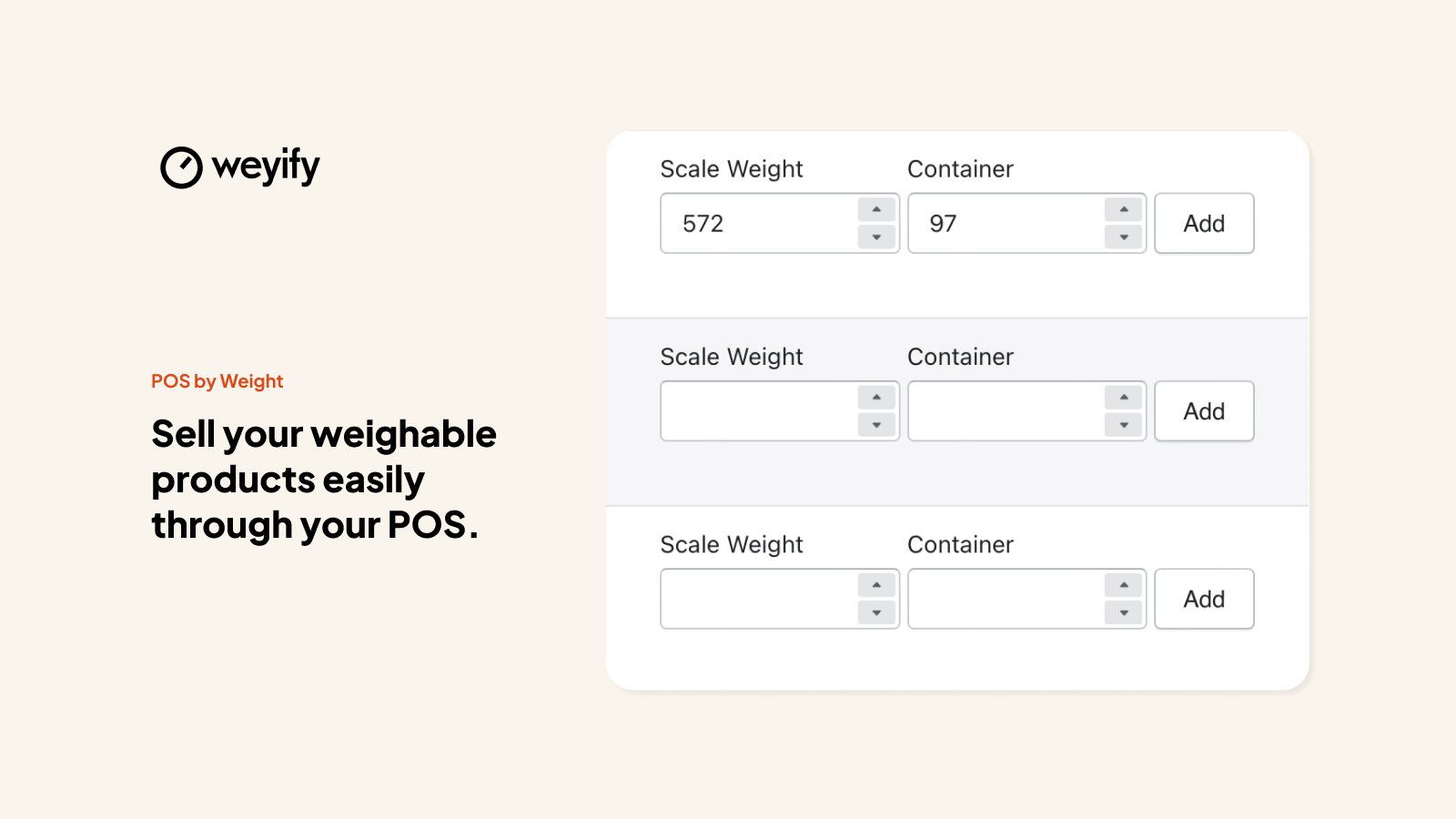
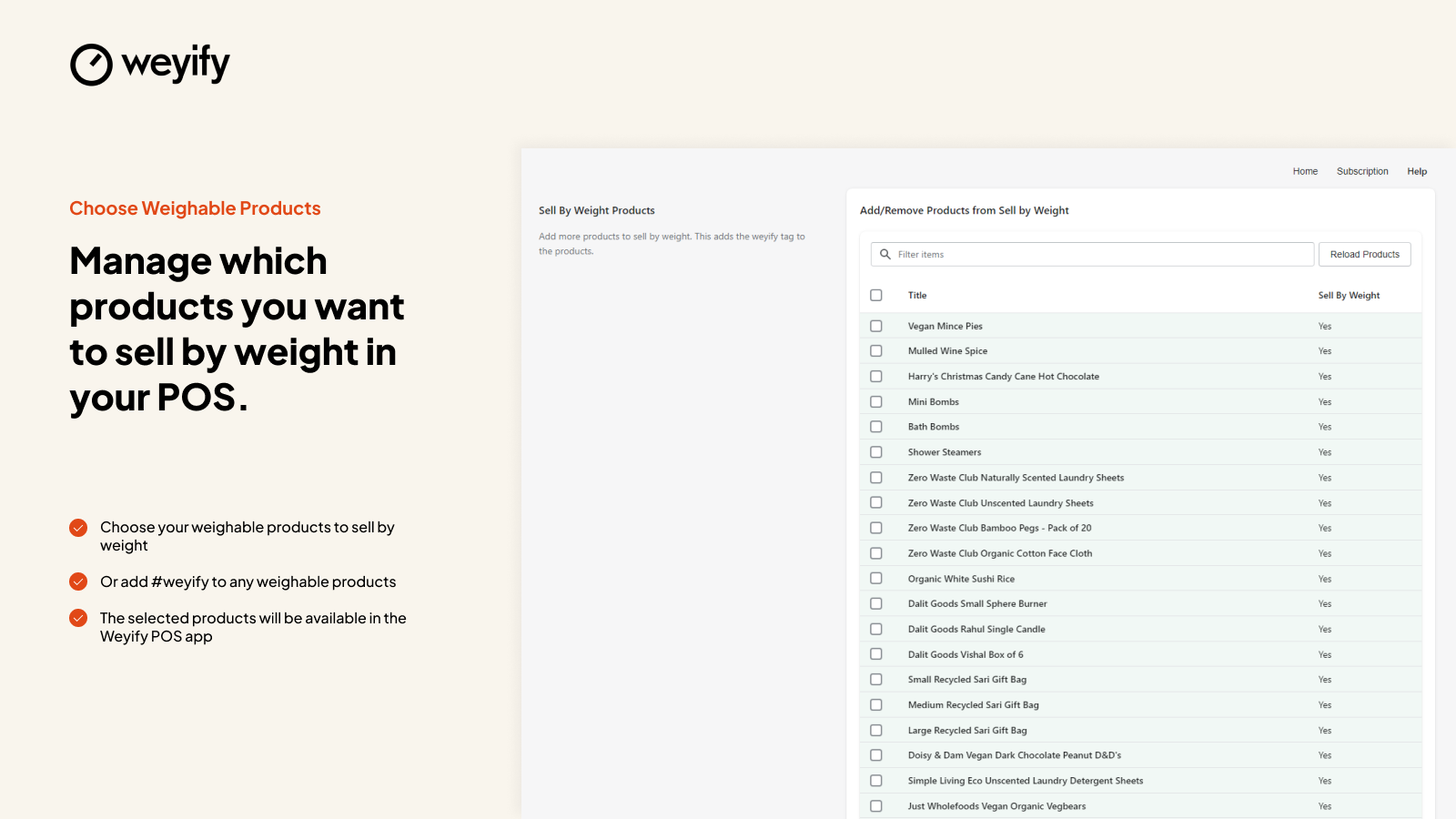
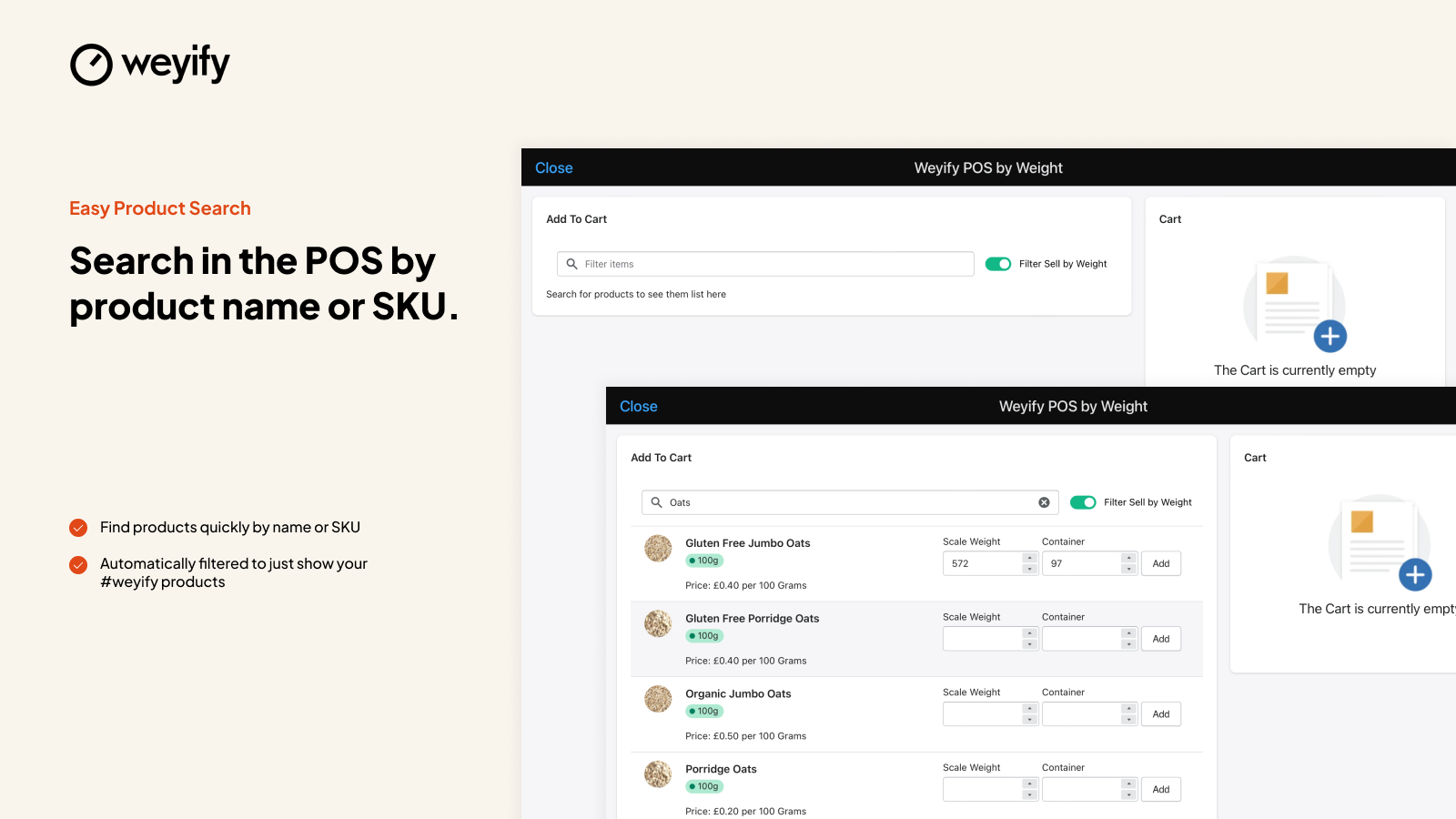
POS by Weight simplifica el proceso de vender productos por peso en Shopify POS. Solo tienes que agregar tus productos de venta por peso en el panel de control de Shopify y asegurarte de tener un peso configurado para al menos una variante a nivel de producto. Cuando un cliente quiera pagar un producto de venta por peso en el POS, simplemente abre nuestra aplicación, ingresa el peso que va a comprar y pulsa Agregar al carrito. Calcularemos el precio y lo agregaremos al carrito del cliente, listo para el pago.
- Ingresa el peso que vas a vender, calculamos el precio y lo agregamos al carrito de POS
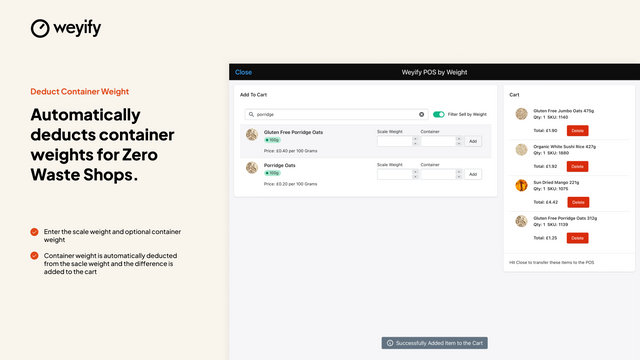
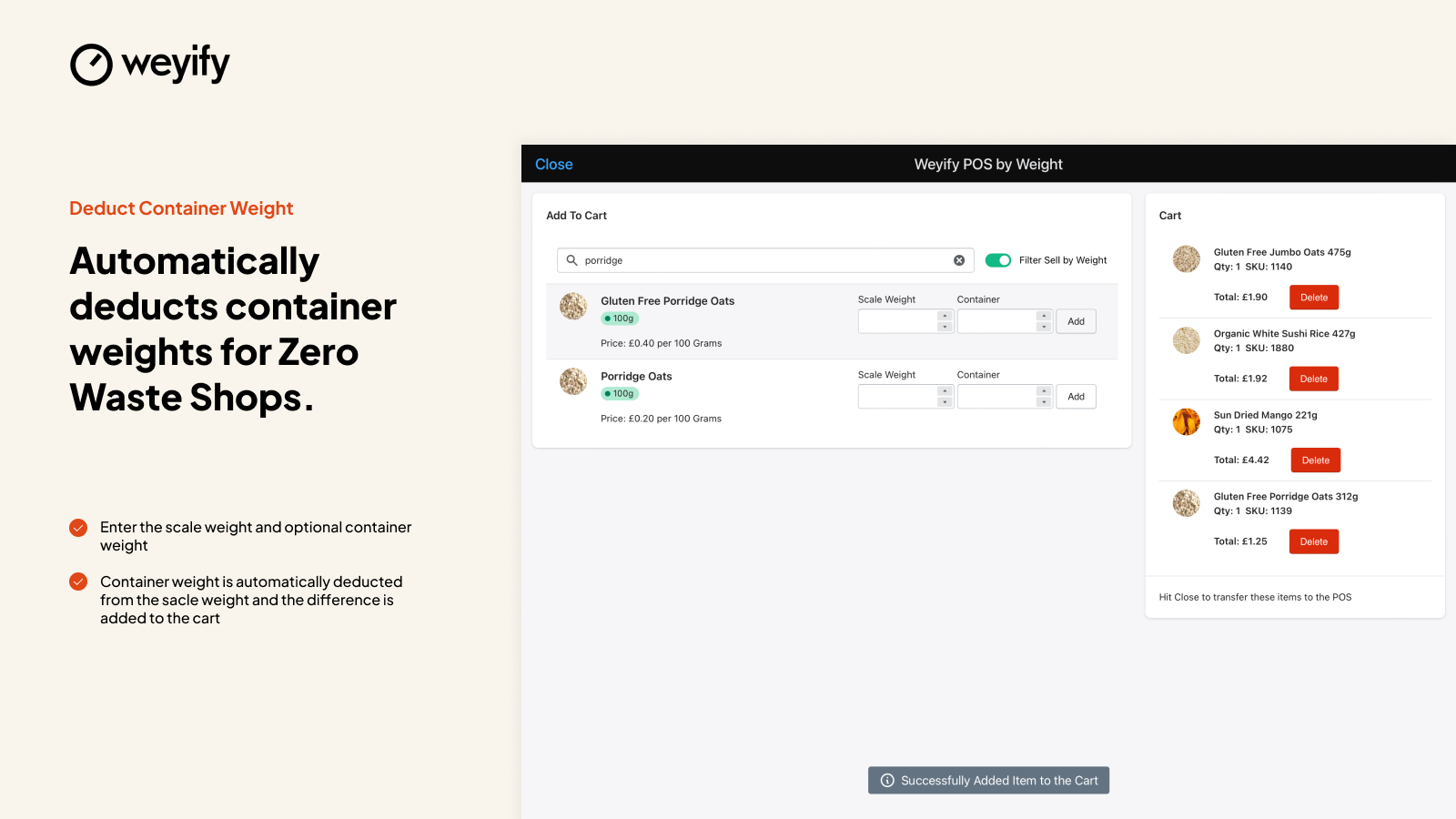
- Los clientes pueden usar sus propios envases, simplemente ingresa el peso y nosotros lo descontamos
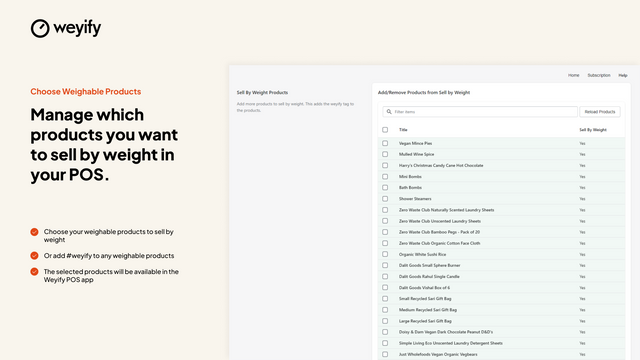
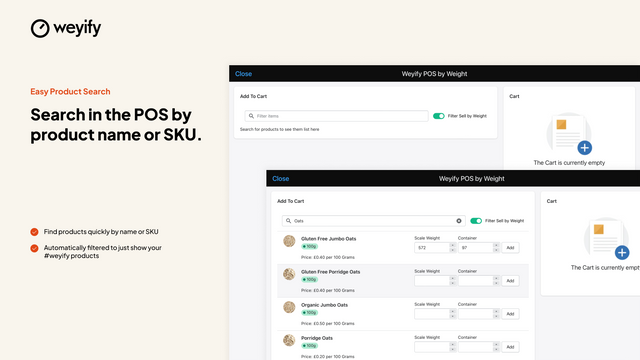
- Etiqueta los productos de venta por peso para agilizar la búsqueda y encontrar los más comprados
Contiene texto traducido automáticamente
Idiomas
Inglés
Esta aplicación no está traducida al Español
Funciona con
- Shopify POS
- Weyify IBW
Categorías
Gestión de inventario
Gestión de precios
Precios
Elige el plan que mejor se adapte a tu negocio.
Plan Weyify POS
$15 al mes
o $165 al año con un ahorro del 8%
Funciones
- Vender productos por peso
- Etiquetar productos de venta por peso
- Descuenta automáticamente el peso de los envases
- Fácil de usar
Prueba gratis de 14 día
Contiene texto traducido automáticamente
Todos los cargos se facturan en USD. Los cargos recurrentes y por uso se facturan cada 30 días.
Reseñas (2)
This app has saved us so much time while checking out customers! The fact that it deducts the container weight and calculates the price saves us from doing a lot of maths… and is way more accurate too!!
We really wanted to make this app work for us, but we could not. First of all, it took a while for this app to open on our POS and we were opening it nearly every time we checked a customer out. Sometimes it would open our Shopify Admin instead of opening the app itself, which we could not understand why. This could be a Shopify issue, but slowed us down regardless. We even had a few customers complain that our systems were too slow, as we waited for the app to load up. Our second complaint is regarding how this app functions. Every time our employees would enter a weight, it would create a new variation in our Shopify Admin. We had quite a few variations made within the first day of use, as it's very rare that we have a customer buy exactly 1lb of product. This didn't seem like it would be an issue until we realized that it was charging our customers tax. We are a chocolate company and chocolate is not taxable in our state. Therefore, we made sure to leave the "charge tax on this product" box unchecked in our Shopify Admin and add our corresponding tax code, so our tax program would know what the product is and mark is as nontaxable for reporting purposes. However, with every new variation this app created, the box was automatically checked and no tax code was entered, so the state sales tax was applied. We tried a few different ways to tell Shopify not to charge tax on these new variants, including adding "NT" in the tax code field, checking and unchecking the box, etc. We could not find a solution. Since tax was being applied on nontaxable items, we were over charging our customers by accident. We reached out to support to see if we could find a resolution, but their customer service email is not a reliable way to contact them. We understand we may be on different time zones and to allow time for them to respond, but this was an urgent issue, so we ended up deleting the app and using a different one. We would be willing to give this app another try if they fix the issues listed above, but until then, we will move on.
Soporte técnico
Ayuda para la app ofrecida por Weyify.
Recursos
Este desarrollador no ofrece soporte técnico directo en Español.
Fecha de lanzamiento
11 de marzo de 2022
Más aplicaciones como esta




Cumple con nuestros más altos estándares de rendimiento, diseño e integración. Más información sobre Se abre en una ventana nueva

