


Multi Wishlist‑MyAppGurus
- 요금제
-
무료
- 평점
- 4.4 (10)
- 개발자
- MyAppGurus
추천 이미지 갤러리


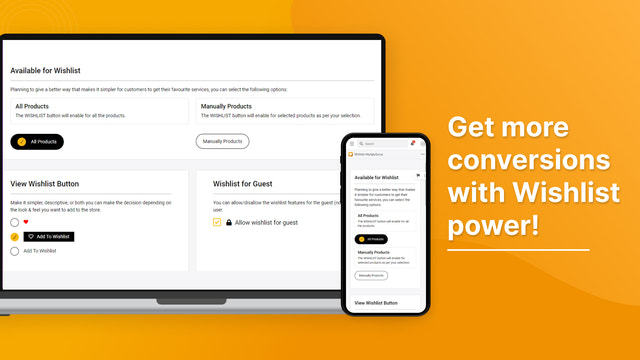
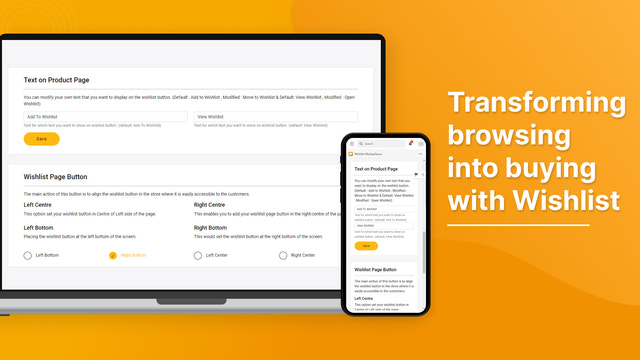

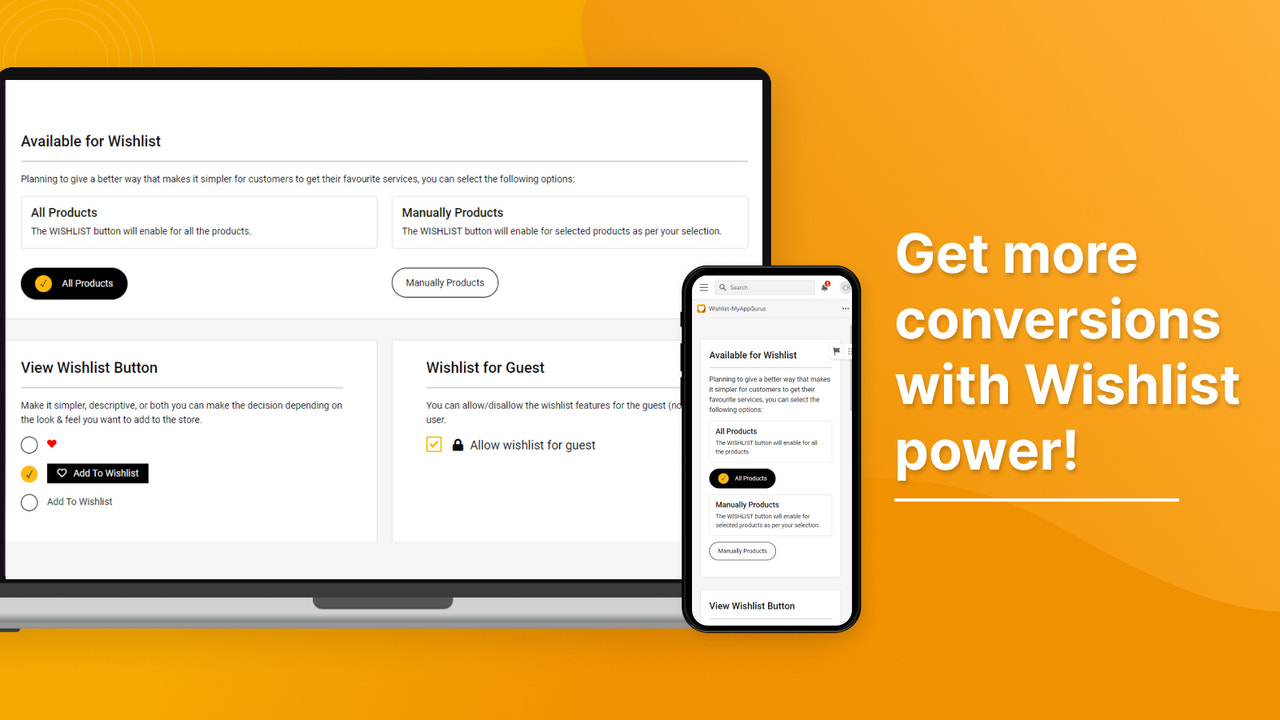
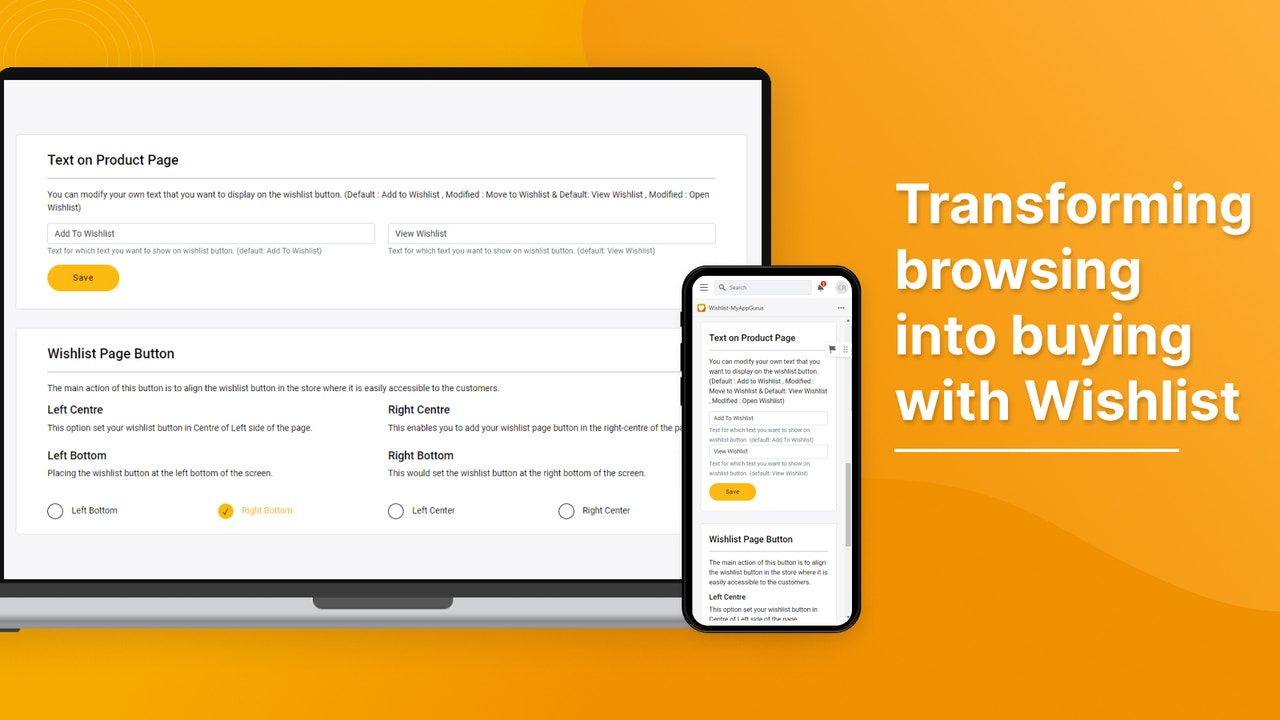


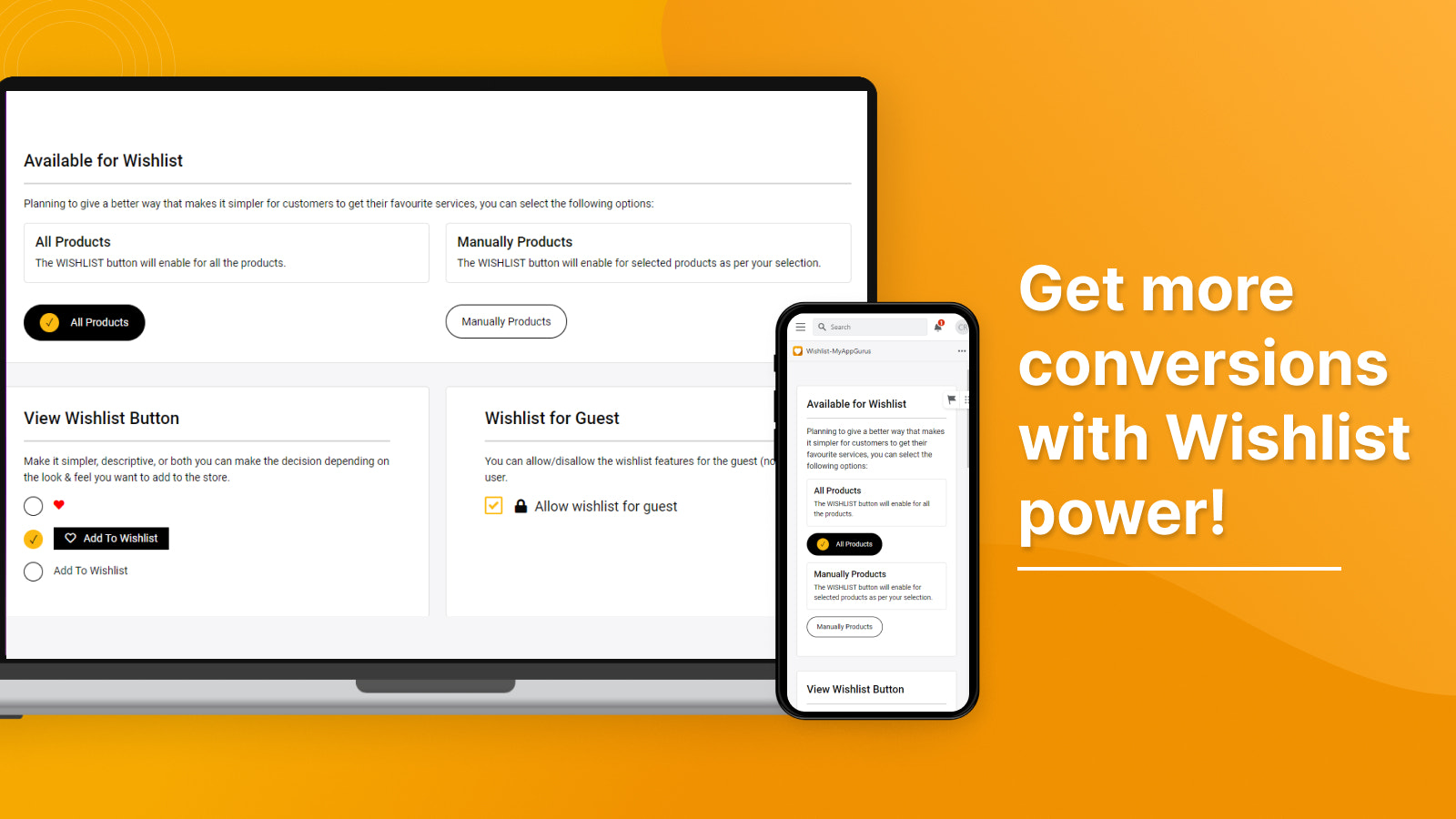
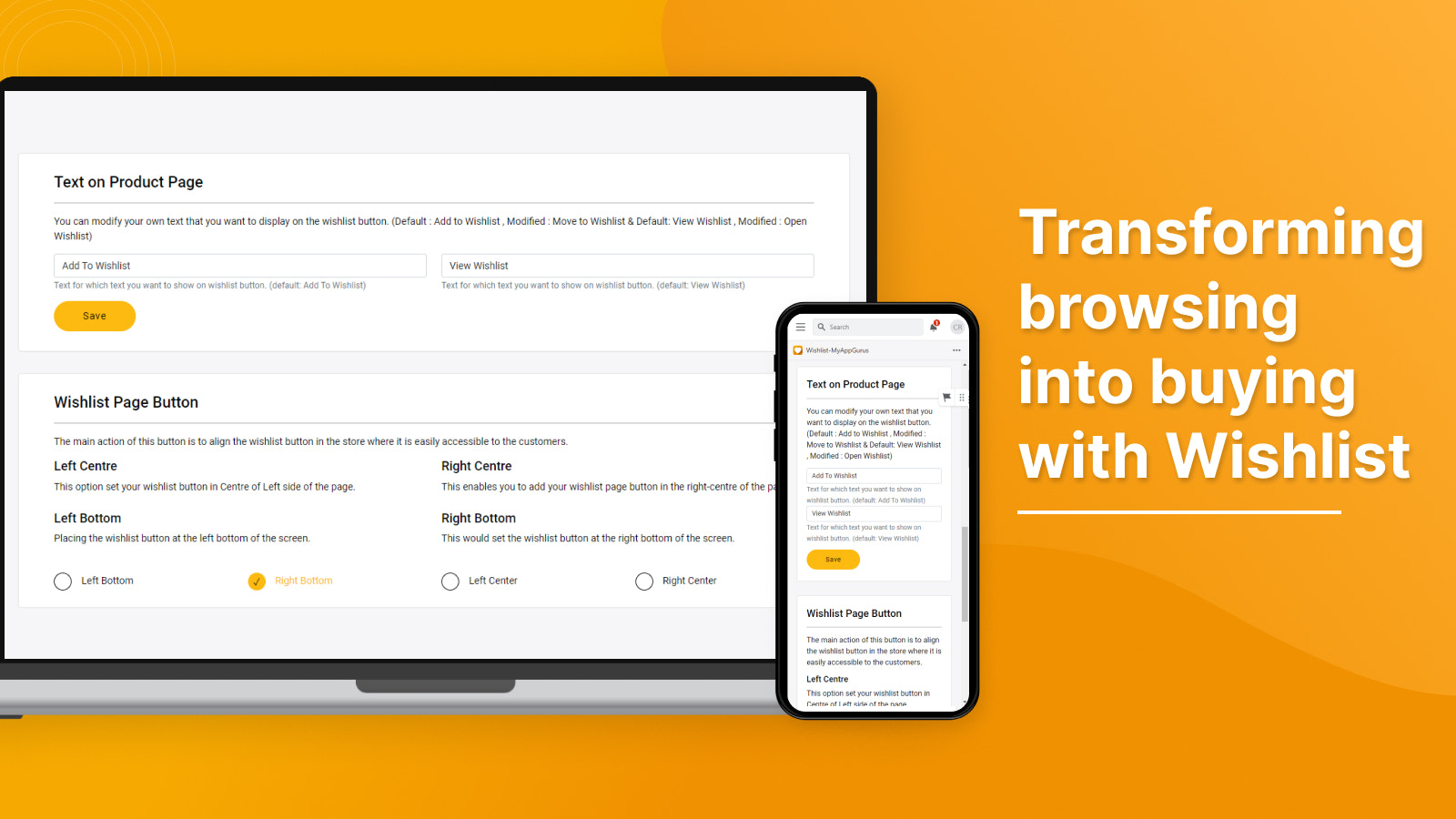
고객과 방문자가 즐겨찾기를 저장하고, 위시리스트를 정리하며, 품목을 장바구니로 이동해 더 빠르게 결제할 수 있도록 지원하세요.
고객이 마음에 드는 제품을 저장하고 정리하여 다시 확인할 수 있도록 지원하여 더욱 개인화되고 매력적인 쇼핑 환경을 제공해 보세요. 고객은 기념일, 취향 또는 개인적인 목적에 맞게 여러 개의 위시리스트를 생성하고 이름을 지정하여 관리할 수 있습니다. 위시리스트 추가 횟수 공개 옵션과 매끄러운 “장바구니로 이동” 기능으로 재방문을 유도하고 전환율을 높일 수 있습니다. 판매자님은 버튼을 사용자 지정하고, 게스트 액세스를 관리하며, 데이터 인사이트에 액세스할 수 있습니다.
- 스토어 전체에서 위시리스트 기능을 활성화하거나 특정 제품에만 제한할 수 있습니다.
- 제품이 위시리스트에 추가된 횟수를 표시하여 고객의 흥미를 유발할 수 있습니다.
- 저장된 품목에 대한 알림으로 쇼핑객의 재방문을 유도하여 구매를 촉진할 수 있습니다.
- Shopify 관리자에서 간편하게 설정할 수 있으며 최신 Shopify 테마와 완벽하게 호환됩니다.
자동으로 번역된 텍스트 포함
언어
영어
이 앱은 한국어로 번역되지 않았습니다
다음과 호환:
- Shopify 관리자
리뷰 (10)
We’ve been using Multi Wishlist-MyAppGurus on our store and the experience has been smooth so far. The app is easy to set up and integrates well with our theme. It allows customers to save their favorite products, which improves engagement and makes the shopping journey more convenient.
The support team is responsive and helpful, especially with custom requests like icon adjustments. Overall, it’s a reliable wishlist solution and a good addition for stores looking to enhance user experience and encourage repeat visits.
Absolutely love the Wishlist App by MyAppGurus! It’s a game-changer for my store. My customers can easily save and track their favorite products, making their shopping experience smooth and seamless. The ability to customize the wishlist icon to match my branding is a nice touch. Since adding this app, I’ve seen better customer engagement and more conversions. Highly recommend it – a must-have for any store owner looking to boost sales!
This app have everything I was looking for, maybe despite the fact that I can not translate the Wishlist Page. However, they declared that this feature will be released soon, so I can not wait for it!
지원
앱 지원은 MyAppGurus에서 제공합니다.
리소스
이 개발자는 한국어(으)로 직접 지원을 제공하지 않습니다.
개발자
출시됨
2023년 4월 14일
이 앱과 비슷한 더 많은 앱 보기


성능, 디자인, 통합 면에서 모두 최고 수준을 자랑합니다. 새 창에서 열기 자세히 알아보기


성능, 디자인, 통합 면에서 모두 최고 수준을 자랑합니다. 새 창에서 열기 자세히 알아보기

