


ExIm ‑ Export Import pages
Vorgestellte Bildergalerie
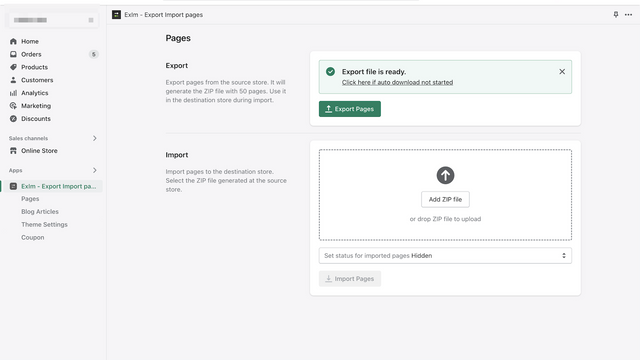
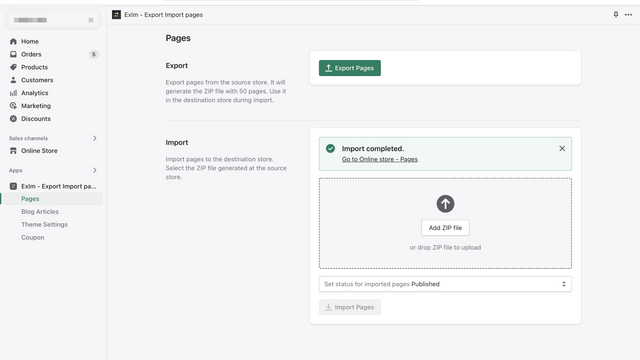

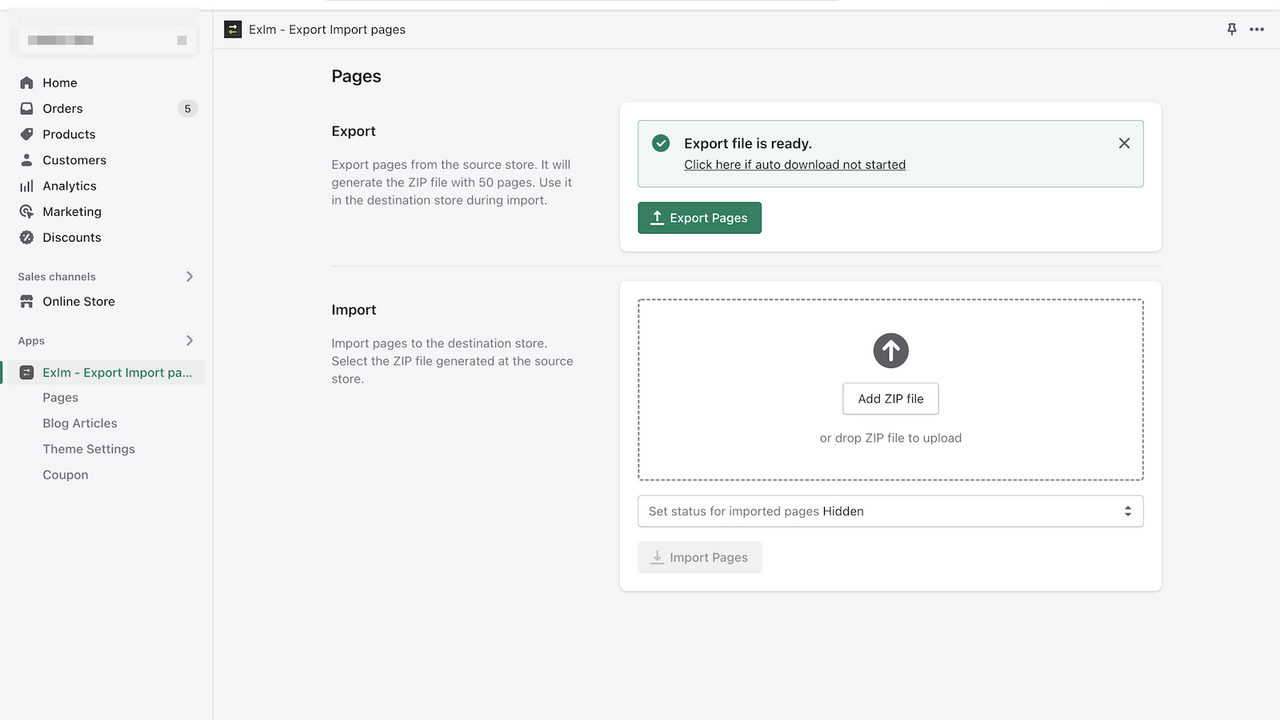
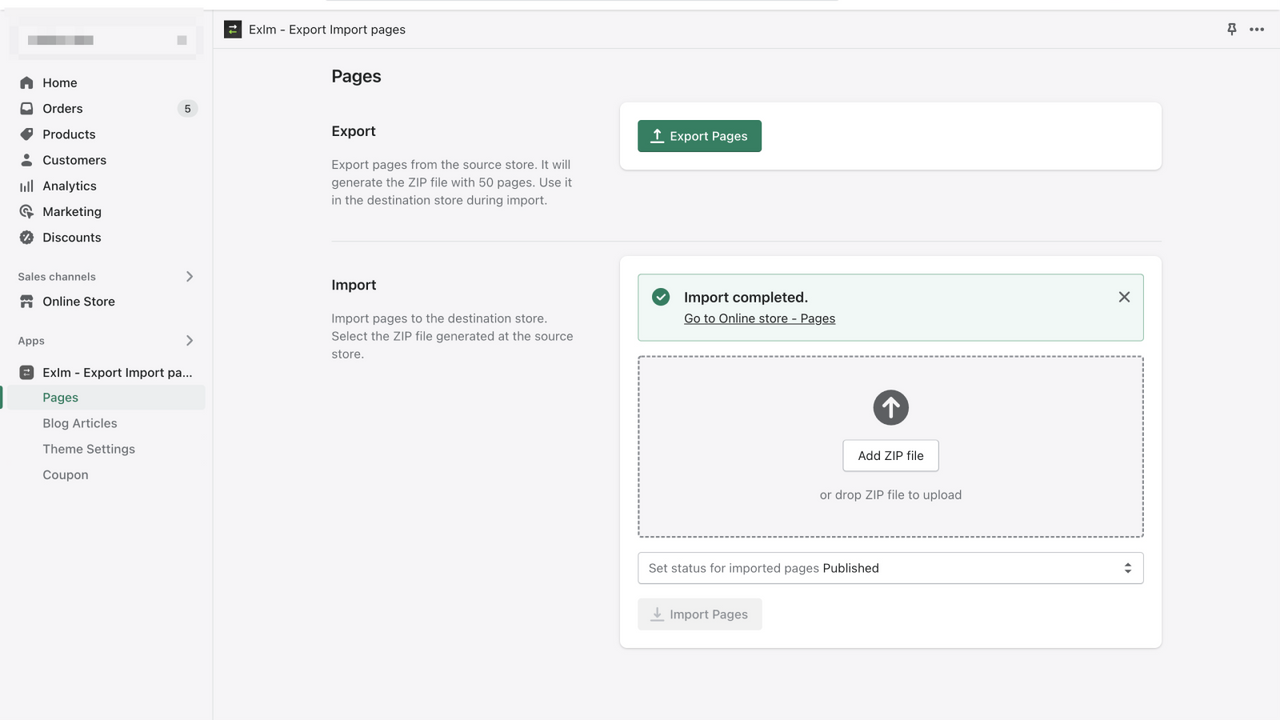

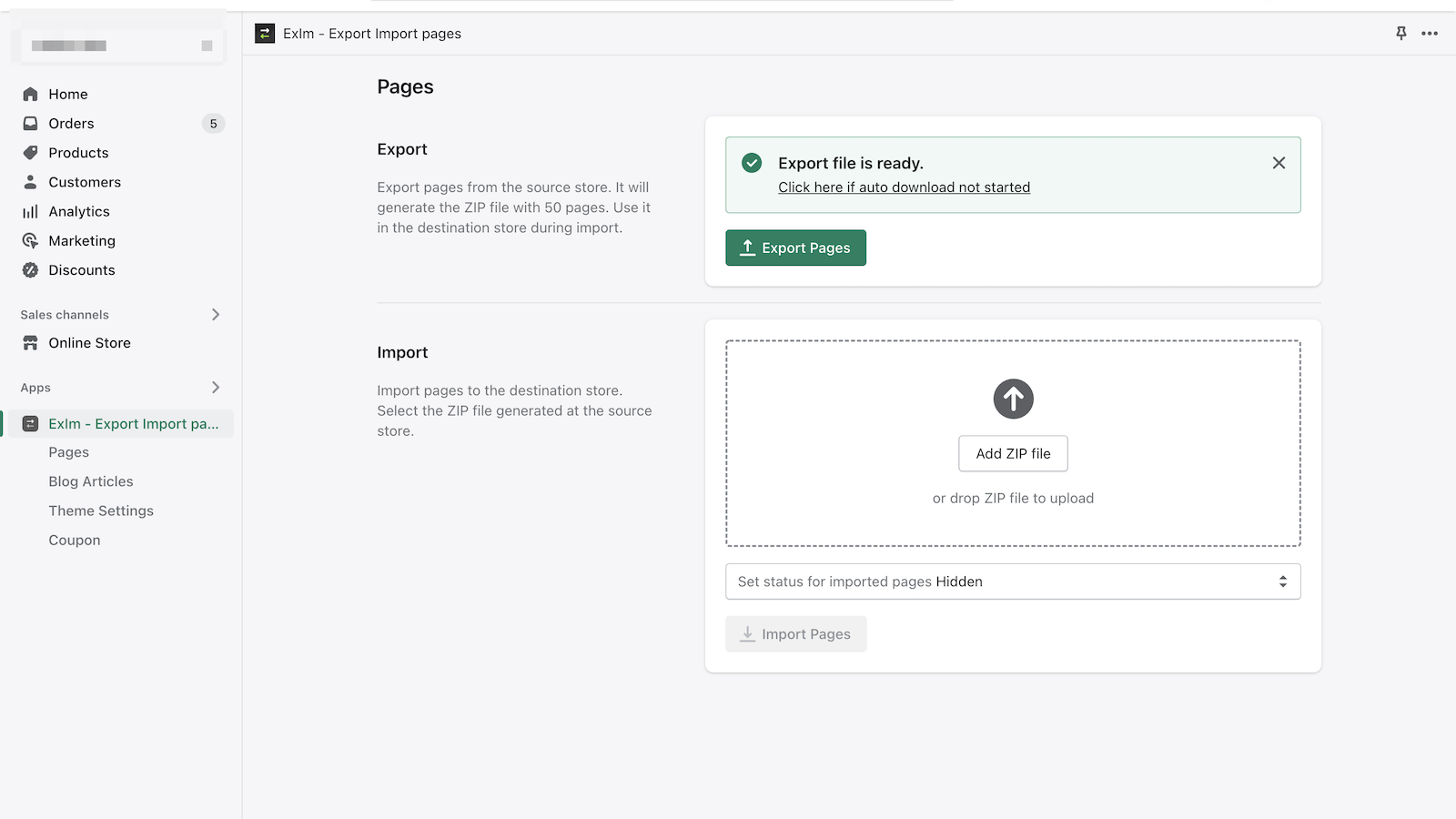
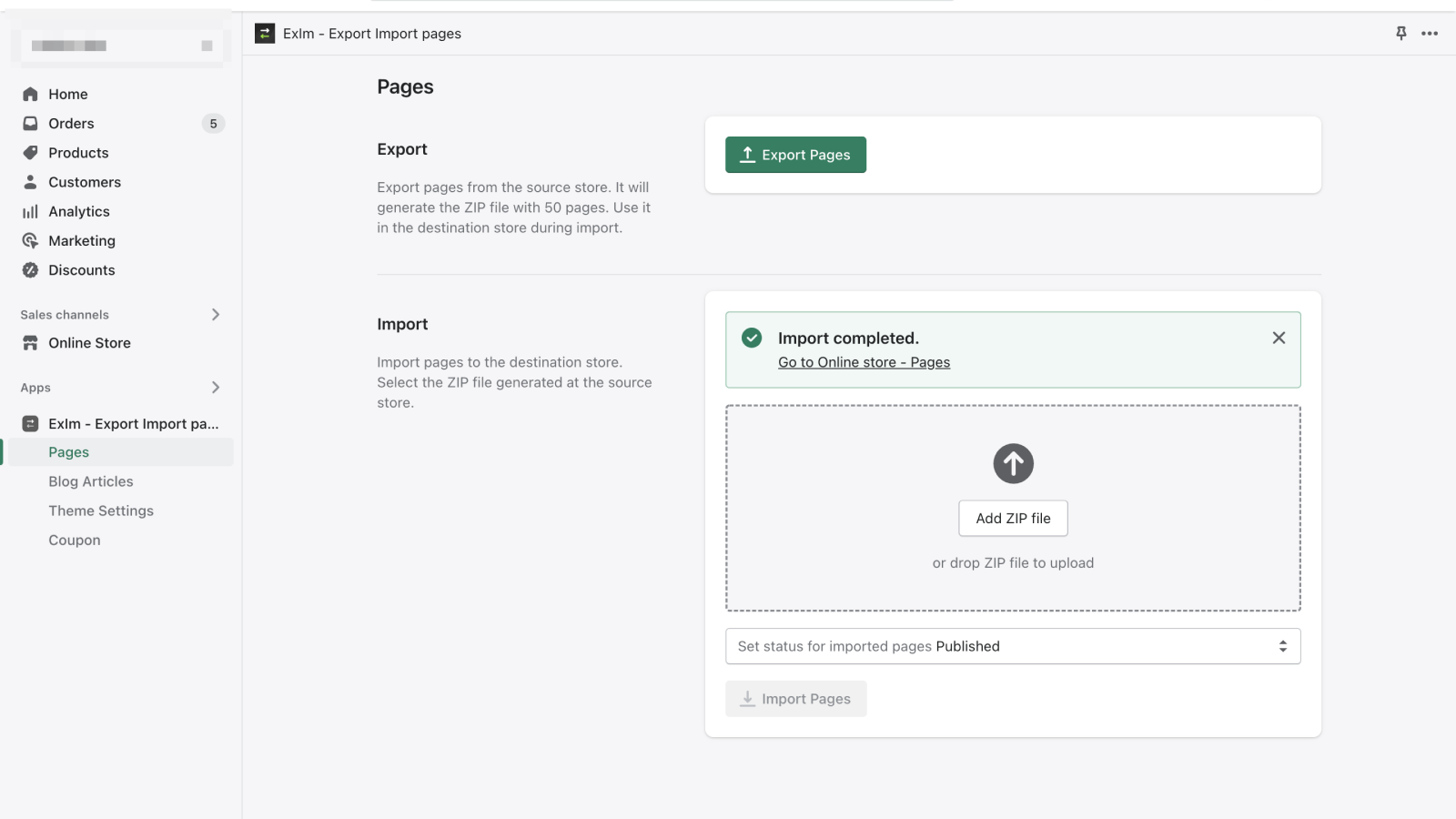
Seiten, Blogs und Theme-Einstellungen aus einem Staging-, Test- oder Demo-Shop in die Produktionsumgebung kopieren.
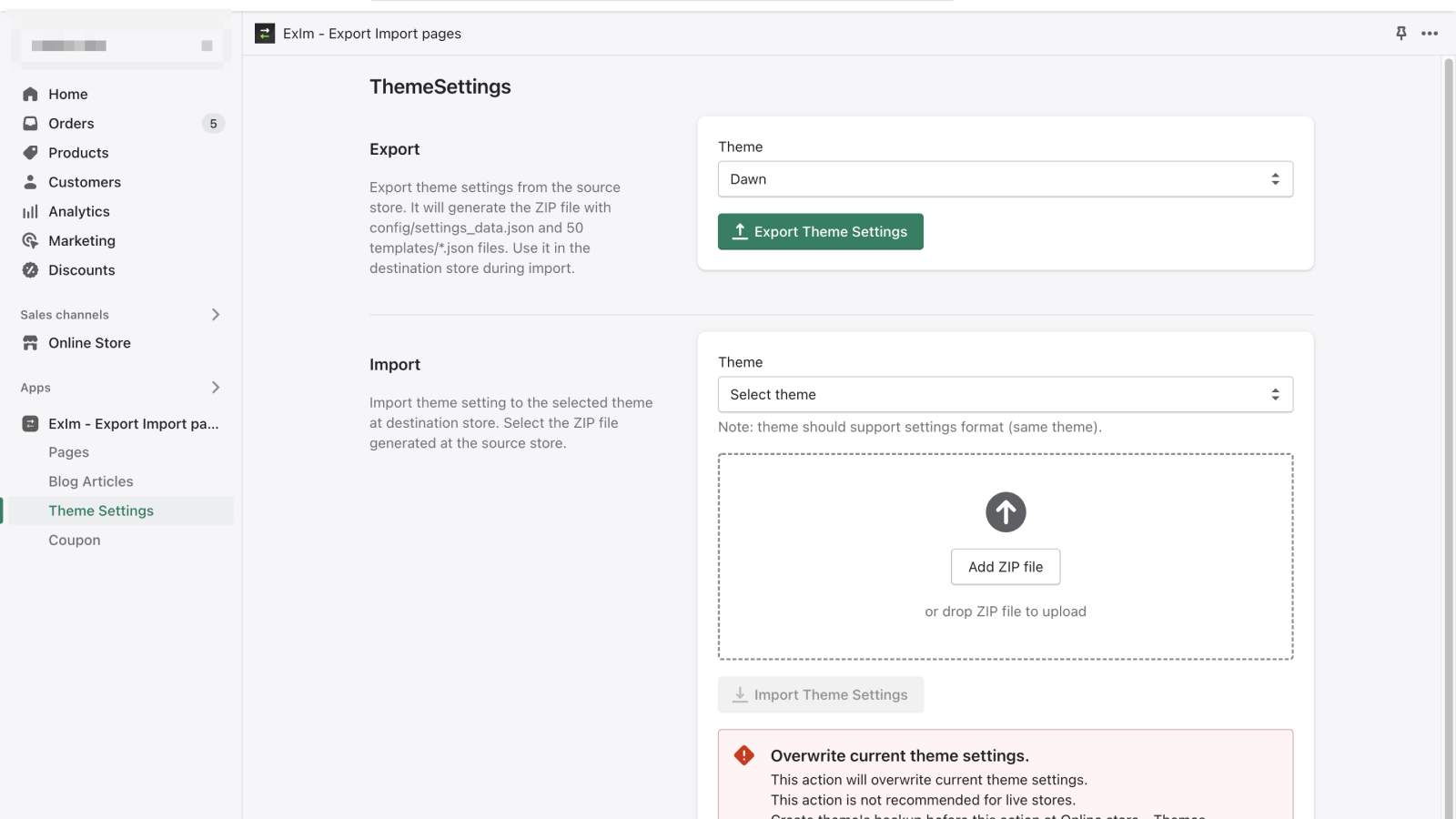
Die Exim-App wurde entwickelt, um die Shop-Einrichtung zu vereinfachen. Du kannst Seiten und Blogbeiträge aus einem anderen Shop kopieren. Die Funktion zum Kopieren von Theme-Einstellungen ist besonders für Theme-Entwickler:innen nützlich. Du kannst mehrere Demo-Shops erstellen und die Theme-Einstellungen problemlos in den Shop der Kundschaft laden.
- Mit nur einem Klick. Eine schnelle Methode für den Massenexport/-import von Seiten, Blogs und Theme-Einstellungen.
- Seiten und Blogs klonen. Aus dem bestehenden Shop exportieren. In den neuen Shop importieren
- Voreinstellungen. Voreingestellte Konfigurationen für deine Kundschaft erstellen. Nützlich für Webentwickler:innen
Enthält automatisch übersetzten Text
- Beliebt bei Shops wie deinem
- Sitz in den USA
Sprachen
Englisch
Für diese App ist keine Übersetzung auf Deutsch vorhanden.
Kompatibel mit
- Shopify-Adminbereich
Kategorien
Datensynchronisierung
Datenmigration
Preisgestaltung
Wähle den Plan, der am besten zu deinem Unternehmen passt.
Kostenlos
Kostenlos
Umfasst
- Nur Export
- Seiten 50
- Blogbeiträge 50
- Einstellungsdateien 20
Basic
$0.99 / Monat
Umfasst
- Export und Import
- Seiten 50
- Blogbeiträge 50
- Einstellungsdateien 20
7-tägiger kostenloser Test
Grow
$2.99 / Monat
Umfasst
- Export und Import
- Seiten 250
- Blogbeiträge 250
- Einstellungsdateien 100
7-tägiger kostenloser Test
Enthält automatisch übersetzten Text
Alle Gebühren werden in USD berechnet. Wiederkehrende und nutzungsabhängige Gebühren werden alle 30 Tage in Rechnung gestellt.
Rezensionen (14)
Dear Developer,
Following the installation of your "Exim Export Import Pages Blogs Theme Settings" app, all blog pages on my Shopify store have been deleted. Despite receiving JSON files, the pages remain inaccessible. This issue is critical to our business, and I urgently request your immediate attention to resolve it. Please investigate and restore our blog pages promptly.
Dear ABK grooming,
It looks like some misunderstanding.
The app doesn't delete blog posts.
Using the app you may perform the following actions:
- export blog posts from your store to the ZIP file.
- import blog posts from the ZIP file to your store.
These actions don't delete any data.
When exporting the blog posts data is copied to a ZIP file. The app only reads the posts and doesn't remove them.
When importing the app adds new posts. And doesn't overwrite any data. If you import the same zip file multiple times, you will get the same post multiple times.
Here is an example - https://monosnap.com/file/xnGSPCz9Cla2RZ6kAoAG7u9kHWxfwi
You may see the app create new posts each time. Posts have different IDs and different URLs, like here - https://monosnap.com/file/B0eW2h5NRPiPJMkyyxBafmmy3m23eH
So, your issue is not related to the app.
You may get more details about your store at the Settings -> Store activity log
For example - https://monosnap.com/file/ASXjYBIp23zZiHK9xUFL6CWAwXHuJR
You may create a staff account for me codefan18@gmail.com, so I may help you to investigate the issue.
Best regards
Excellent free app! Works very well! There is no default functionality from Shopify to migrate pages (which is ridiculous) and this app is very useful in that regard.
Thank you.
I got error You don't have this app installed and i can`t install it
How I can solve that ?????????????
Hi, JokeyJoy,
Hmm, it looks like a local issue.
If you still see the issue, please send me a screenshot of it.
Best regards
Support
App-Support wird von LOO bereitgestellt.
Ressourcen
Dieser Entwickler bietet keinen direkten Support auf Deutsch an.
Entwickler
Nikolska 25, office 77, Nikolaev, 54000, UA
Eingeführt
26. September 2018
Datenzugriff
Damit diese App in deinem Shop funktioniert, benötigt sie Zugriff auf die folgenden Daten. Die Gründe dafür findest du in der Datenschutzerklärung des Entwicklers bzw. der Entwicklerin.
Daten von Mitarbeiter:innen und Beitragenden einsehen:
Shop-Inhaber, Blog-Mitwirkende
-
Shop-Inhaber
Name, E-Mail-Adresse, Telefonnummer, Physische Adresse
-
Blog-Mitwirkende
E-Mail-Adresse, IP-Adresse, Browser und Betriebssystem
Shop-Daten anzeigen und bearbeiten:
Onlineshop, Shopify-Admin
-
Onlineshop bearbeiten
Onlineshop-Seiten, Theme
-
Shopify-Admin bearbeiten
Dateien
Mehr Apps wie diese


Erfüllt unsere höchsten Standards für Leistung, Design und Integration. Weitere Informationen Wird in einem neuen Fenster geöffnet


Erfüllt unsere höchsten Standards für Leistung, Design und Integration. Weitere Informationen Wird in einem neuen Fenster geöffnet

